
Google Reviews for Google Sites
Showcase real Google reviews directly on your site to build trust and credibility.
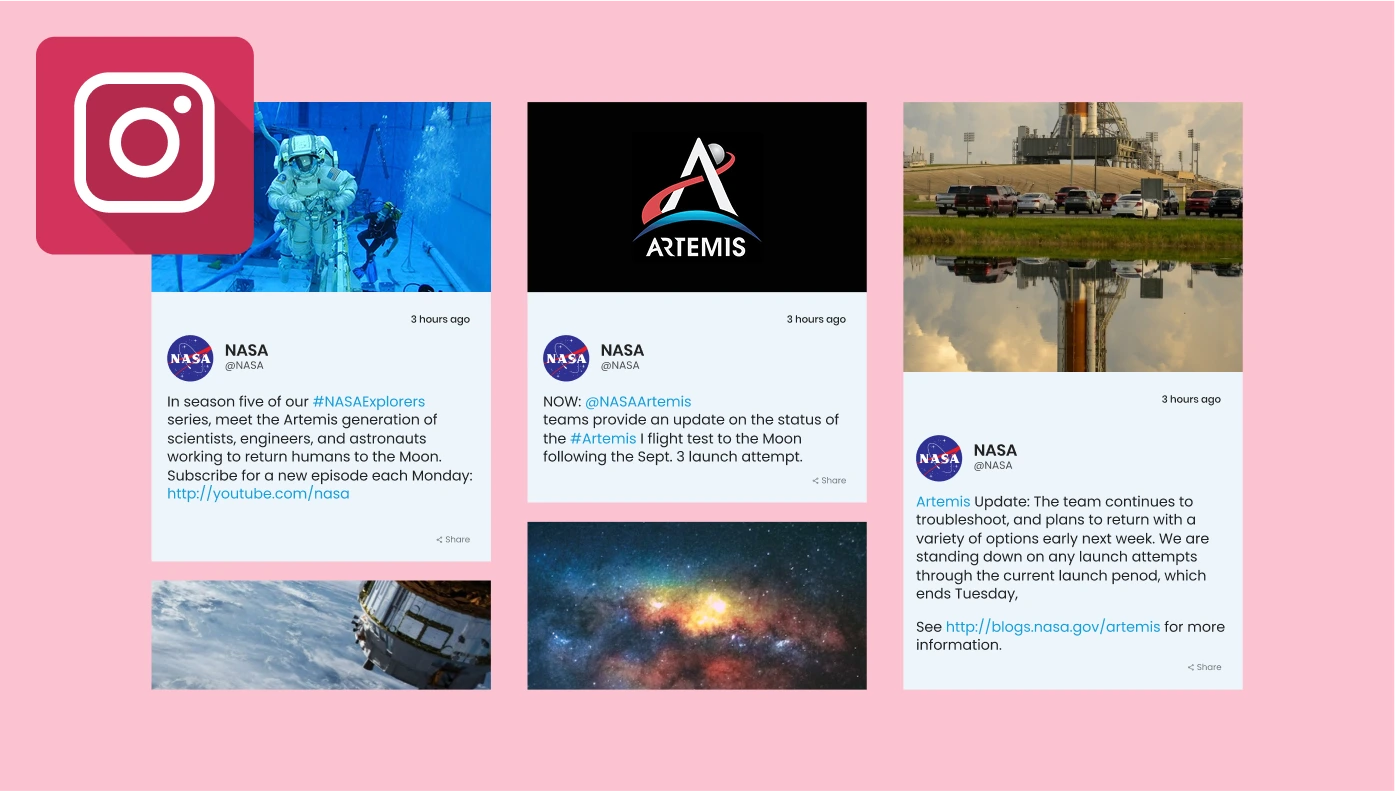
Instagram Feed for Google Sites
Display your Instagram posts or hashtags to keep your site fresh and visual.
Countdown Timer for Google Sites
Add urgency to your offers with customisable countdowns and counters.
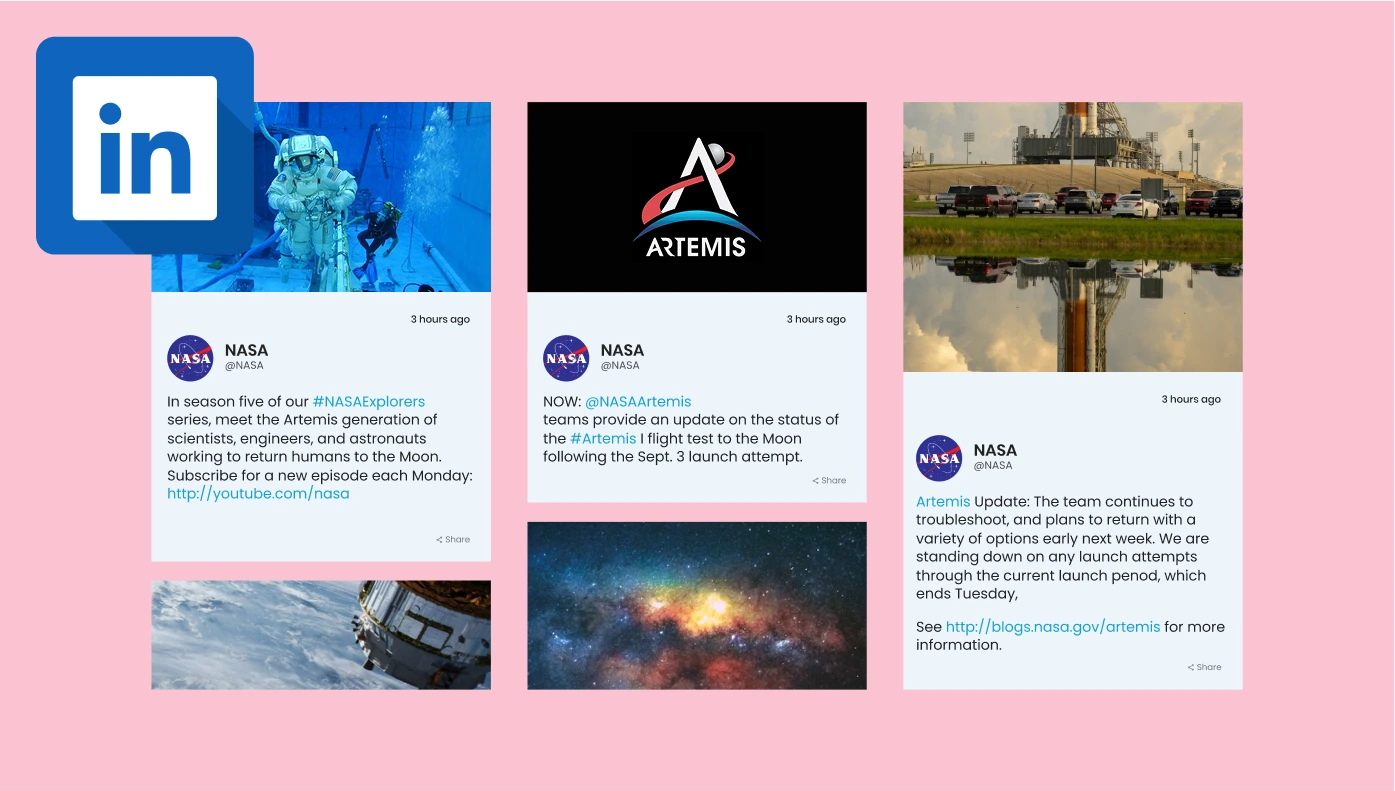
LinkedIn Feed for Google Sites
Bring your LinkedIn company updates—posts, images, and videos—right to your site.
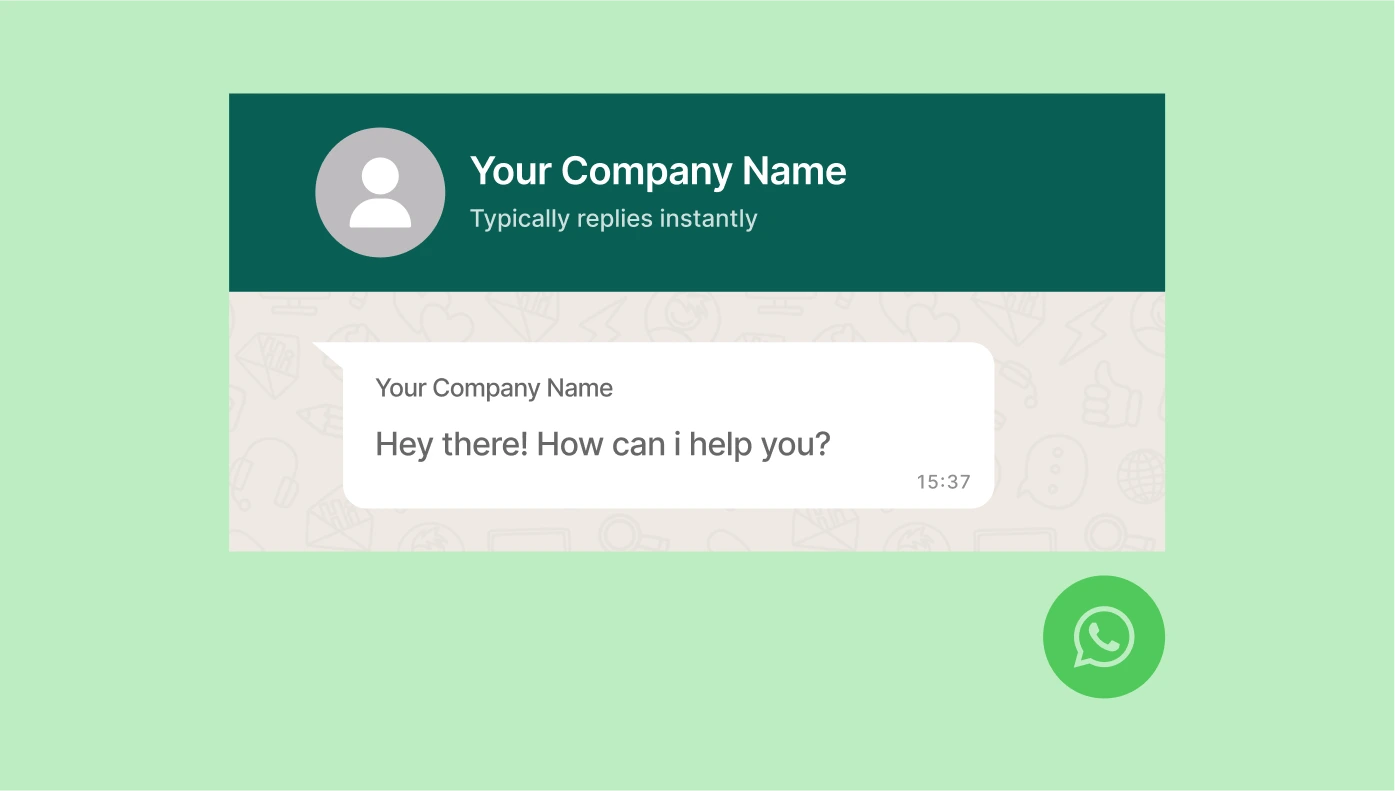
WhatsApp Chat for Google Sites
Let visitors chat with you instantly via WhatsApp from any page.
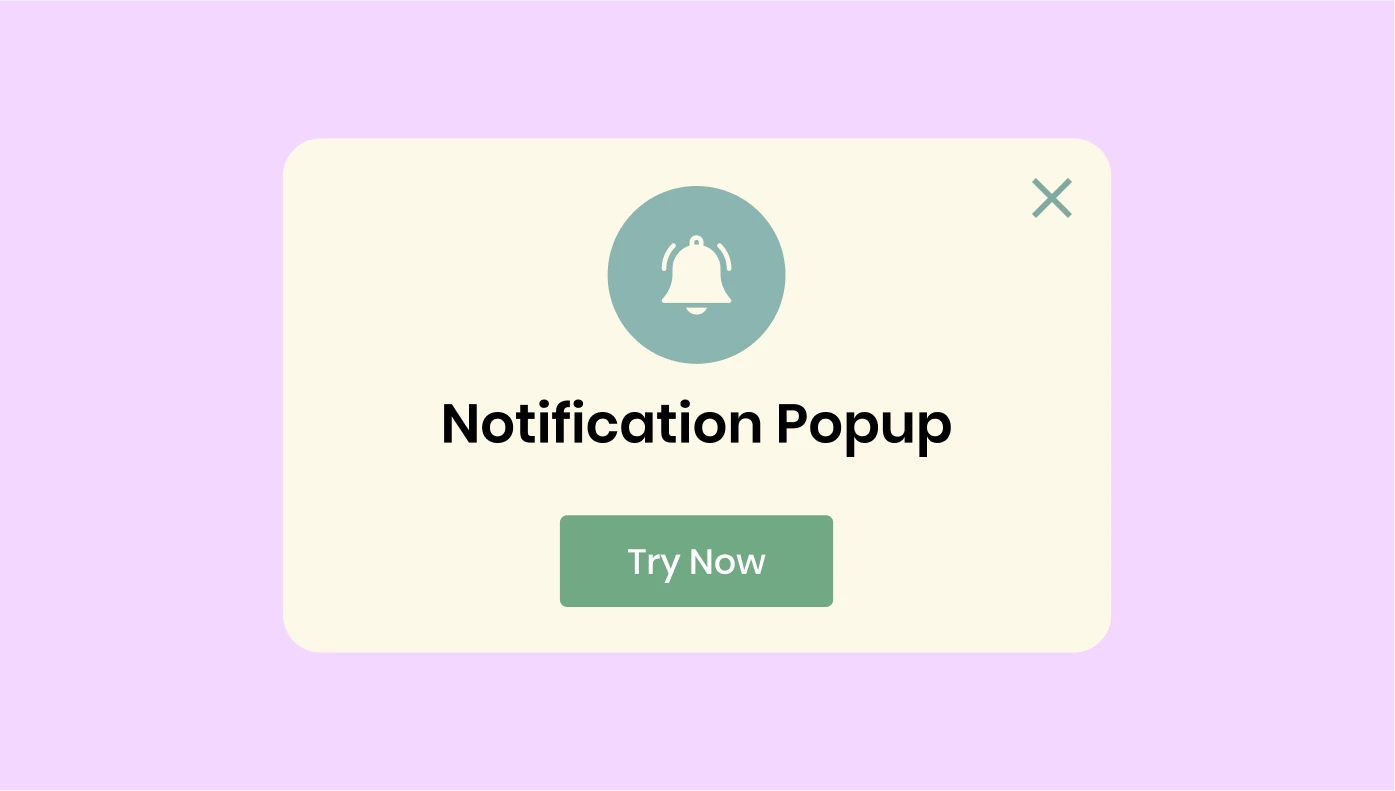
Popup for Google Sites
Create popups, bars, and banners to share news, promotions, and calls-to-action.
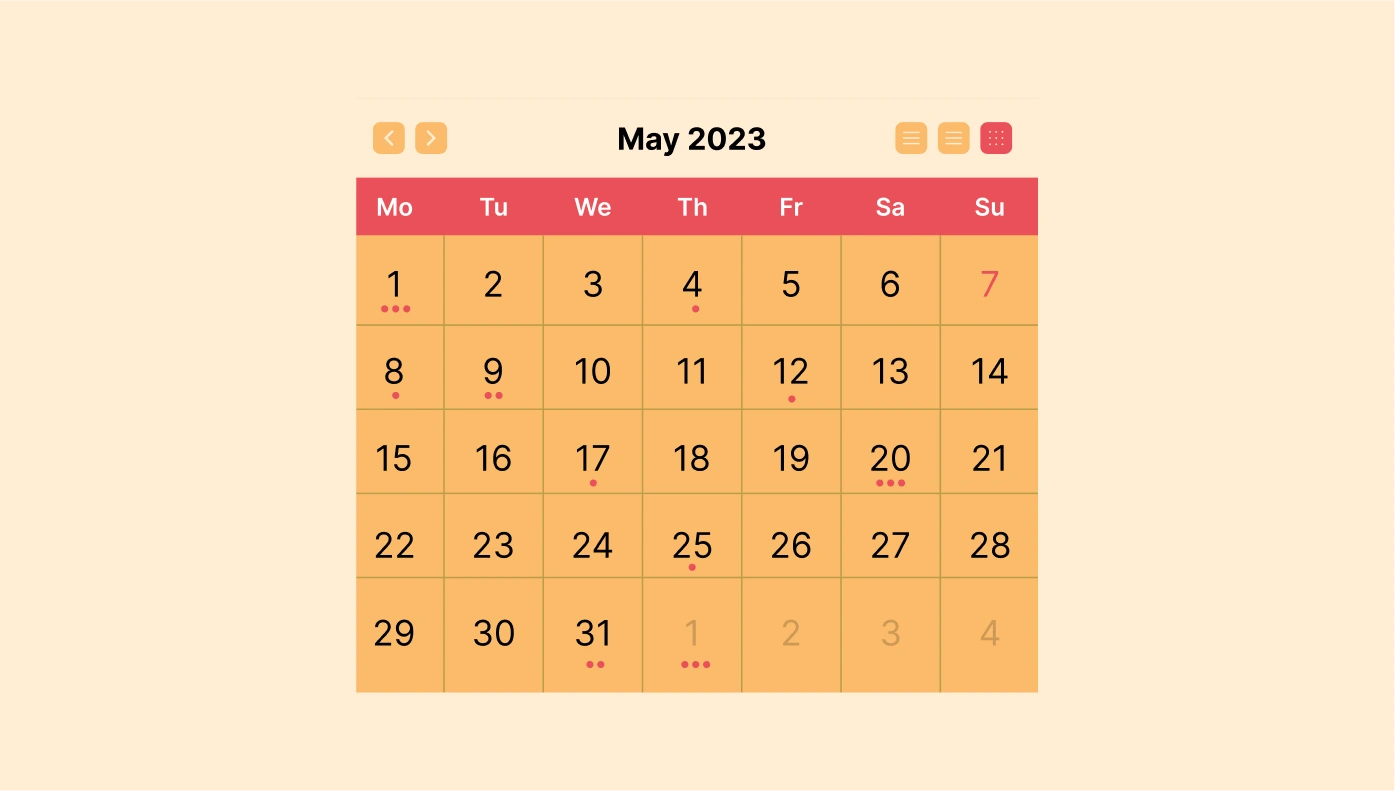
Event Calendar for Google Sites
Display your events, schedules, and agendas in a clean, organised layout.
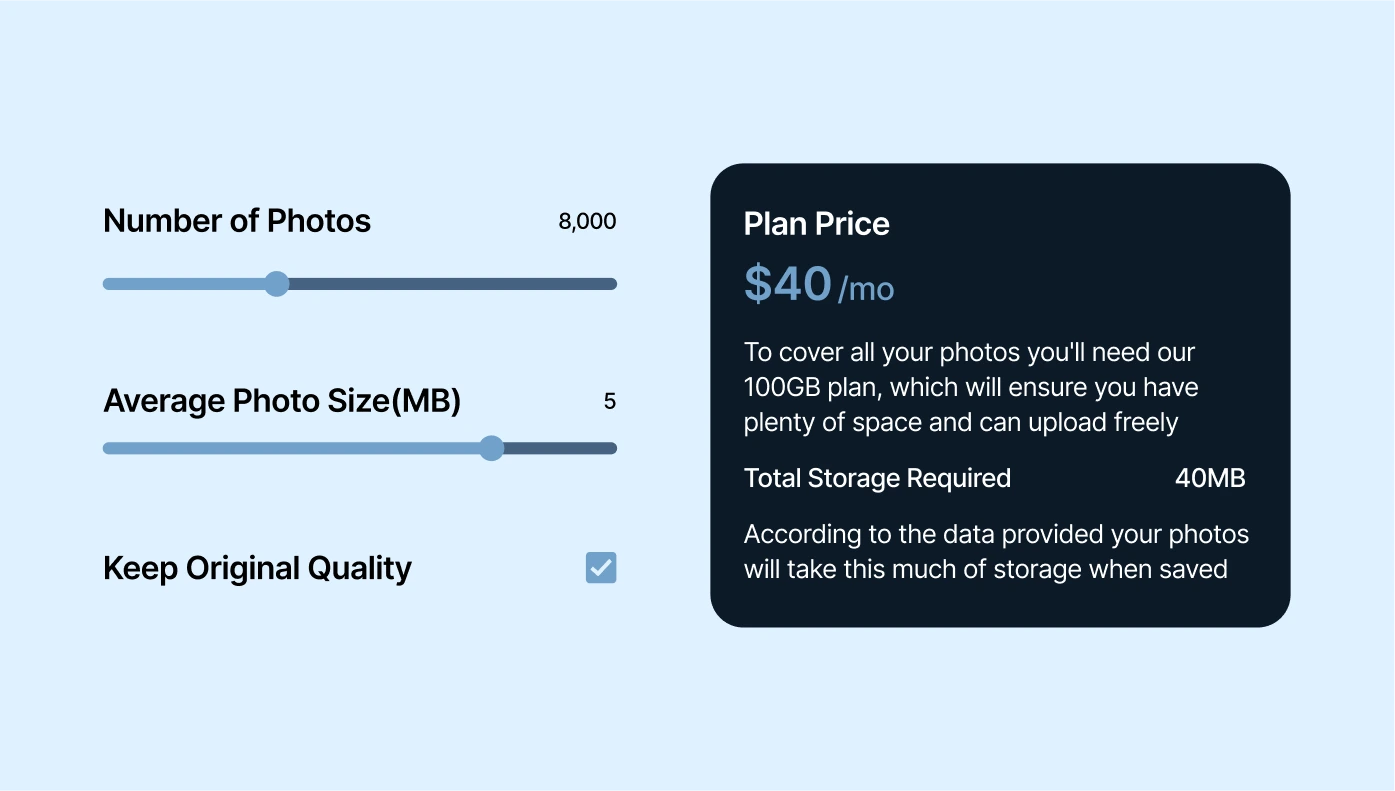
Calculator for Google Sites
Offer interactive calculators to keep users engaged and informed.

Audio Player for Google Sites
Embed music or podcasts for users to play, buy, or download directly.

Form Builder for Google Sites
Create easy-to-use forms for leads, surveys, and customer feedback.
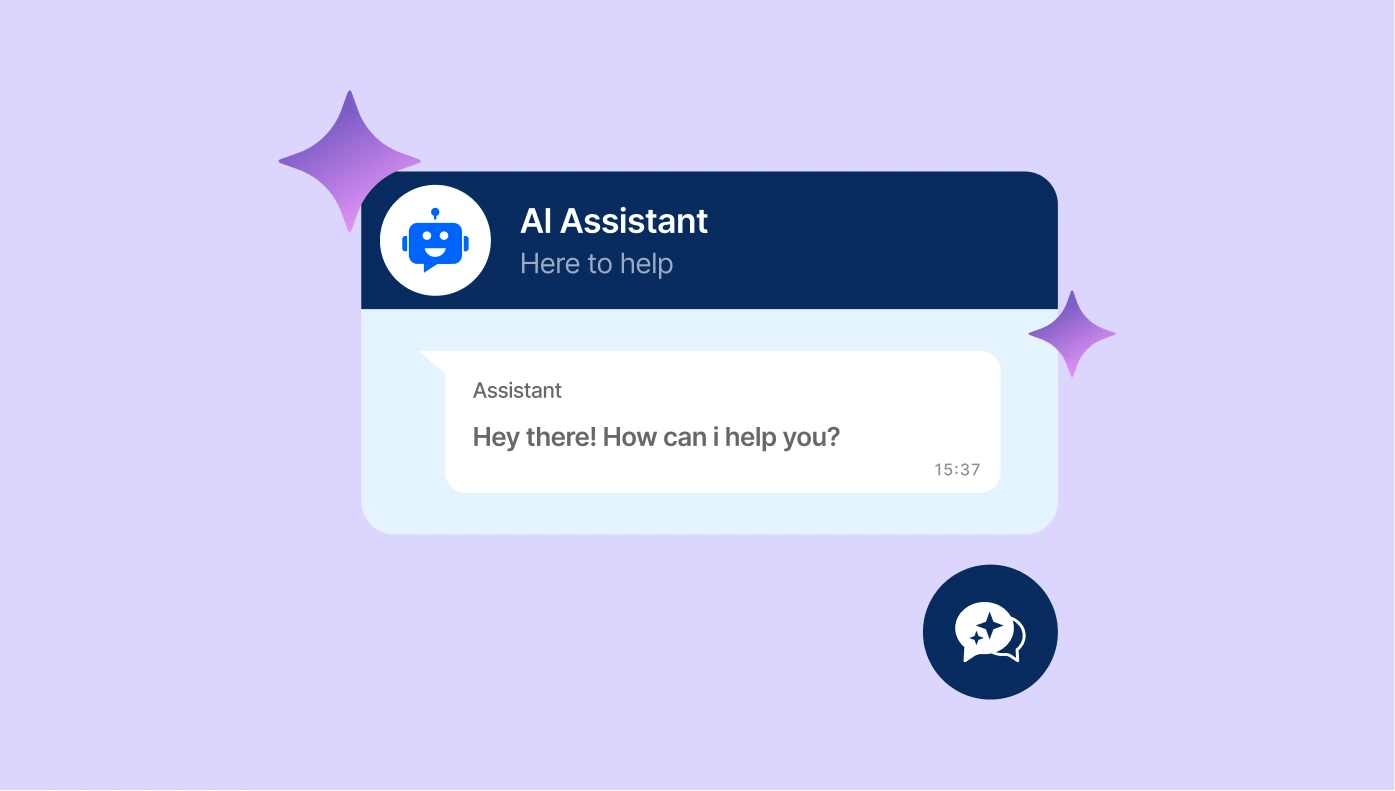
AI Chatbot for Google Sites
Add an intelligent assistant trained on your content to answer questions 24/7.
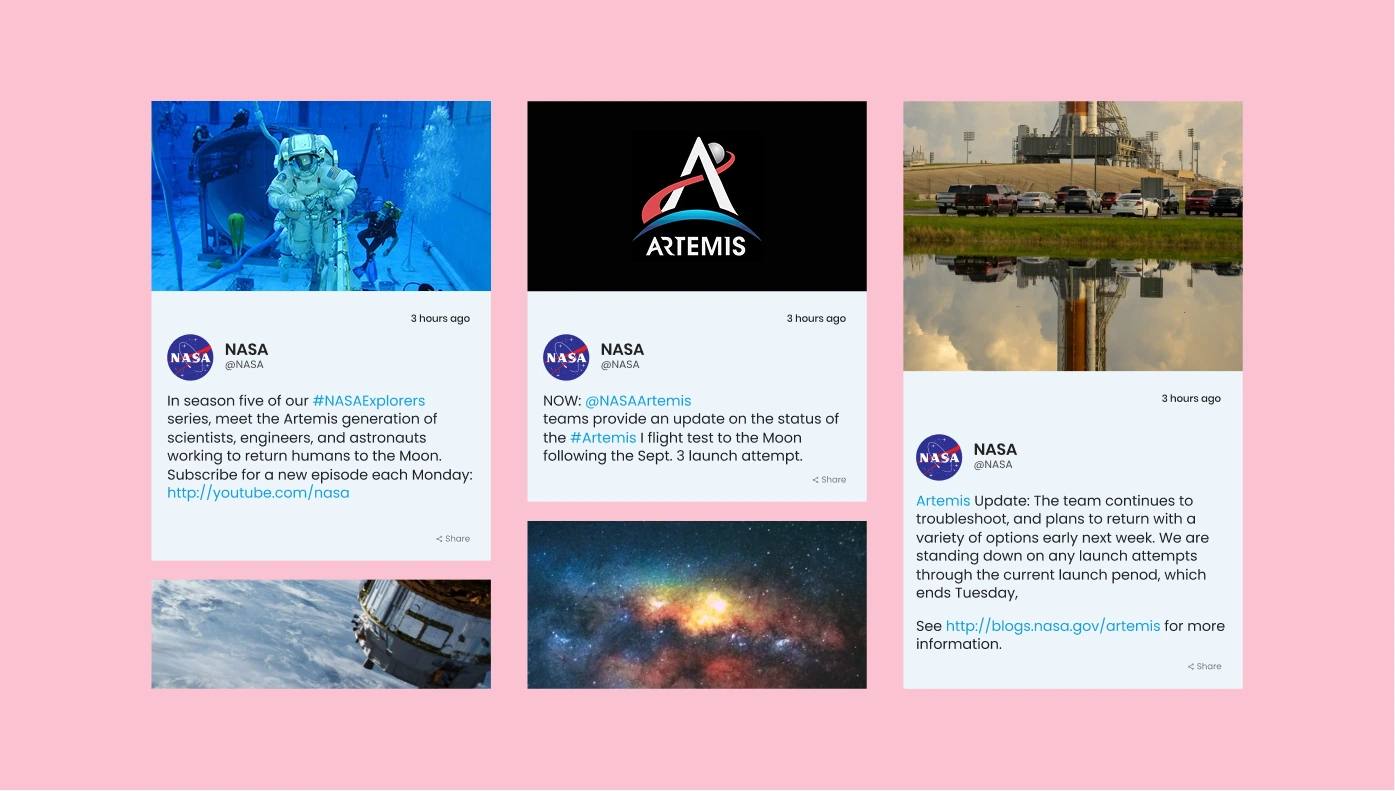
Social Feed for Google Sites
Pull in posts from Instagram, Facebook, Twitter, and more onto your site.

Logo Showcase for Google Sites
Display logos of partners, clients, and sponsors to build social proof.

All-in-One Reviews for Google Sites
Showcase reviews from 20+ platforms, including Google, Facebook, and Yelp.
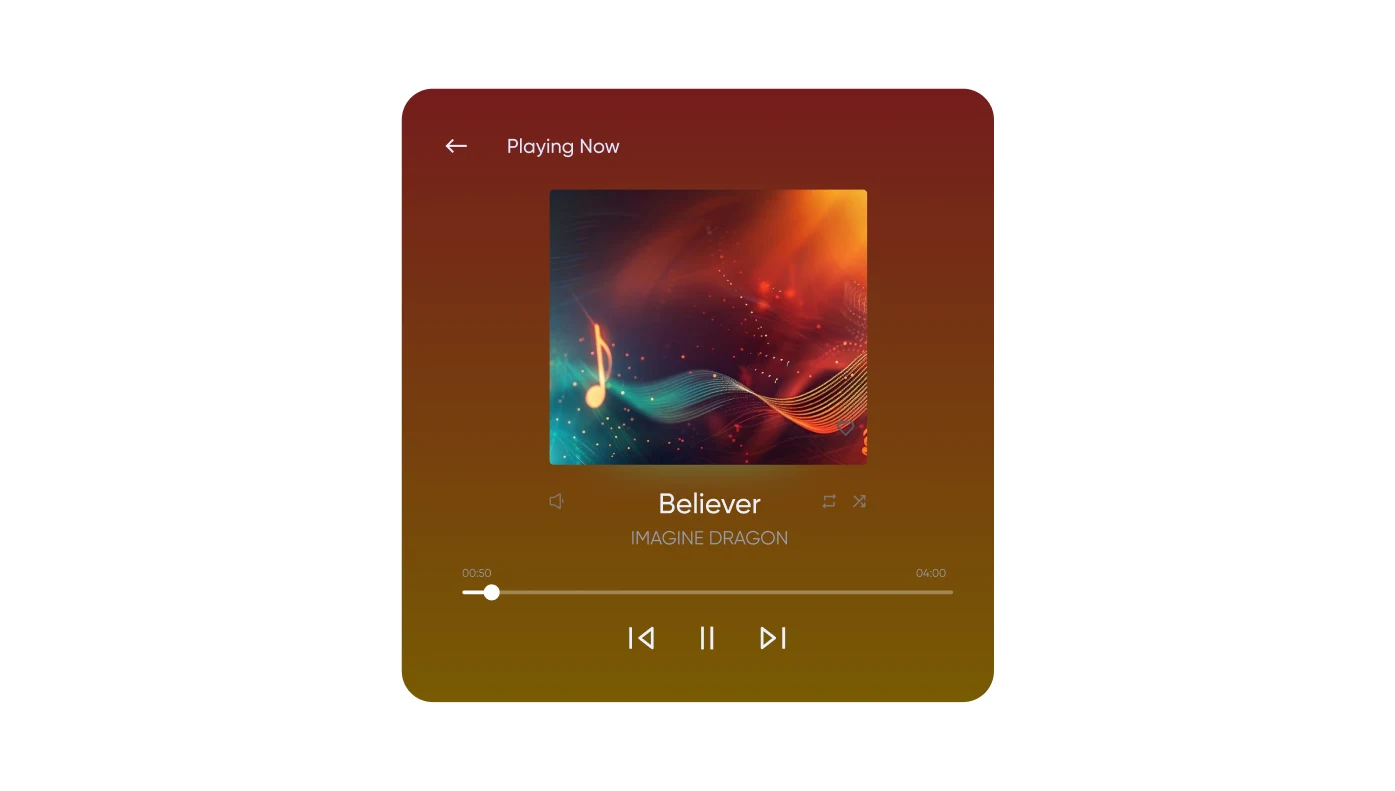
Background Music for Google Sites
Play music in the background to enhance the site experience.

Age Verification for Google Sites
Restrict underage access by adding a secure age check pop-up.
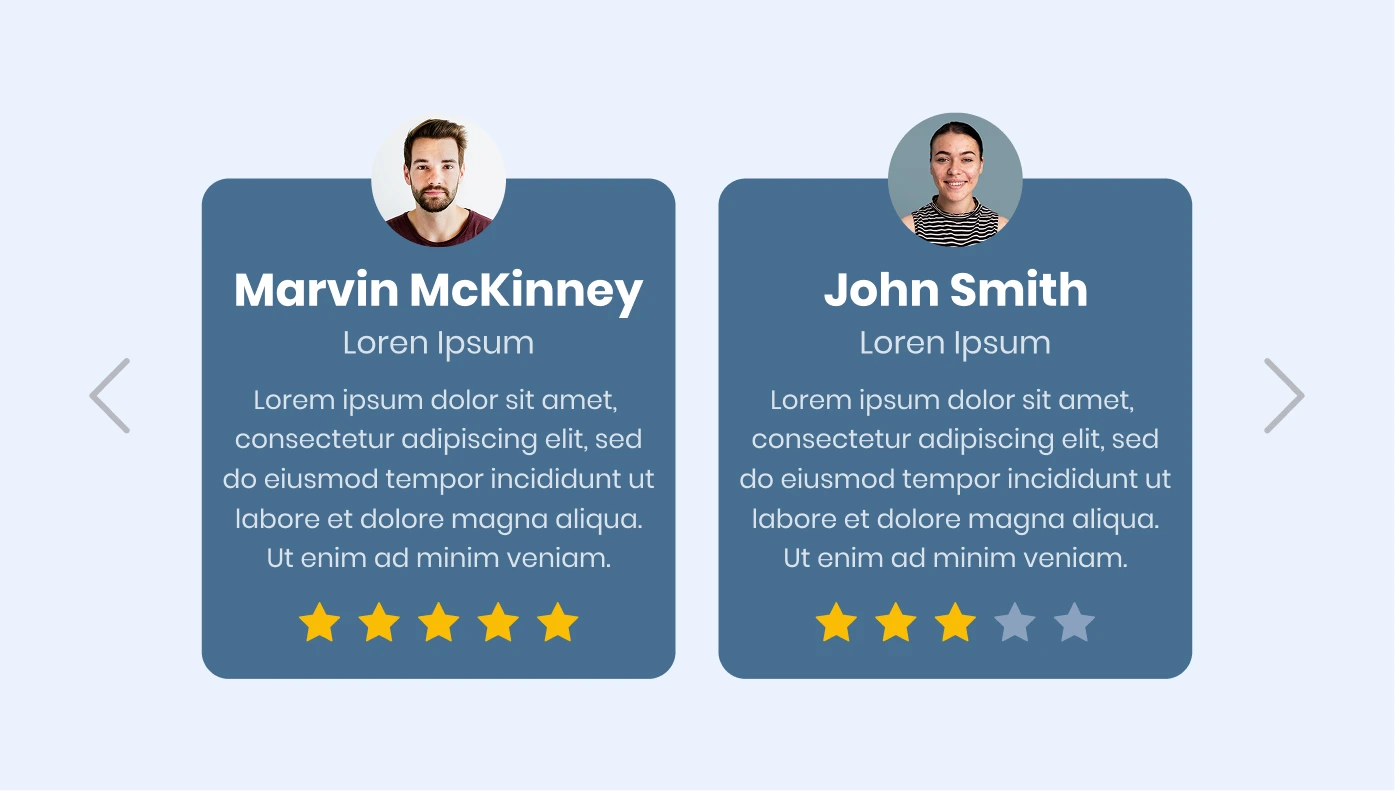
Testimonials Slider for Google Sites
Feature customer stories in a rotating slider format.
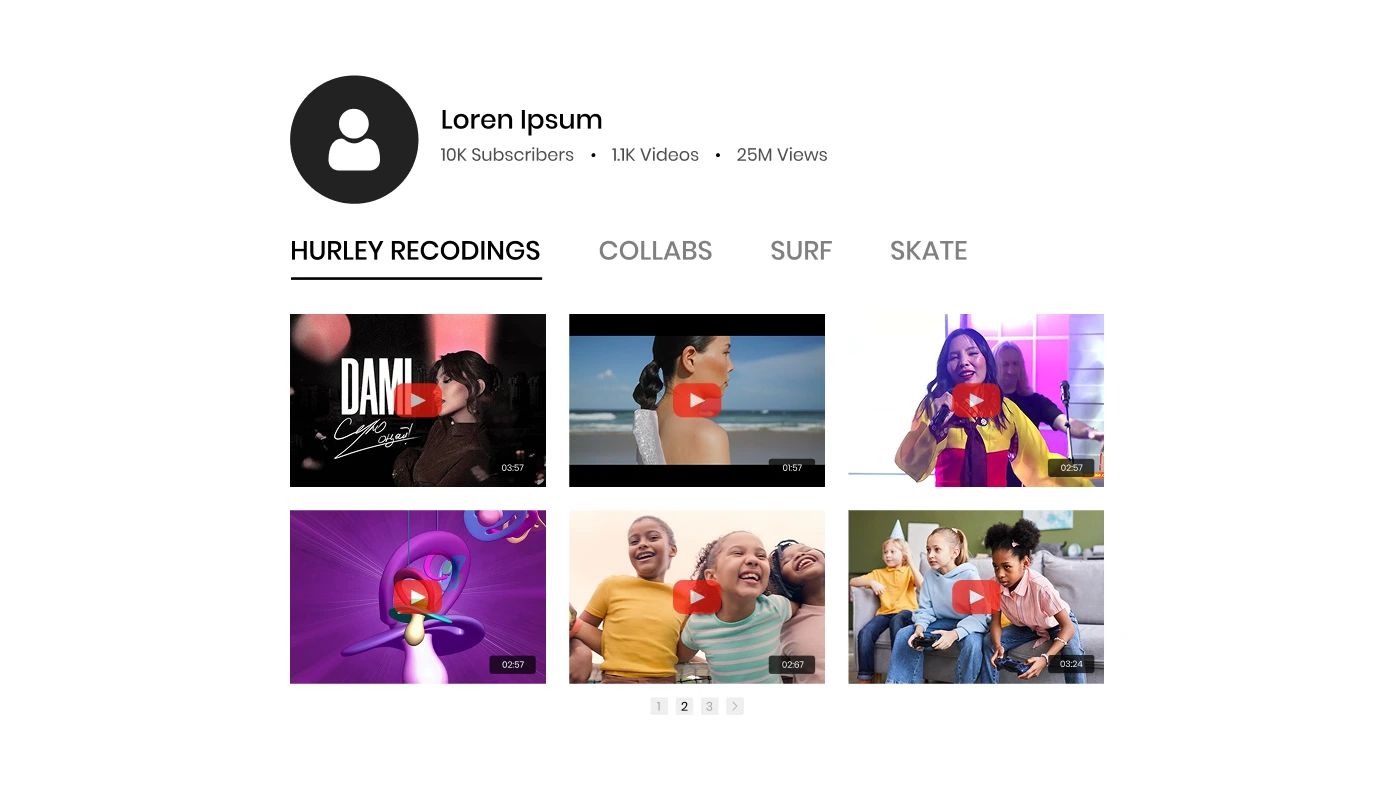
YouTube Gallery for Google Sites
Add playlists or channels from YouTube directly to your site.
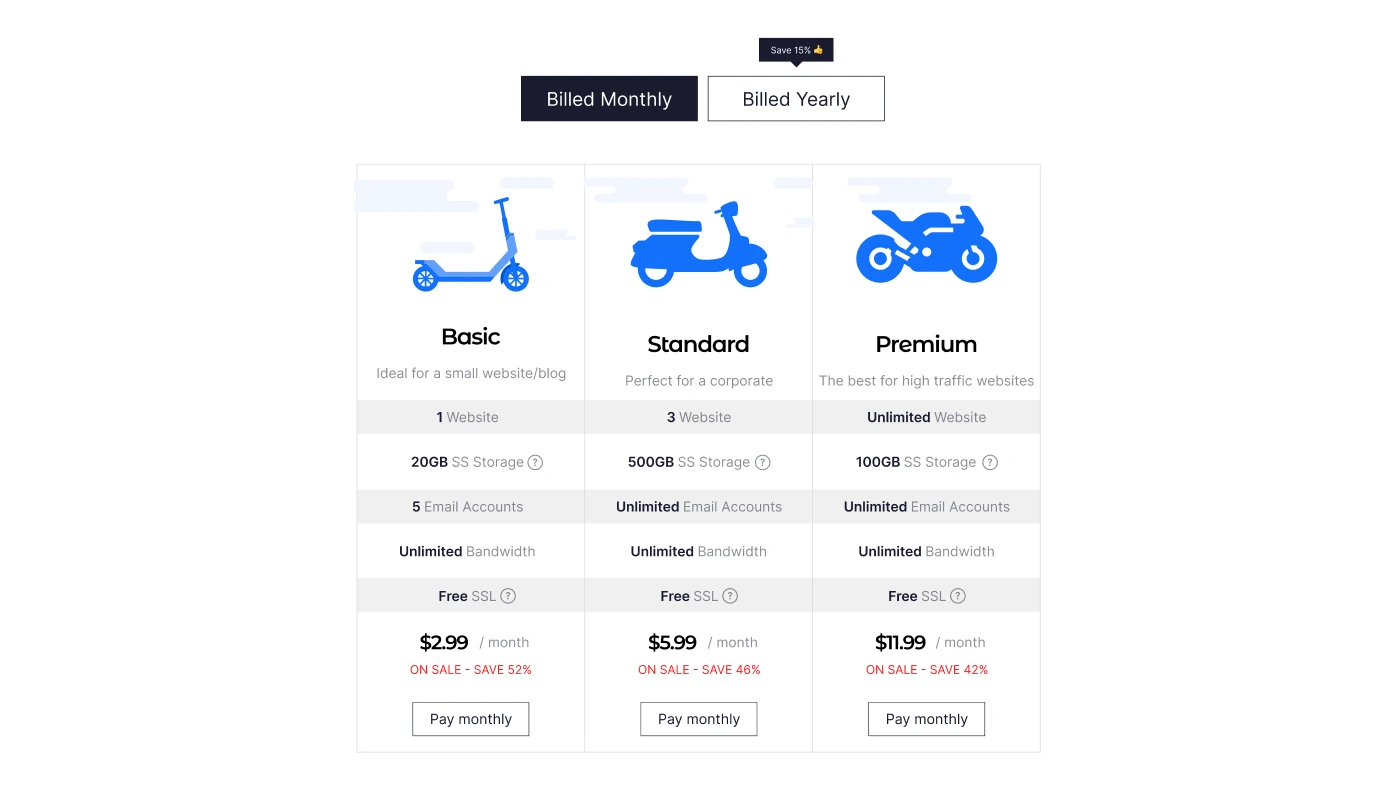
Pricing Table for Google Sites
Build clear, compelling pricing plans to help users choose easily.
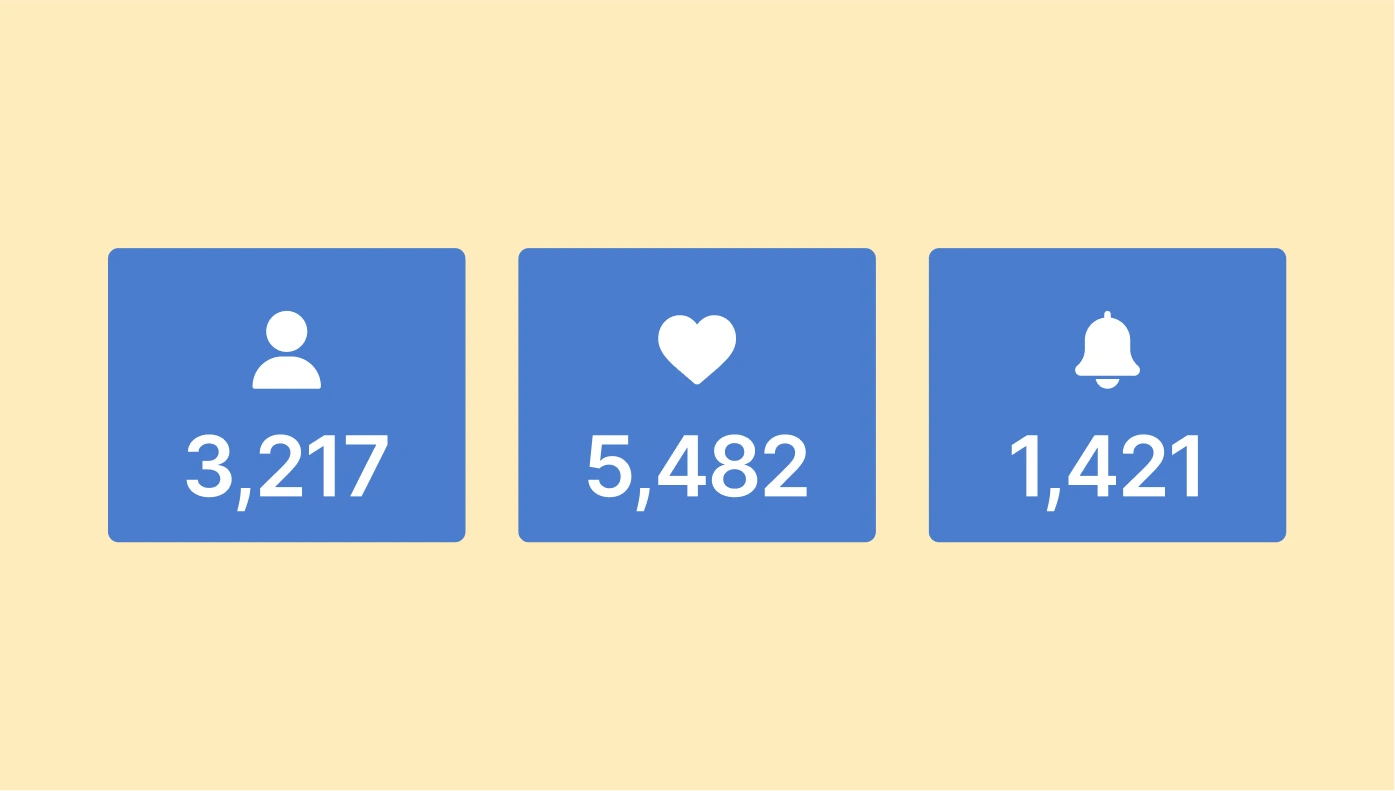
Number Counter for Google Sites
Highlight your achievements with animated number counters.
Store Locator for Google Sites
Help customers find your locations with an interactive map tool.

Before and After Slider for Google Sites
Visually demonstrate transformations using a slider to compare images.
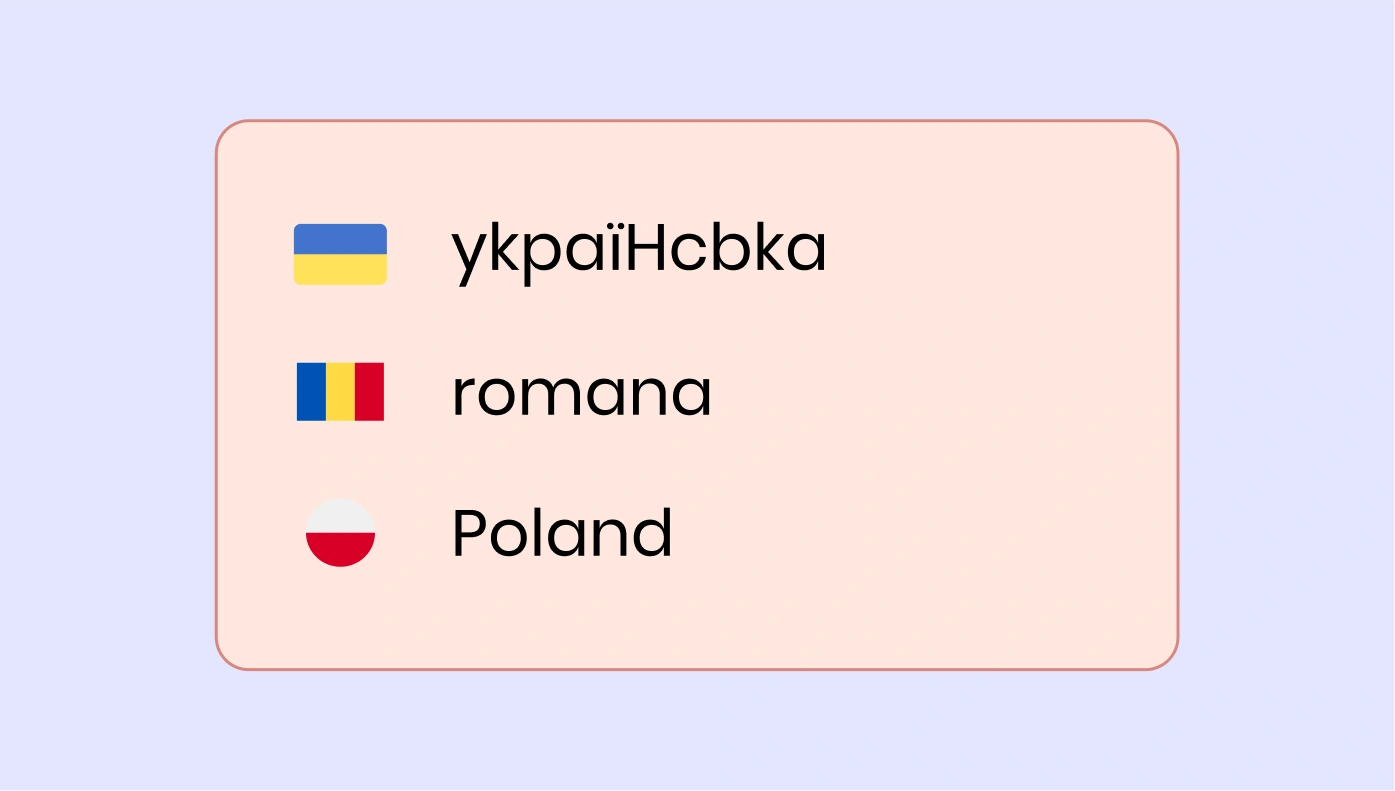
Website Translator for Google Sites
Make your site multilingual with a simple translator widget.

Photo Gallery for Google Sites
Create stylish photo displays with grid, slider, and carousel layouts.
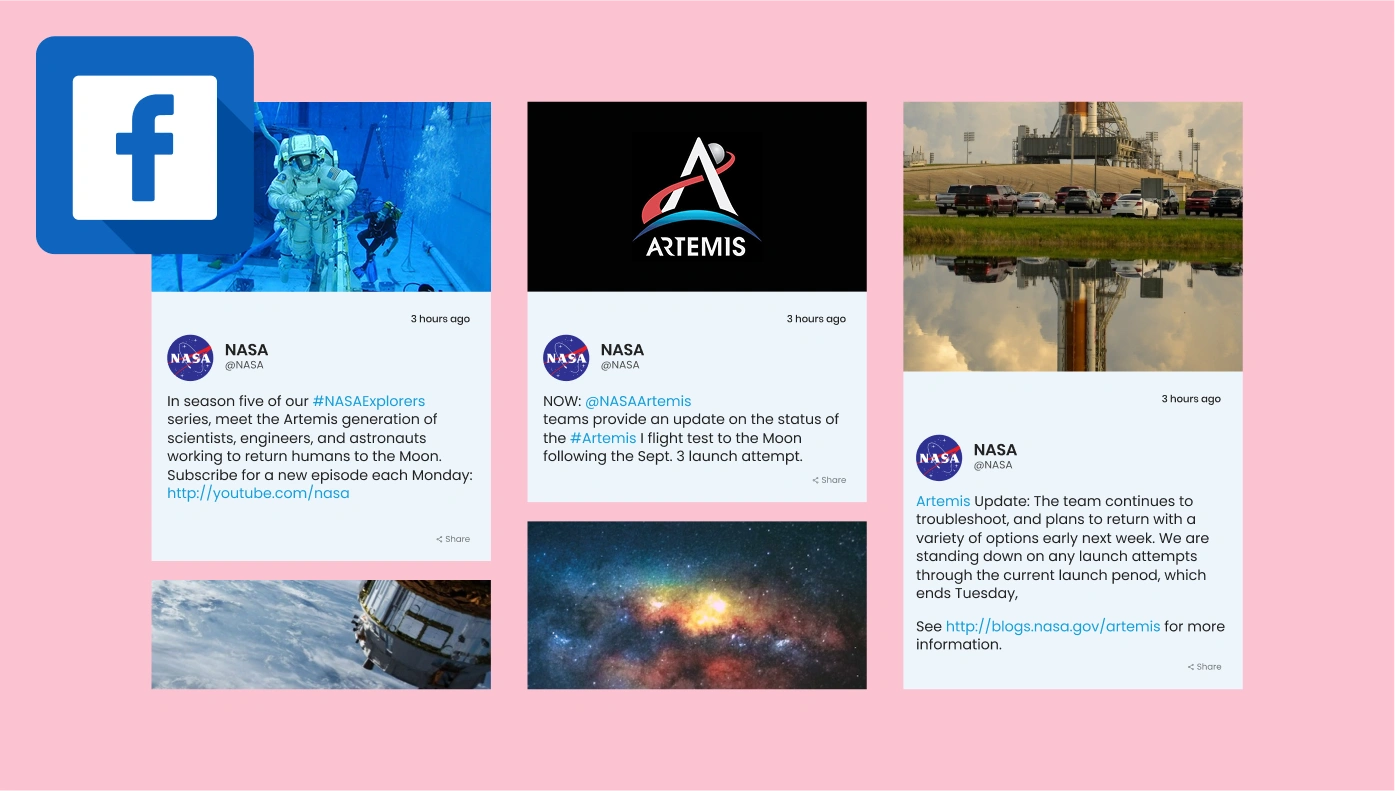
Facebook Feed for Google Sites
Integrate your latest Facebook posts, images, and videos.
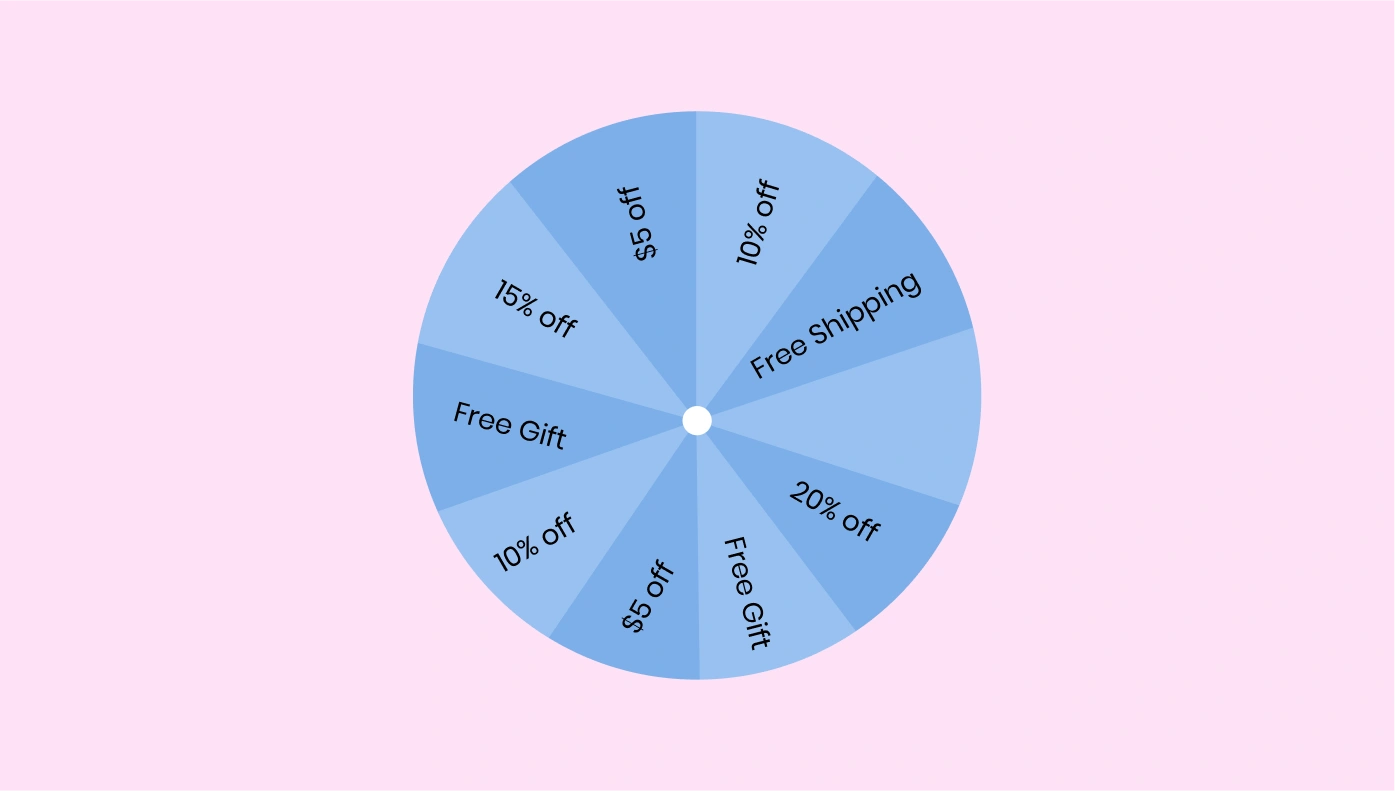
Spinning Wheel for Google Sites
Gamify engagement with a spin-to-win wheel to capture leads.
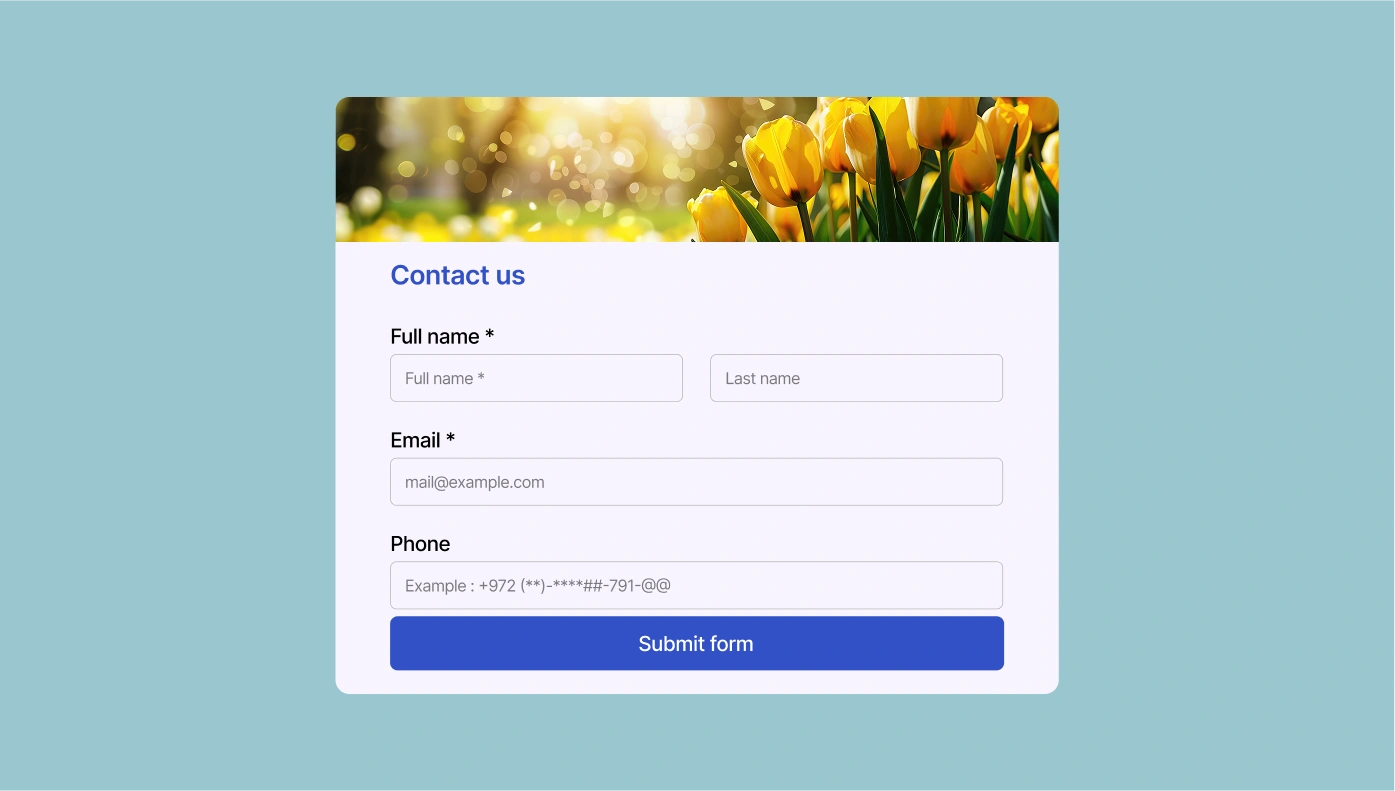
Contact Form for Google Sites
Add a contact form to make it easy for visitors to reach you.
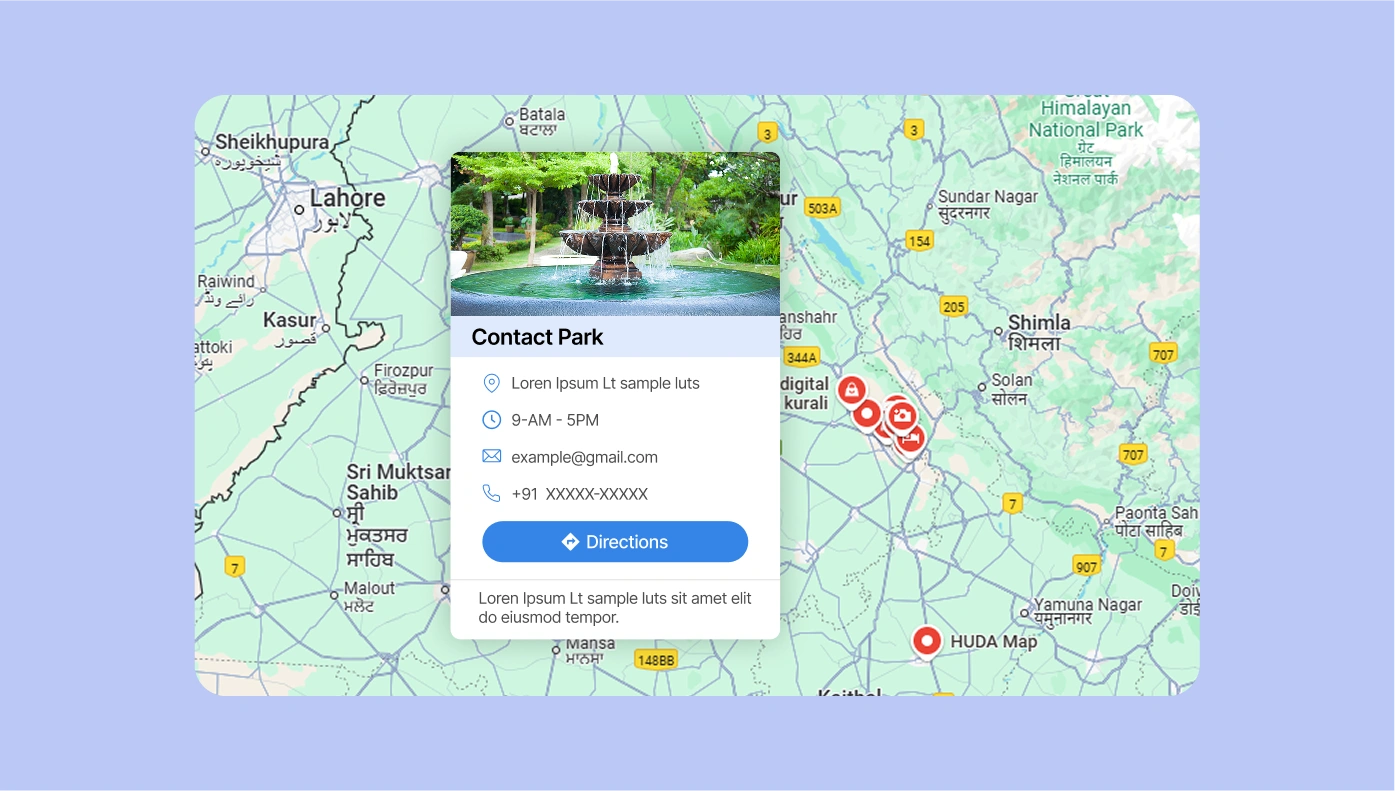
Google Maps for Google Sites
Embed an interactive map to guide users to your location.

Flipbook for Google Sites
Turn PDFs into stunning, flip-through digital albums on your site.
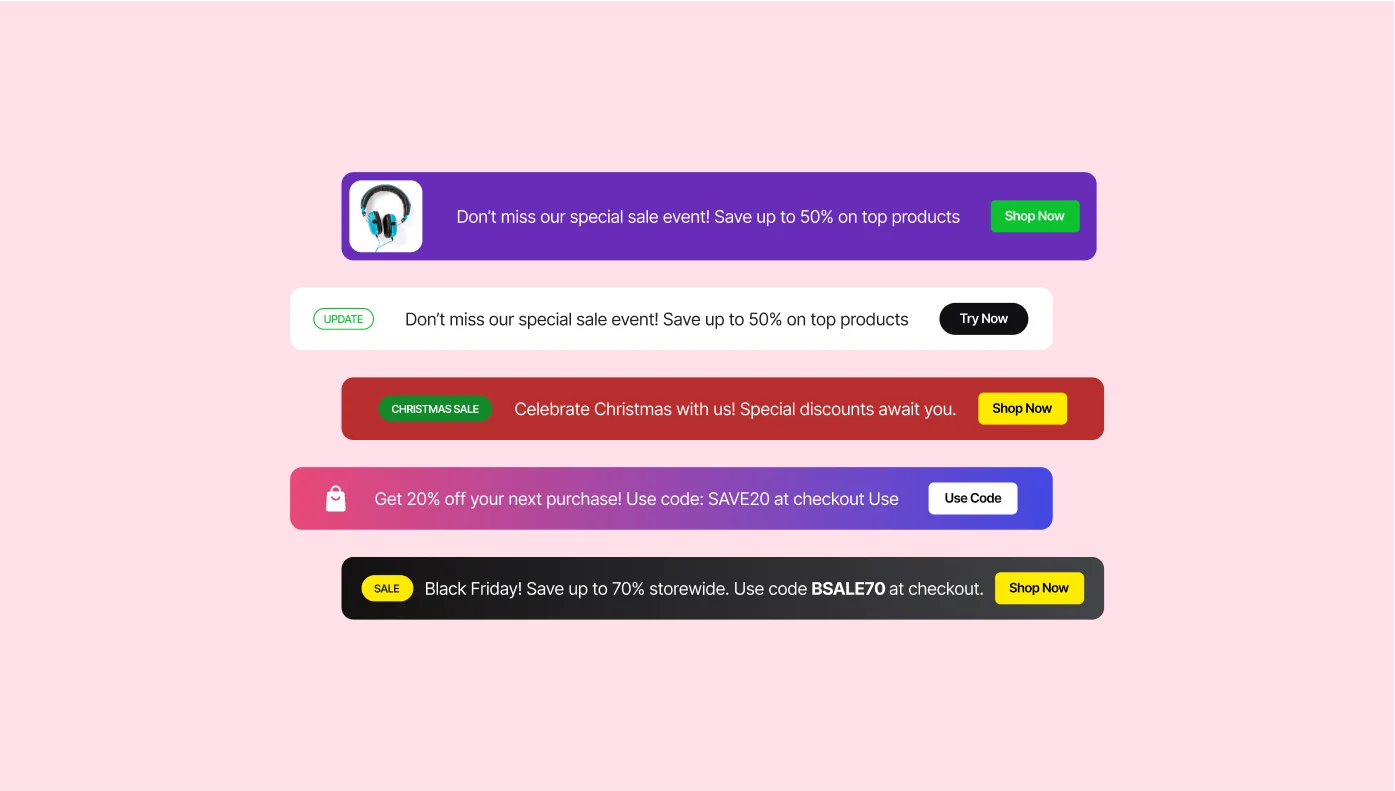
Announcement Bar for Google Sites
Show alerts and announcements across your site with sticky bars.
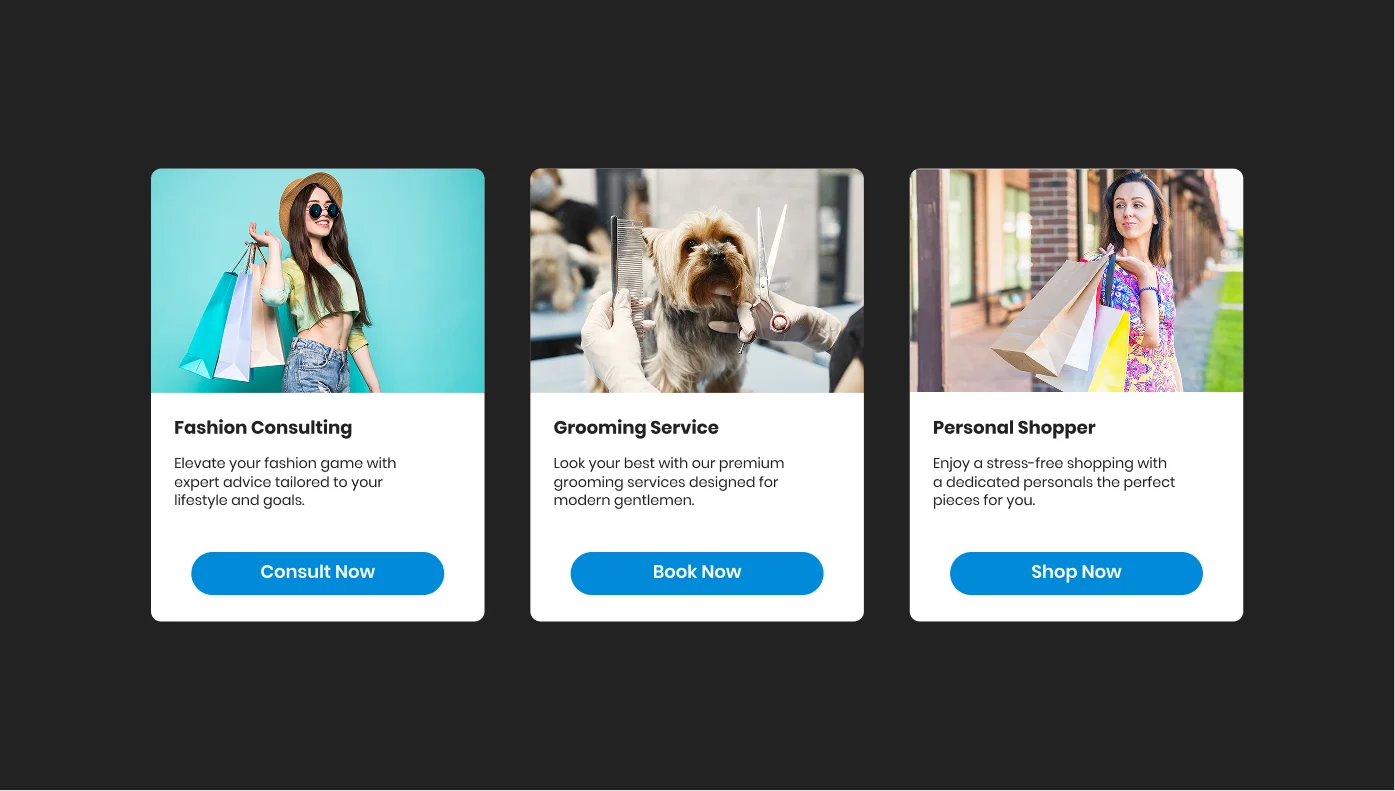
Slider for Google Sites
Create rotating slides with text, images, or videos.
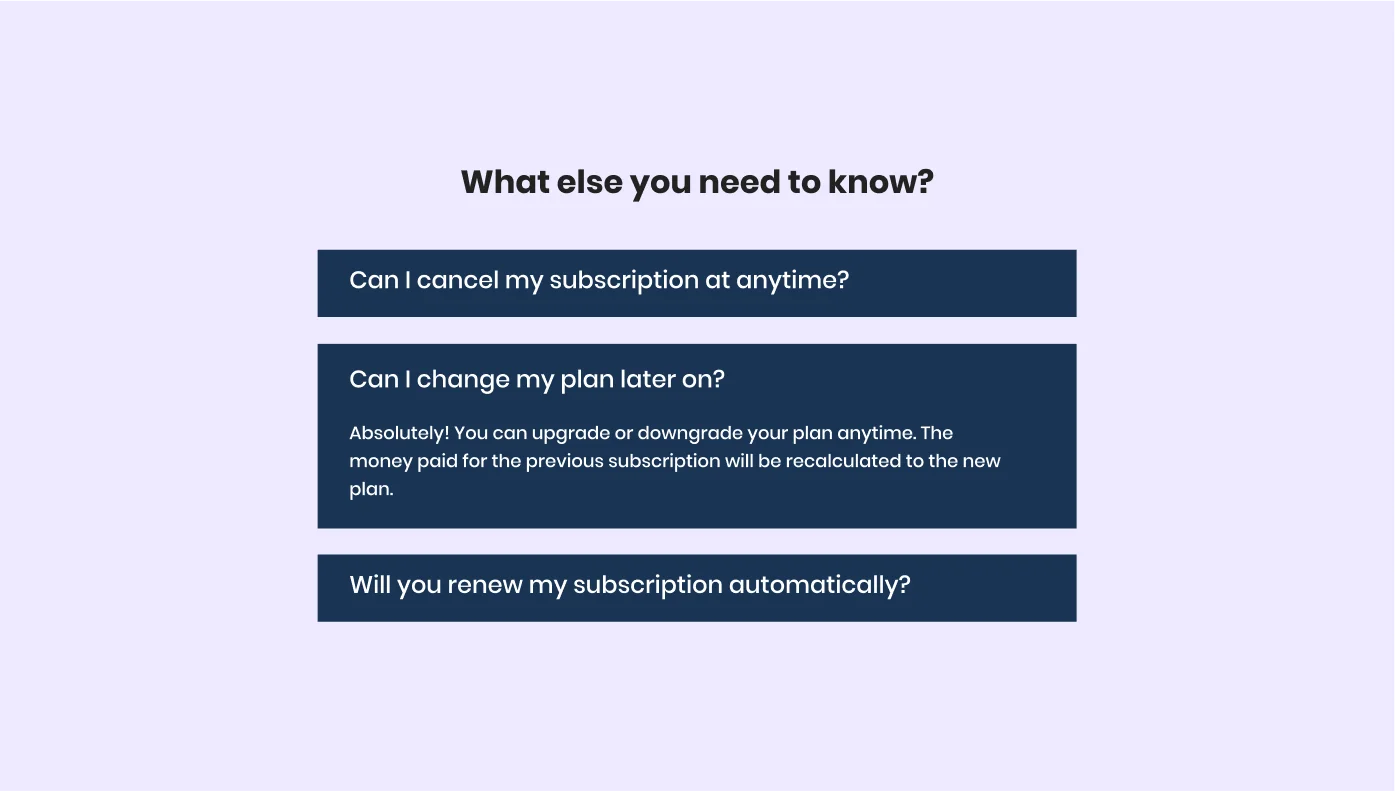
FAQ for Google Sites
List your frequently asked questions in a clear, collapsible format.

Cookie Consent for Google Sites
Add a customizable cookie notice to stay GDPR-compliant.

Facebook Reviews for Google Sites
Display customer feedback from your Facebook page.

RSS Feed for Google Sites
Pull in content from news sources or blogs via RSS.
TripAdvisor Reviews for Google Sites
Show off your best TripAdvisor feedback to new visitors.
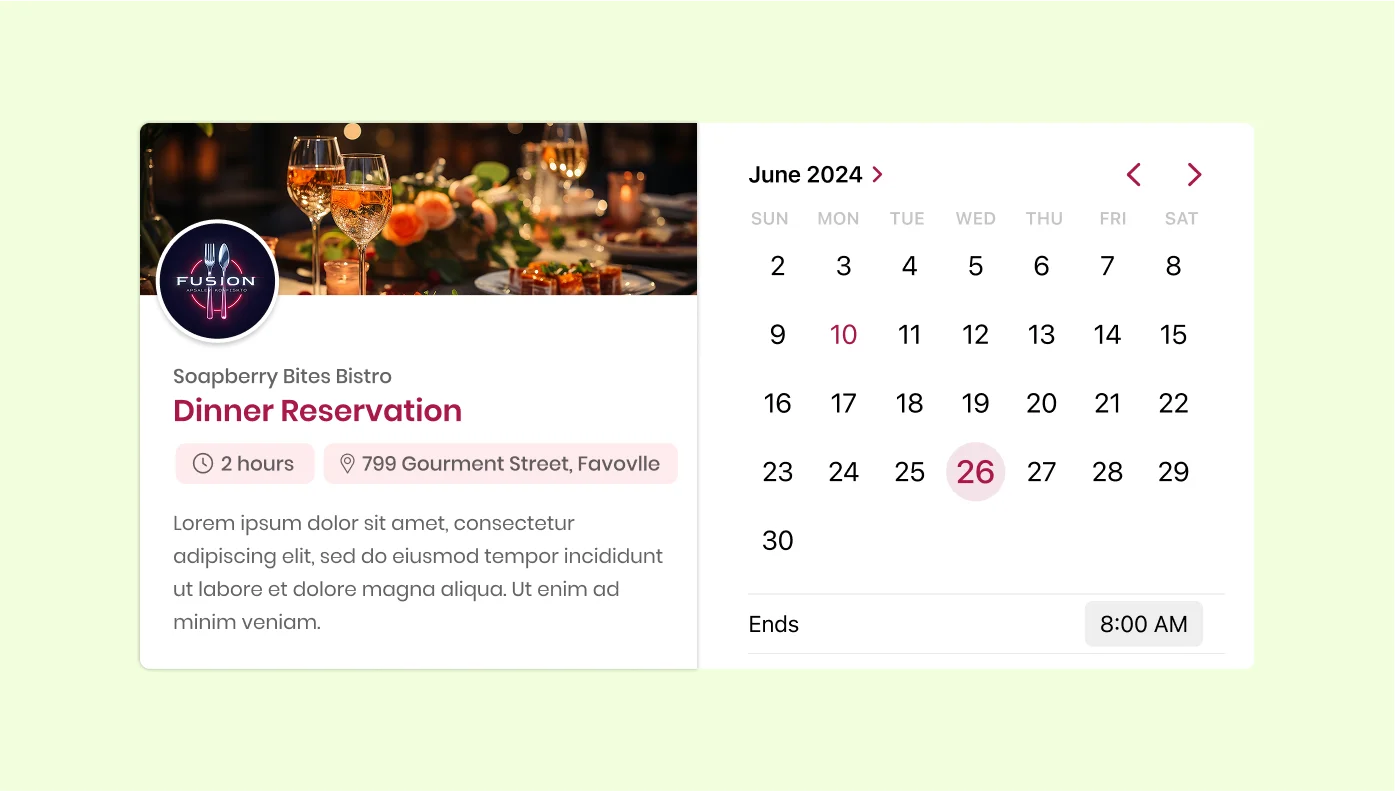
Appointment Booking for Google Sites
Let customers book appointments with a simple, integrated tool.
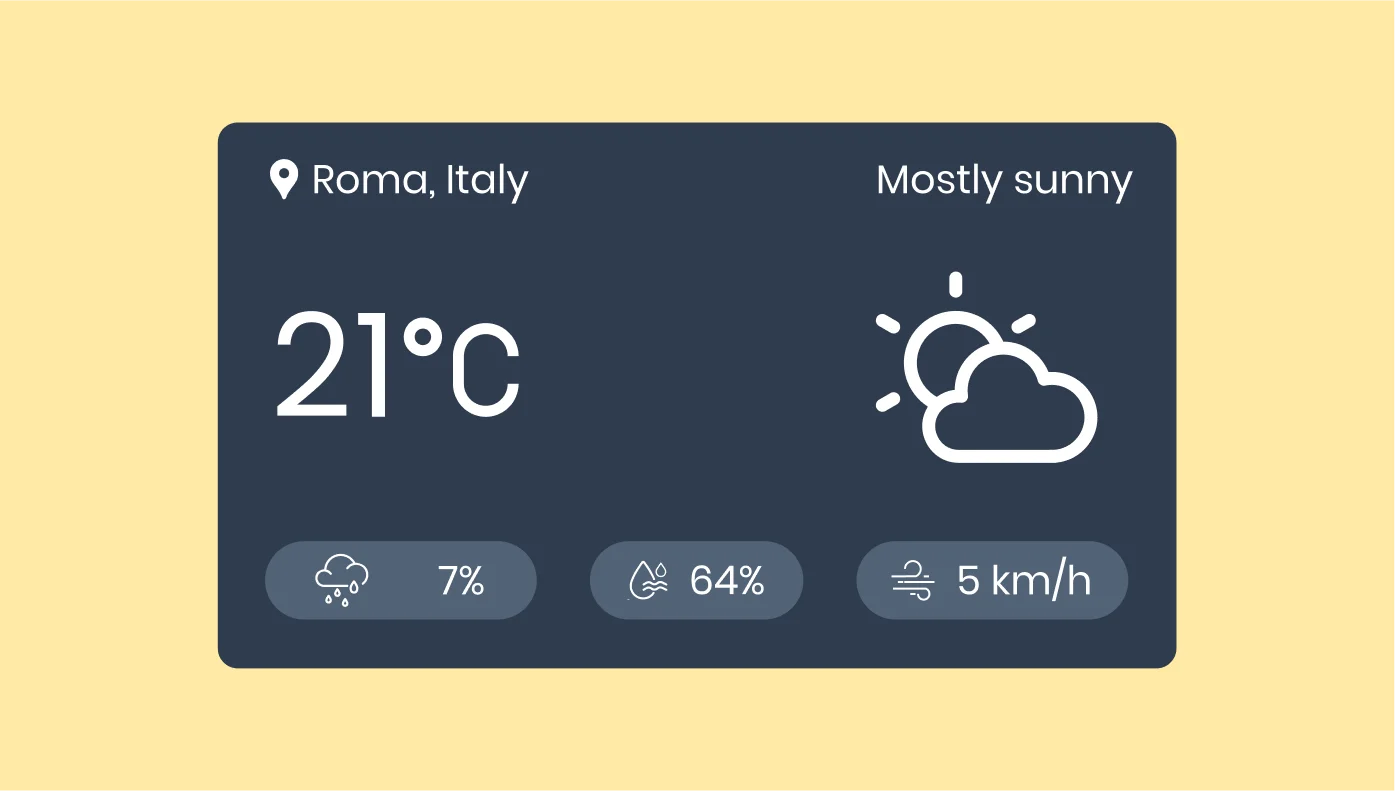
Weather for Google Sites
Show local weather conditions and forecasts to your visitors.

All-in-One Chat for Google Sites
Enable messaging via Messenger, WhatsApp, Telegram, and more.

TikTok Feed for Google Sites
Showcase your latest TikTok videos and boost engagement.
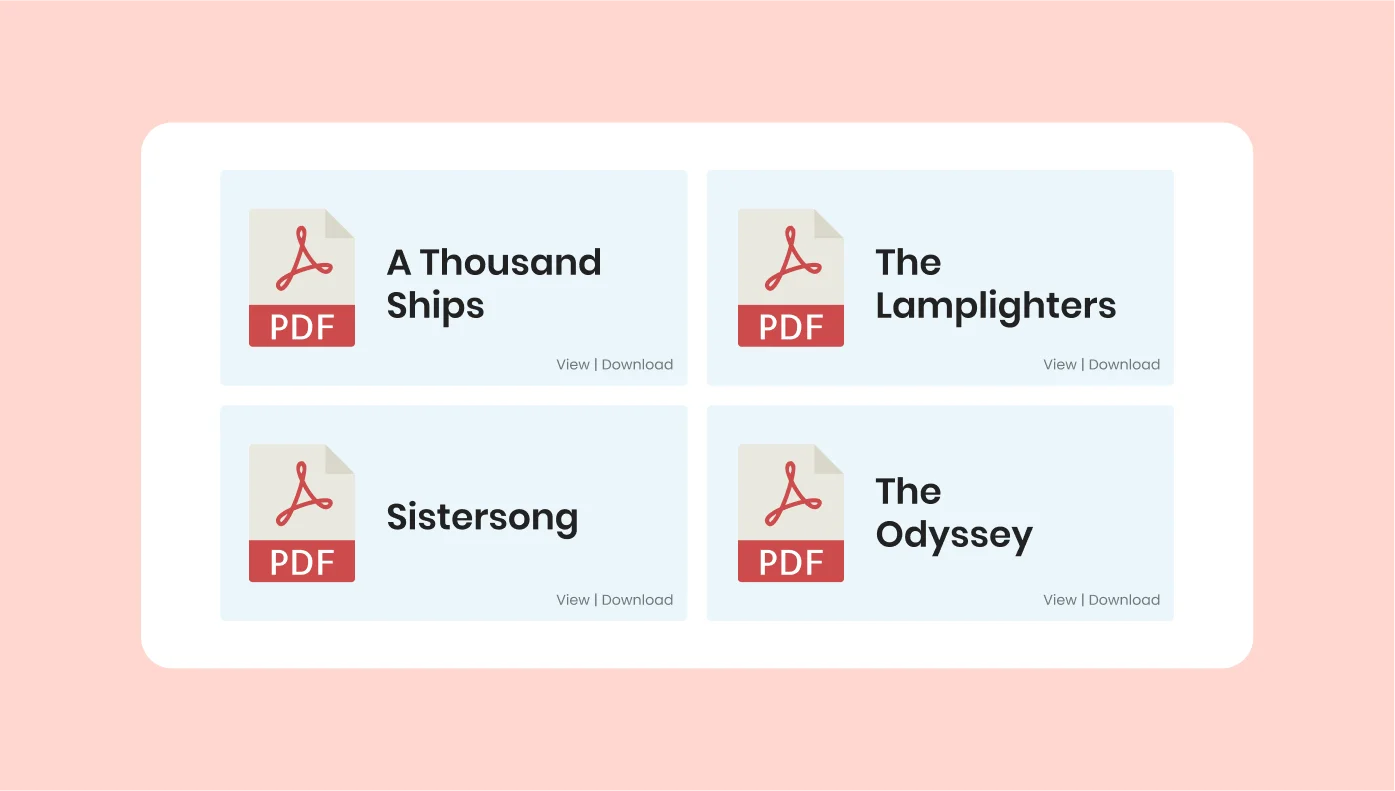
PDF Embed for Google Sites
Embed PDF files for users to view or download easily.

Team Showcase for Google Sites
Introduce your team members with photos and bios.
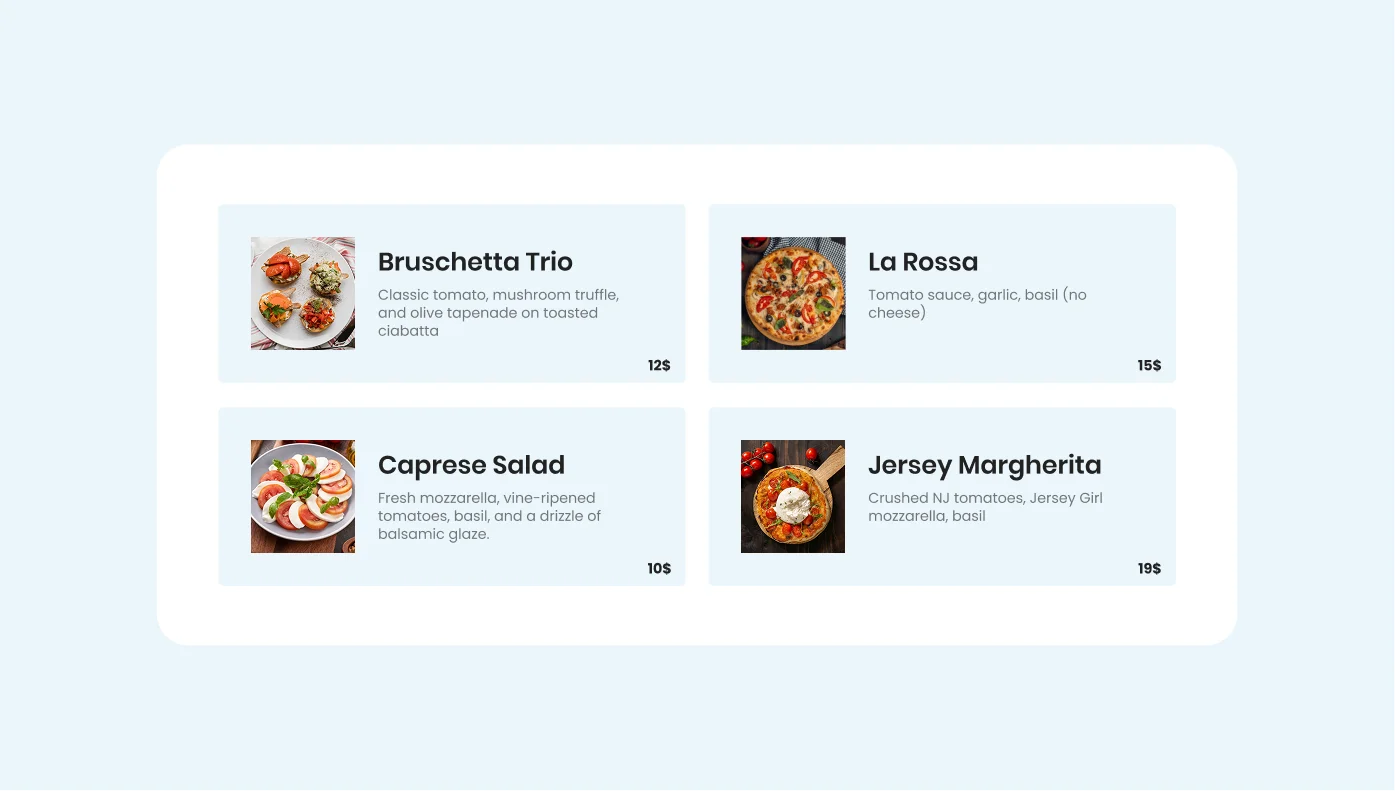
Restaurant Menu for Google Sites
Display your dishes and drinks with a digital menu.
Click to Call for Google Sites
Let users tap to call you directly from your site.
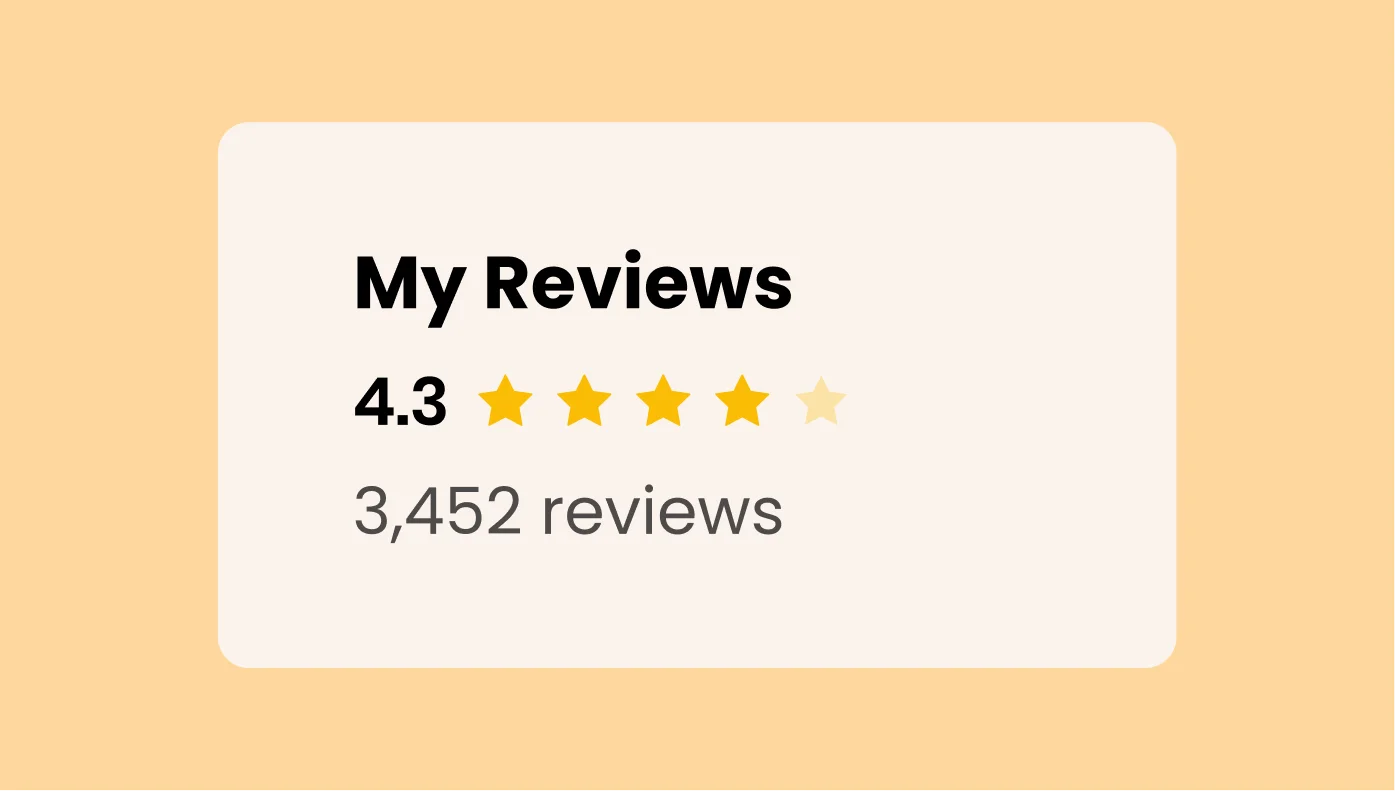
Amazon Reviews for Google Sites
Highlight product reviews from Amazon to build buyer trust.
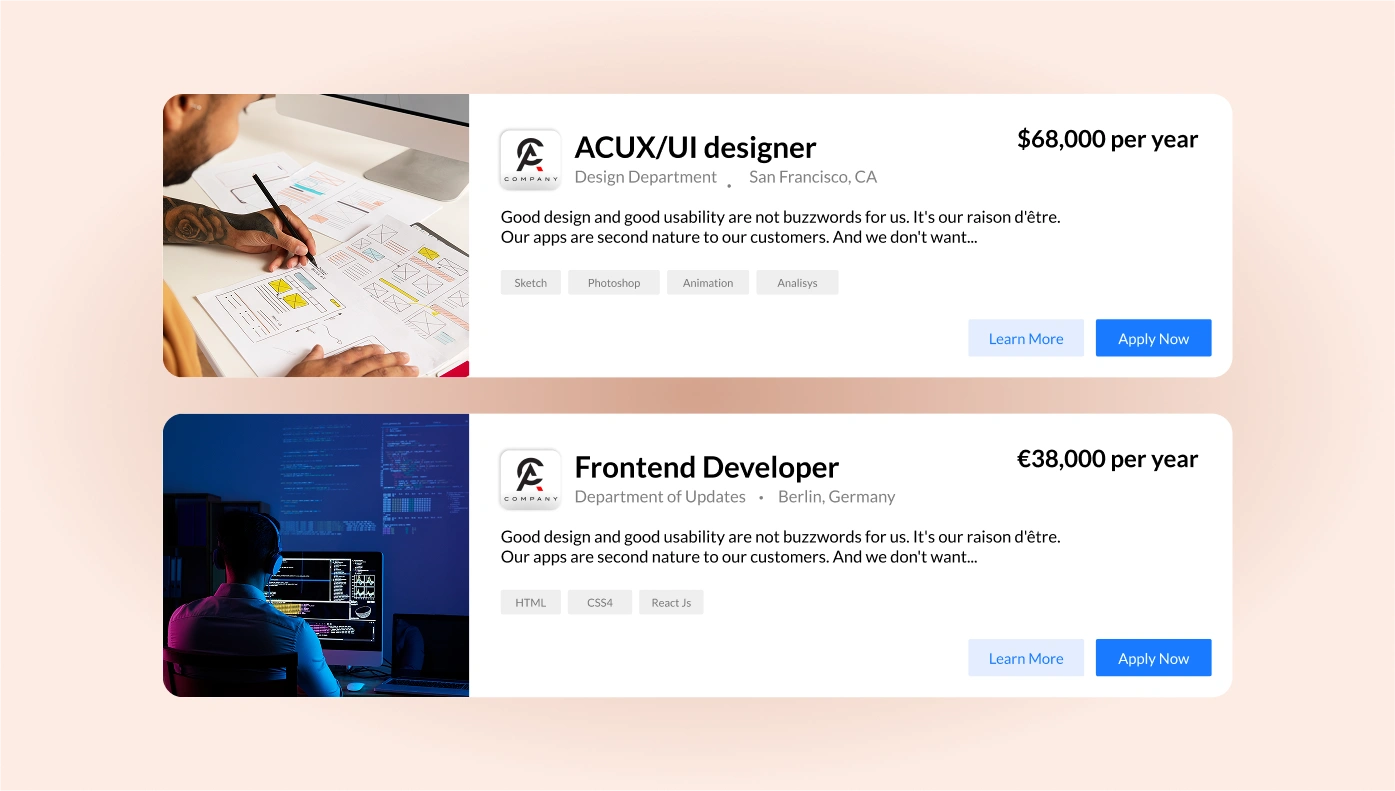
Job Board for Google Sites
Post job listings and collect applications in one place.
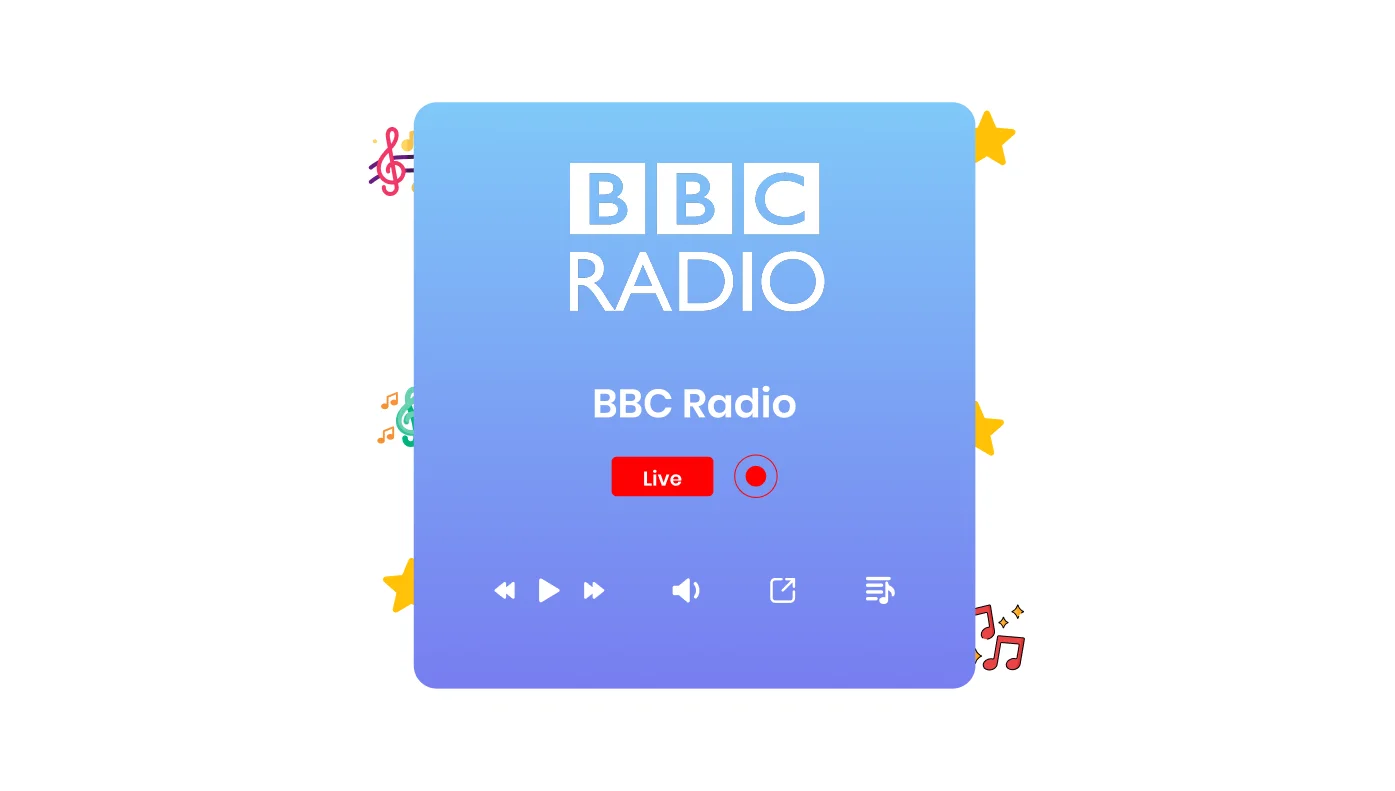
Radio Player for Google Sites
Add a live-streaming radio player to your website.

Twitter Feed for Google Sites
Embed tweets by account or hashtag to keep your content fresh.
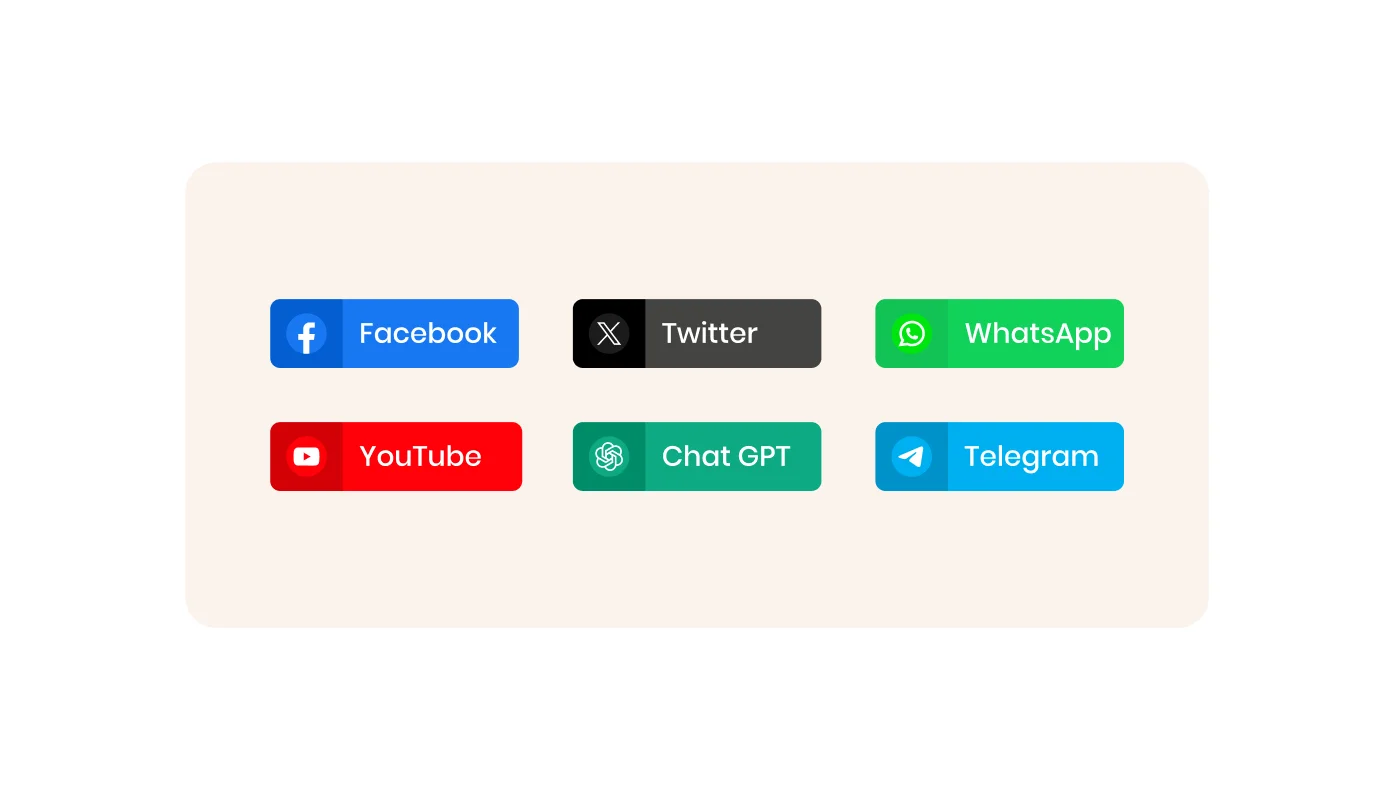
Social Share Buttons for Google Sites
Let users easily share your content on all major social platforms.

Podcast Player for Google Sites
Let visitors stream your podcast episodes directly on your site.
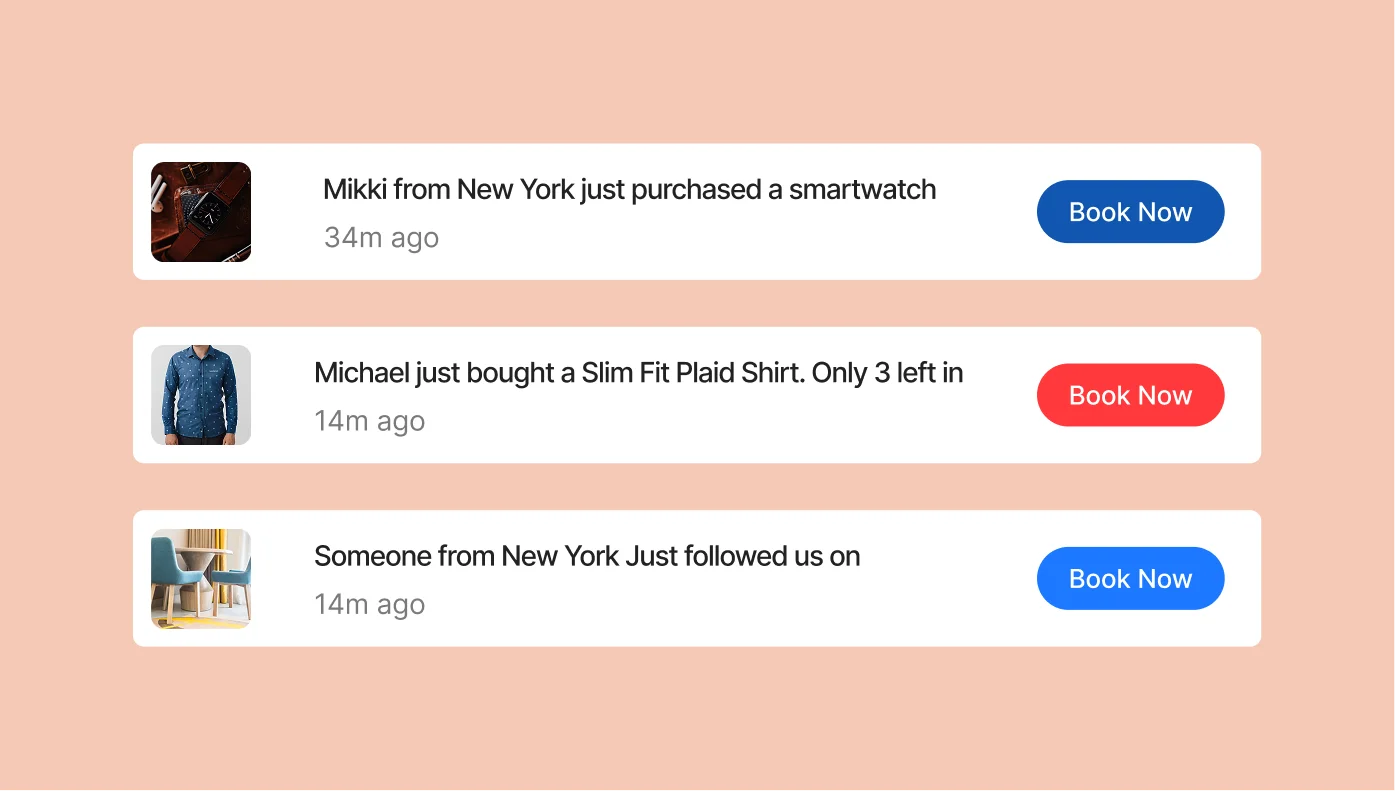
Sales Notification for Google Sites
Display real-time sales alerts to boost conversions through social proof.
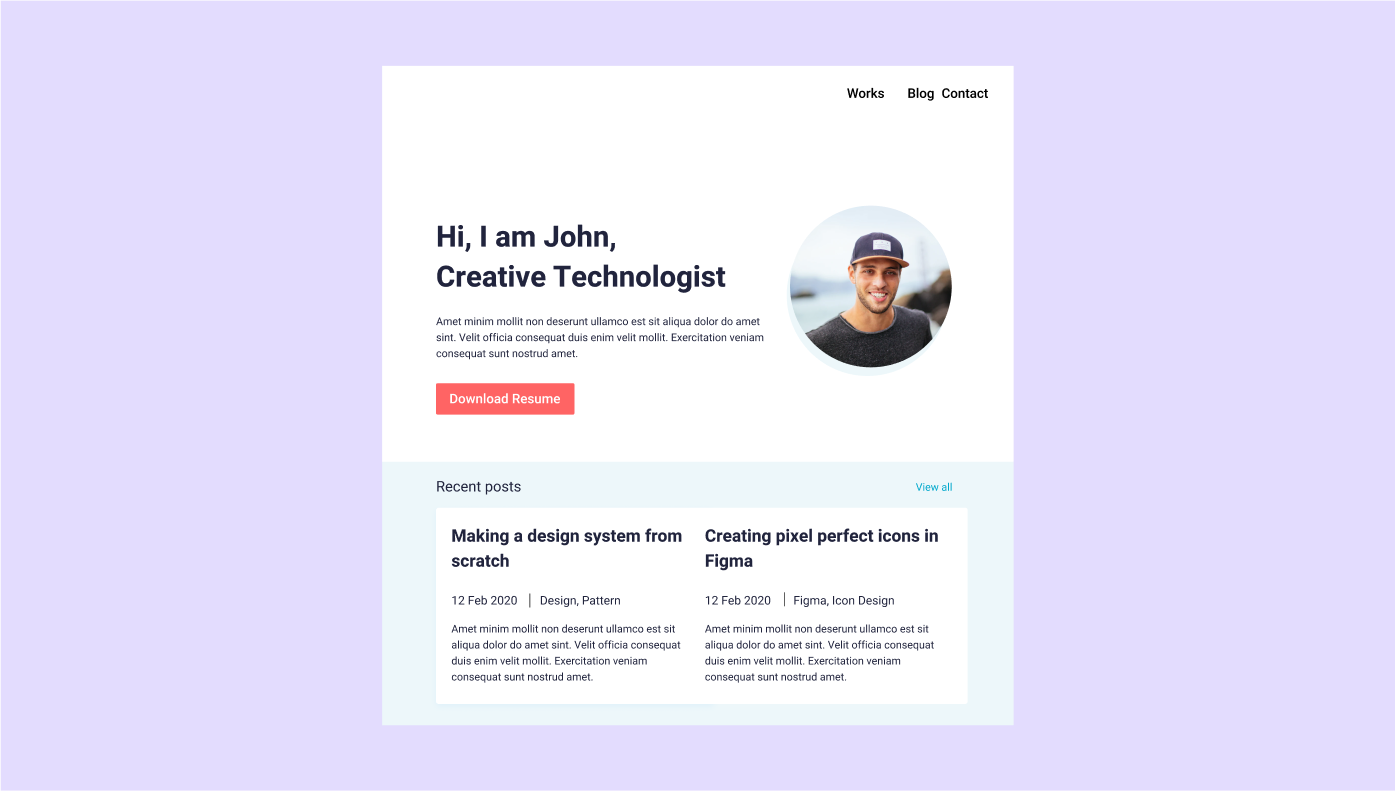
Portfolio for Google Sites
Showcase your projects and creative work in a customizable layout.

Facebook Chat for Google Sites
Allow visitors to message you via Facebook Messenger directly.
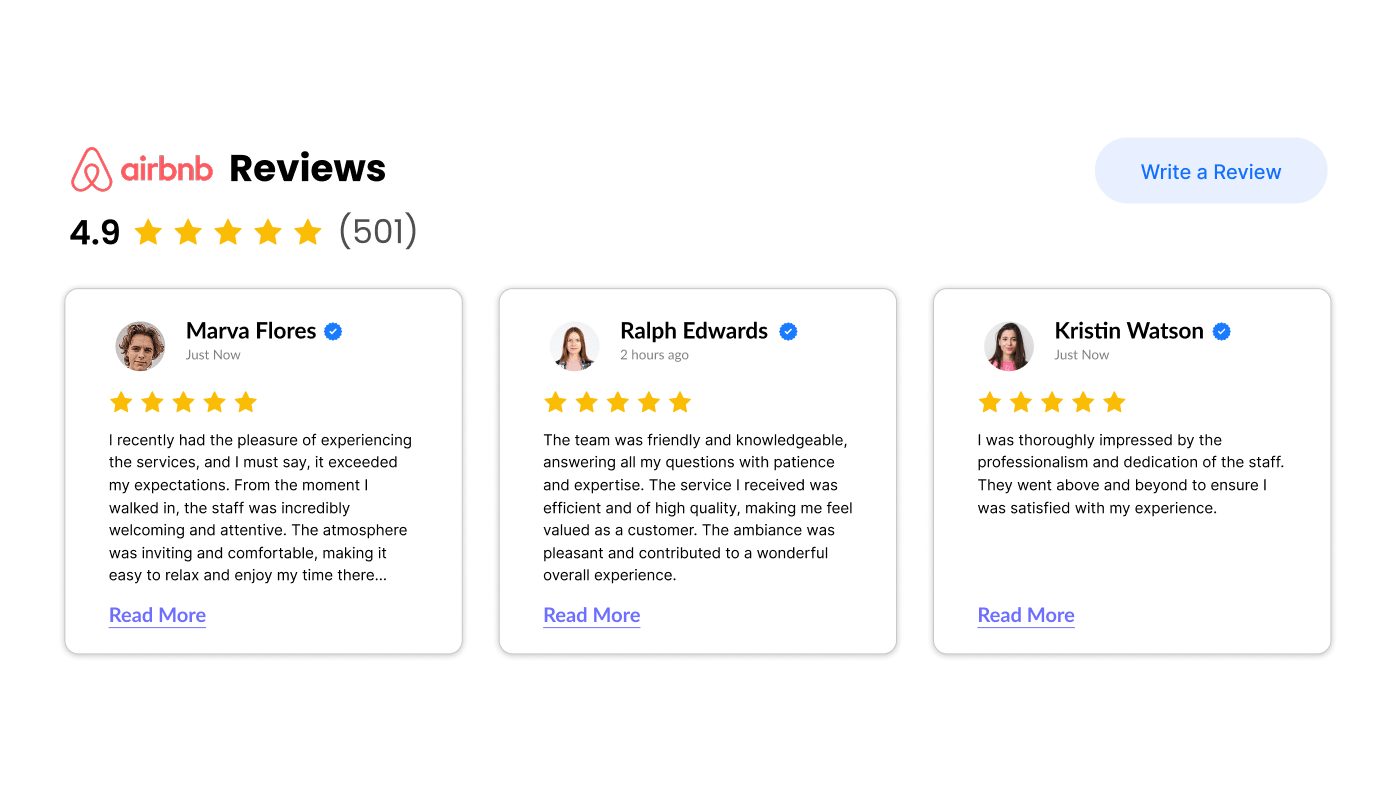
Airbnb Reviews for Google Sites
Add top Airbnb reviews to promote your vacation rentals.
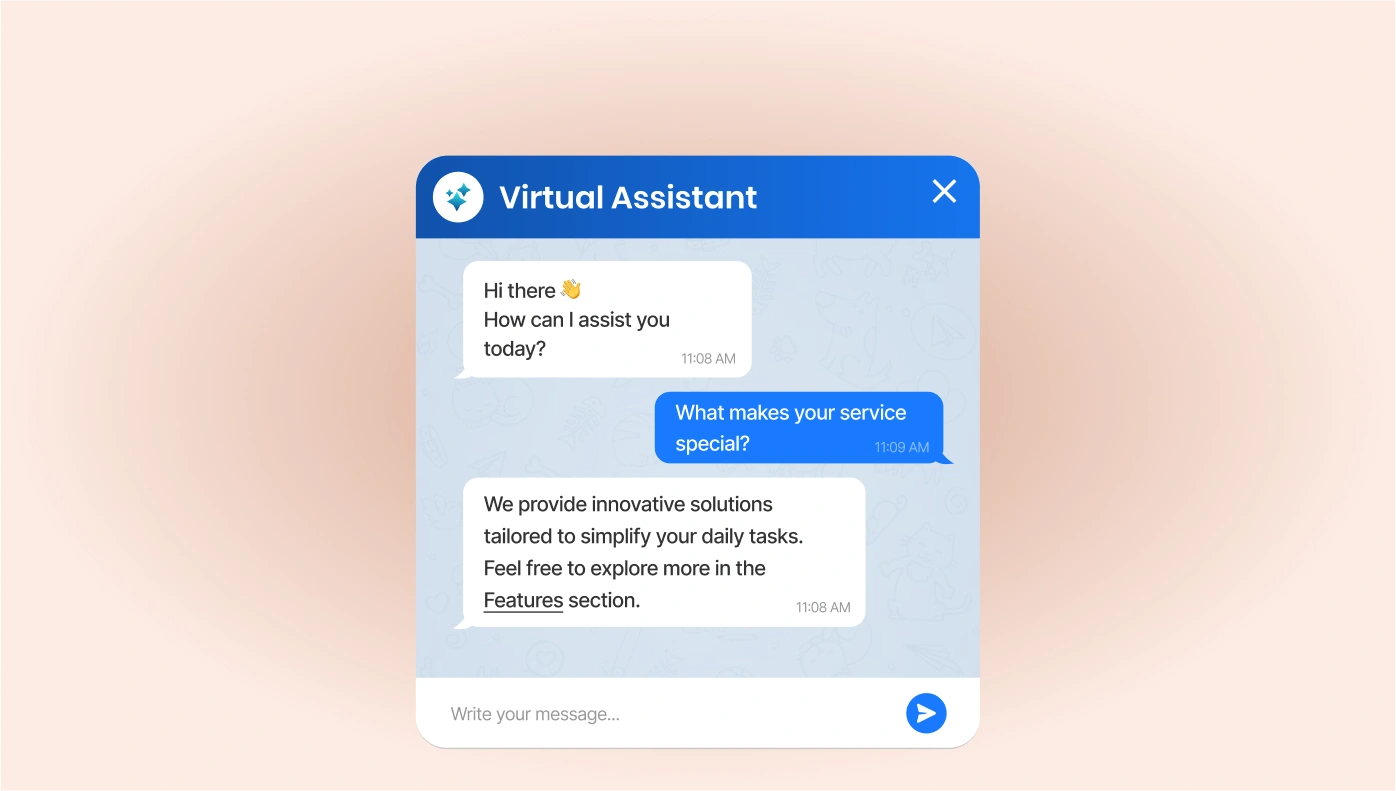
ChatGPT for Google Sites
Integrate ChatGPT to provide smart, conversational support on your site.

Timeline for Google Sites
Tell your brand story or product timeline in a visual format.
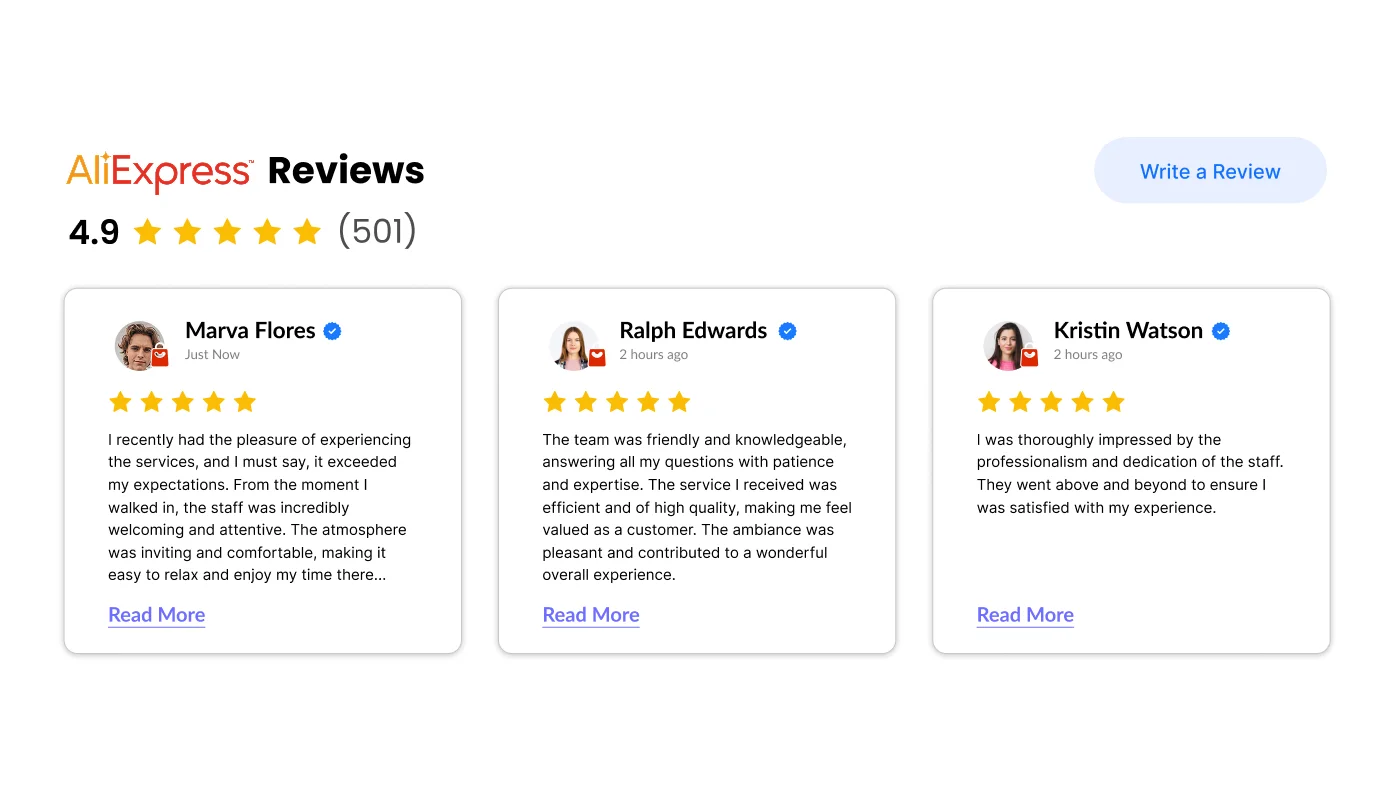
AliExpress Reviews for Google Sites
Showcase real buyer feedback from AliExpress for product pages.
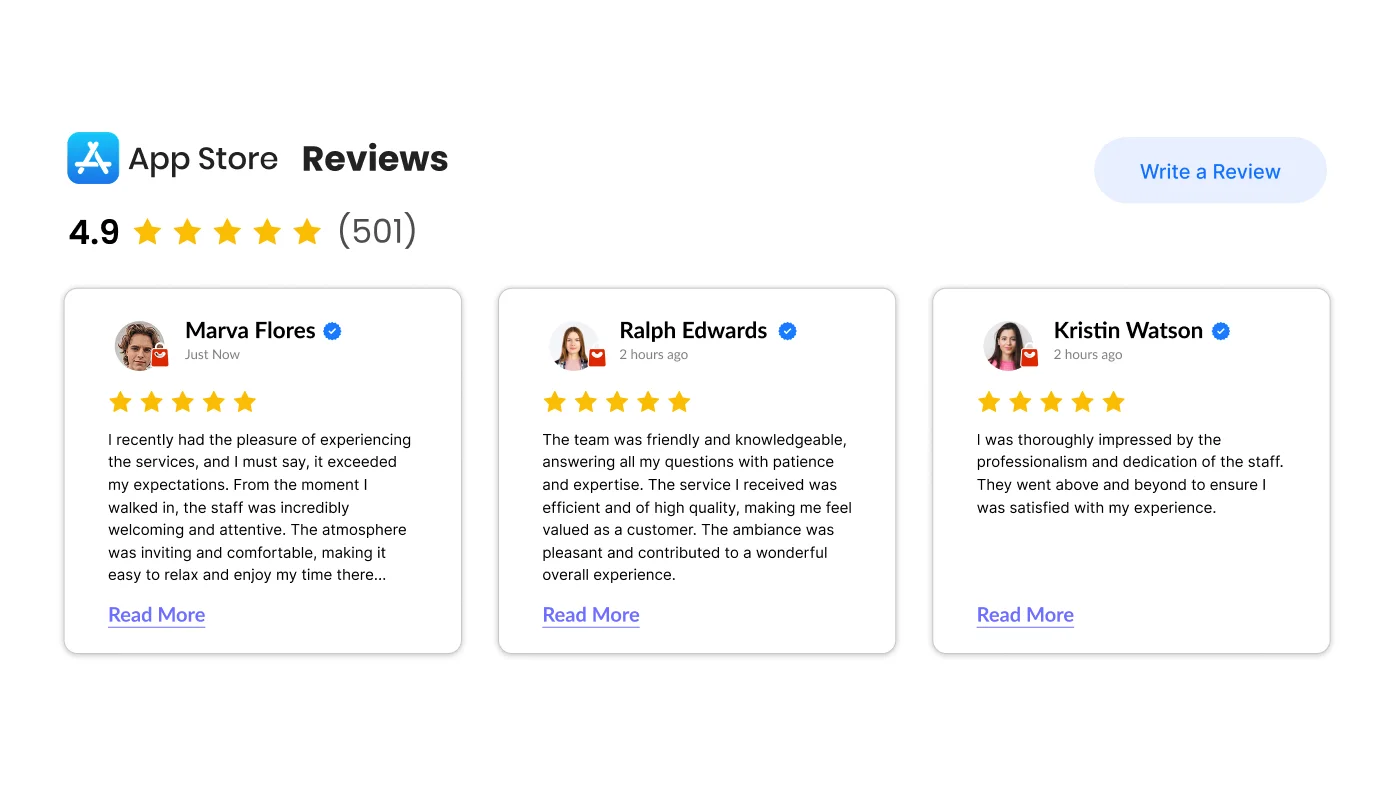
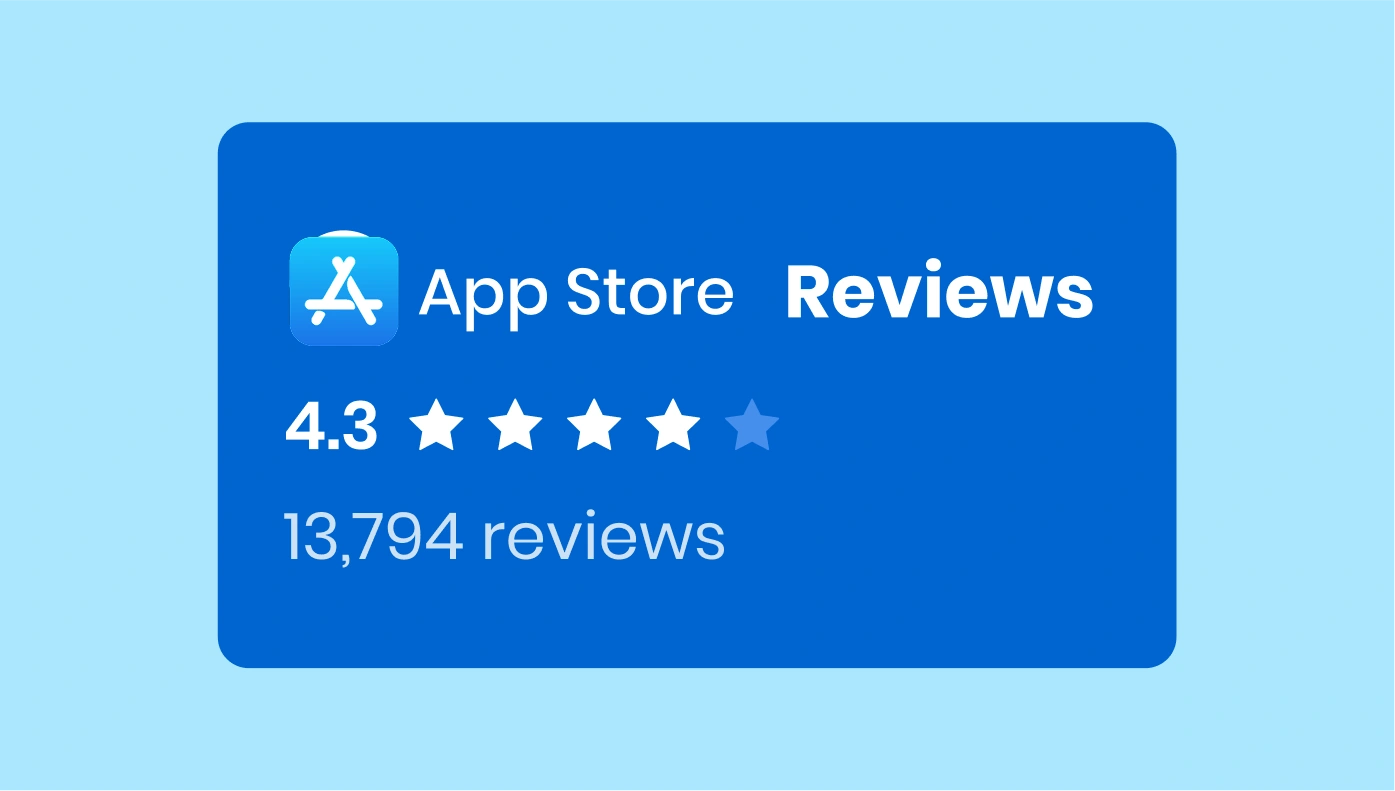
Apple App Store Reviews for Google Sites
Highlight your app's reviews from the Apple App Store.

Back to Top for Google Sites
Add a simple button to scroll users back to the top of any page.

Banner for Google Sites
Create stylish banners to highlight promos or announcements.
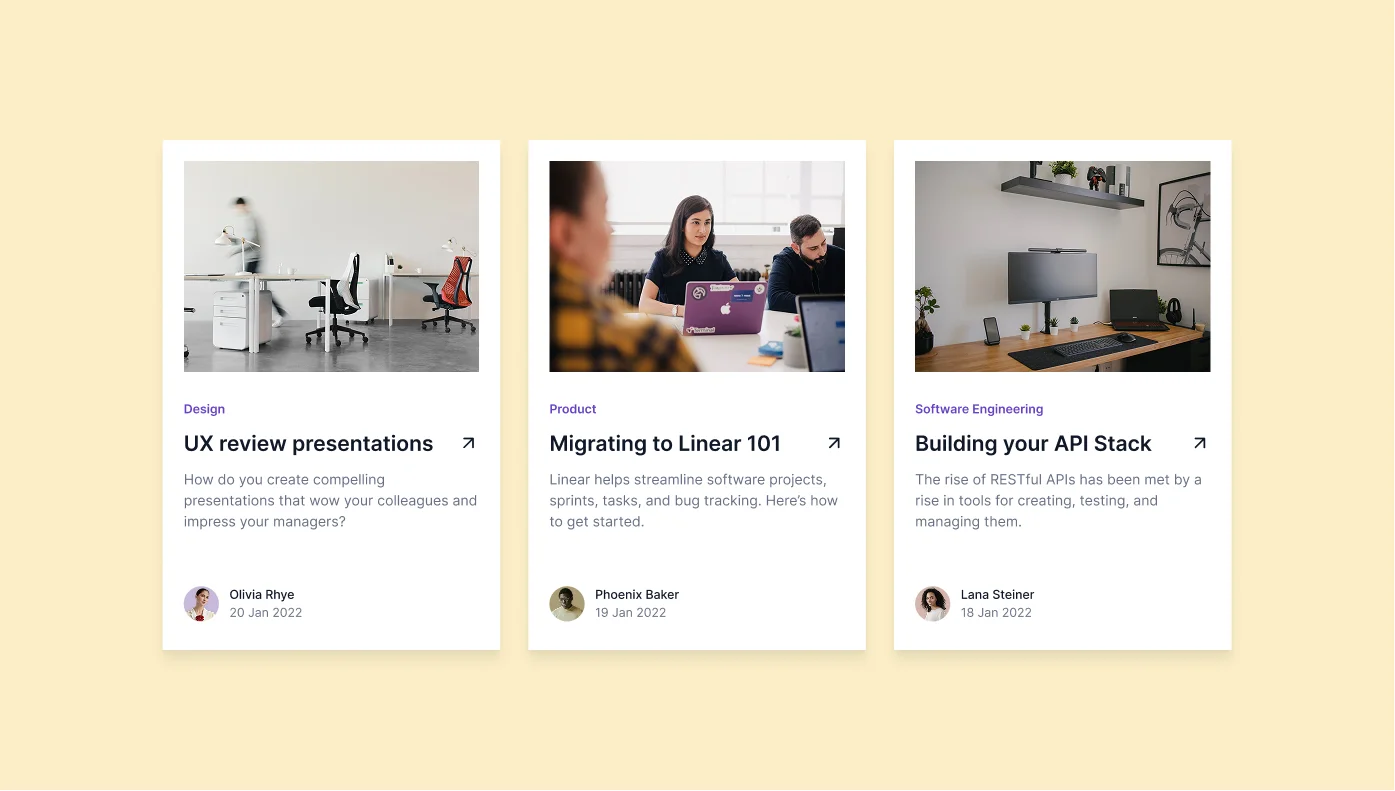
Blog for Google Sites
Start a blog and share updates, tips, and news effortlessly.
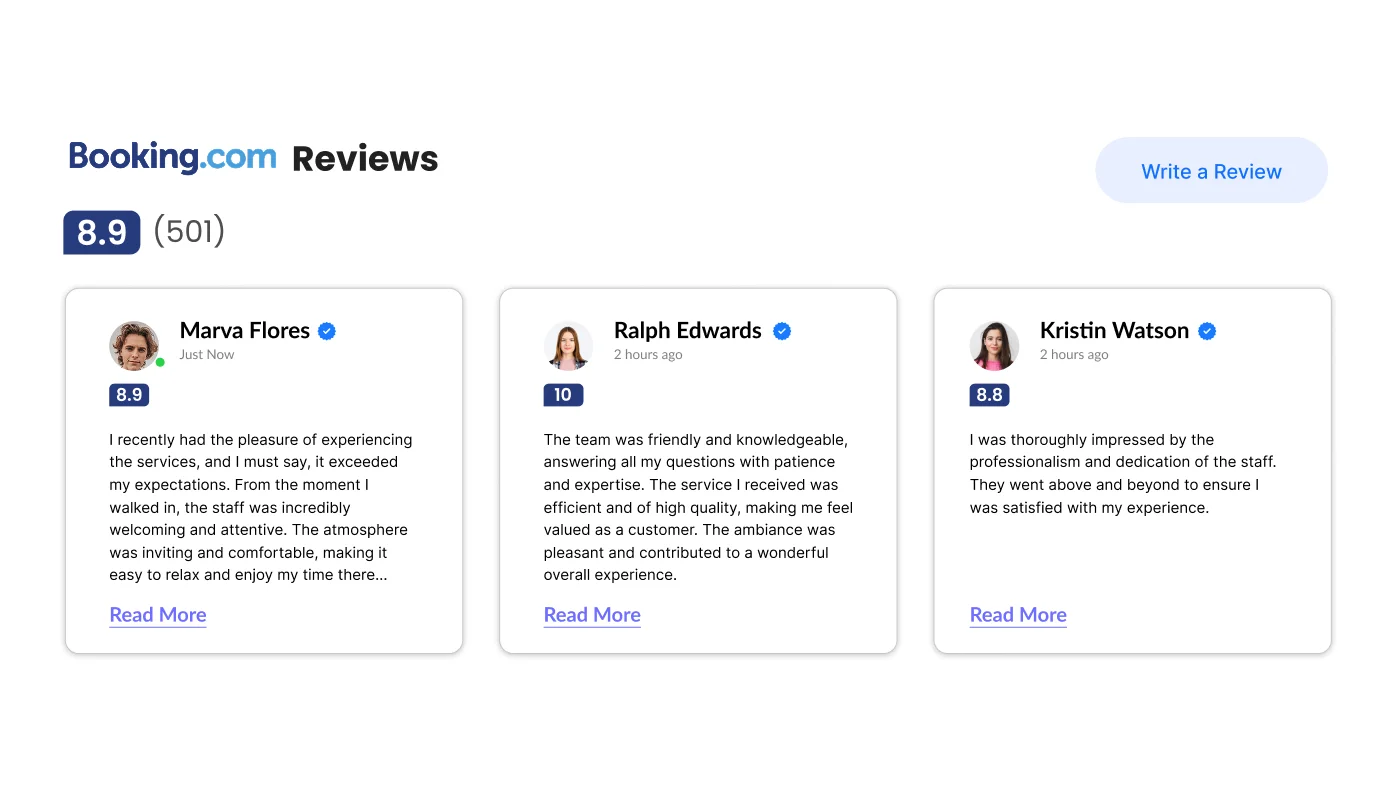
Booking.com Reviews for Google Sites
Feature reviews from Booking.com to boost travel trust.
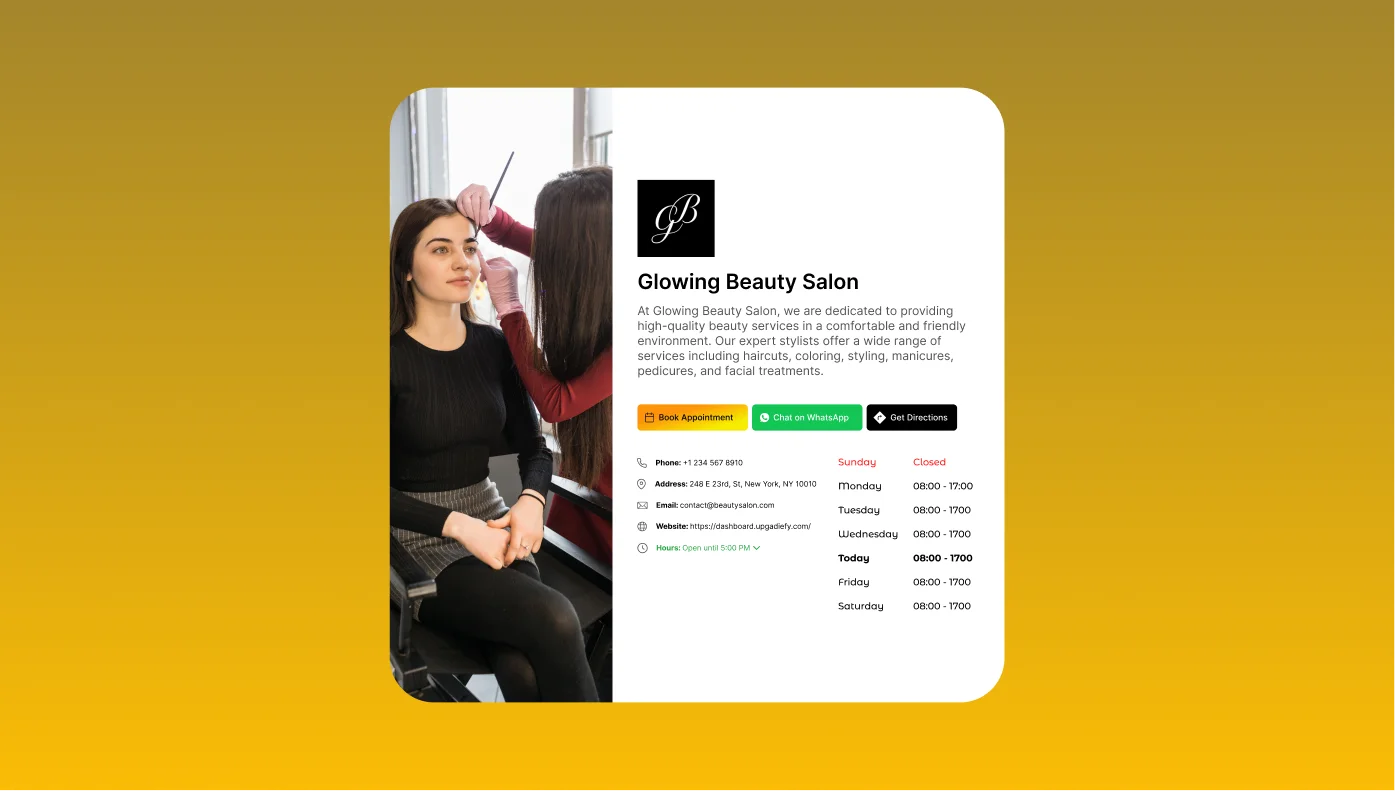
Business Hours for Google Sites
Display open hours and contact info for easy visitor planning.

Button for Google Sites
Create action buttons to lead visitors to key areas or actions.
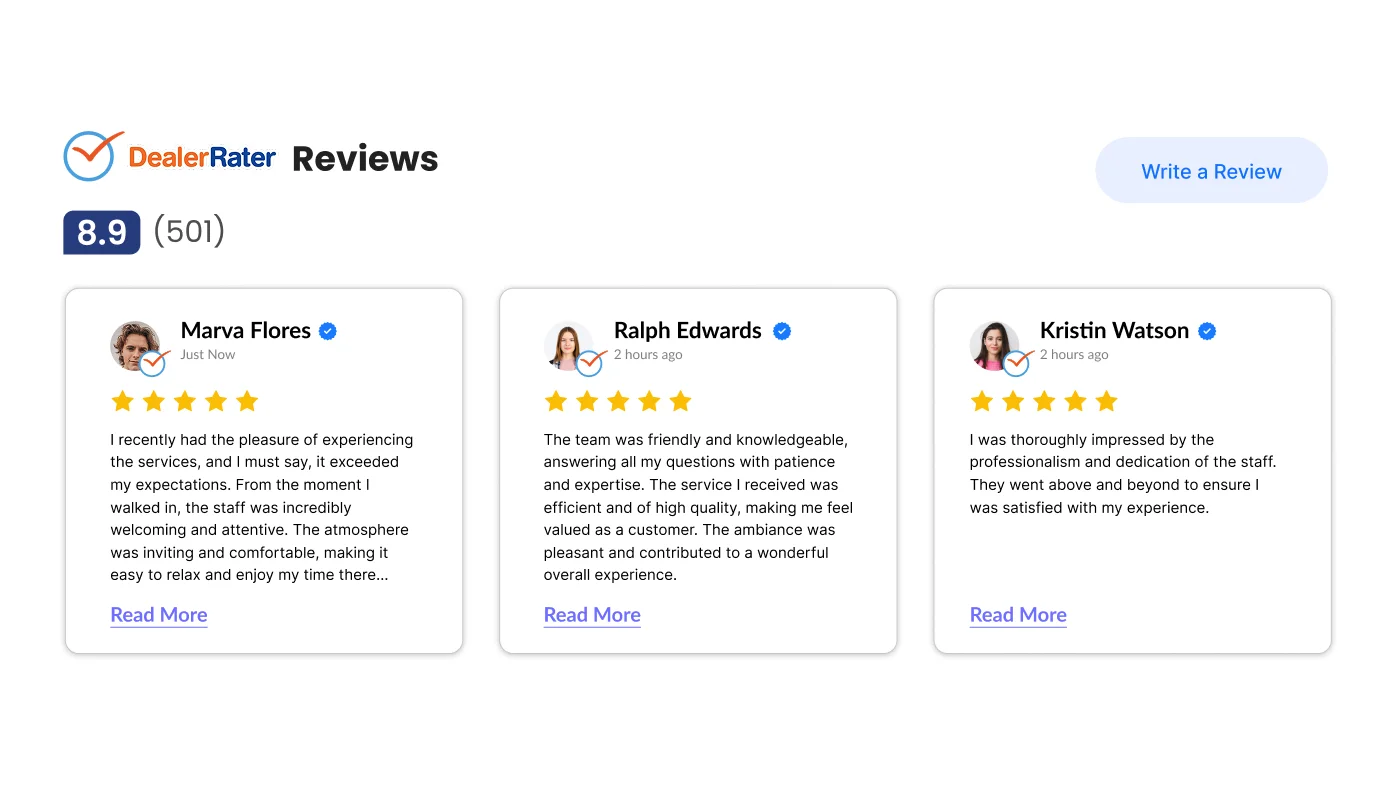
DealerRater Reviews for Google Sites
Add your dealership’s top-rated reviews from DealerRater.
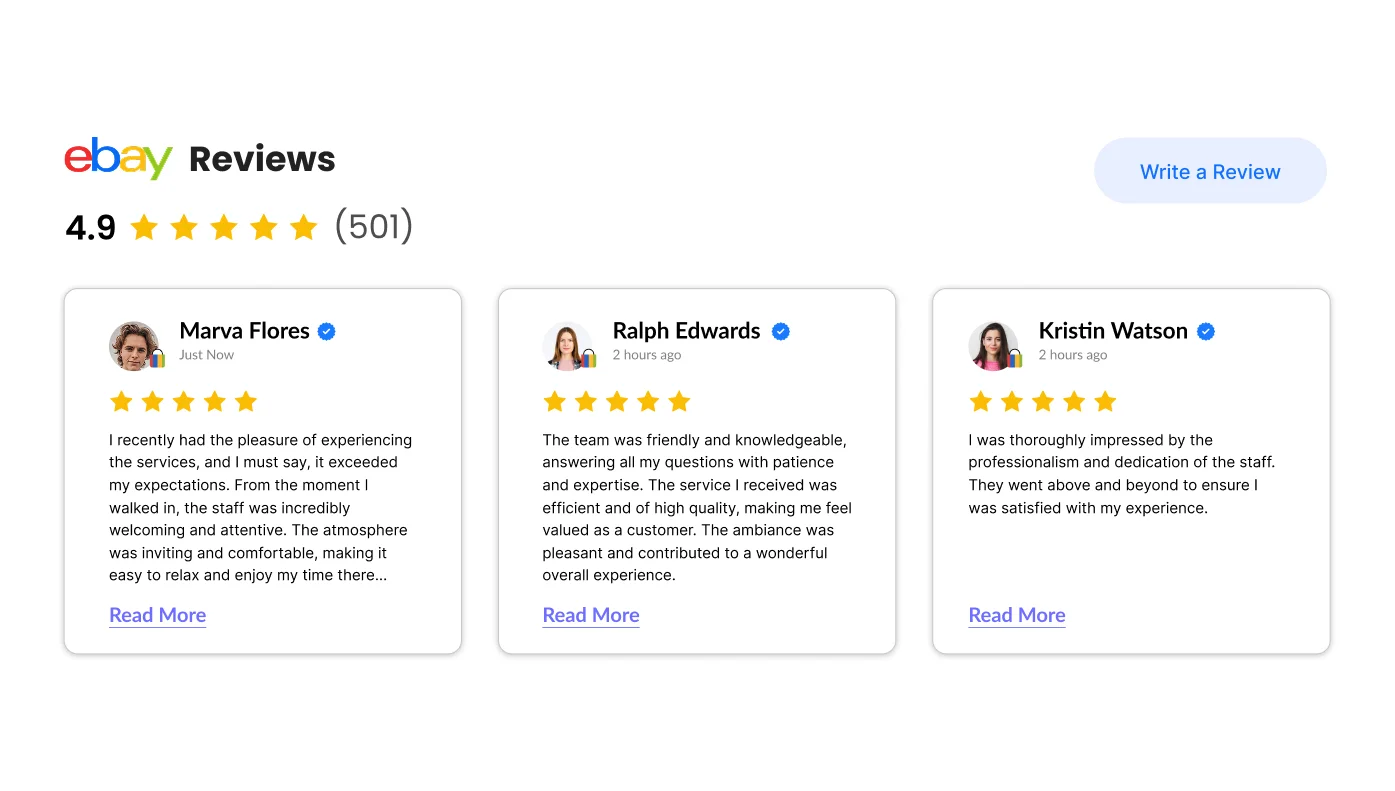
eBay Reviews for Google Sites
Showcase product feedback from eBay to drive buyer confidence.
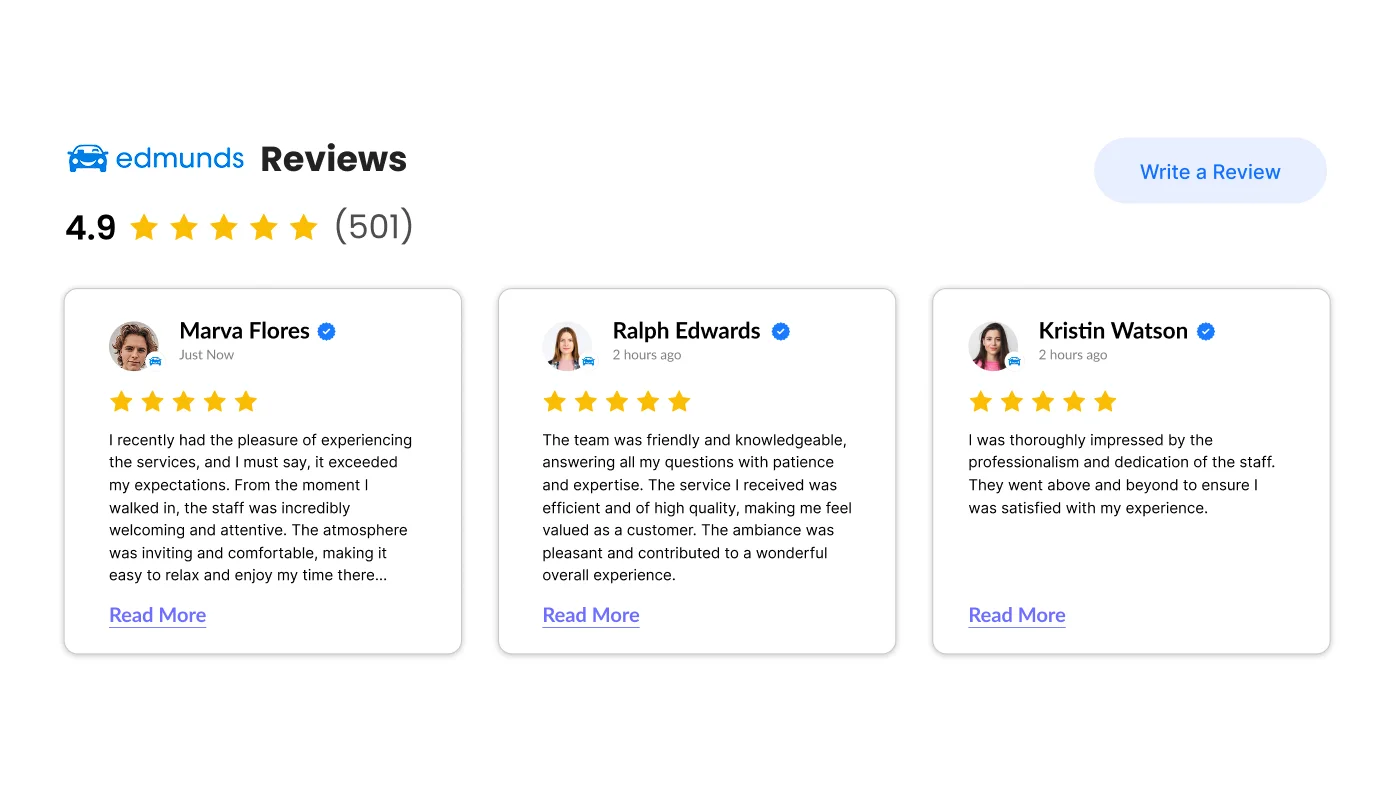
Edmunds Reviews for Google Sites
Promote your auto services with reviews from Edmunds.

Etsy Reviews for Google Sites
Display positive reviews from Etsy buyers to support handmade products.
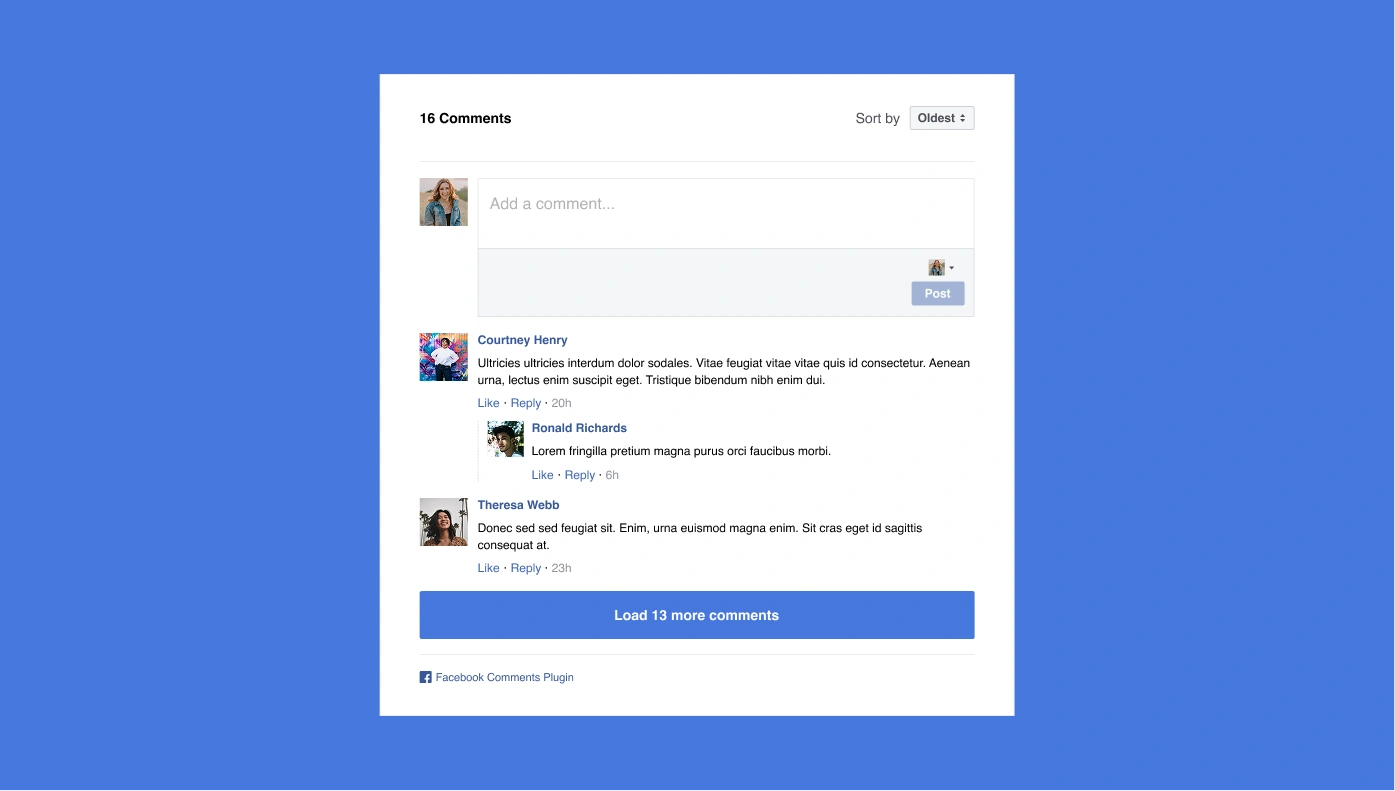
Facebook Comments for Google Sites
Let users comment on your content using their Facebook profiles.

Facebook Share Button for Google Sites
Enable one-click sharing of your content on Facebook.
File Embed for Google Sites
Let users view or download files like DOCs, PPTs, and more.
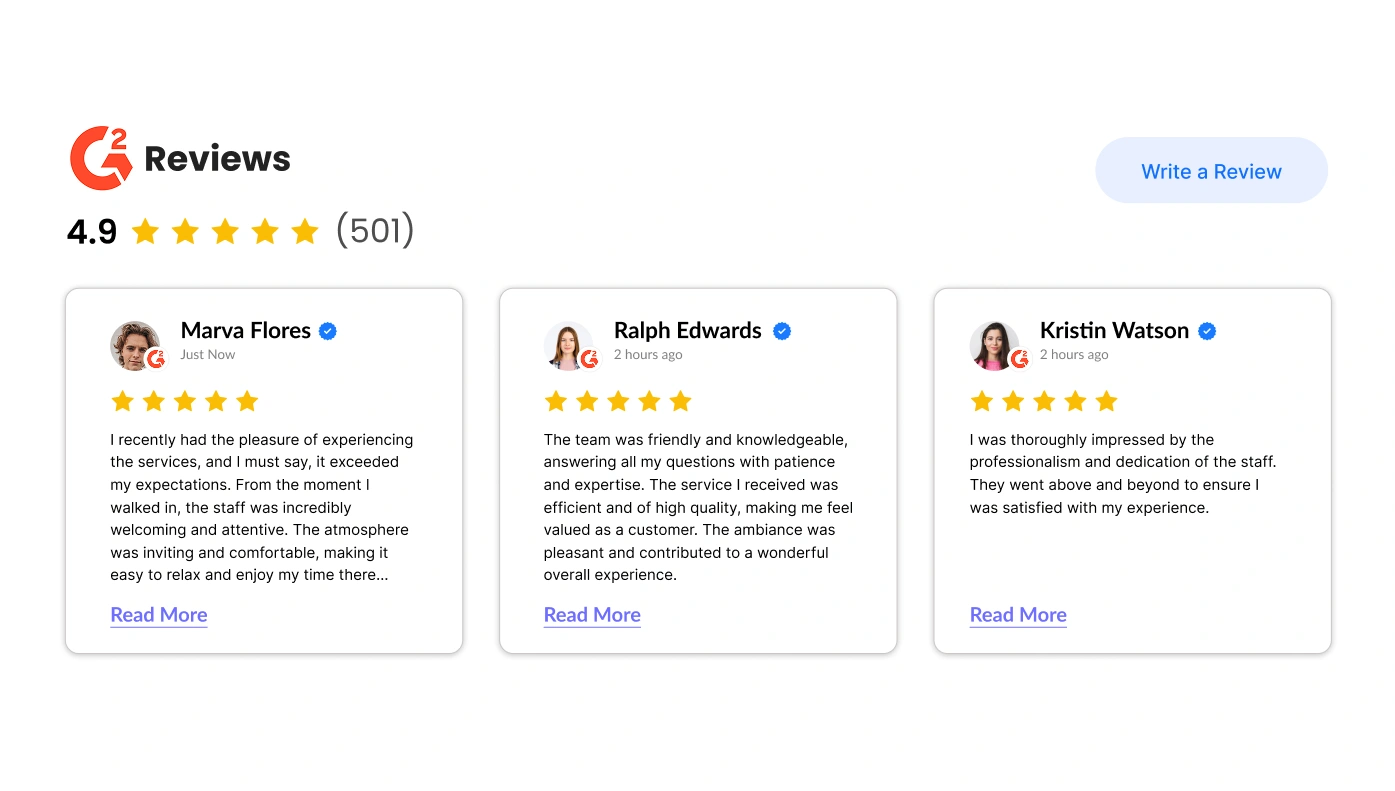
G2 Reviews for Google Sites
Add verified business reviews from G2 to your site.
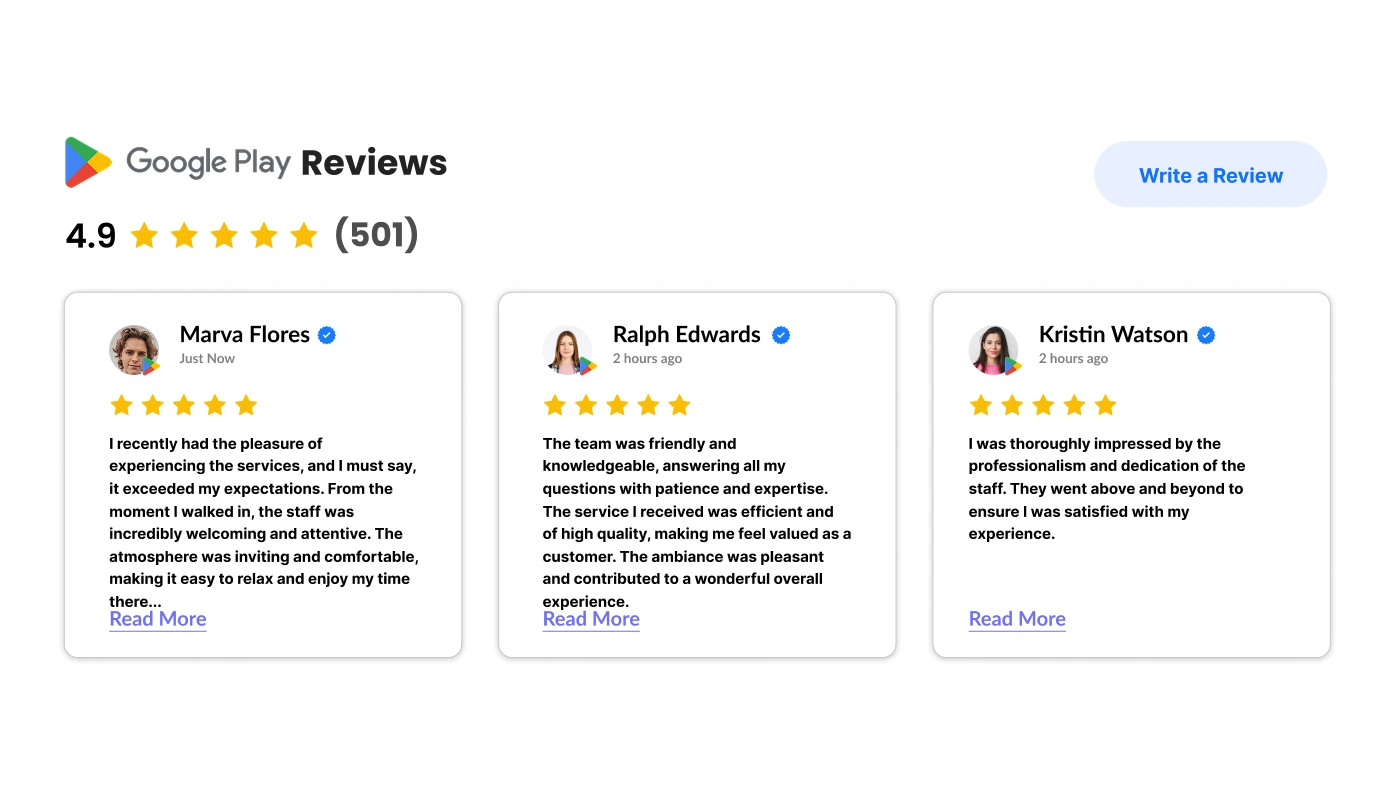
Google Play Reviews for Google Sites
Showcase app, movie, or book reviews from Google Play.
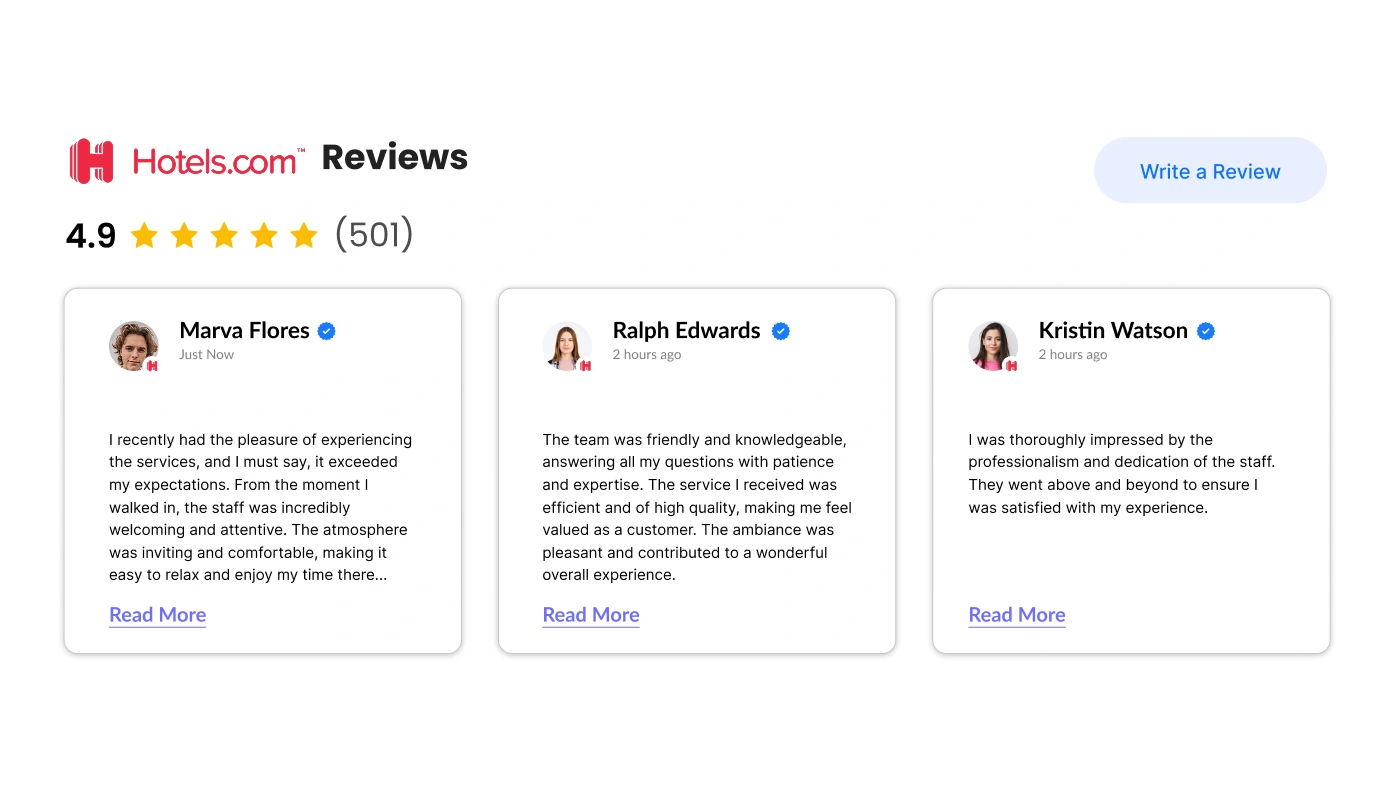
Hotels Reviews for Google Sites
Promote your hotel by featuring reviews from Hotels.com.
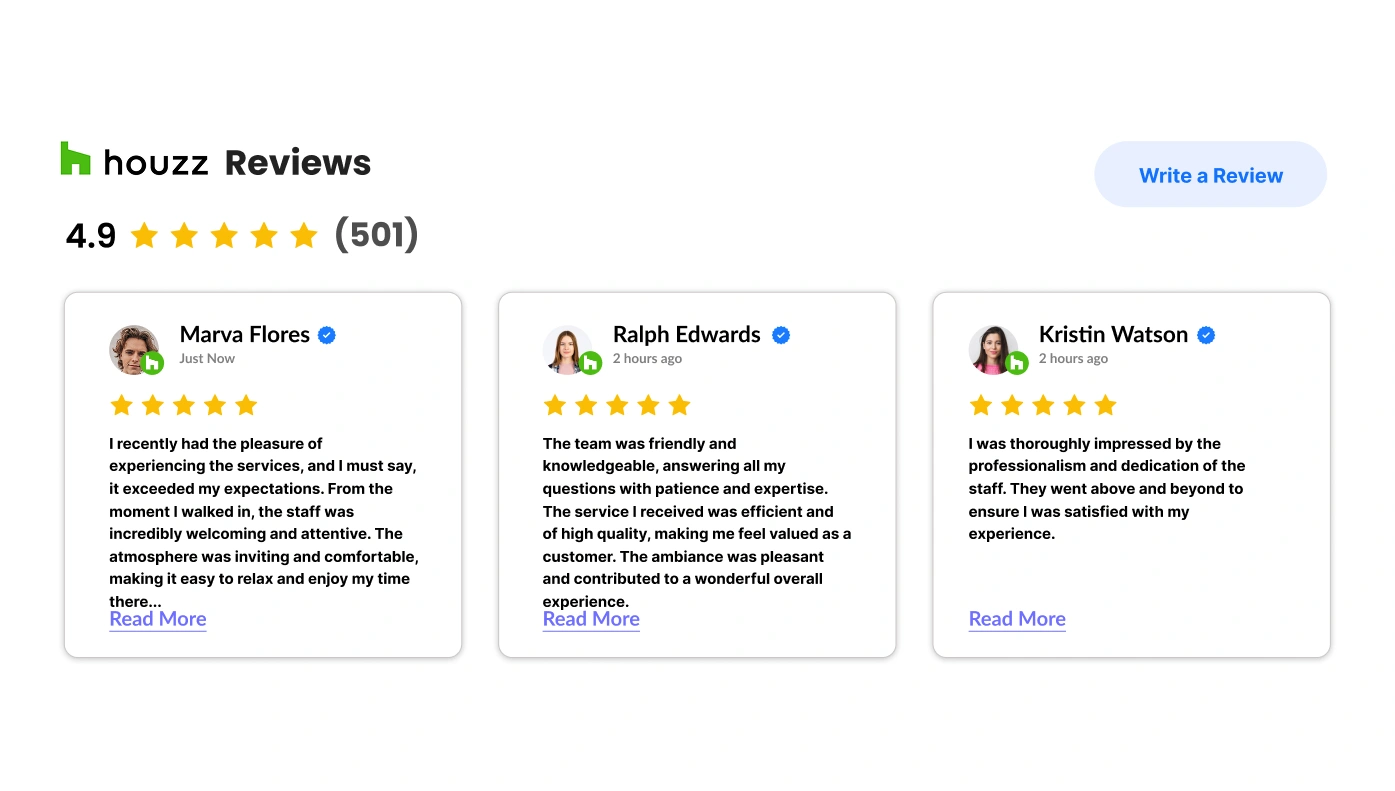
Houzz Reviews for Google Sites
Add service reviews from Houzz to attract home improvement clients.
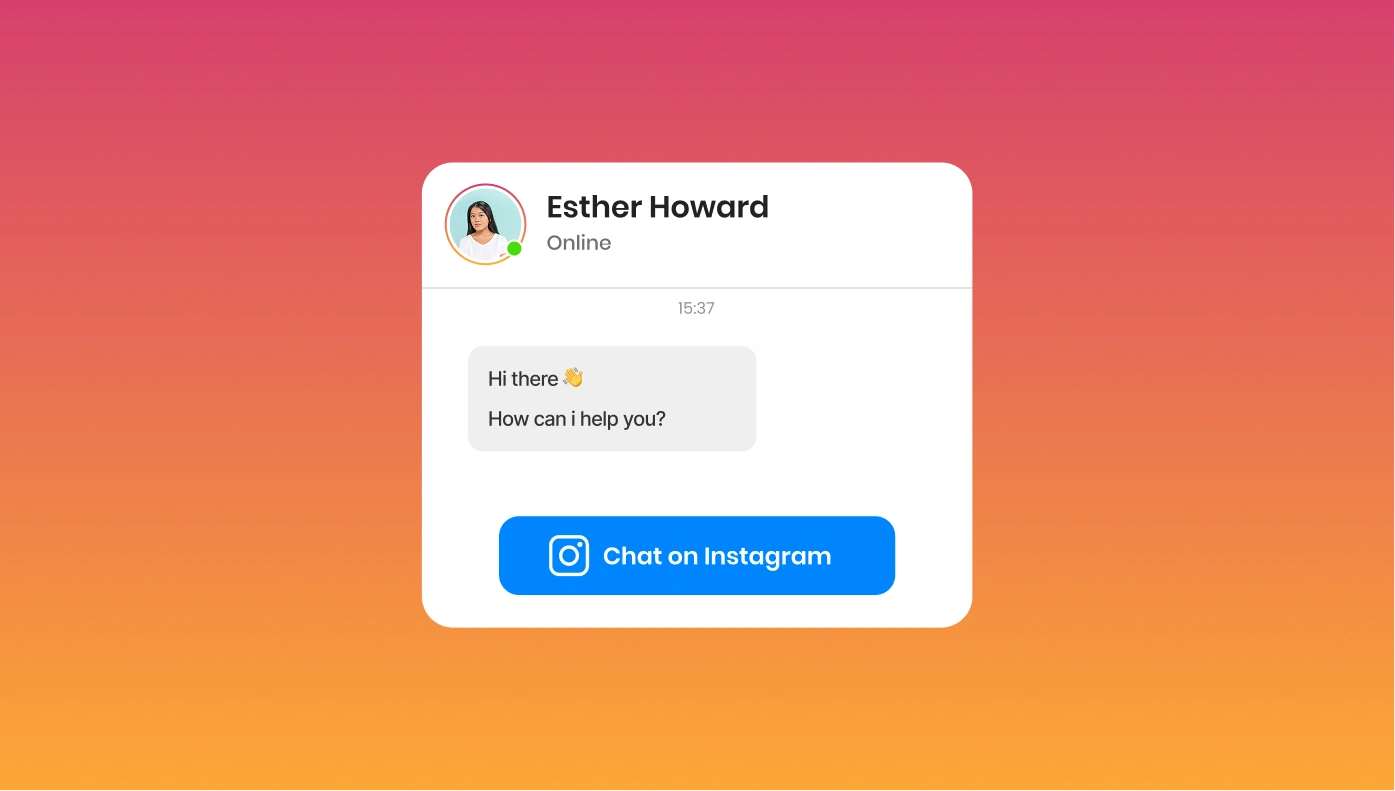
Instagram Chat for Google Sites
Let users chat with you through Instagram messages on your site.

Instagram Widget for Google Sites
Embed your Instagram profile to attract followers and build trust.
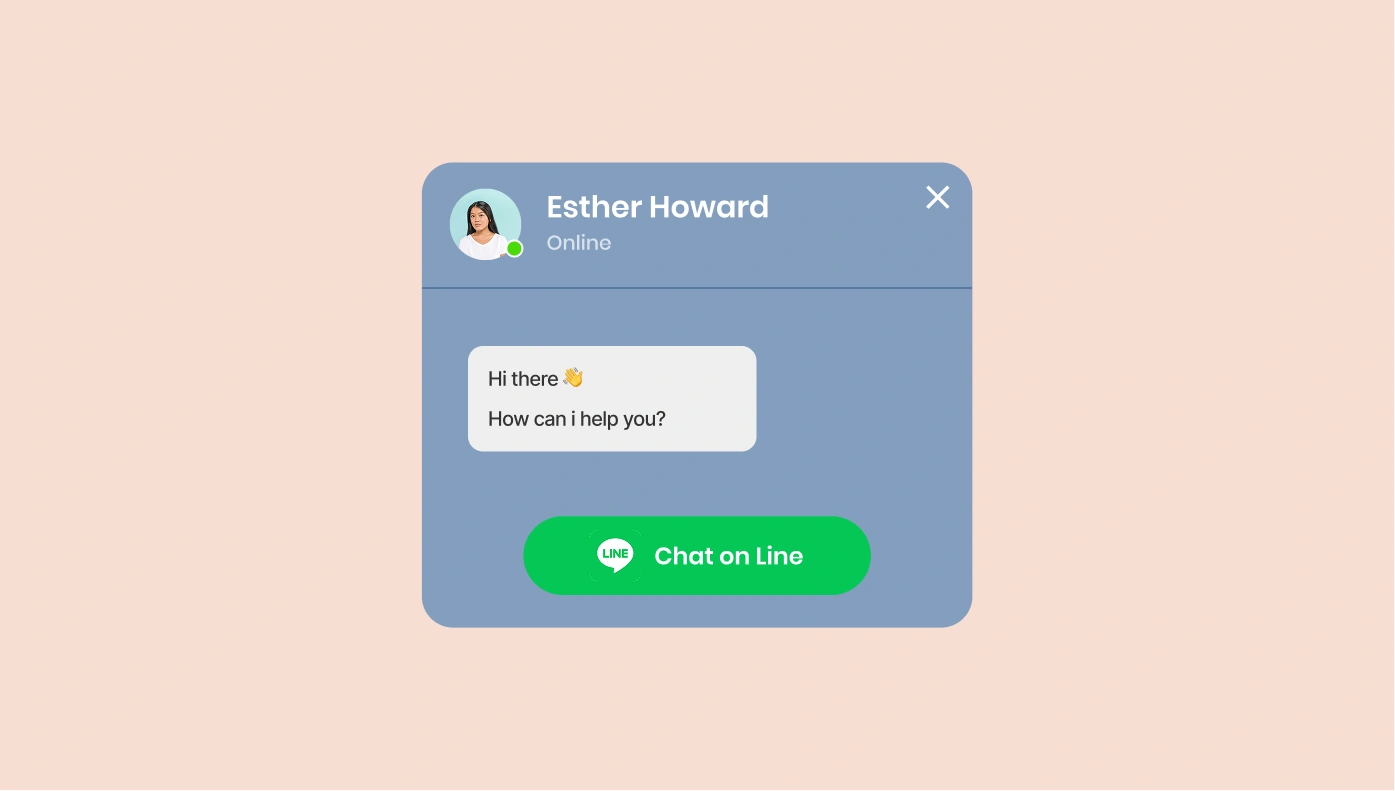
Line Chat for Google Sites
Let visitors message you via Line directly from your website.
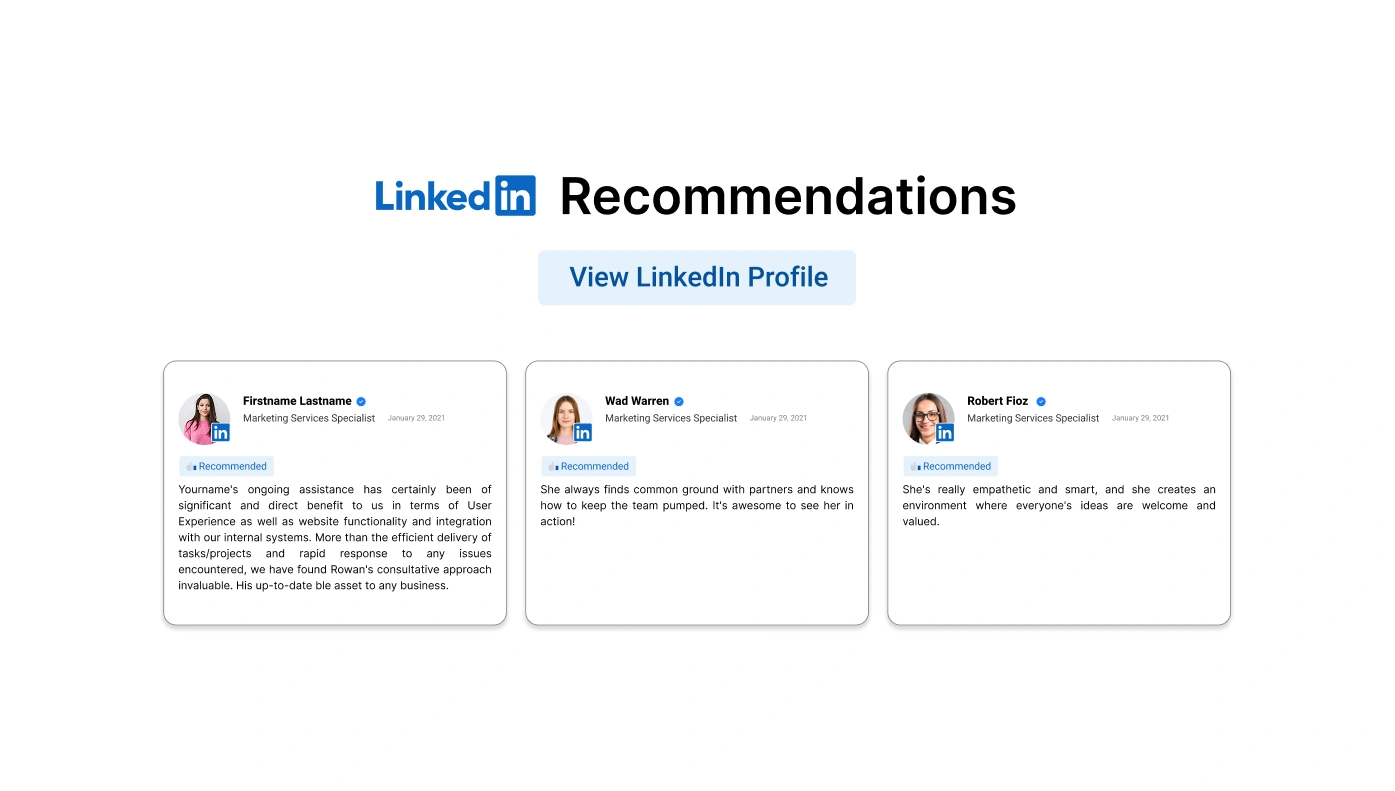
LinkedIn Recommendations for Google Sites
Showcase LinkedIn testimonials for credibility and trust.
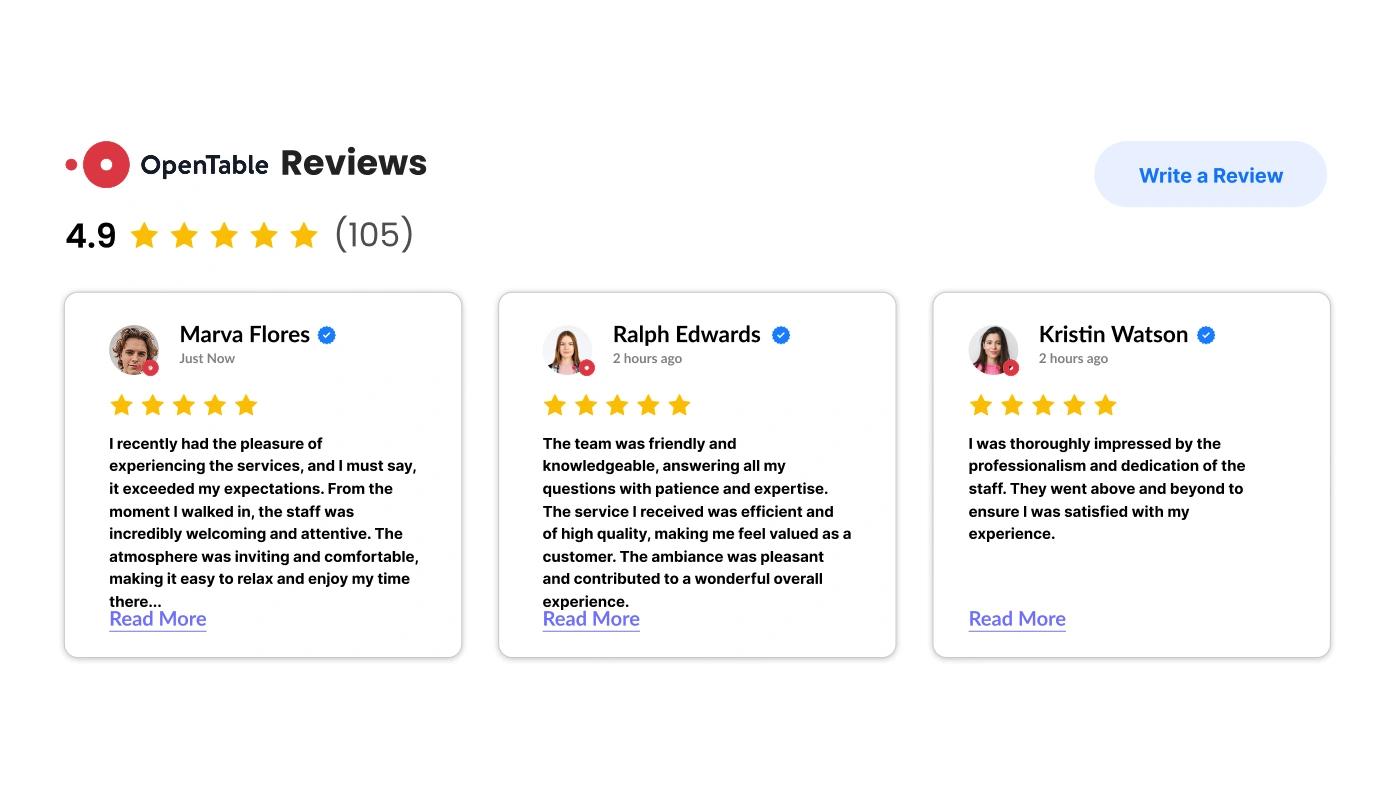
OpenTable Reviews for Google Sites
Share reviews from OpenTable to boost restaurant reservations.
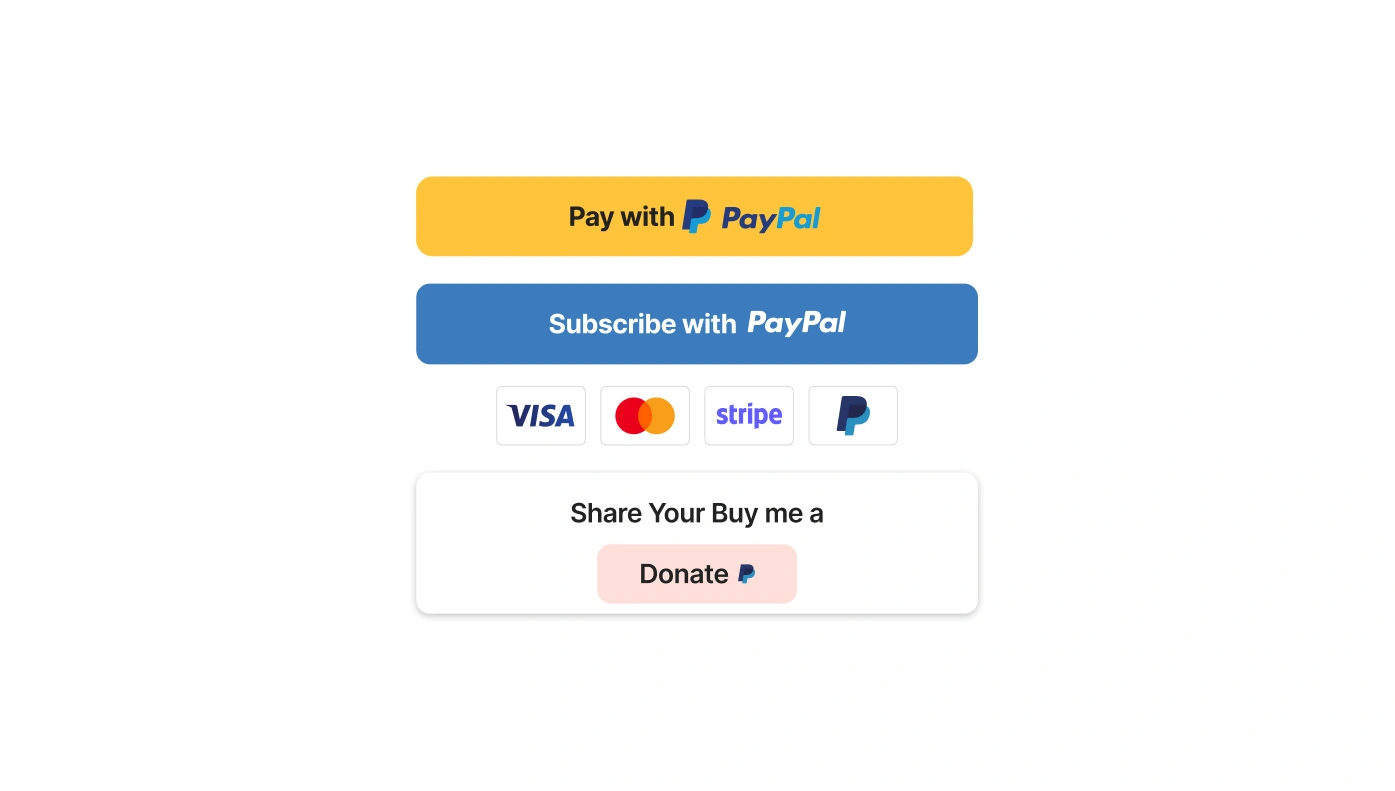
PayPal Button for Google Sites
Allow payments, donations, or subscriptions via PayPal.

Pinterest Feed for Google Sites
Embed pins and boards to inspire users with visual content.
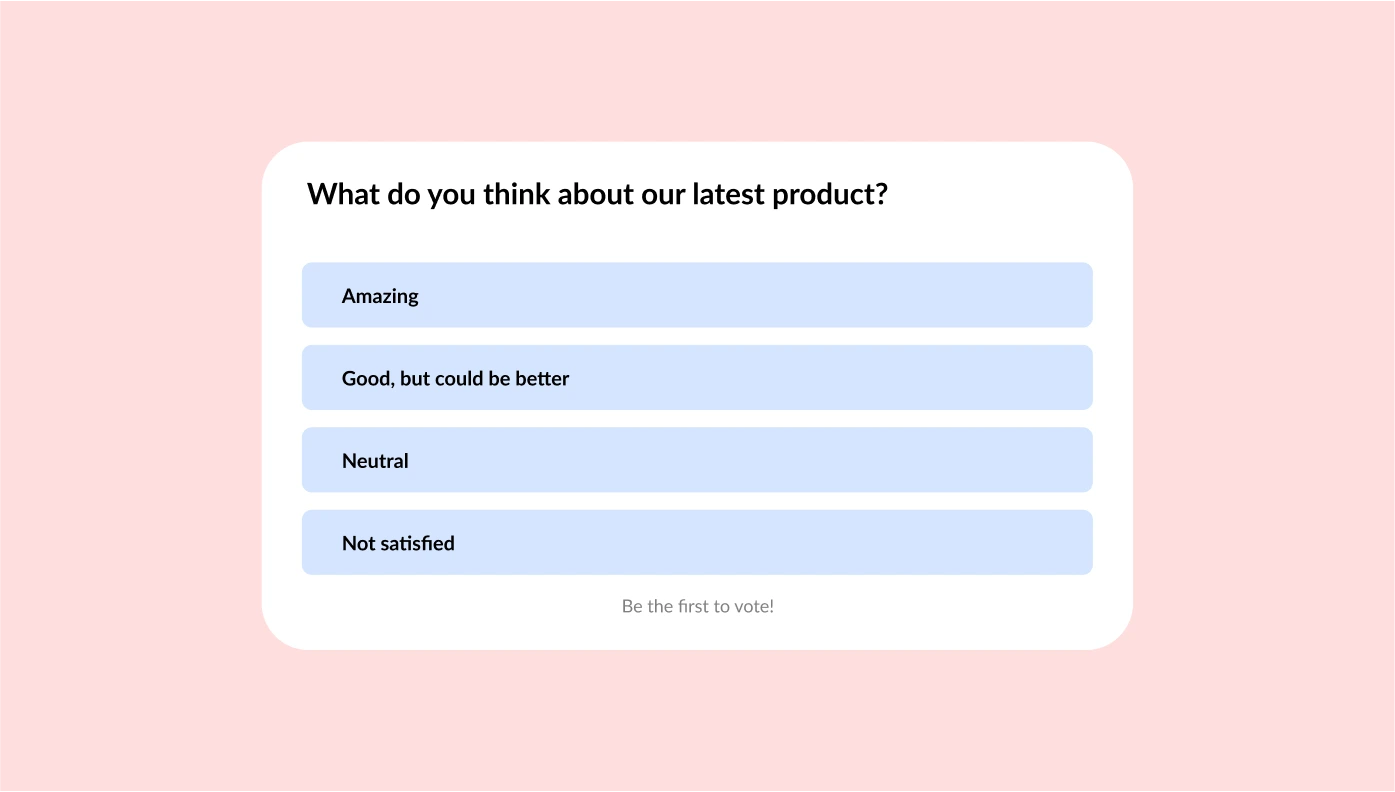
Poll for Google Sites
Run interactive polls to gather opinions and boost engagement.
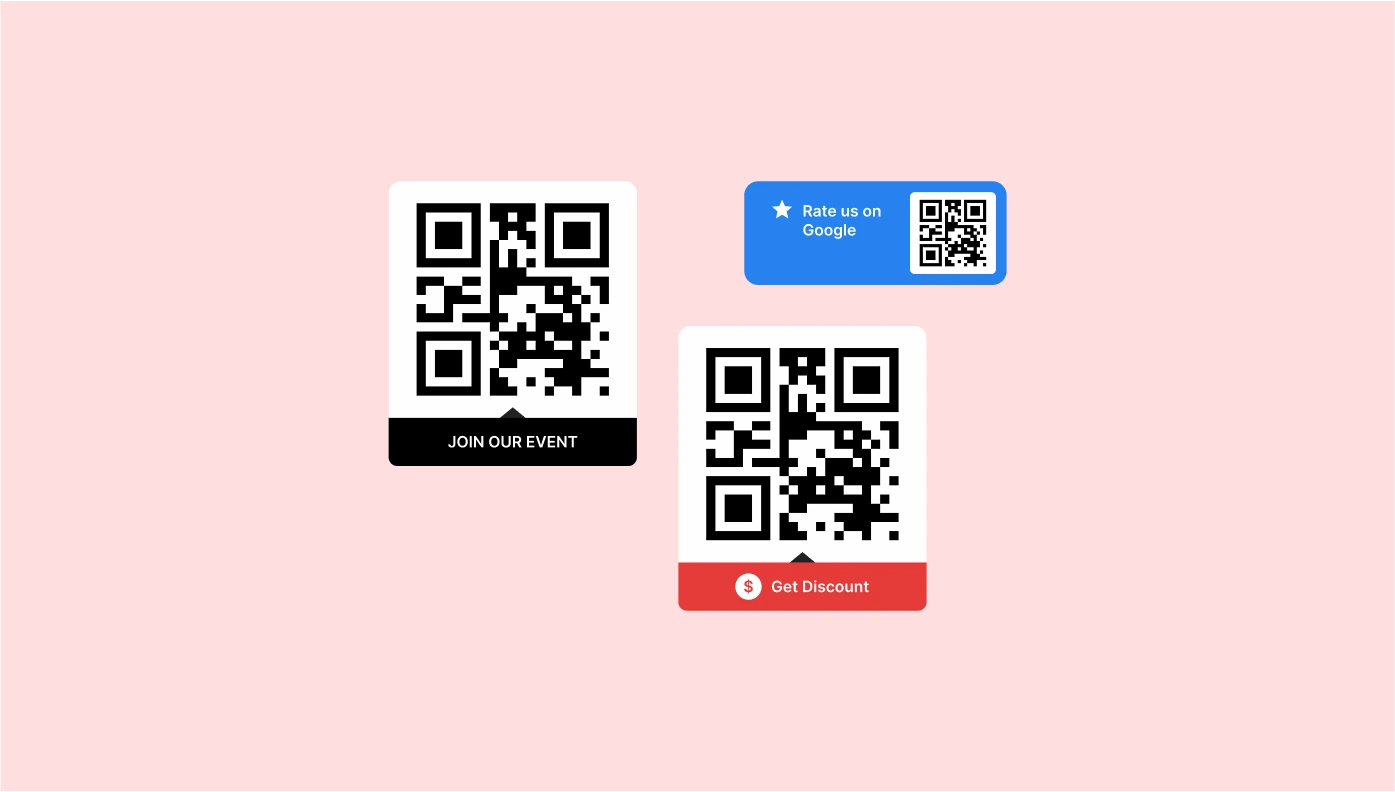
QR Code for Google Sites
Add QR codes for quick info access or file downloads.
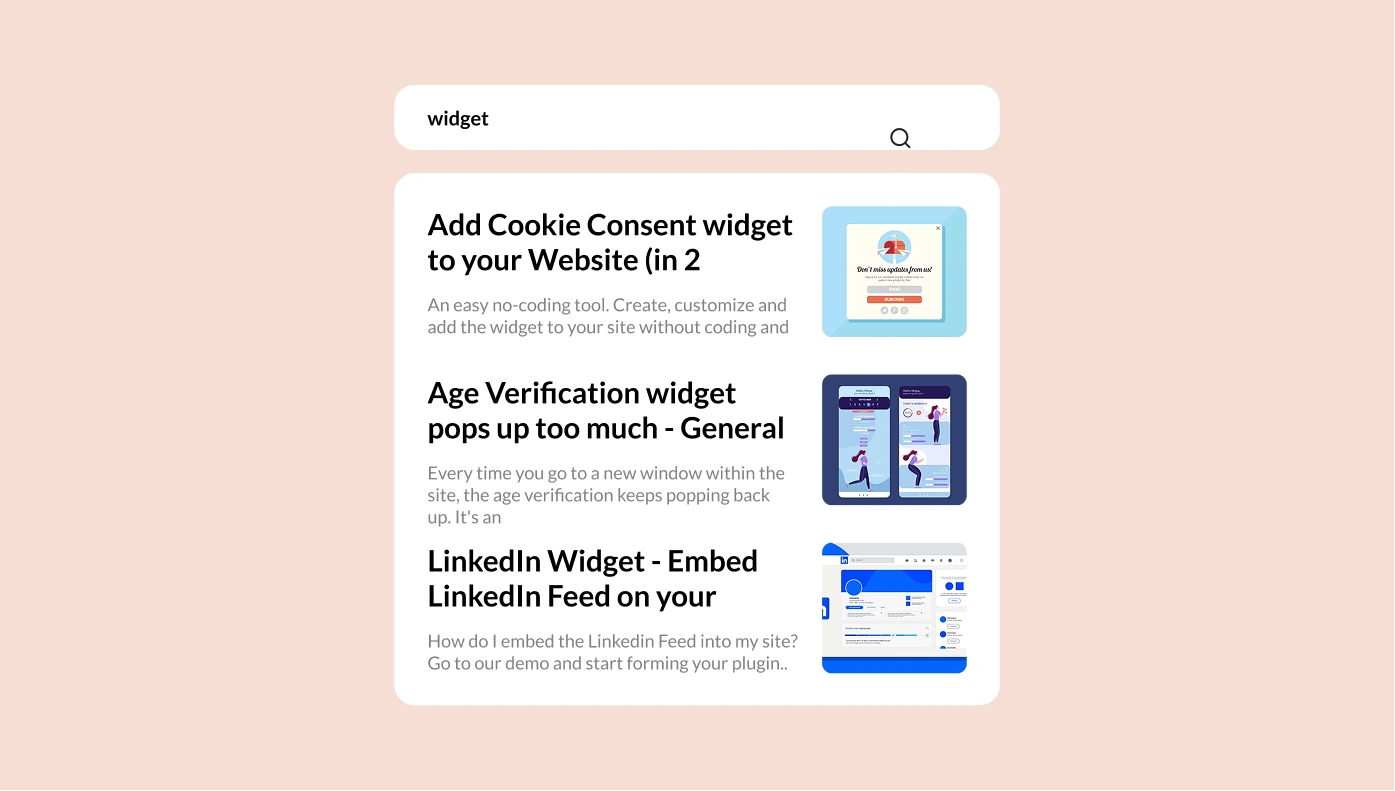
Search for Google Sites
Improve navigation with a custom search bar and smart suggestions.

Social Media Icons for Google Sites
Add icons that link to your social profiles in one clean row.
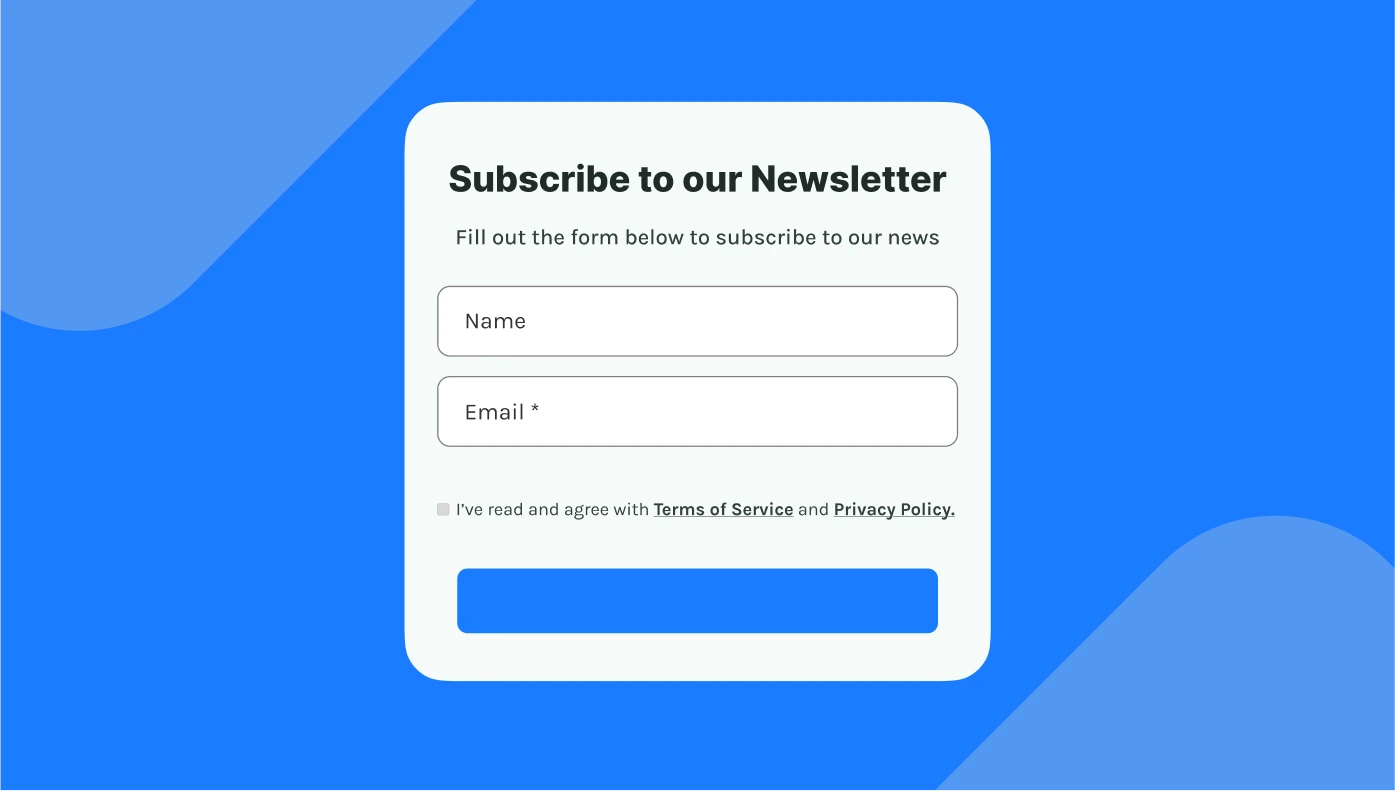
Subscription Form for Google Sites
Capture email subscribers with a stylish signup form.
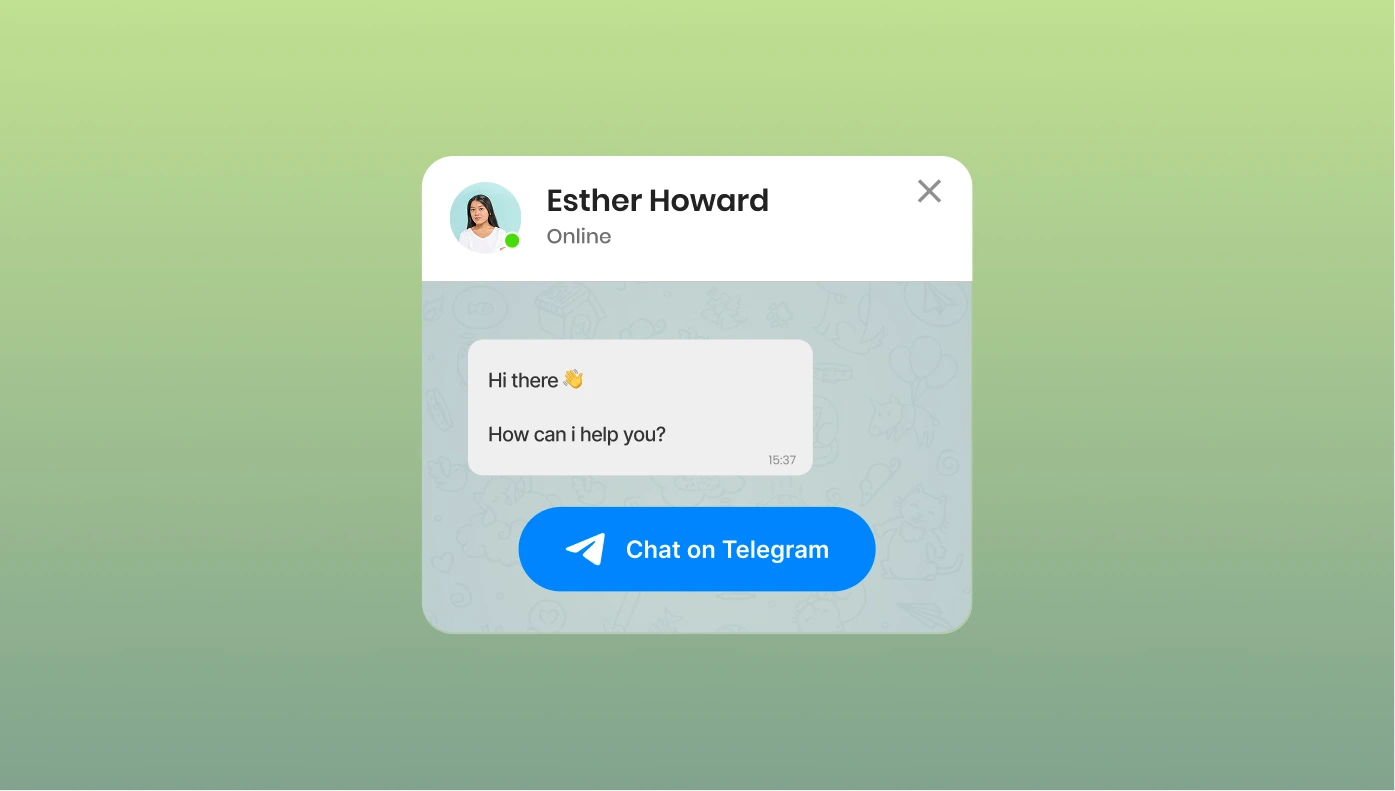
Telegram Chat for Google Sites
Let visitors reach out via Telegram directly from your site.

Tumblr Feed for Google Sites
Display blog content from Tumblr in a unique feed format.
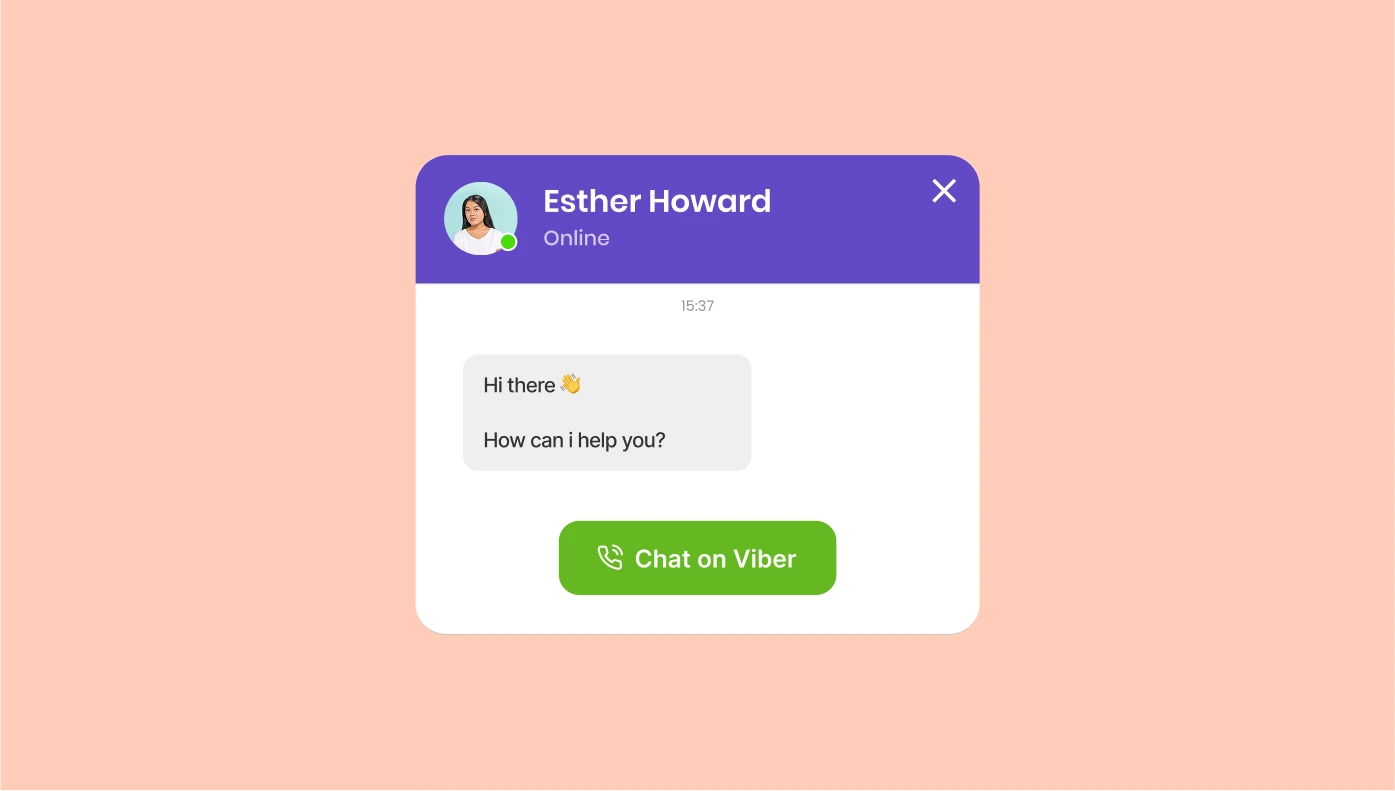
Viber Chat for Google Sites
Enable direct messaging through Viber from your site.
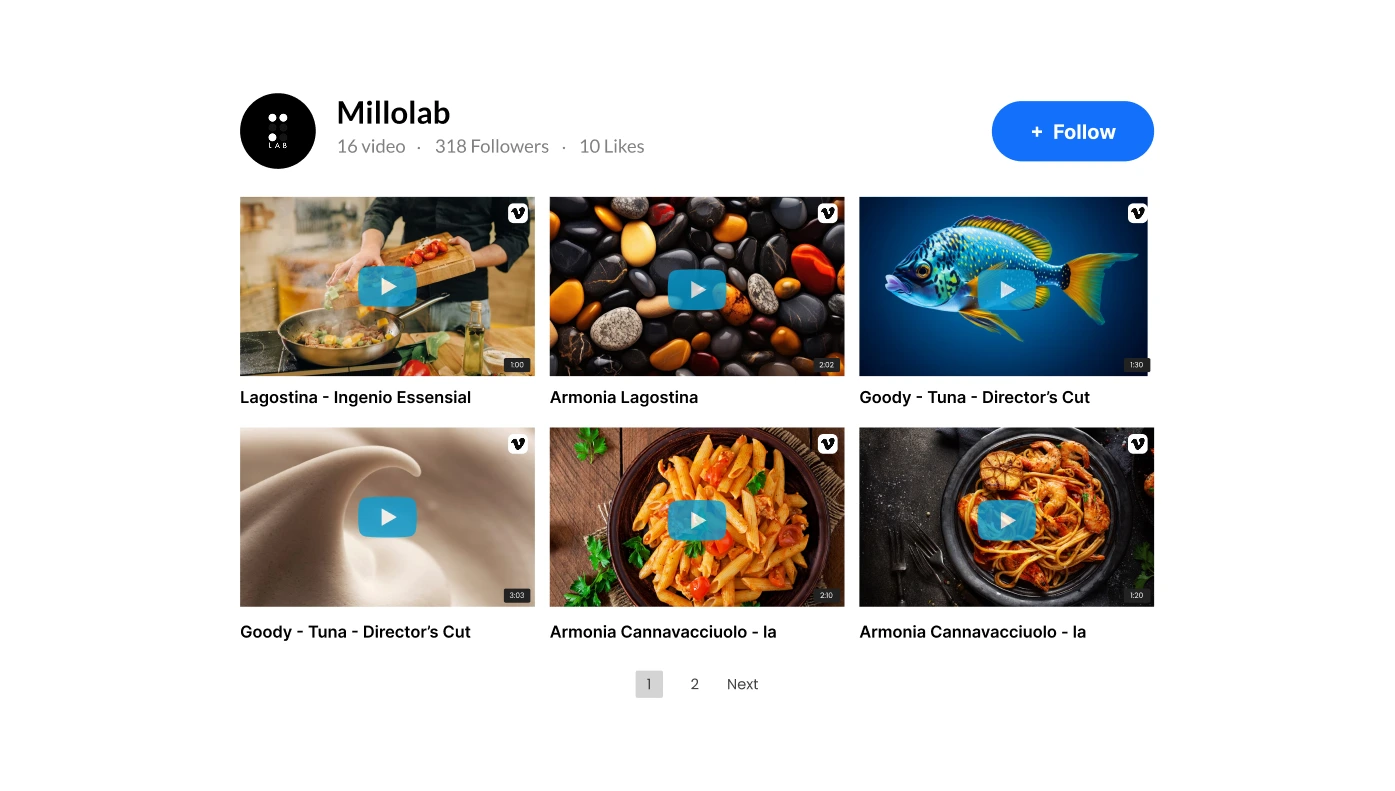
Vimeo Gallery for Google Sites
Embed video content from Vimeo in a sleek, gallery-style layout.
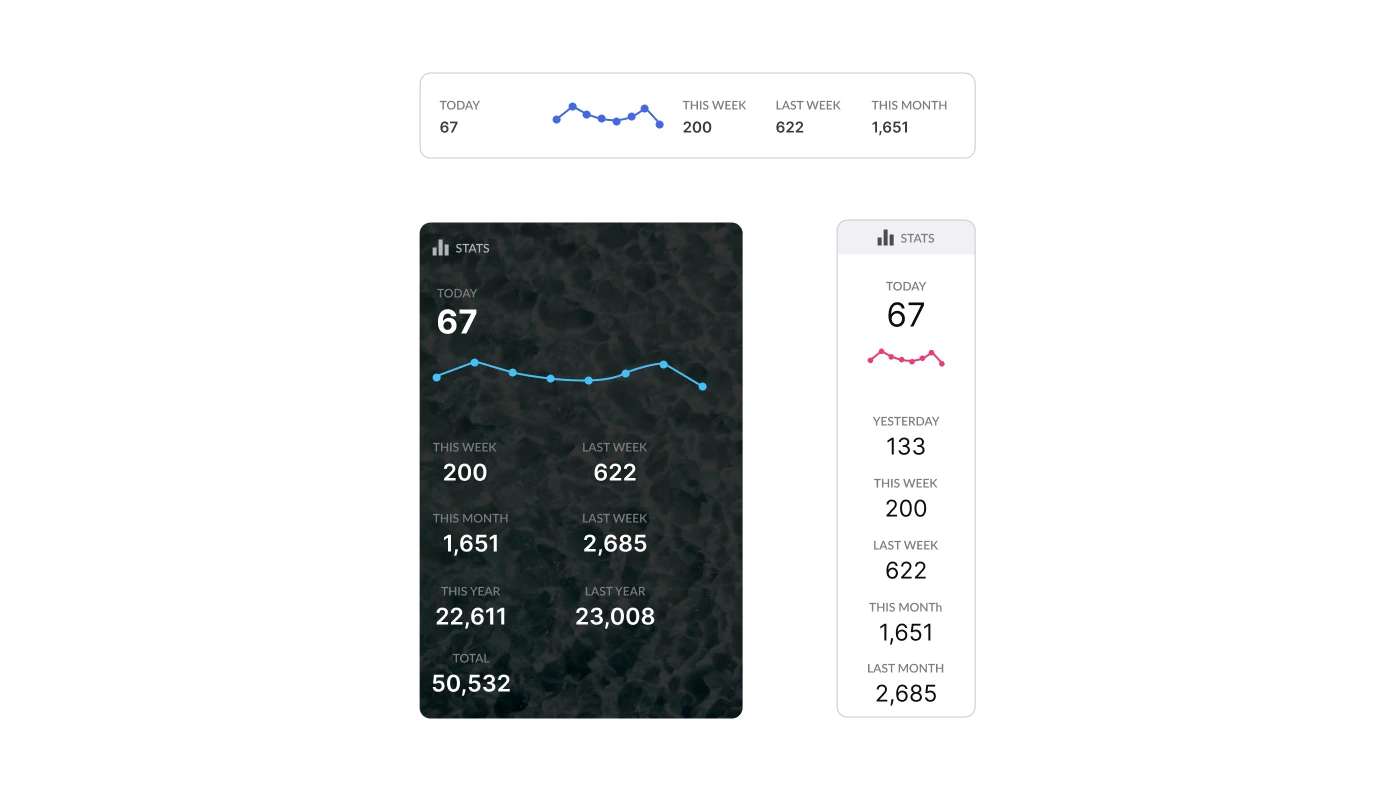
Visitor Counter for Google Sites
Track and display visitor numbers to build social proof.
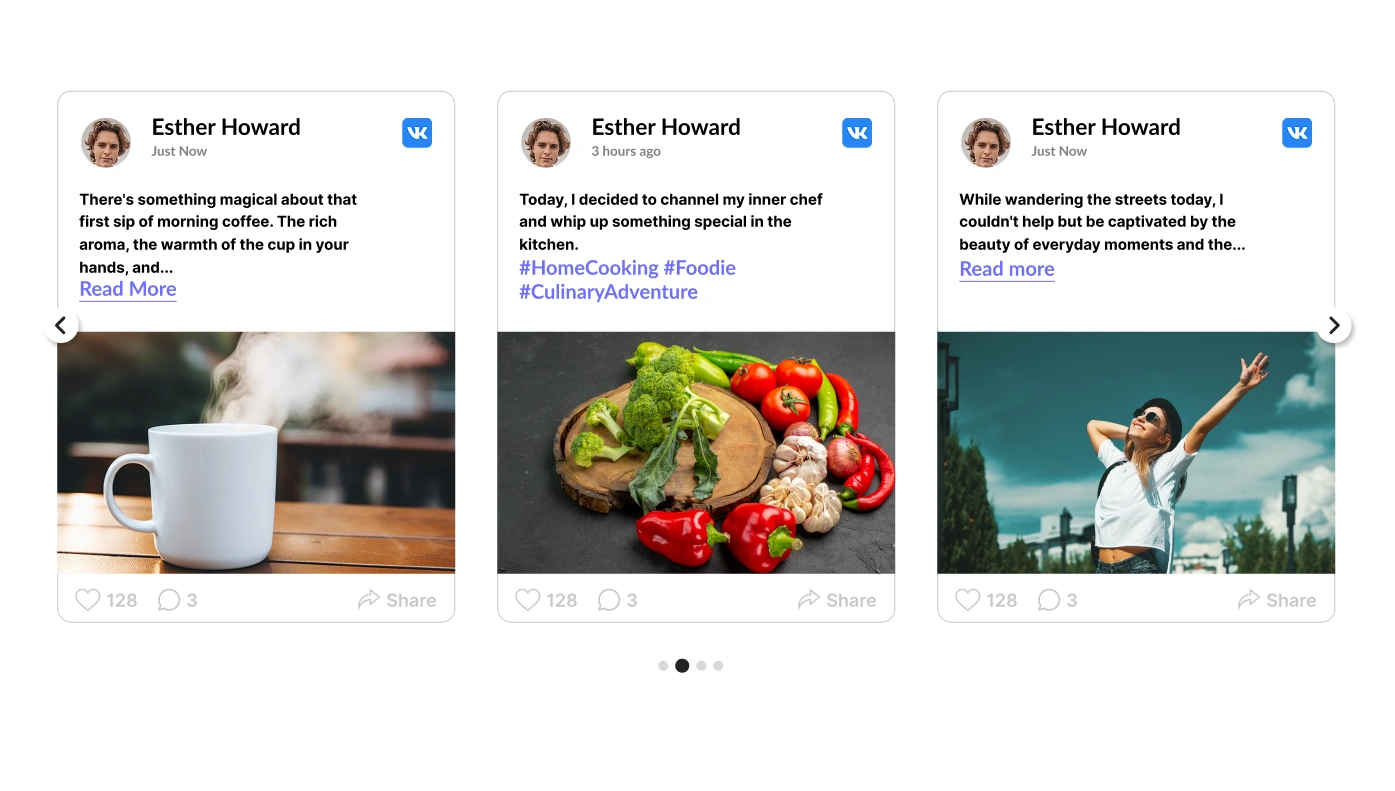
VK Feed for Google Sites
Pull VK.com content into your website with a dynamic feed.
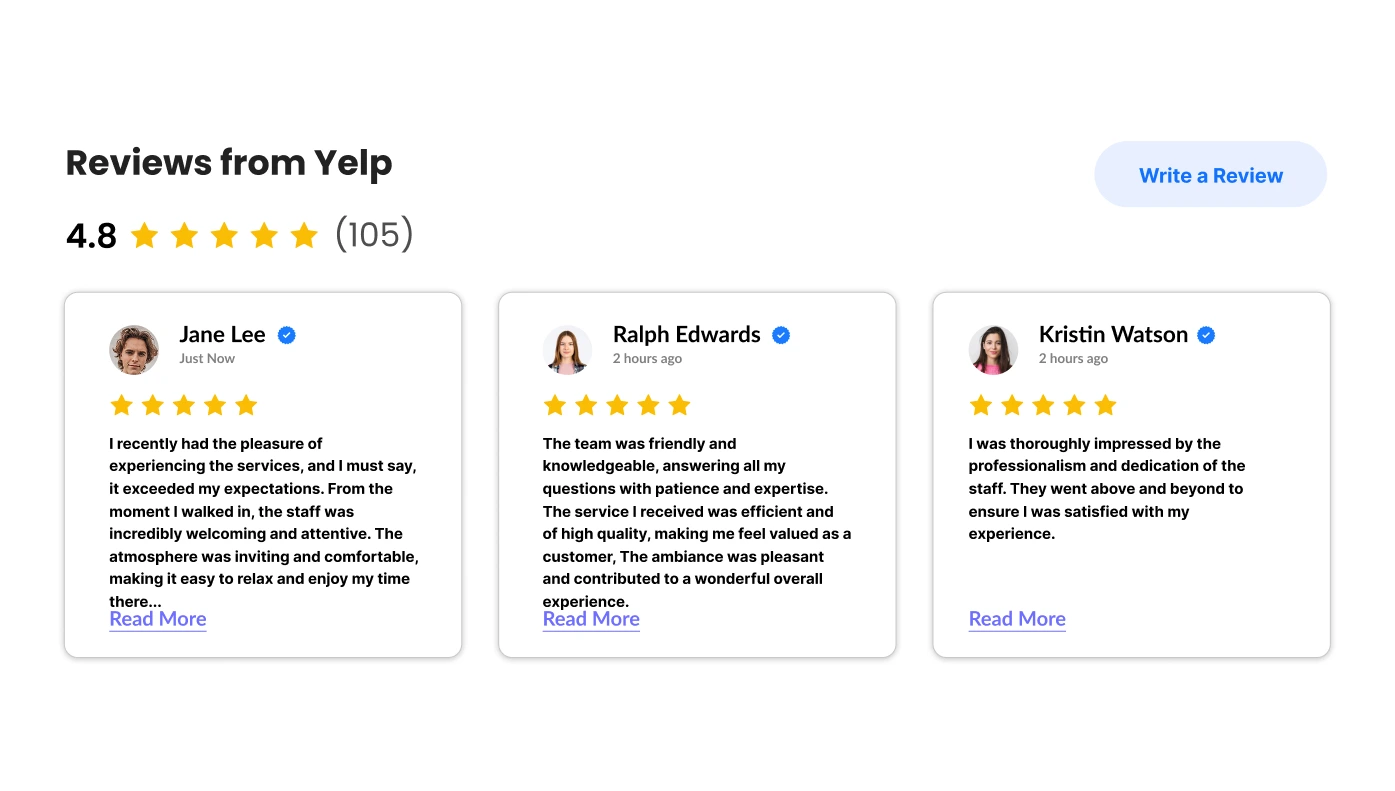
Yelp Reviews for Google Sites
Show off trusted Yelp reviews to attract new customers.

Facebook Like Button for Google Sites
Stay connected with us by clicking the Facebook Like Button below!
Explore the Upgadeify Plugin Store for Google Sites
Upgadeify offers user-friendly website applications that help businesses, creatives, and developers enhance their Google Sites websites, without writing a single line of code. Our widgets are fully compatible with all Google Sites templates, allowing you to improve design, engagement, and performance effortlessly. Upgadeify has a list of widgets that provide powerful, code-free solutions to upgrade your website with simplicity.
Why Should You Add Upgadeify Widgets to Your Google Sites Website?
Enhancing your website is easy with widgets, no coding required. Whether you want to enhance design, engage your audience, or simplify daily tasks, these no-code widgets offer powerful solutions. With seamless integration across platforms, setup takes only a few clicks.
- Effortless Customization: We have a list of Google site widgets that are easy to use and can be customized with a simple, user-friendly builder.
- Quick & Seamless Integration: Our widgets are made to work really well with how Google Sites websites are built and look. This means they won’t mess up your website’s design or performance. You can add them in no time at all!
- Diverse Solutions: We have widgets for all sorts of things! From showing your social media posts and helping with online shopping to smart AI blogs and chats, our widgets can help with specific needs for all kinds of businesses.
Why Upgadeify Stands Out Among Widget Providers
Upgadeify’s widget store provides a collection of powerful no-code tools built to improve your Google Sites website and help you to achieve your objectives.
- 24/7 Support: You can get help any time you need it! Our team is always here to fix problems or show you how to set up widgets on your site.
- Diverse Plugin Selection: You can pick from over 100+ widgets for your Google Sites website! This includes things like connecting to social media, adding chats, making forms, showing reviews, and lots more.
- Easy Integration: All of our widgets don’t need a single line of code, and you can add them to your website in just a few minutes! This is perfect for all types of users.
- Flexible Pricing Plans: No matter if you’re working individually or have a growing business, Upgadeify has different prices that will fit what you need and what you want to spend.
- Regular Updates: With continuous updates, Upgadeify widgets remain compatible with the latest Google Sites features and modern browser standards.
- Business-focused Features: Upgadeify offers everything you need, whether you want widgets for eCommerce, email marketing, or creative design.
Upgadeify lets you enhance your website with a wide range of widgets that blend modern design with excellent performance and a smooth user experience.
Find the Right Plugins for Your Industry and Objectives
Whatever the purpose of your website is, whether it’s selling products, gaining new clients, showcasing your portfolio, or providing services. Upgadeify has a list of widgets for Google Sites websites that offer the right tools to support your goals. With no coding required, you can go beyond the basics and enhance your site using powerful, ready-to-use solutions tailored to your business needs.
Here are just a few examples of how our widgets can help:
- eCommerce widgets: Boost your promotions with countdown timers, pop-ups, sales alerts, and limited-time banners that create urgency and drive more sales.
- Chat widgets: Offer instant support and stay connected with customers using popular messaging platforms. Choose from dedicated chat solutions or our all-in-one communication app.
- Review widgets: Automatically collect and display reviews from trusted platforms to build credibility and influence purchasing decisions.
- Forms: Quickly build contact, feedback, and order forms to gather inquiries, increase interaction, and simplify communication with your visitors.
These and many other essential widgets for Google site websites are designed to help you create a website that’s not only visually appealing and user-friendly but also focused on delivering real business outcomes, from a visitor’s first click to their final action.
How to Install Widgets on Your Google Sites Website?
Google Sites allows you to easily add external widgets to improve your website. You can do this either by using the full installation code or, in many cases, by embedding a simple Share Link. Here are two methods available, depending on the type of widget and your preference.
Add a Widget Using the Installation Code
- Log in to your Upgadeify account, choose the widget you’d like to add, and click Install.
- In the Embed Code section, click Copy Code to copy the widget’s installation code.
- Open your Google Sites account and select the site you want to modify.
- Navigate to the Pages tab and choose the page where you want to place the widget.
- On the right-hand panel, click Insert Embed.
- Go to the Embed code tab, paste the copied code, then click Next > Insert.
- Resize the widget by dragging its borders to fit your page layout as needed.
Embed a Widget Using the Share Link
This method is compatible with all widgets except Banner, Contact Form, Form Builder, Popup, Slider, and Subscription Form.
- In your Upgadeify account, locate your widget and click Install.
- Go to the Share Link tab and click Copy Link.
- Sign in to your Google Sites account and open the site you want to edit.
- Select the page where you’d like to embed the widget.
- On the right-hand panel, click Insert > Embed.
- Switch to the By URL tab, paste the Share Link, choose Whole Page, and click Insert.
- If needed, resize or reposition the widget by dragging its edges.Z