
Facebook Chat Widget for Your Website
Integrate a Facebook Messenger chat widget into your website to offer visitors a quick, familiar, and convenient way to reach out and get support in real time.
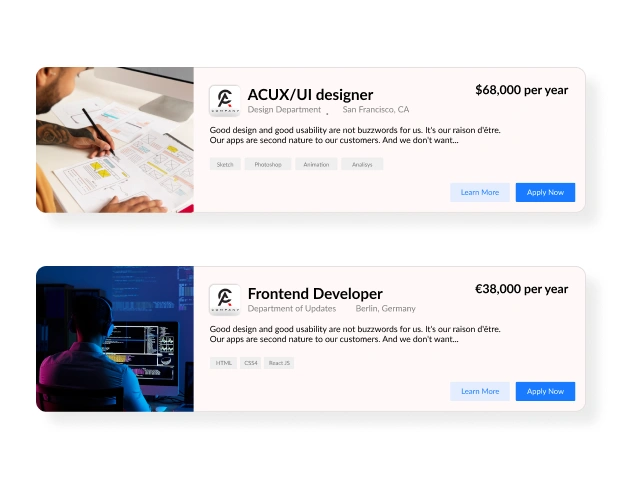
Trusted by Thousands of Businesses And Global Brands Worldwide








Create Your Facebook Messenger Widget in Minutes
Add a sleek, responsive chat button to your website and let visitors message your Facebook Page instantly. No coding or tech skills required.

Why Upgadeify’s Facebook Messenger Chat Widget is the Best?
Give your visitors the most familiar way to chat and keep the conversation going.

Real-Time Messaging with Facebook
Integrate your site with your Facebook Messenger chat widget so visitors can message your brand directly and instantly from any page.

Customizable Look and Feel
Match the chat icon, colors, and welcome message to your site’s design and voice. Create a personalized touch that builds trust.

Fast Setup, No Code Needed
Copy, paste, and launch. It’s that easy. No coding, no waiting. Just instant messaging power right on your site.
Be a Part of Our Thousands of Happy Customers’ List
Join the growing Upgadeify family and boost your online reputation today.
websites support
hours of development invested
to start using the widget
customer satisfaction rate
What Makes the Facebook Chat Widget Special?
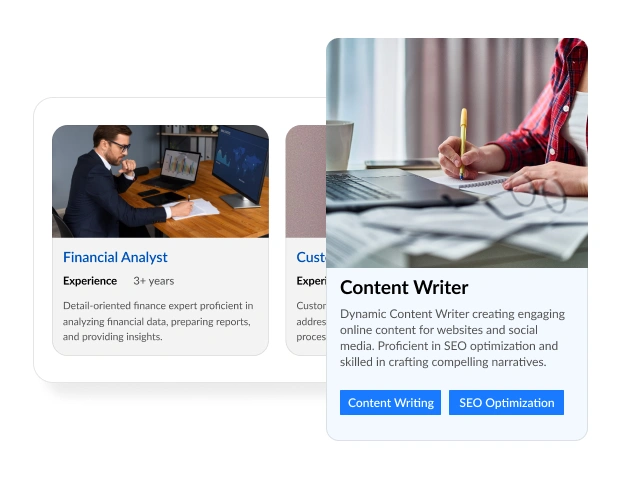
Real-Time Conversations Made Easy
Easily talk with people who visit your website by adding a Facebook Messenger button. This easy-to-use tool lets visitors quickly talk to you in a way they know. No forms to fill out, no waiting. They can start chatting anytime, and you can answer from anywhere, even on your phone. It's a super easy way to be available, build trust, and make customers happier.
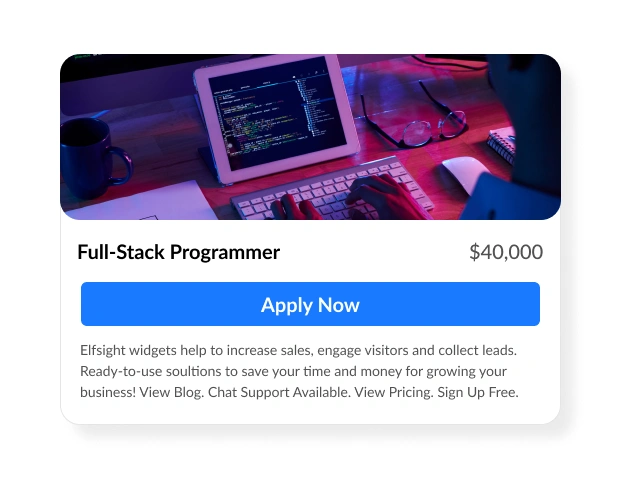
Chat with Visitors. Convert Them into Customers.
No matter what you sell or offer, talking to people right away can help you do even more. With the Facebook Messenger chat button, you can talk to every visitor, answer questions fast, and get more of them to become customers. You can control it completely with smart settings. Make the chat window pop up after someone has been on your site for a while, or just as they're about to leave. Pick from different places to show the chat to match your website's look, and even make the chat special for certain groups of visitors to get the best results.
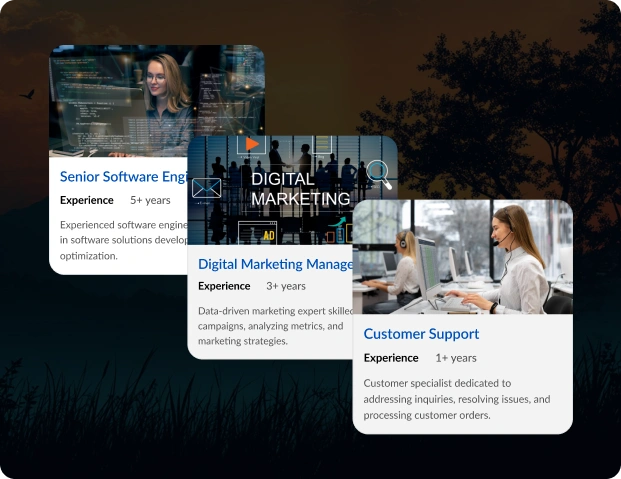
Customizable Layout for Every Scenario
The Facebook Live Chat button has flexible parts that can fit any business need. Whether you're helping with tech problems, guiding customers to buy something, answering questions about products, or handling bookings, this chat tool can do everything. Personalize the experience with ease: Select a chat bubble icon from a built-in library Add a custom caption with key information Display your company logo or choose from preset photos Set a friendly welcome message to initiate conversations Enable message notifications to draw attention Create a helpful, approachable, and on-brand communication channel in just a few clicks.

Live Examples
See How Businesses Use Facebook Chat to Engage and Convert Visitors!

Check Demo
Try Facebook Chat in Action. No Registration. No Setup. Just Click and Explore.
Let Visitors Reach Out with One Click
No forms. No email delays. Just a direct line to your inbox via Facebook Messenger. The Facebook Messenger widget creates a familiar space where customers feel comfortable starting conversations. It helps reduce bounce rates, increase time on page, and deliver faster customer service, all with a free tool you can install in minutes.

Effortless Visual Editor
Forget coding or hiring a developer, our intuitive live editor lets you build, plus install your widget in just a few clicks, saving you both time & money.
Read More
Mobile-Ready & Fully Responsive
All widgets are designed to look and work great on any device, whether it’s a phone, tablet, or desktop, delivering a consistent experience to all your visitors.
Read More
Expert Support from the Upgadeify Team
Get premium assistance along with free setup guidance from our dedicated team, making sure a smooth as well as a hassle-free experience from the start to end.
Read More
Reliable Upgadeify Cloud Platform
Enjoy fast-loading, automatically updated widgets with built-in bug fixes, optimised for performance, no matter where your users are.
Read MoreFrequently Asked Questions
It’s a small chat icon or bubble that connects your website visitors directly to your Facebook Messenger inbox, allowing for real-time messaging.
Yes. The Facebook Messenger chat widget uses Facebook’s official tools to connect Messenger to your site.
Absolutely. You can change the colors, position, chat icon, welcome message, and even choose when the widget appears on specific devices or pages.
Yes! The widget works seamlessly with Shopify, WordPress, Wix, Webflow, Squarespace, and all custom websites.
Yes, visitors must be logged into Facebook to send and receive messages via the widget, just like any Messenger conversation.
Yes. Customize your greeting text to start the conversation and set expectations while you’re offline.
Yes, there’s a free version to get you started. Upgrade when you need more customization or priority support.
Just configure your widget, copy the provided embed code, and paste it into your site’s HTML or CMS block. The widget is live in under 5 minutes.
Join Over 2 Million Users Using Upgadeify Widgets
Explore our 80+ feature-rich tools designed to upgrade your website. No credit card needed. Sign up for free today!

More Widgets
Trending

Facebook Feed
Display posts, photos and videos from Facebook on your website
Start: July 1, 2023
Last Updated: April 10, 2023
Trending

Instagram Feed
Display posts, photos and videos from Facebook on your website
Start: July 1, 2023
Last Updated: April 10, 2023
Trending

Google Feed
Display posts, photos and videos from Facebook on your website
Start: July 1, 2023
Last Updated: April 10, 2023