
LinkedIn Recommendations Widget for Your Website
Put the professional recommendations from your LinkedIn profile on display. It's a great way to show potential clients or employers that you're good at what you do.
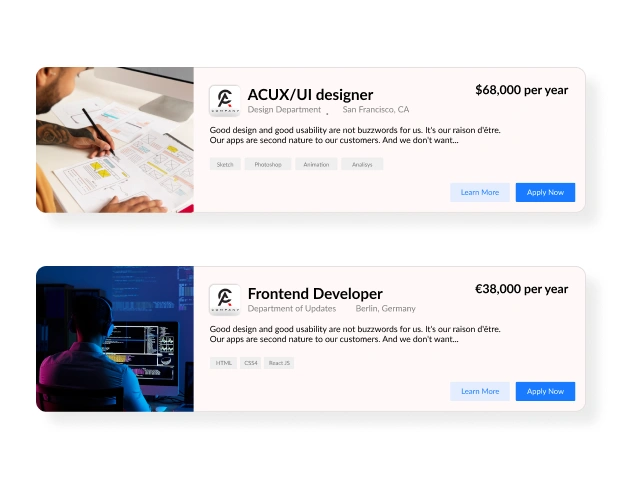
Trusted by Thousands of Businesses And Global Brands Worldwide








Create Your Linkedin Widget For Website For Free
Add LinkedIn recommendations to your site in just minutes, with no technical skills required.
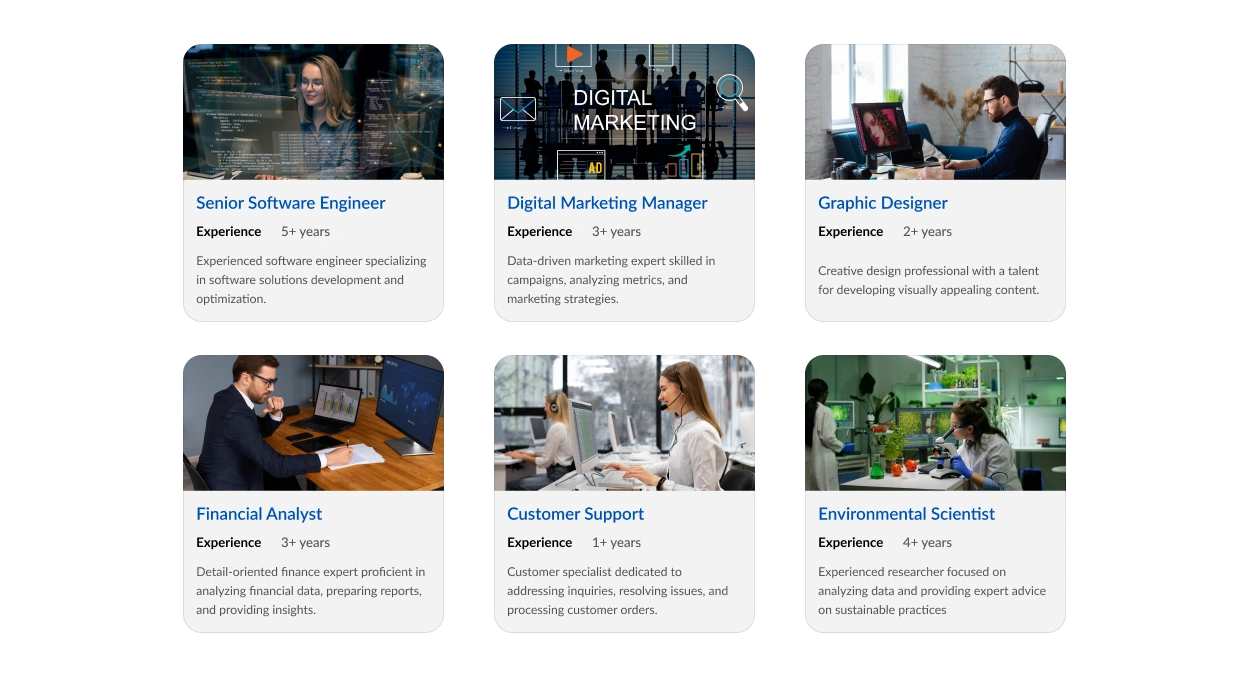
Why Choose Upgadeify’s LinkedIn Recommendations Widget?
Build trust and drive sales by showcasing authentic LinkedIn testimonials.

Build Reliability Through Real User Testimonials
Display verified LinkedIn testimonials to establish trust and highlight your strengths because authentic praise speaks louder than claims.

Let Great Reviews Sell For You
Get more people to become customers by putting good stuff people said about you on LinkedIn right on your most important pages, like your prices page or product pages. Showing how good you are helps people decide to buy.

Increase Your Collection Of Positive Testimonials
Put a "click here" button that takes people to your LinkedIn page! This helps you get more connections and feedback, which makes your network bigger and gets you more recommendations.
Be a Part of Our Thousands of Happy Customers’ List
Join the growing Upgadeify family and boost your online reputation today.
websites support
hours of development invested
to start using the widget
customer satisfaction rate
What Sets Upgadeify’s LinkedIn Widget Apart?
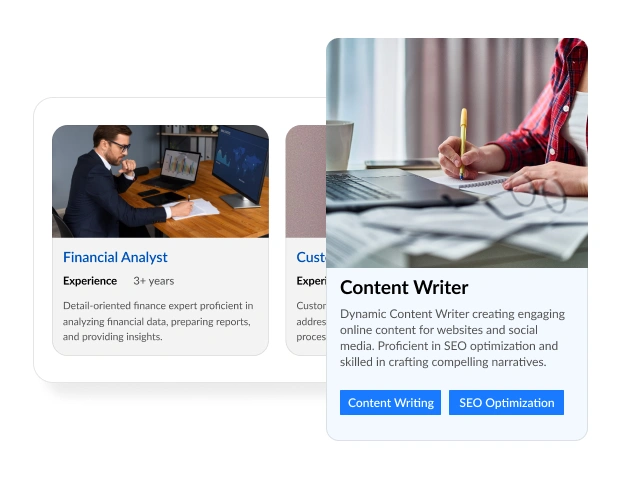
Pick out and show off the best recommendations from LinkedIn that really highlight how good you are at business. The tool lets you sort them in different ways to make them more interesting, and it even works in many languages! This means people all over the world can see your achievements. It makes your website much more trustworthy.

Make your recommendations look super real and trustworthy by making them look just like they do on LinkedIn! You can add little checkmarks that show they're real, actual photos of the people, their job titles, and even direct links to their LinkedIn pages. This makes everything feel very real and reliable. Plus, everything in the tool looks exactly like LinkedIn, so it fits in perfectly and makes your website look professional and trustworthy.
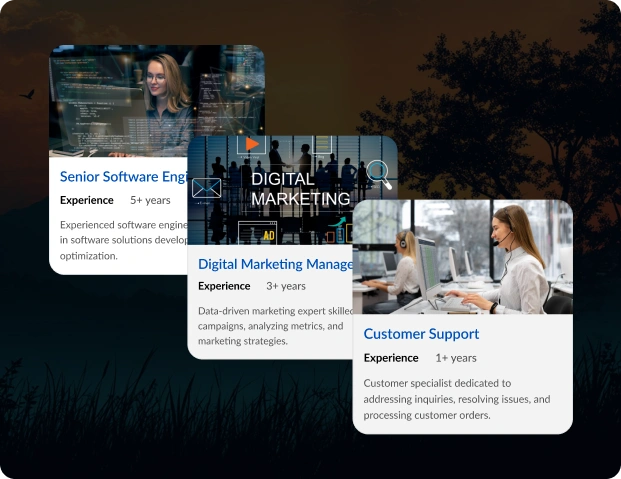
Get more connections and recommendations on LinkedIn! Put a cool "Click Here" button at the top of the tool that gets more people to visit your LinkedIn page. Don't just show what people said, inspire even more people to say great things!’
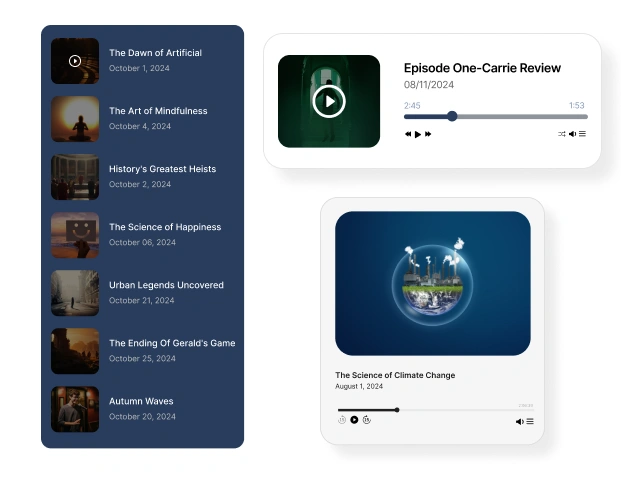
Make the perfect widget for you! Pick from different top sections, and choose how your content looks: like a list, a grid, a sliding show, a cool mixed-up layout, or a spinning carousel. You can also make the recommendation cards look just right. No more headaches with coding or designing! We have lots of styles and ready-to-use templates. Put recommendations on any website super easily and fast!

Real-life Example
See how professionals use the LinkedIn Recommendations Widget to build trust and credibility online

Live Demo
Test every feature with a live demo. No hassle, no fees.
The Upgradeify Difference: Why We Lead the Market
Choose from a wide variety of features, enjoy constant updates to boost your homepage performance, and rely on our dedicated support team ready to assist whenever you need.

Effortless Visual Editor
Forget coding or hiring a developer, our intuitive live editor lets you build, plus install your widget in just a few clicks, saving you both time & money.
Read More
Mobile-Ready & Fully Responsive
All widgets are designed to look and work great on any device, whether it’s a phone, tablet, or desktop, delivering a consistent experience to all your visitors.
Read More
Expert Support from the Upgadeify Team
Get premium assistance along with free setup guidance from our dedicated team, making sure a smooth as well as a hassle-free experience from the start to end.
Read More
Reliable Upgadeify Cloud Platform
Enjoy fast-loading, automatically updated widgets with built-in bug fixes, optimised for performance, no matter where your users are.
Read MoreFAQs
To encourage visitors to leave testimonials, leverage the Upgadeify LinkedIn Recommendations widget’s “Click Here” call-to-action (CTA) button, which directs users to your LinkedIn profile to submit recommendations. Place the widget on high-traffic pages like your homepage, product pages, or pricing page to maximize visibility. Highlight the authenticity of existing testimonials with verified badges, user photos, and job titles to build trust and inspire action. Promote the widget through engaging website content or pop-ups that invite feedback, and consider offering incentives like discounts or exclusive content to encourage users to share their experiences on LinkedIn.
Yes, the Upgadeify LinkedIn Recommendations widget allows you to customize its size. In the widget editor, set the width and height in pixels, percentages, or select the “Auto” option to automatically adapt the widget to the available space on your website. This flexibility ensures the widget fits seamlessly into your site’s layout, whether on a sidebar, footer, or dedicated page.
Yes, the Upgadeify LinkedIn Recommendations widget is fully responsive, ensuring it looks and functions flawlessly across all devices, including desktops, tablets, and smartphones. Its adaptive design automatically adjusts to different screen sizes and resolutions, providing a consistent and engaging user experience for all visitors.
The Upgadeify LinkedIn Recommendations widget is compatible with nearly all major website platforms and CMS systems, including WordPress, Wix, Squarespace, Shopify, Joomla, Weebly, and more. Its no-code integration allows you to embed the widget by simply pasting the generated code into your site’s HTML or CMS editor. The widget’s cloud-based design ensures seamless performance and automatic updates across 99.9% of website platforms, making it a versatile solution for any site.
Join Over 2 Million Users Using Upgadeify Widgets
Explore our 80+ feature-rich tools designed to upgrade your website. No credit card needed. Sign up for free today!

More Widgets
Trending

Facebook Feed
Display posts, photos and videos from Facebook on your website
Start: July 1, 2023
Last Updated: April 10, 2023
Trending

Instagram Feed
Display posts, photos and videos from Facebook on your website
Start: July 1, 2023
Last Updated: April 10, 2023
Trending

Google Feed
Display posts, photos and videos from Facebook on your website
Start: July 1, 2023
Last Updated: April 10, 2023