

Google Reviews for Moodle
Embed reviews on your place from Google right on your site
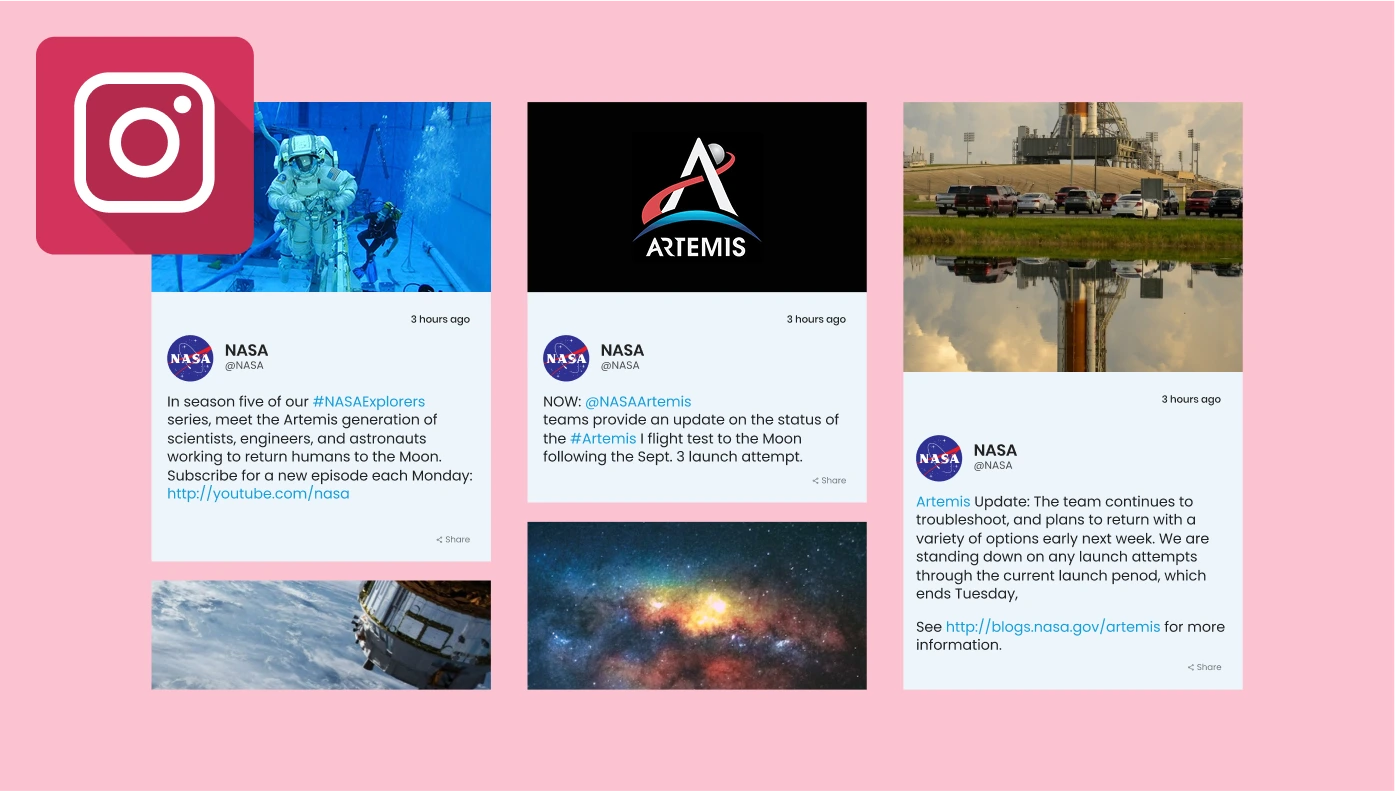
Instagram Feed for Moodle
Add posts from your Instagram account or by hashtag to your website
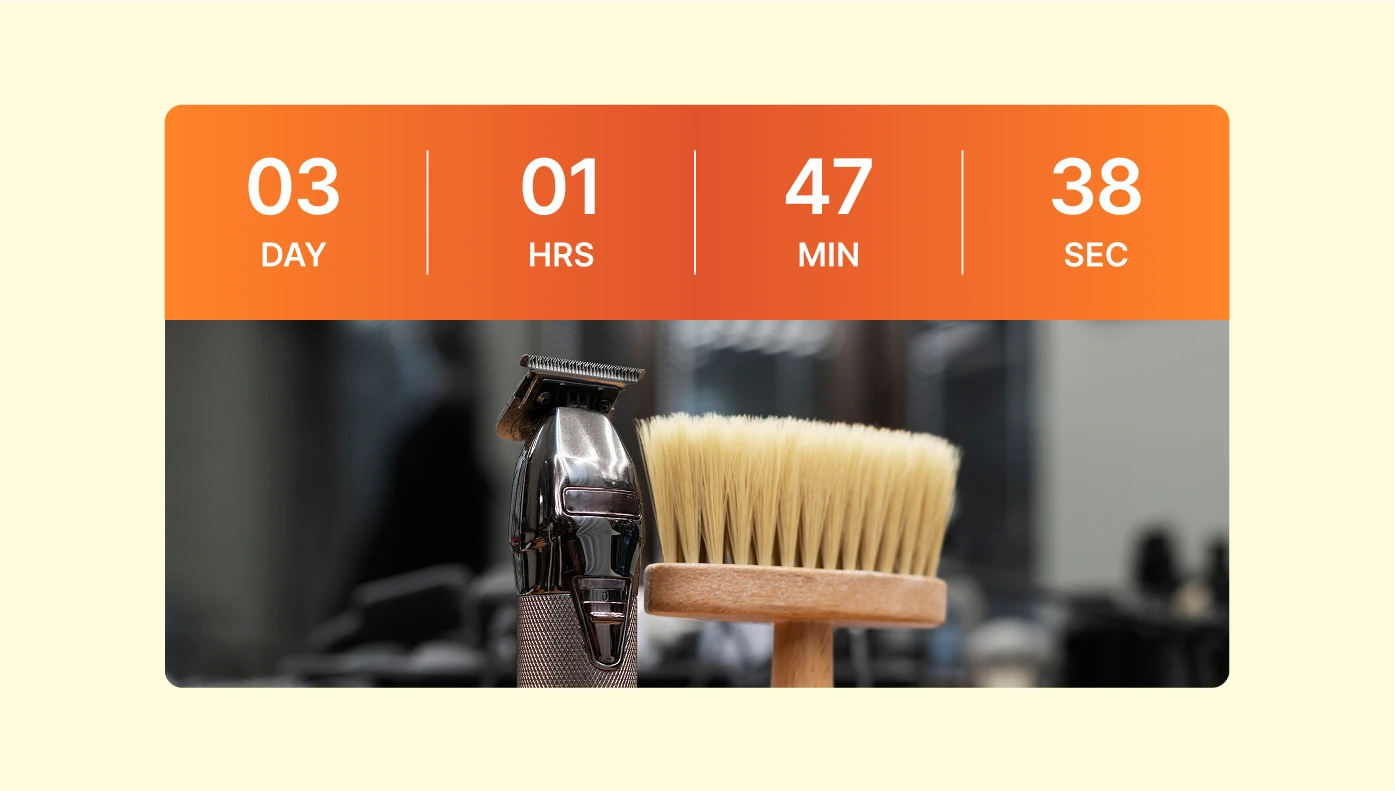
Countdown Timer for Moodle
Create Timers and Counters to boost sales by urgency on your website
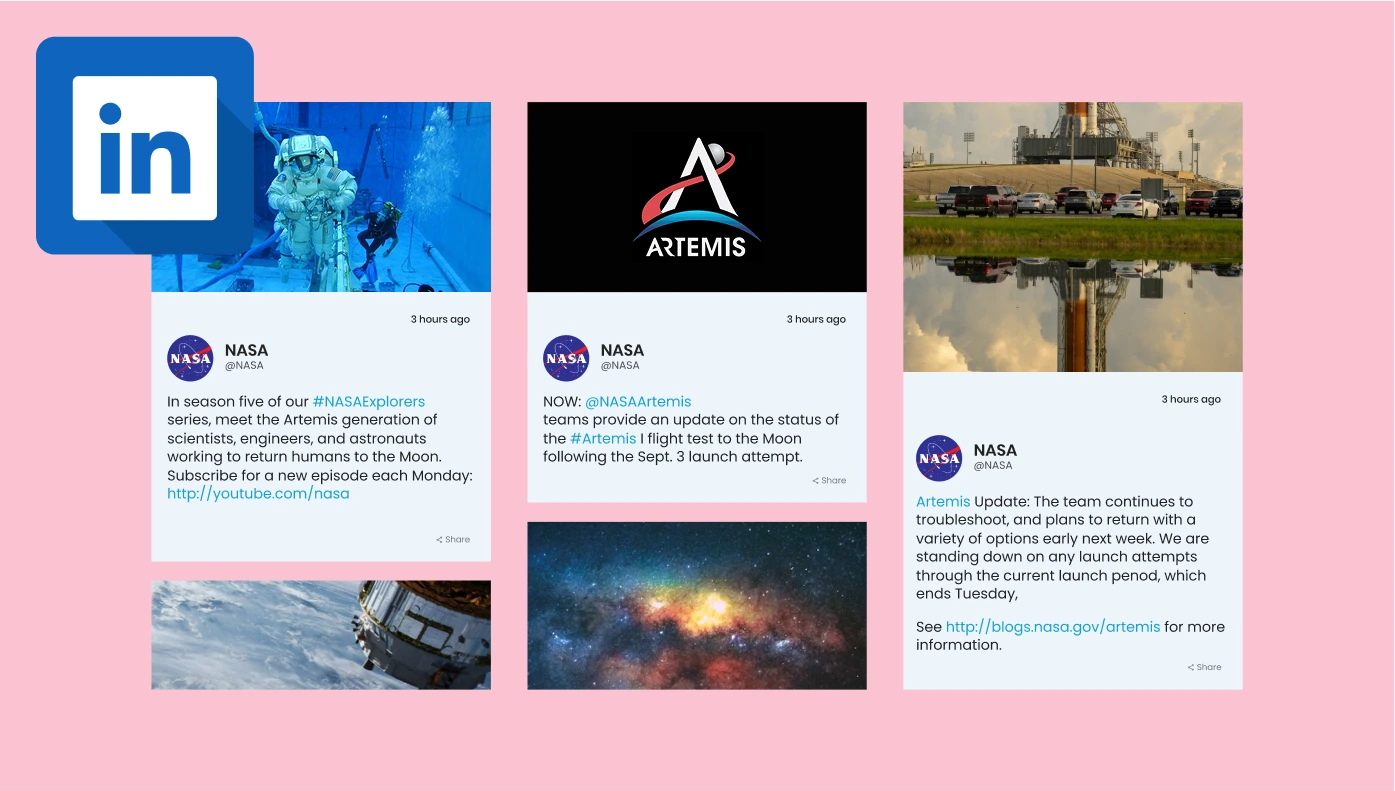
LinkedIn Feed for Moodle
Display LinkedIn company’s posts, images, and videos on your website.
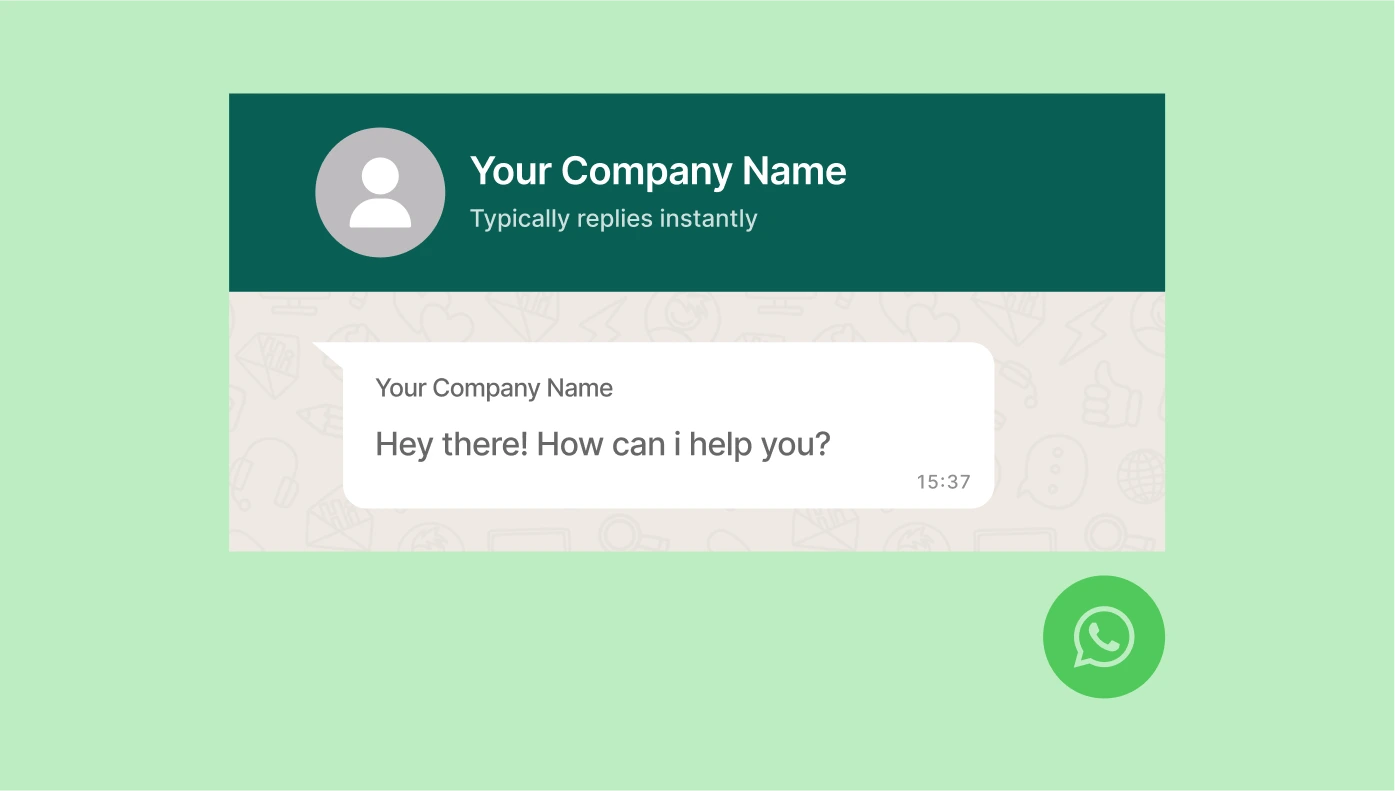
WhatsApp Chat for Moodle
Give users an opportunity to contact you on WhatsApp straight from your website
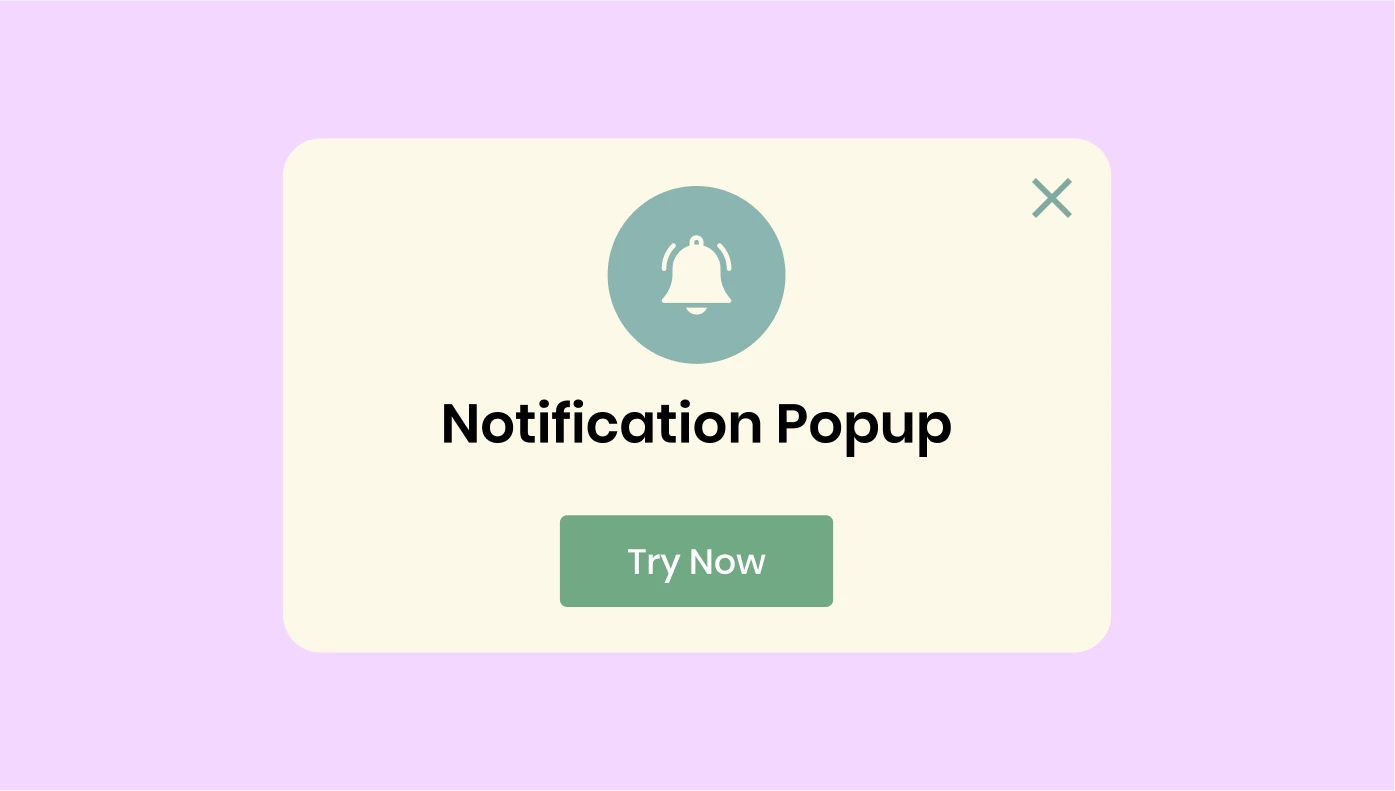
Popup for Moodle
Create all types of popups: banners, bars, notifications and more for any purpose
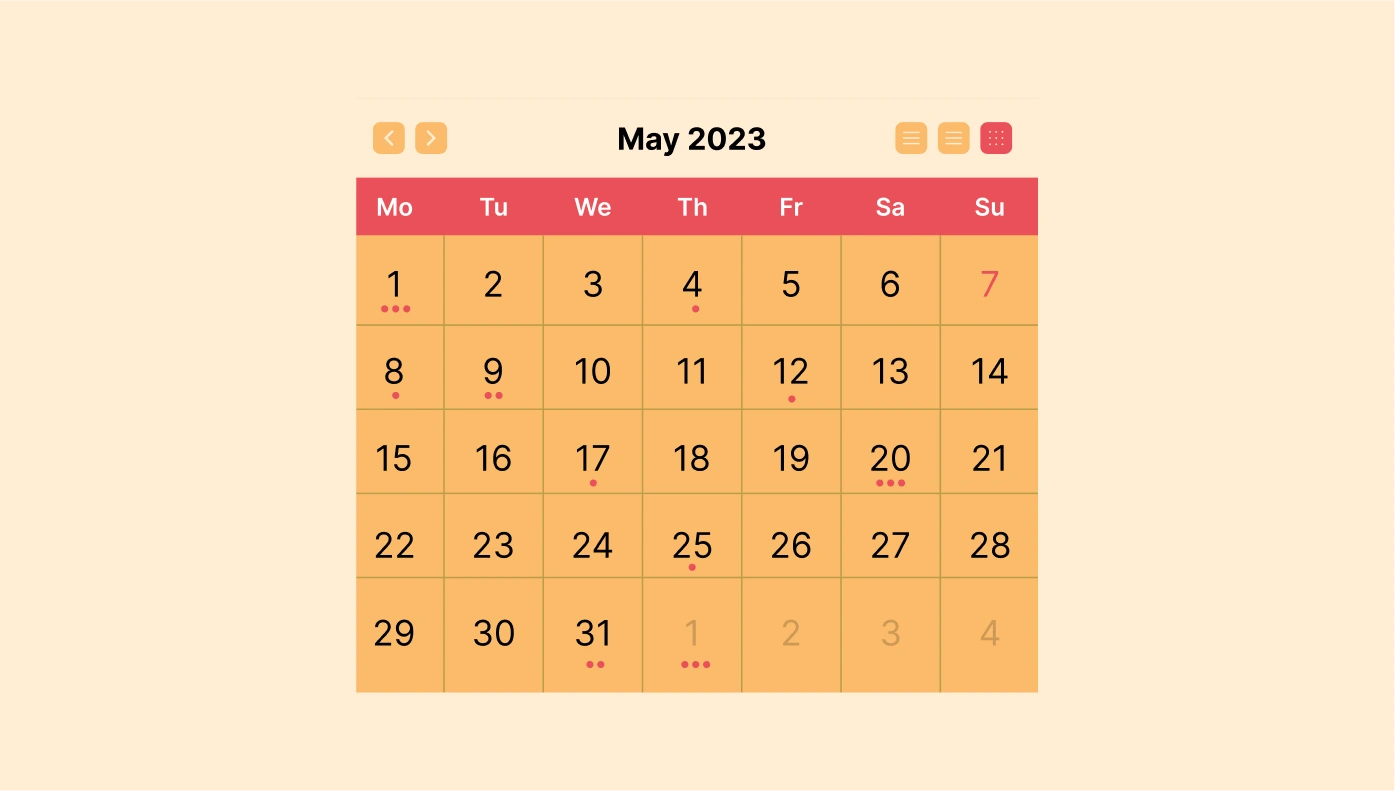
Event Calendar for Moodle
Present events, timetable, agenda, schedule, and more on your website
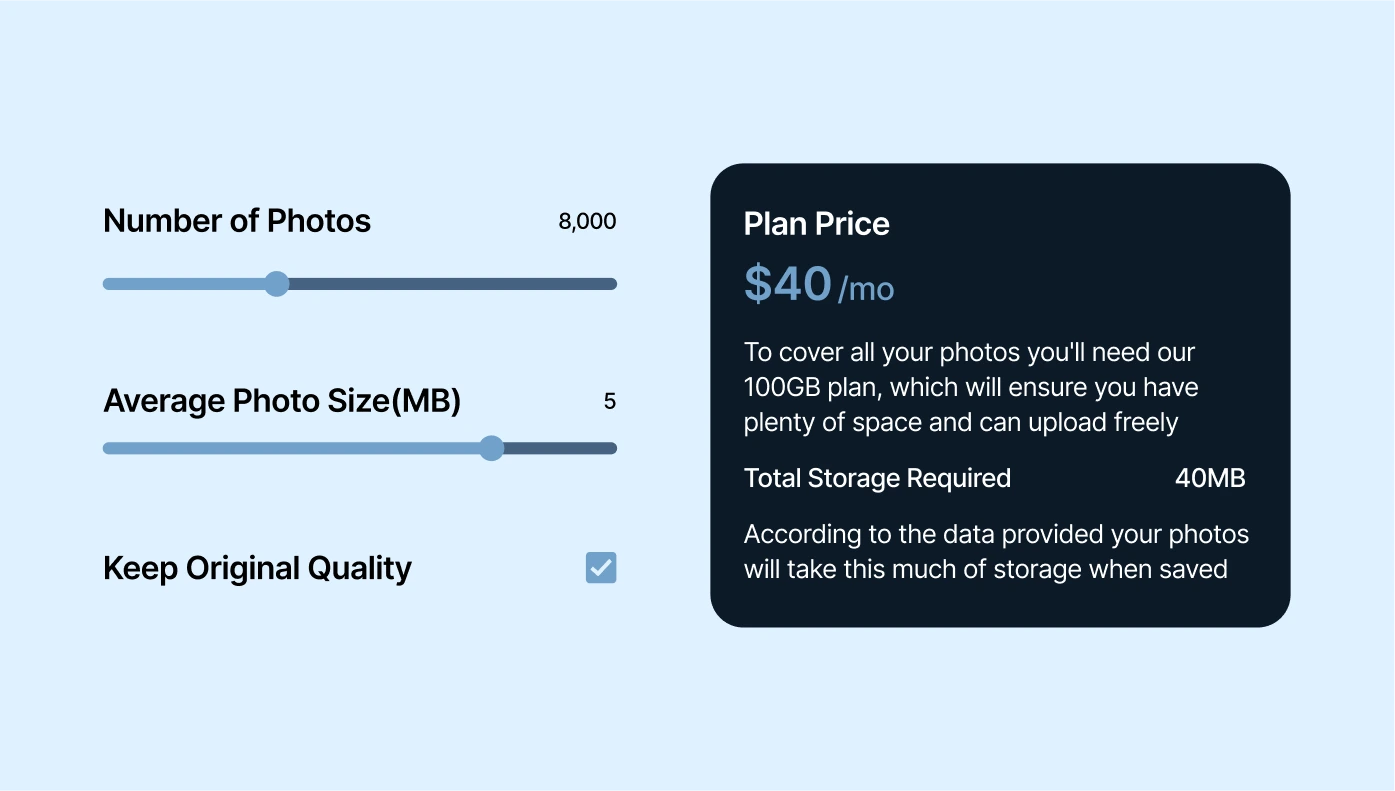
Calculator for Moodle
Create an interactive calculator for your website, enhancing user engagement and boosting conversions.

Audio Player for Moodle
Embed a player for people to listen, buy and download your tracks from your website

Form Builder for Moodle
Get leads, conduct surveys, collect opinions with the Form Creator
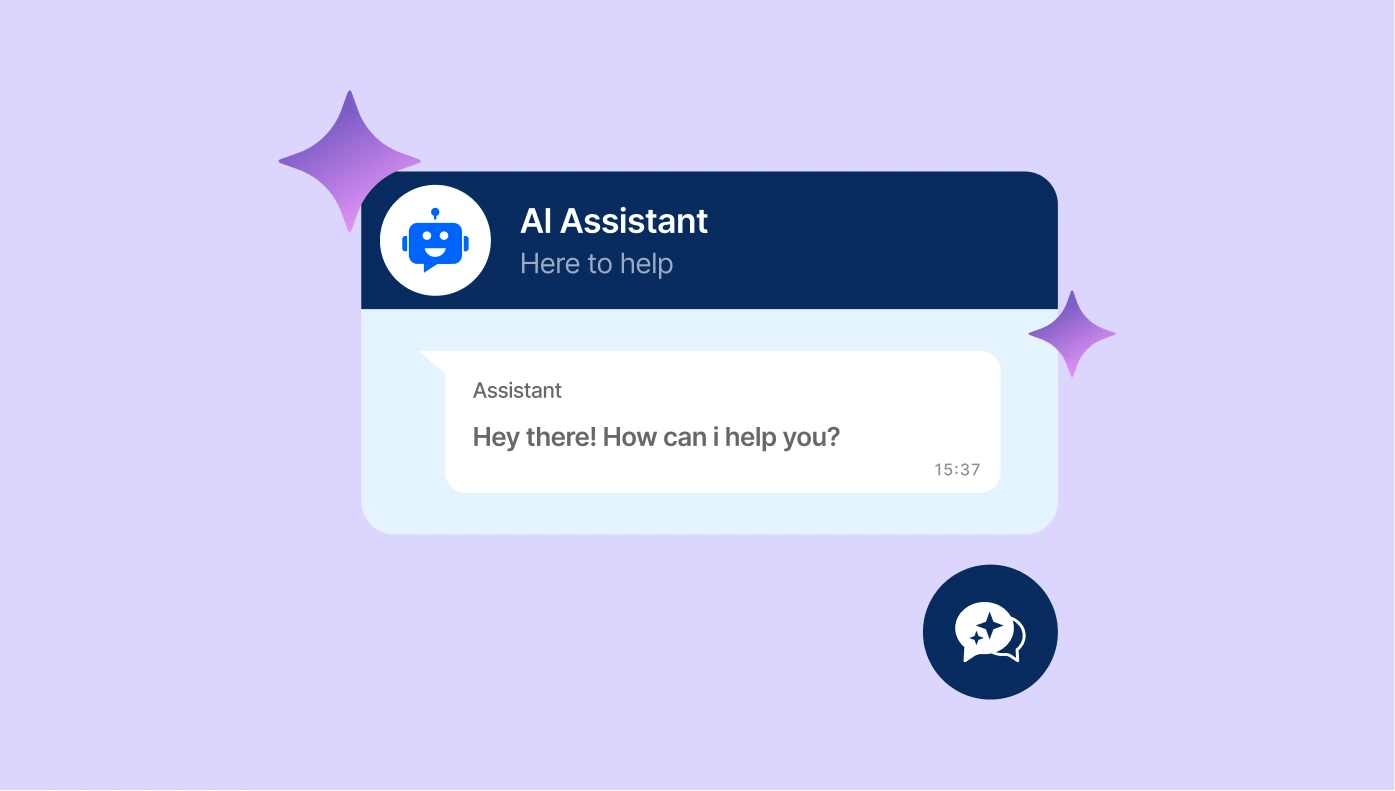
AI Chatbot for Moodle
Create a virtual assistant trained on your data to answer your customers’ questions 24/7.
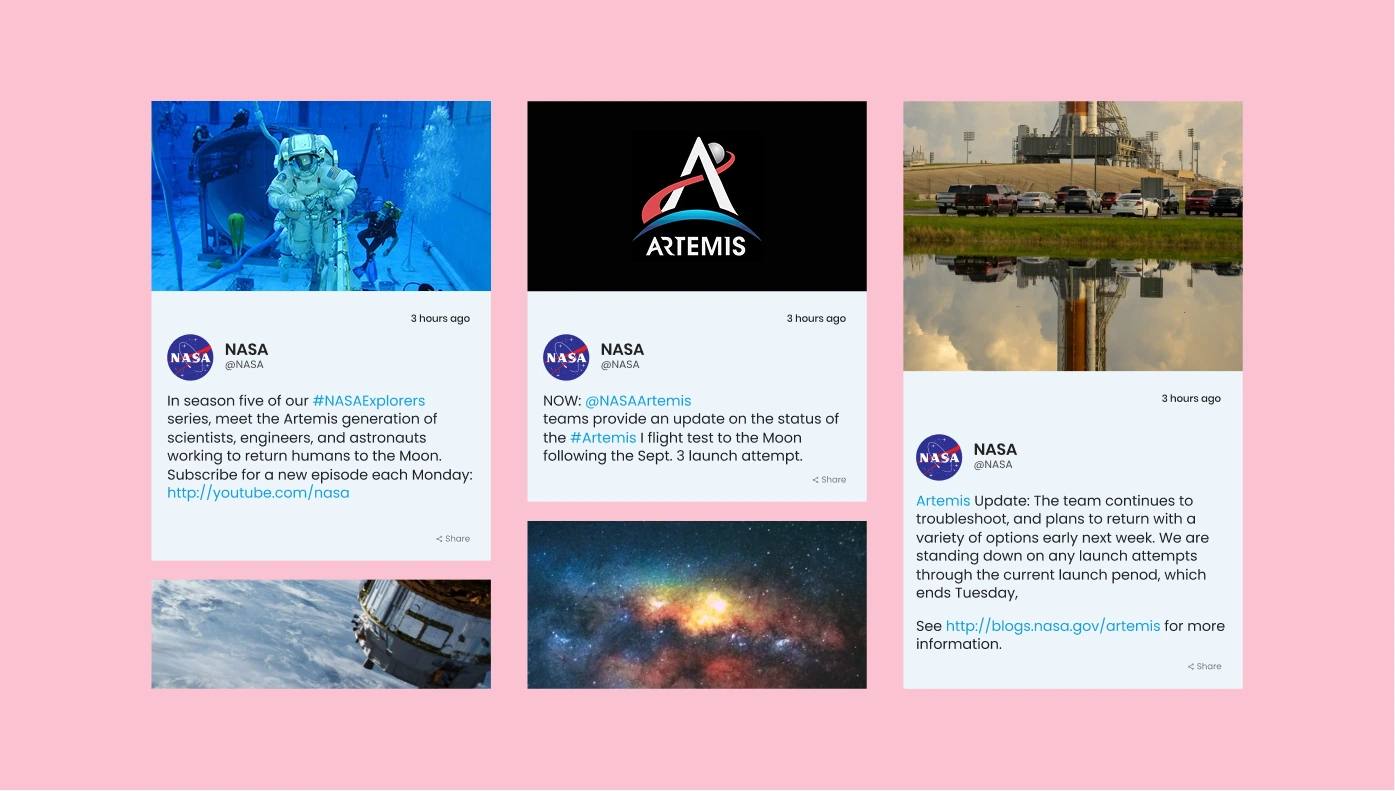
Social Feed for Moodle
Add content from Instagram, Facebook, Twitter and other social platforms to your website

Logo Showcase for Moodle
Showcase logos of your clients, partners, brands and vendors on your website

All-in-One Reviews for Moodle
Show reviews from Google, FB, Amazon, Yelp and from 20+ other reviews platforms on your site
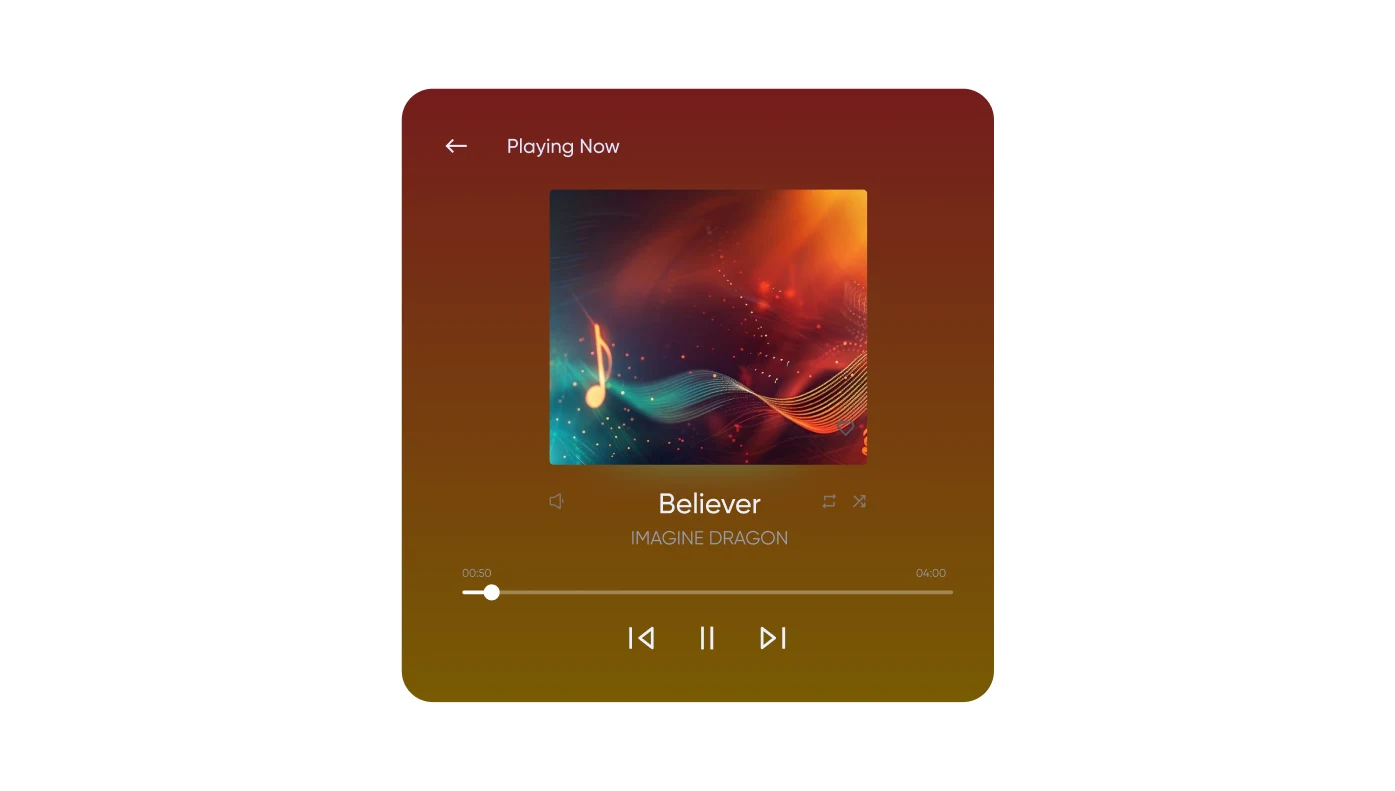
Background Music for Moodle
Accompany your visitors' experience with the most appropriate audio background

Age Verification for Moodle
Verify age to restrict underage users from access to your website
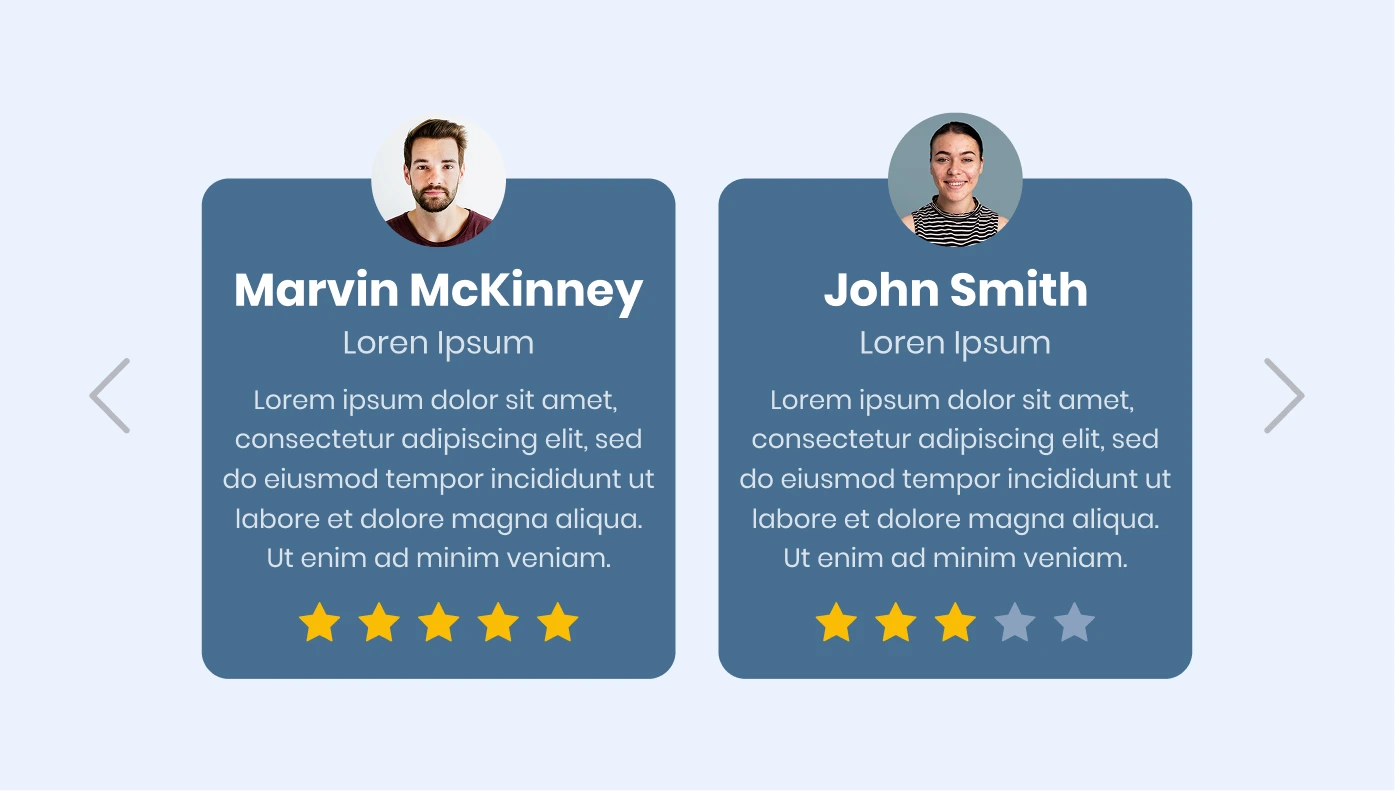
Testimonials Slider for Moodle
Demonstrate your customer testimonials on your website
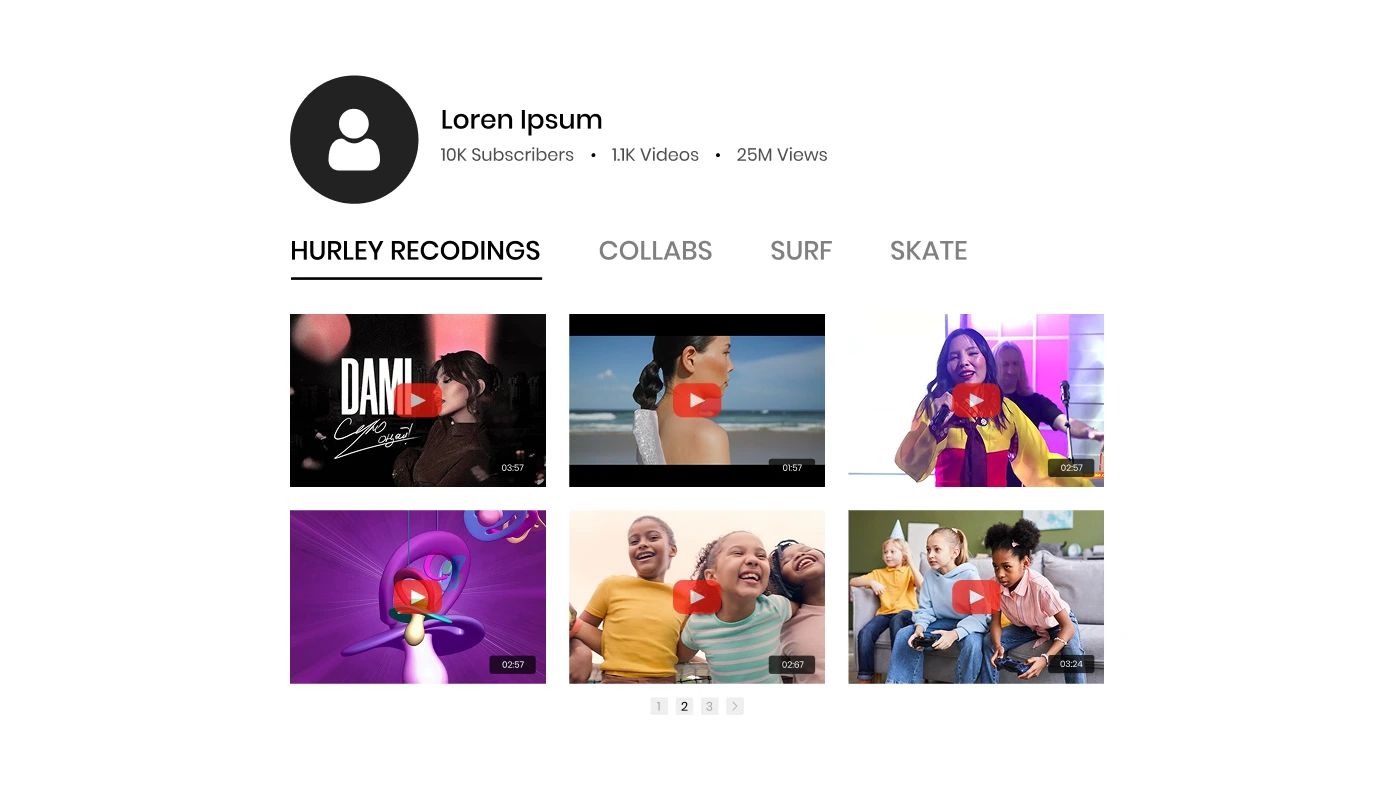
YouTube Gallery for Moodle
Display YouTube channels and videos on your website
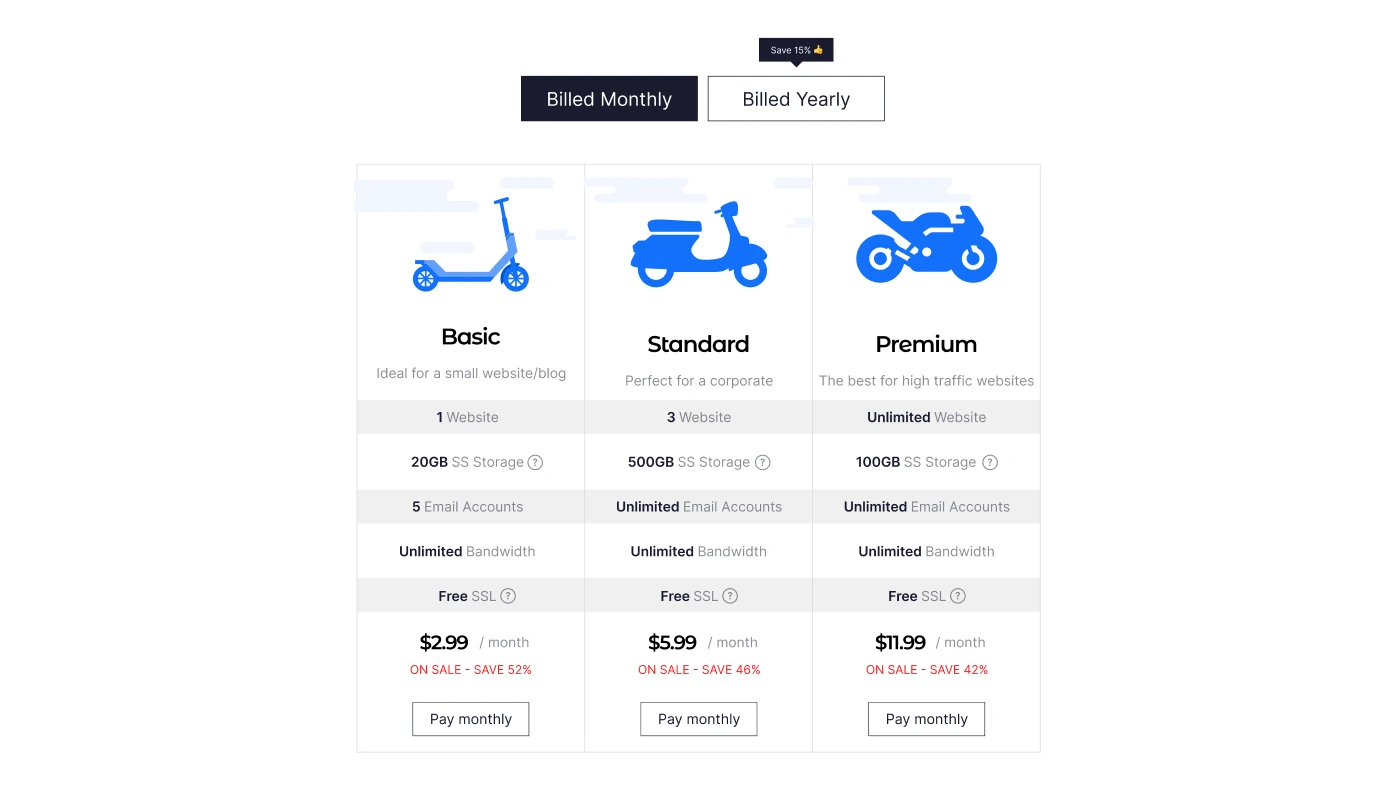
Pricing Table for Moodle
Create all sorts of selling pricing plans right for your website
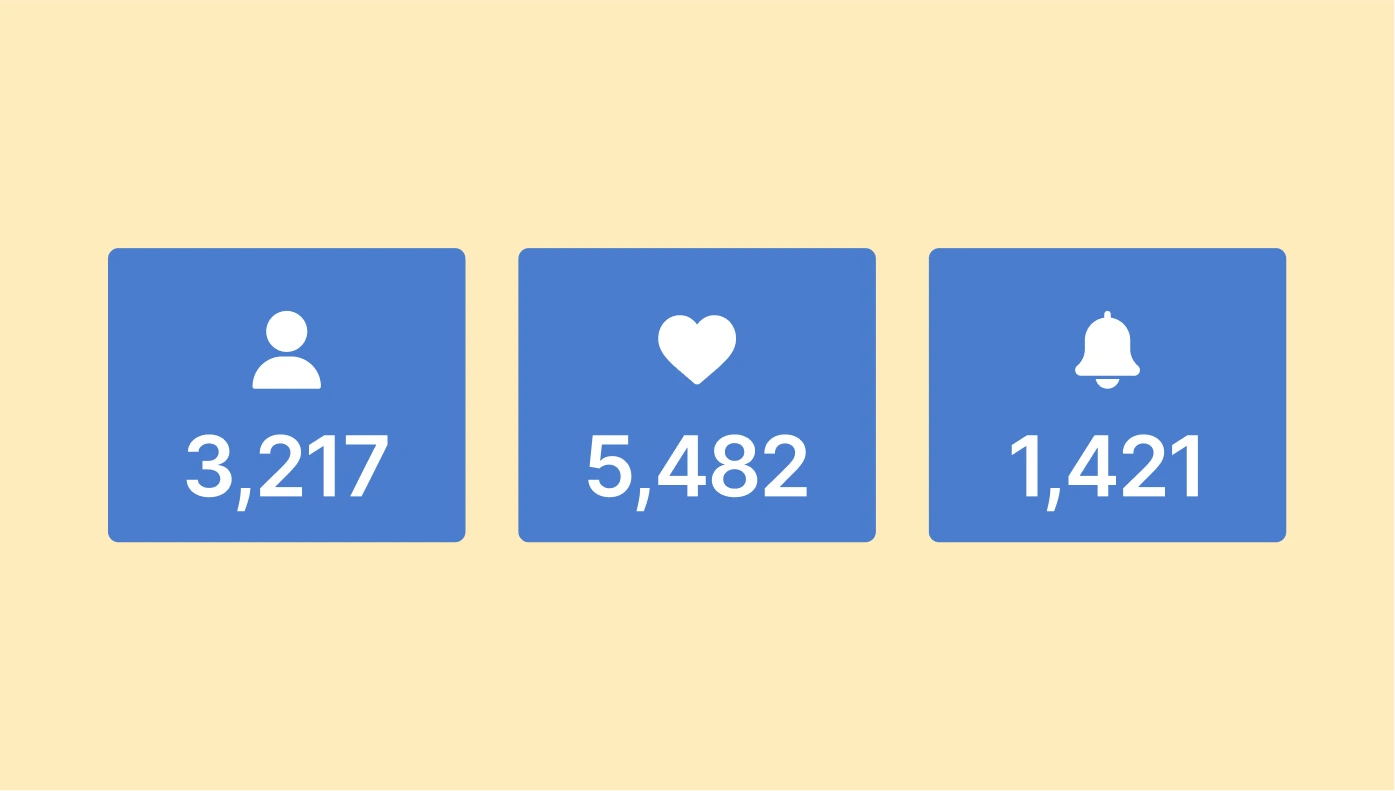
Number Counter for Moodle
Boast your marvelous achievements and impressive numbers to your users
Store Locator for Moodle
Streamline store discovery with precision & custom style.

Before and After Slider for Moodle
Showcasing how your offers work through before and after photos
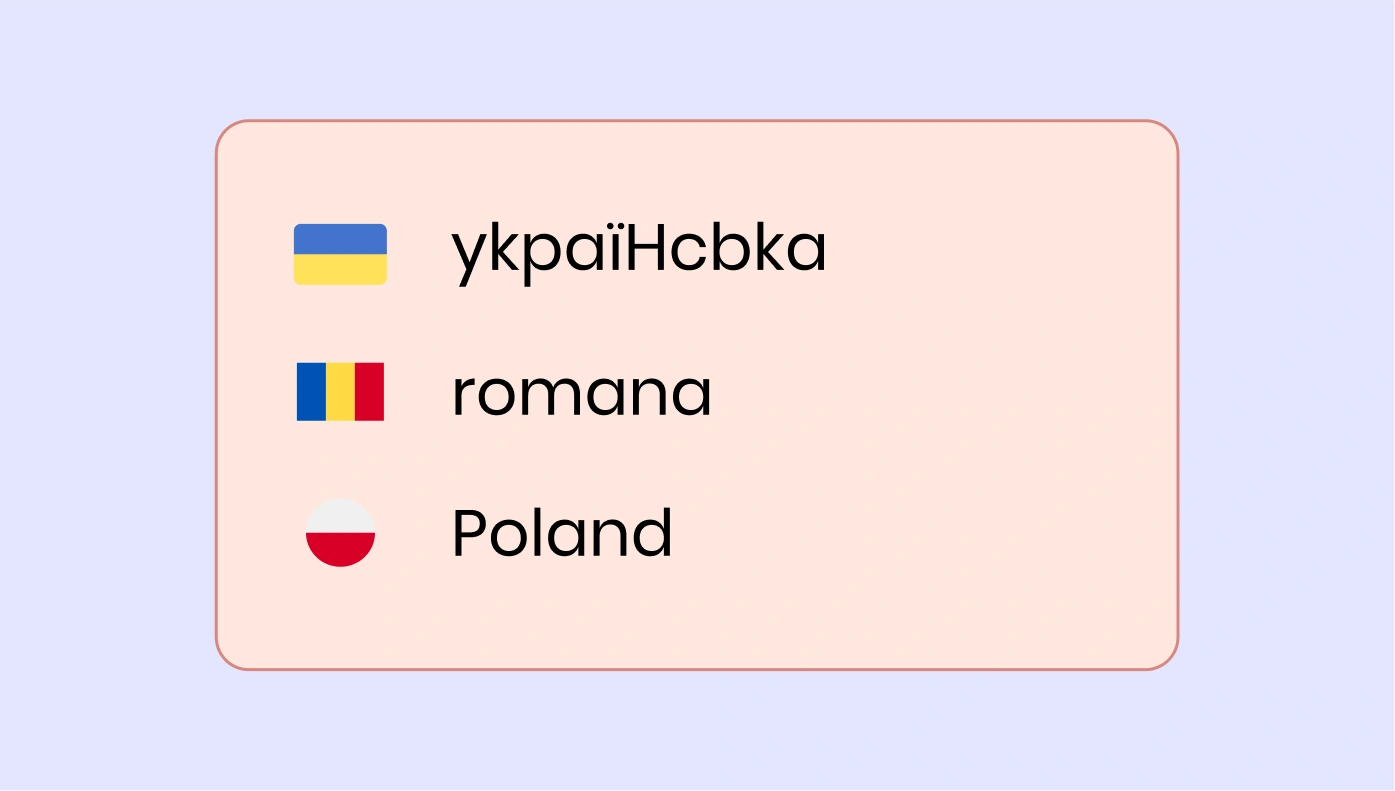
Website Translator for Moodle
Break language barriers with our powerful Website Translator.

Photo Gallery for Moodle
Numerous ways to showcase your photos: grids, sliders, carousels and more
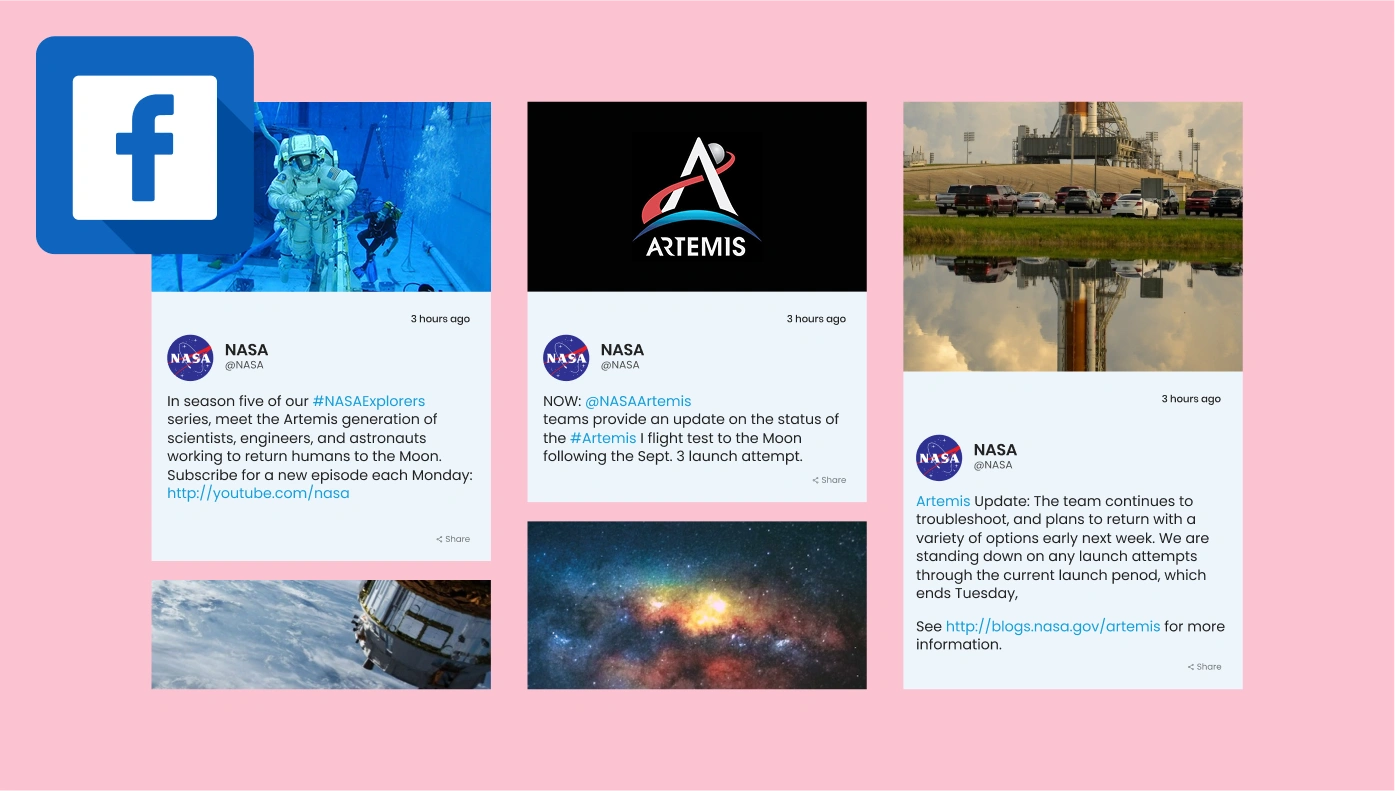
Facebook Feed for Moodle
Display posts, photos and videos from Facebook on your website
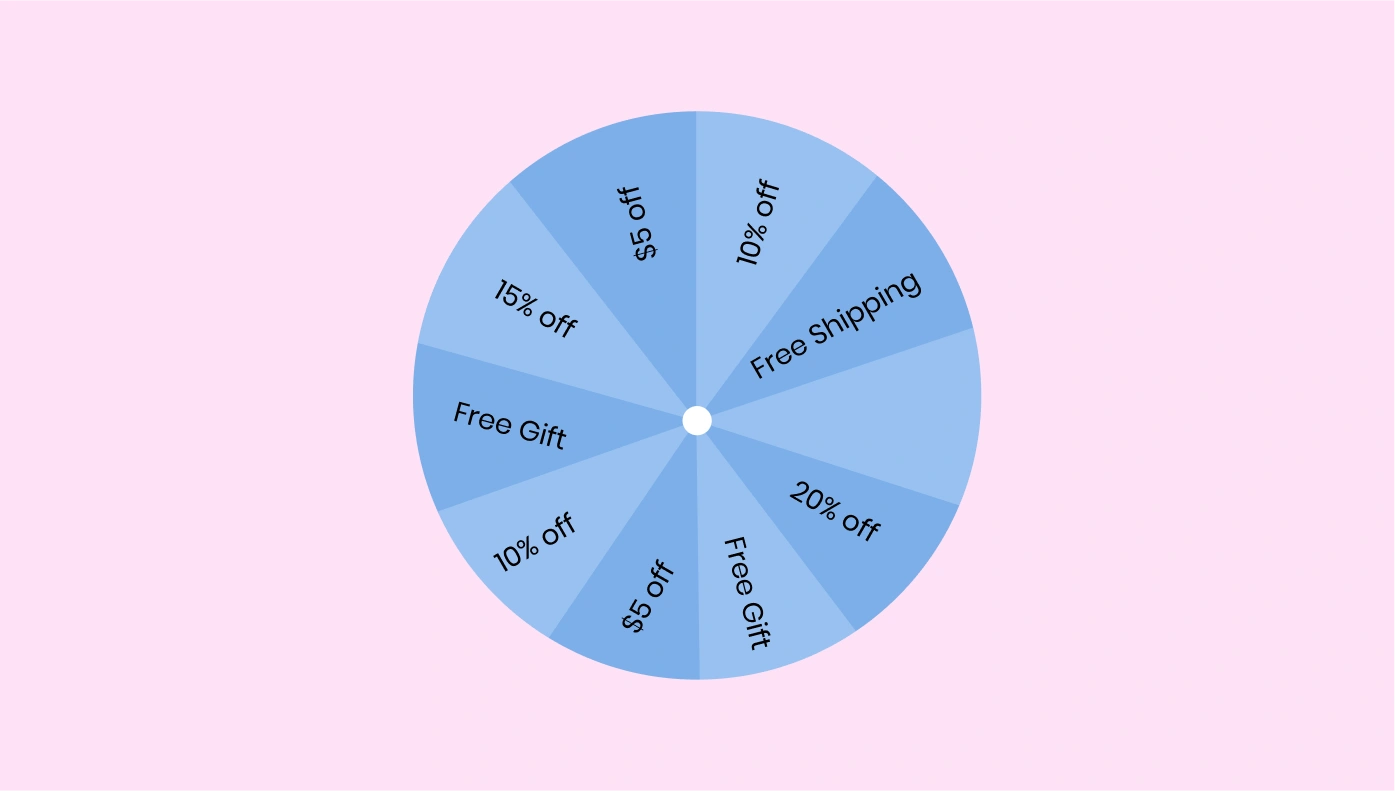
Spinning Wheel for Moodle
Engage users and collect leads with an interactive spin-to-win wheel
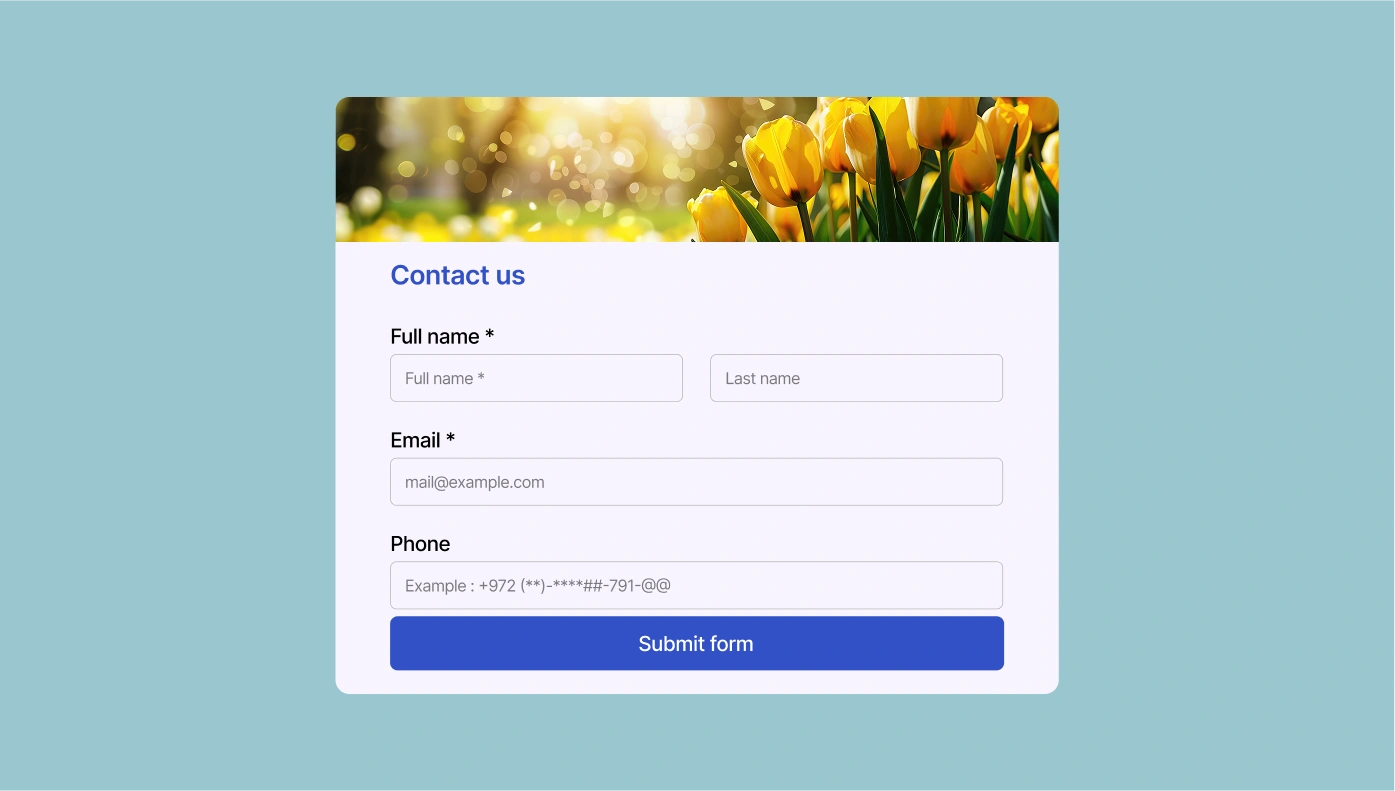
Contact Form for Moodle
Embed a form on your website which will help people easily contact you
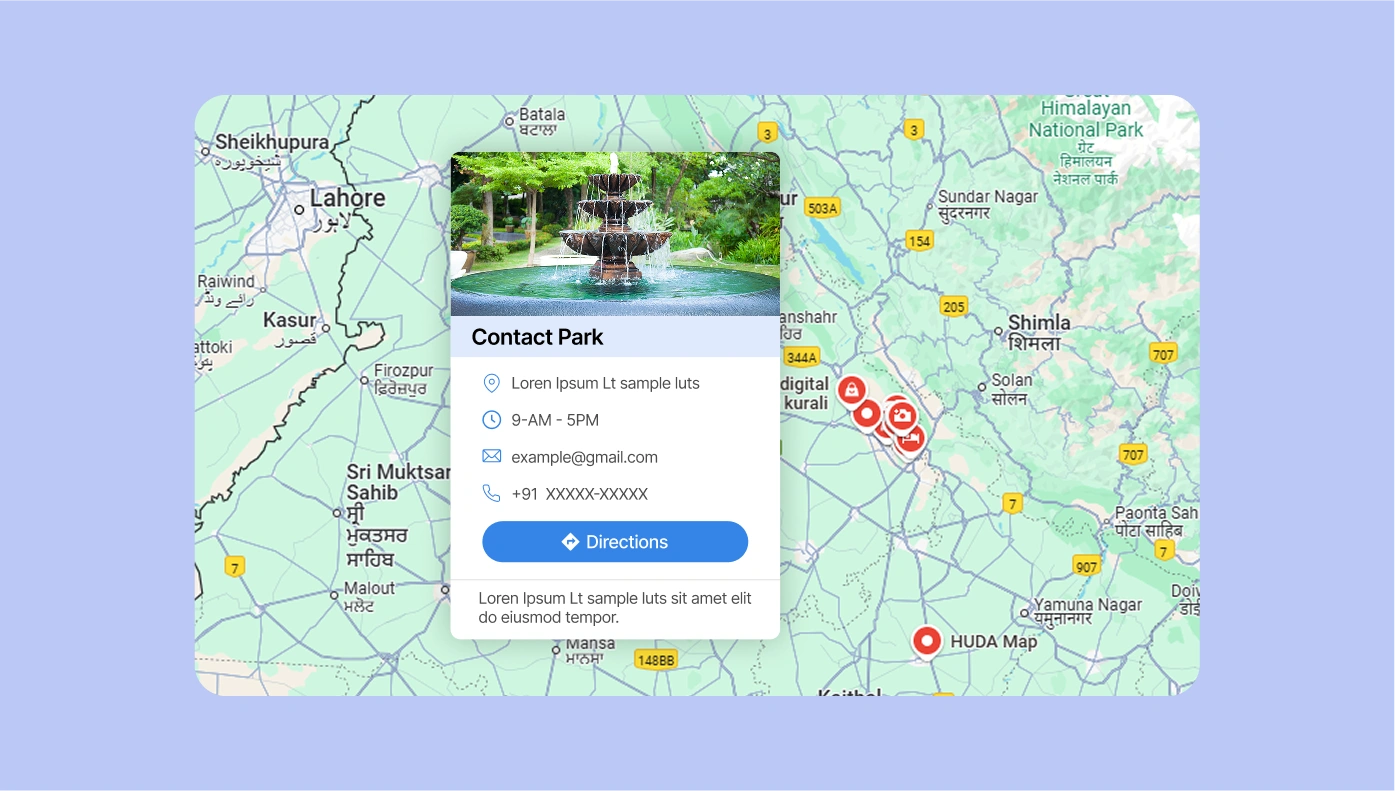
Google Maps for Moodle
Add map to your website for your audience easily find your office or nearest store

Flipbook for Moodle
Turn your PDF documents into interactive albums and embed them on your website
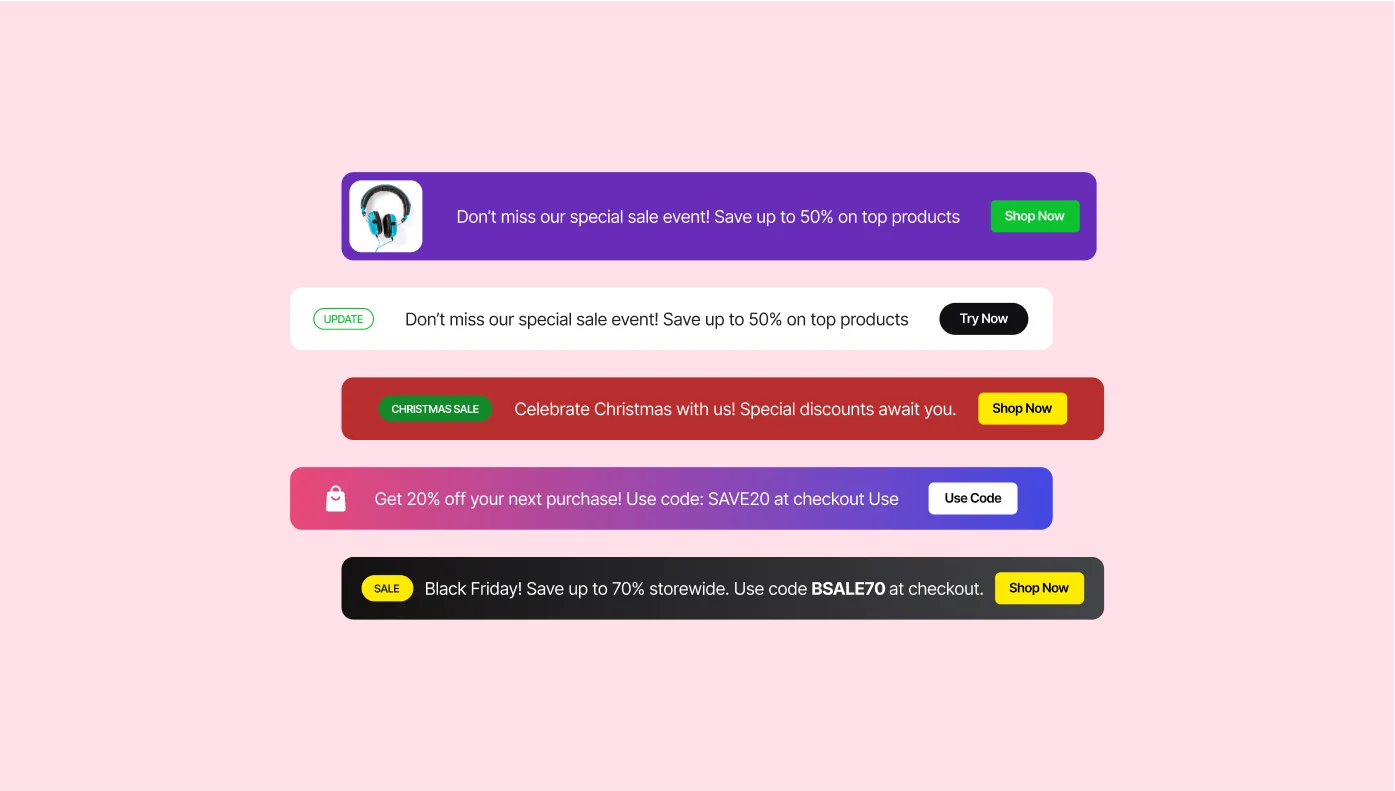
Announcement Bar for Moodle
Notify people about latest updates, approaching promotions and discounts
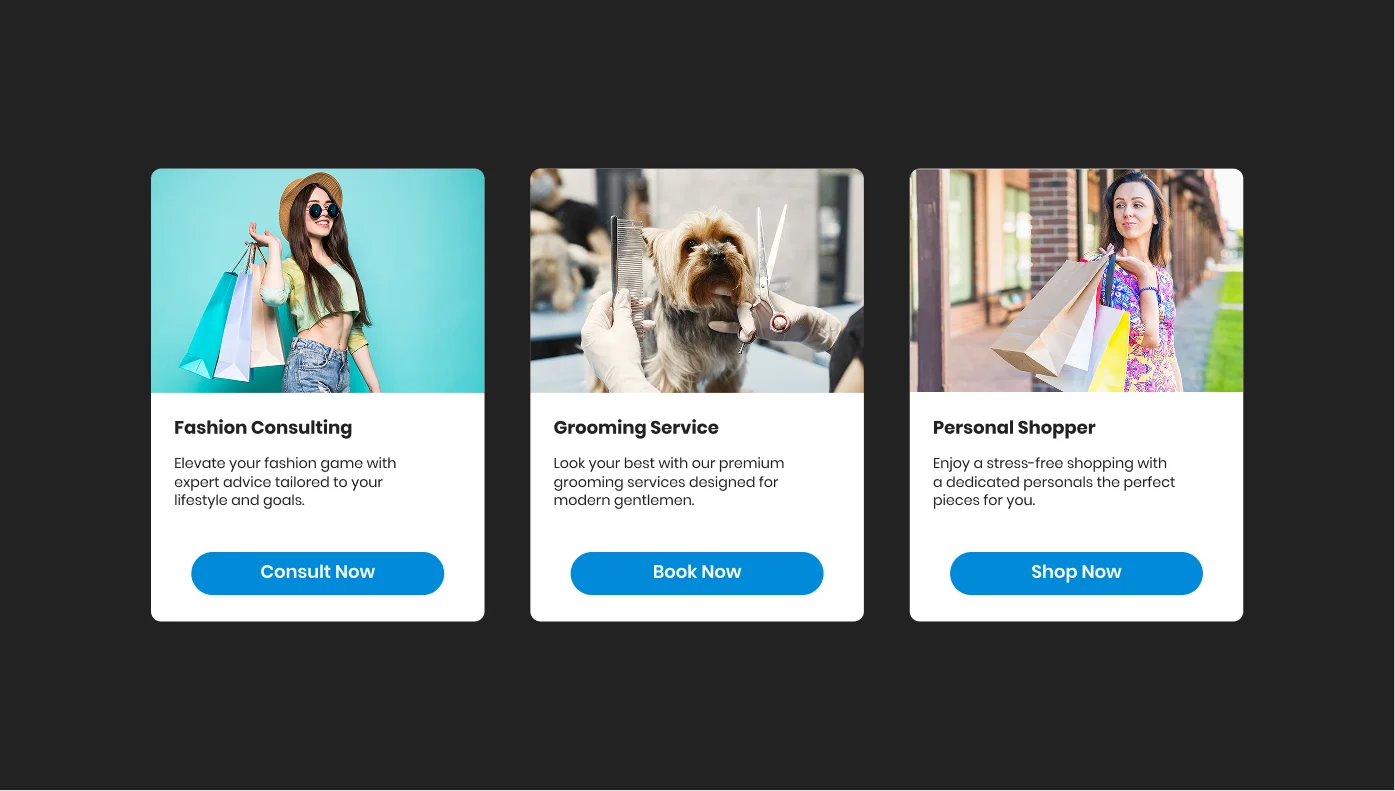
Slider for Moodle
Create image, video and text sliders for your website
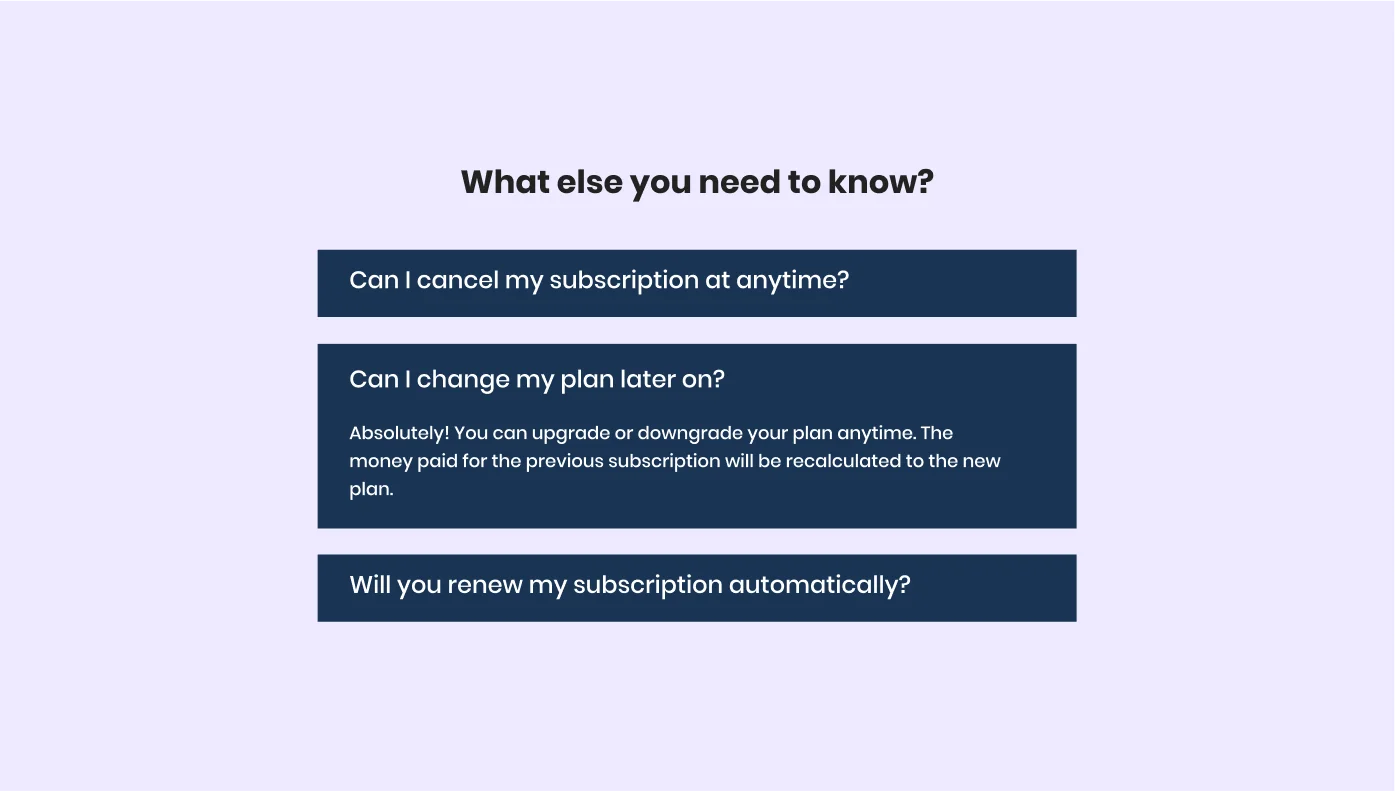
FAQ for Moodle
Demonstrate the answers to the most common questions on your website
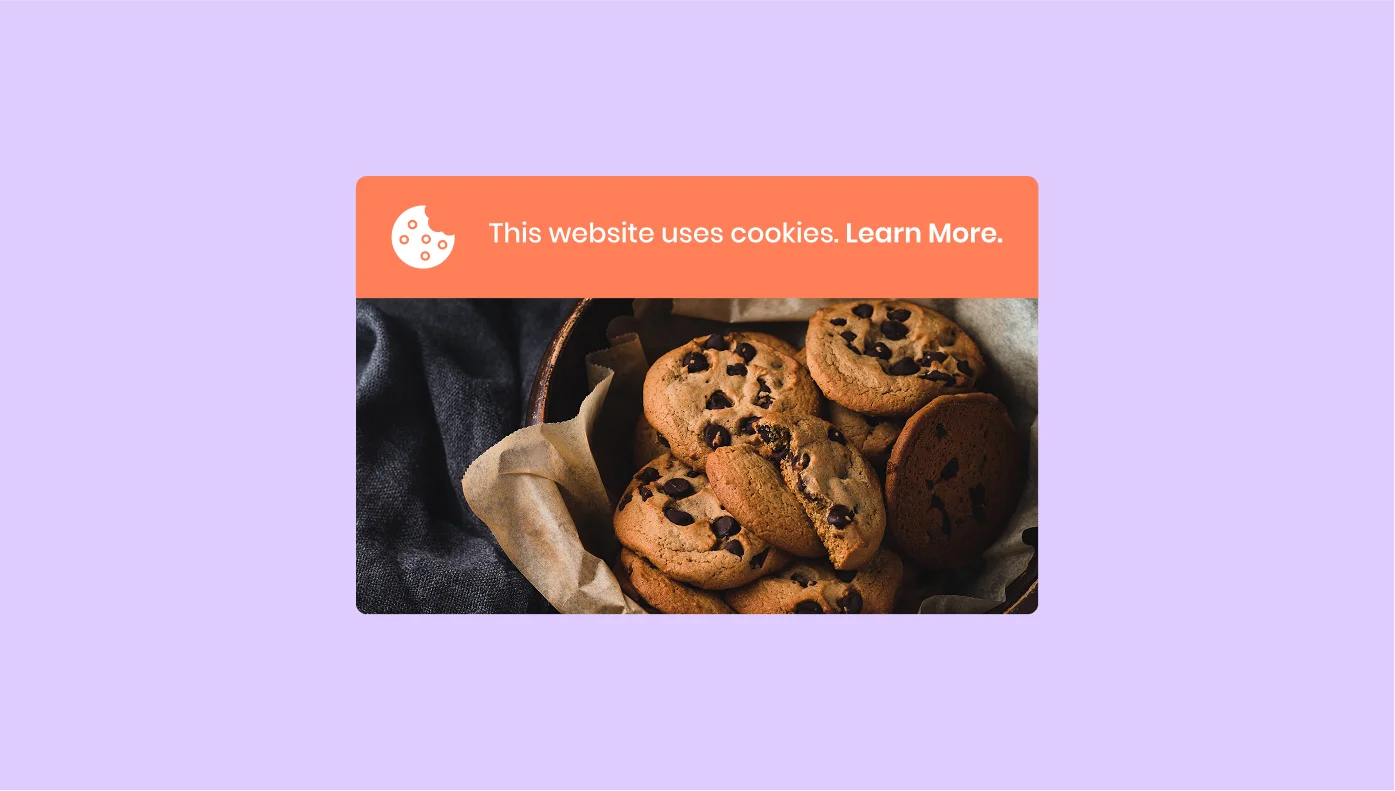
Cookie Consent for Moodle
Use a convenient way to notify users about the cookies

Facebook Reviews for Moodle
Display reviews from your Facebook page on your site

RSS Feed for Moodle
Build your unique RSS Feed presenting different news sources
Reviews from Tripadvisor for Moodle
Show reviews on your place from TripAdvisor right on your site
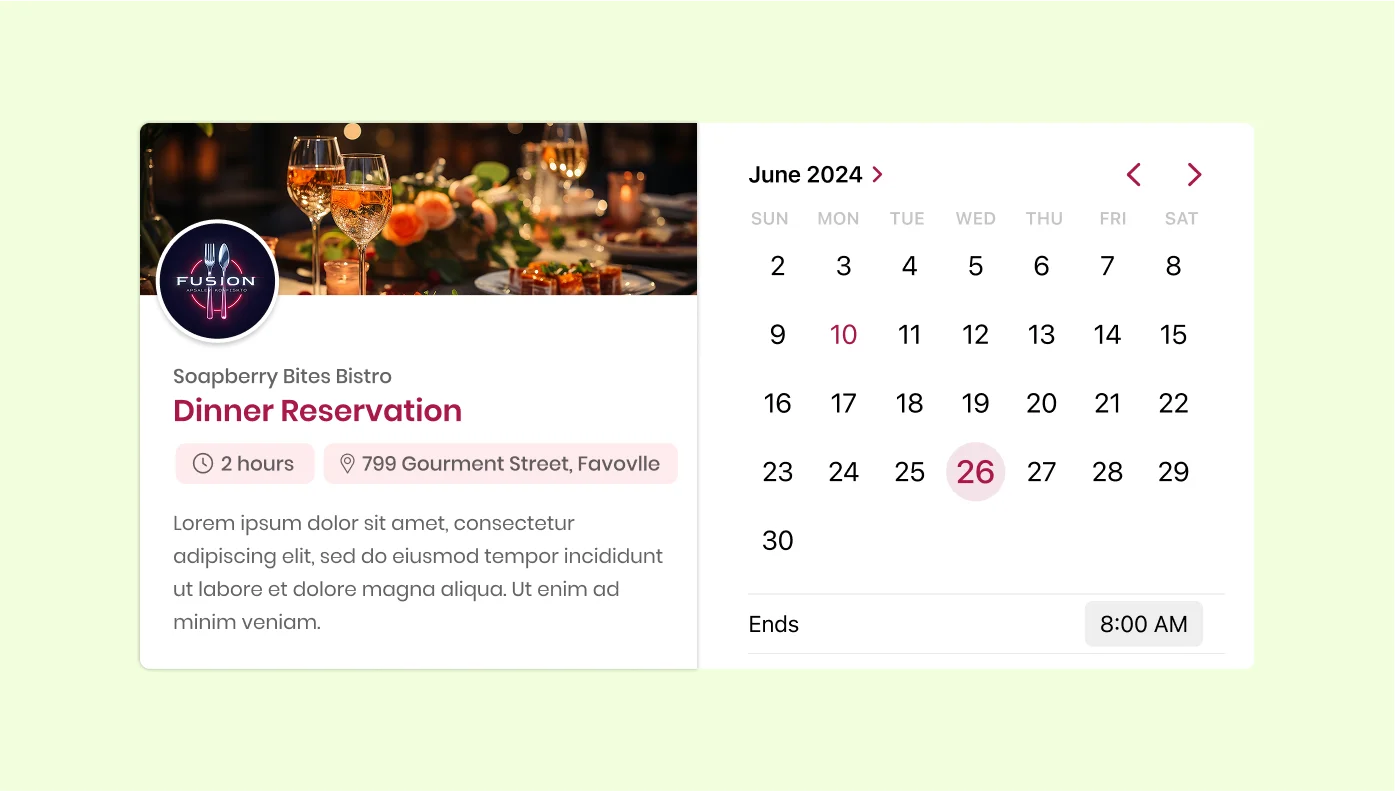
Appointment Booking for Moodle
Give your clients a convenient and simple way to book your services online.
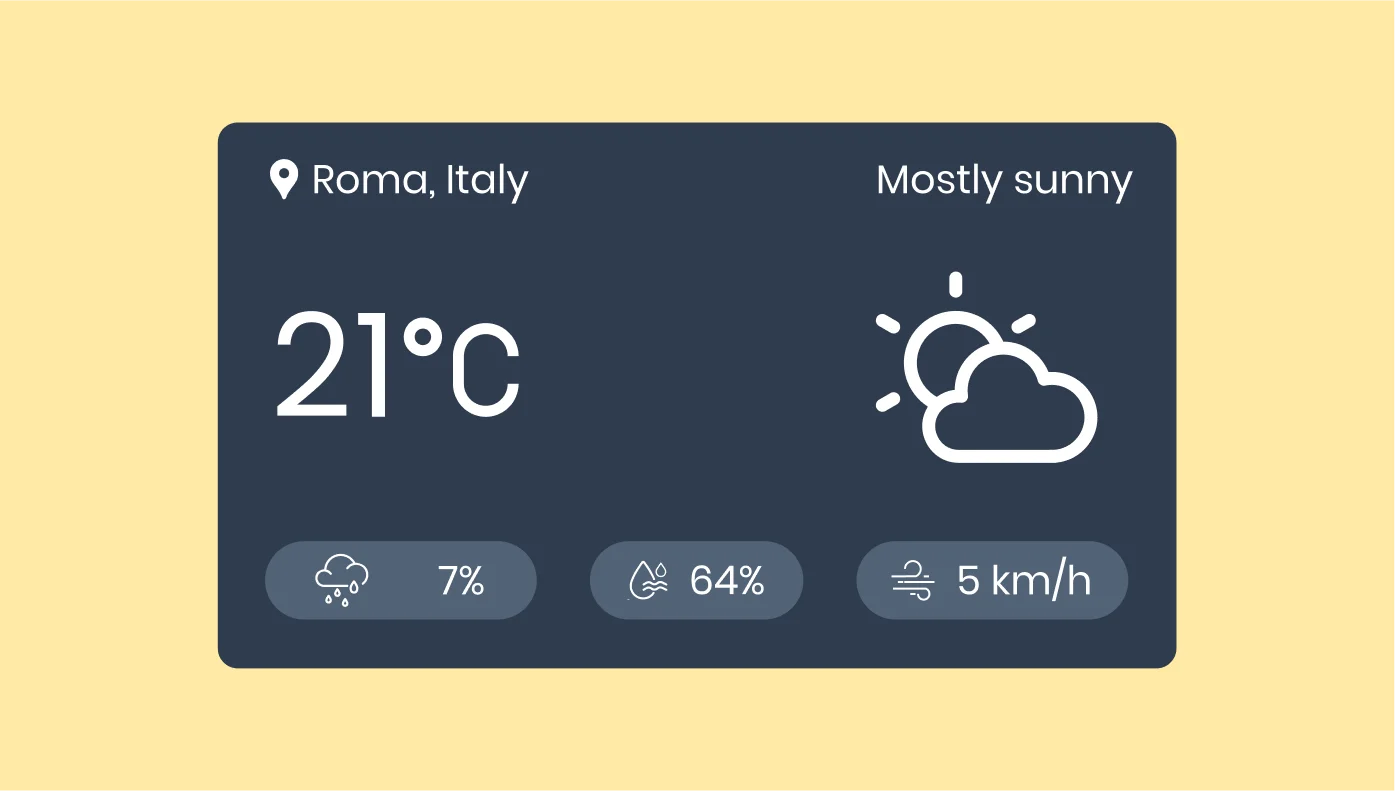
Weather for Moodle
Showcase current weather info and forecast for any location

All-in-One Chat for Moodle
Let users chat with you on Facebook Messenger, WhatsApp, Telegram, etc.
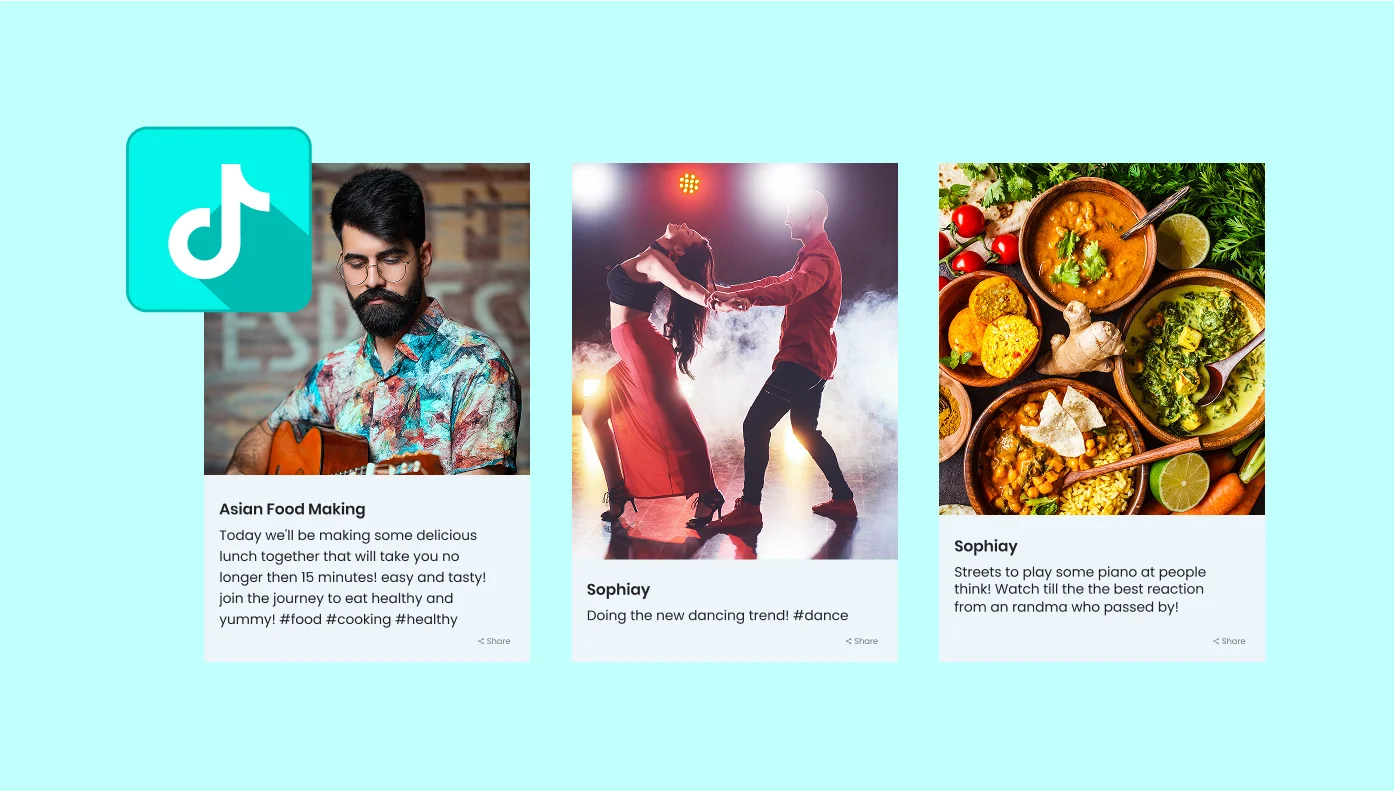
TikTok Feed for Moodle
Get TikTok content on your website and boost engagement
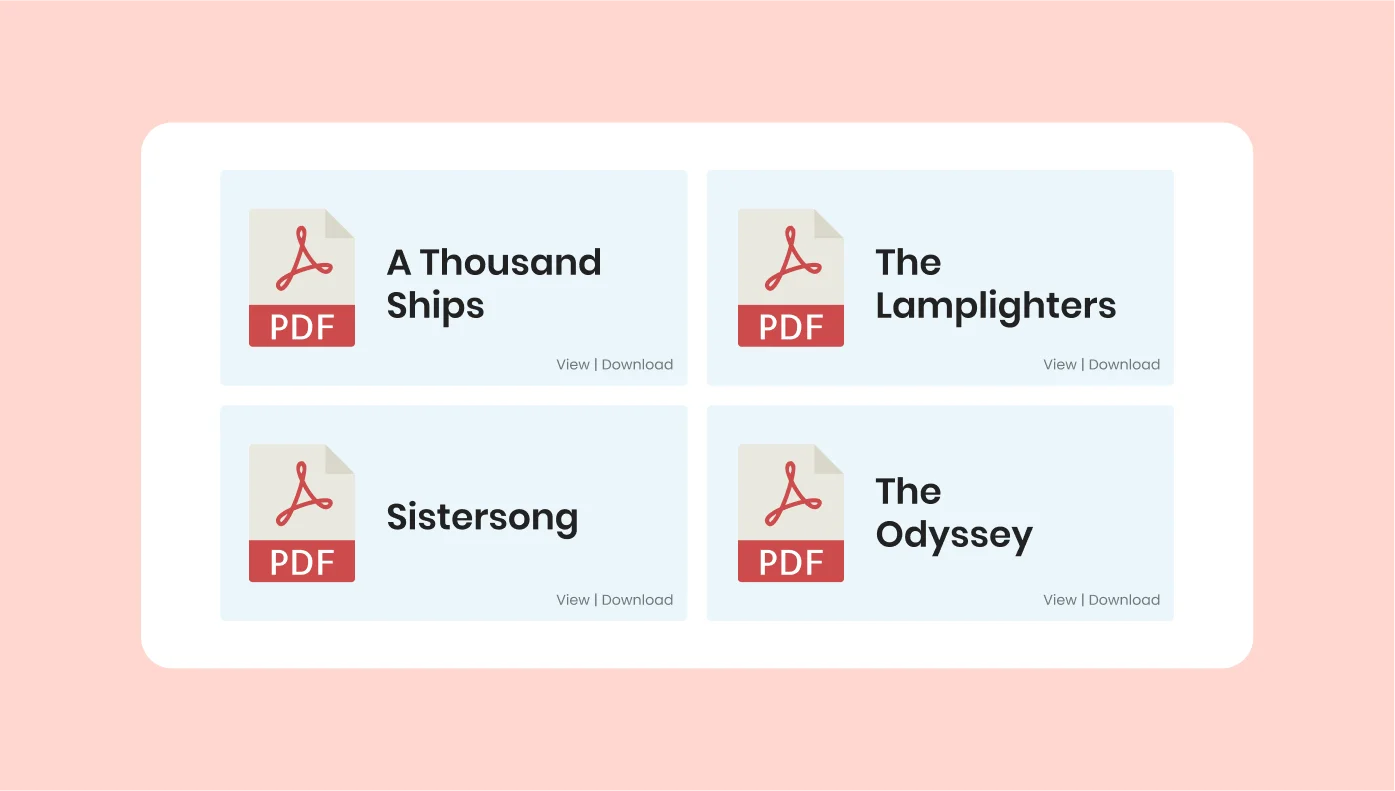
PDF Embed for Moodle
Let people view and download PDF files right from your website

Team Showcase for Moodle
Demonstrate your team and tell more about each member
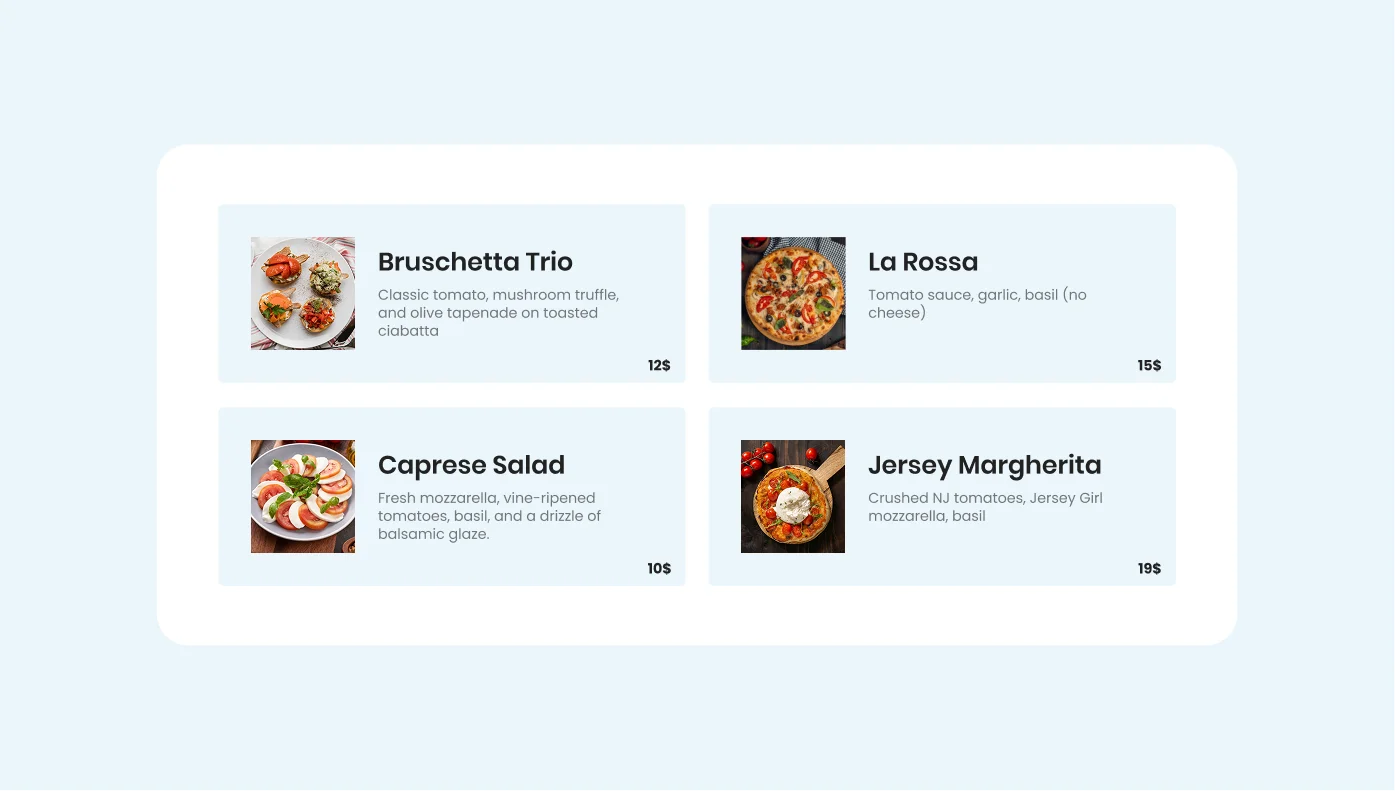
Restaurant Menu for Moodle
Present your dishes and drinks on your website to attract more guests
Click to Call for Moodle
Provide users with the fastest way to call you directly from your website
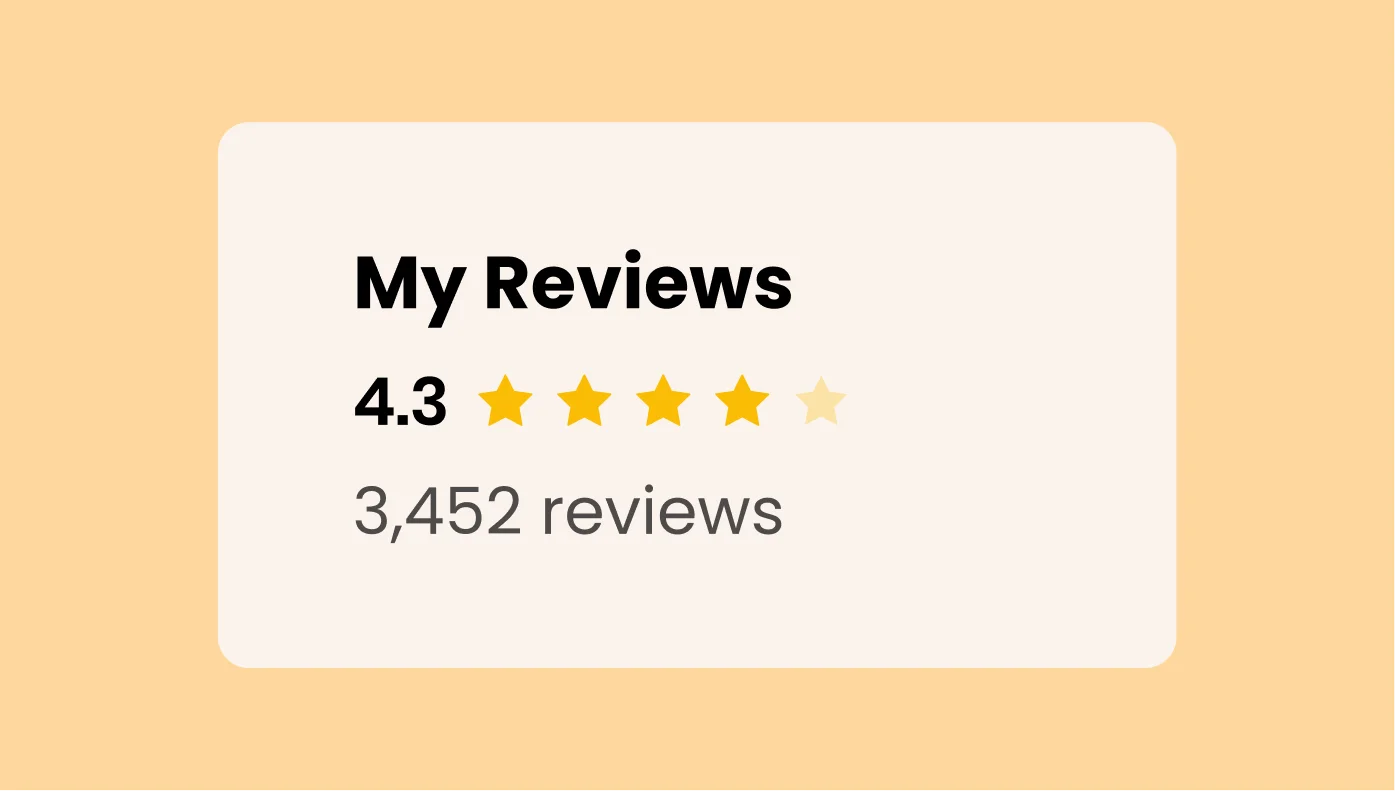
Reviews from Amazon for Moodle
Share reviews about your products or store from Amazon on your site
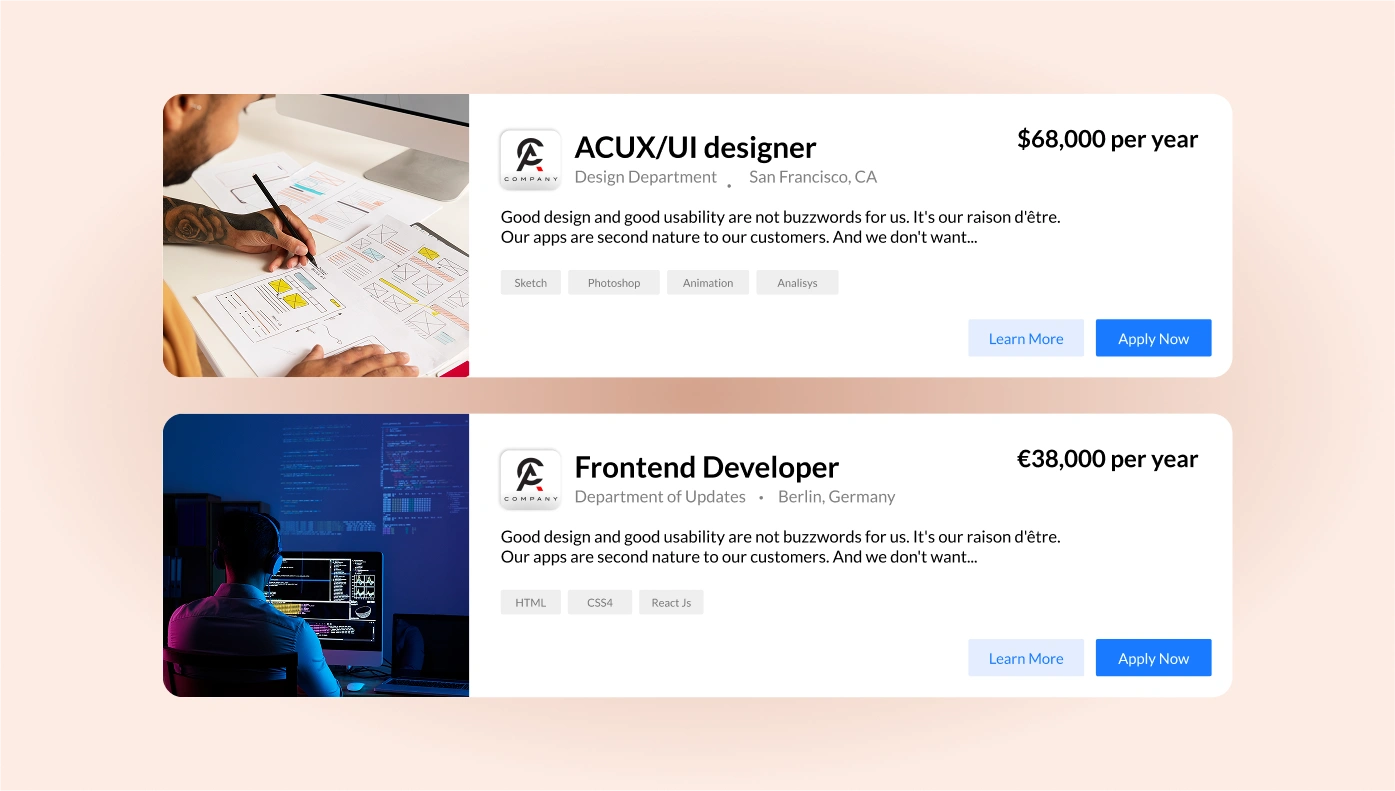
Job Board for Moodle
Post vacancy announcements and receive resumes from potential employees
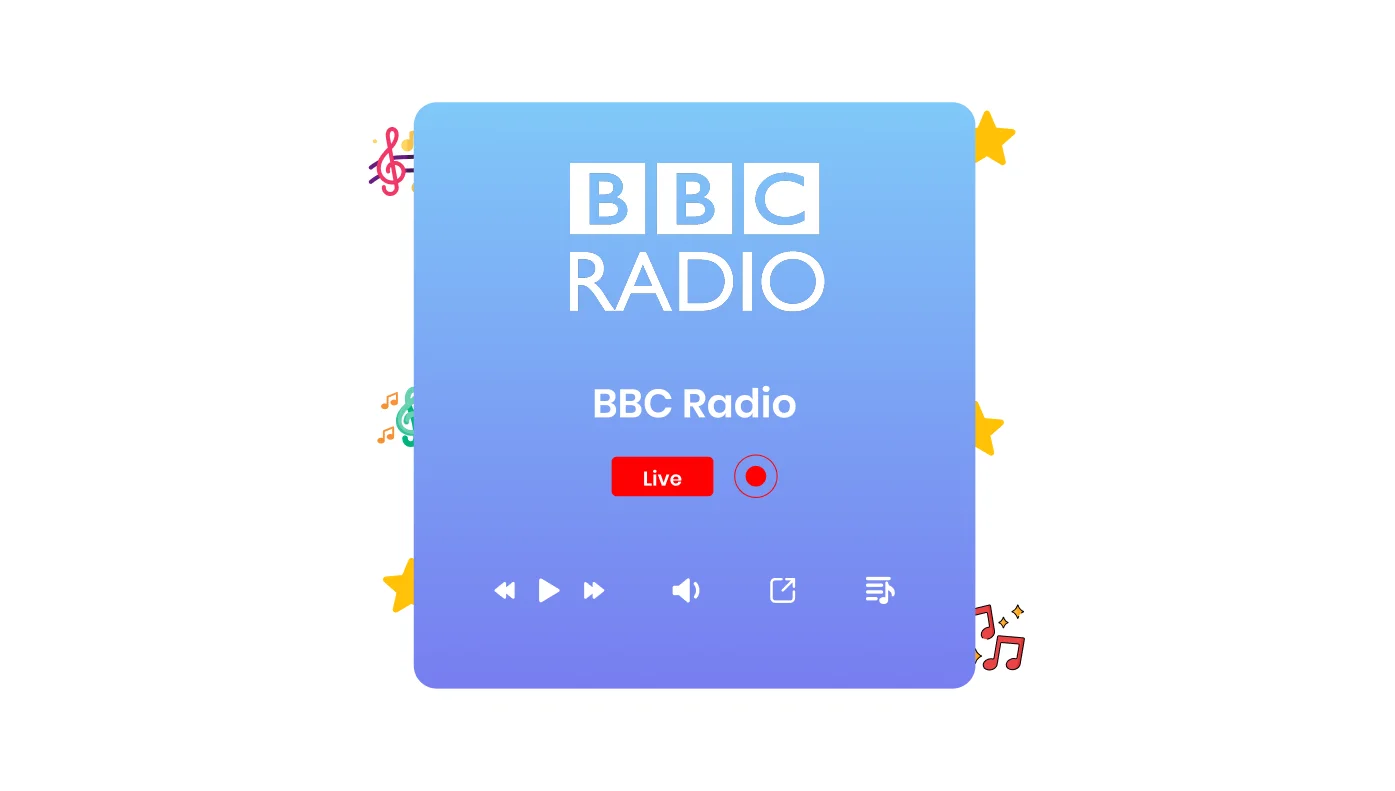
Radio Player for Moodle
Allow people listen to their favorite radio stations on your website

Twitter Feed for Moodle
Embed tweets from your Twitter account or by hashtag to your website
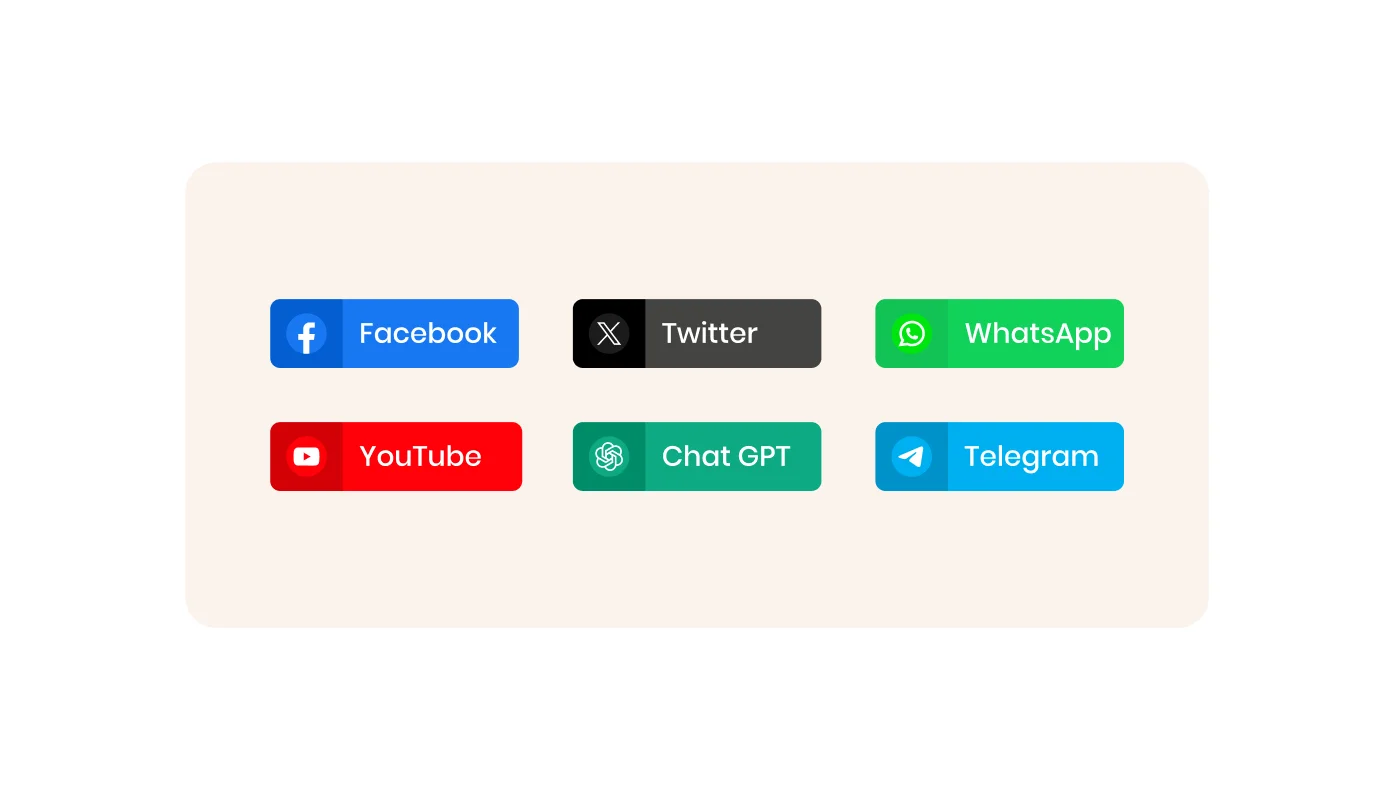
Social Share Buttons for Moodle
Let your website visitors easily share your content in social media

Podcast Player for Moodle
Allow people listen podcasts in a handy player on your website
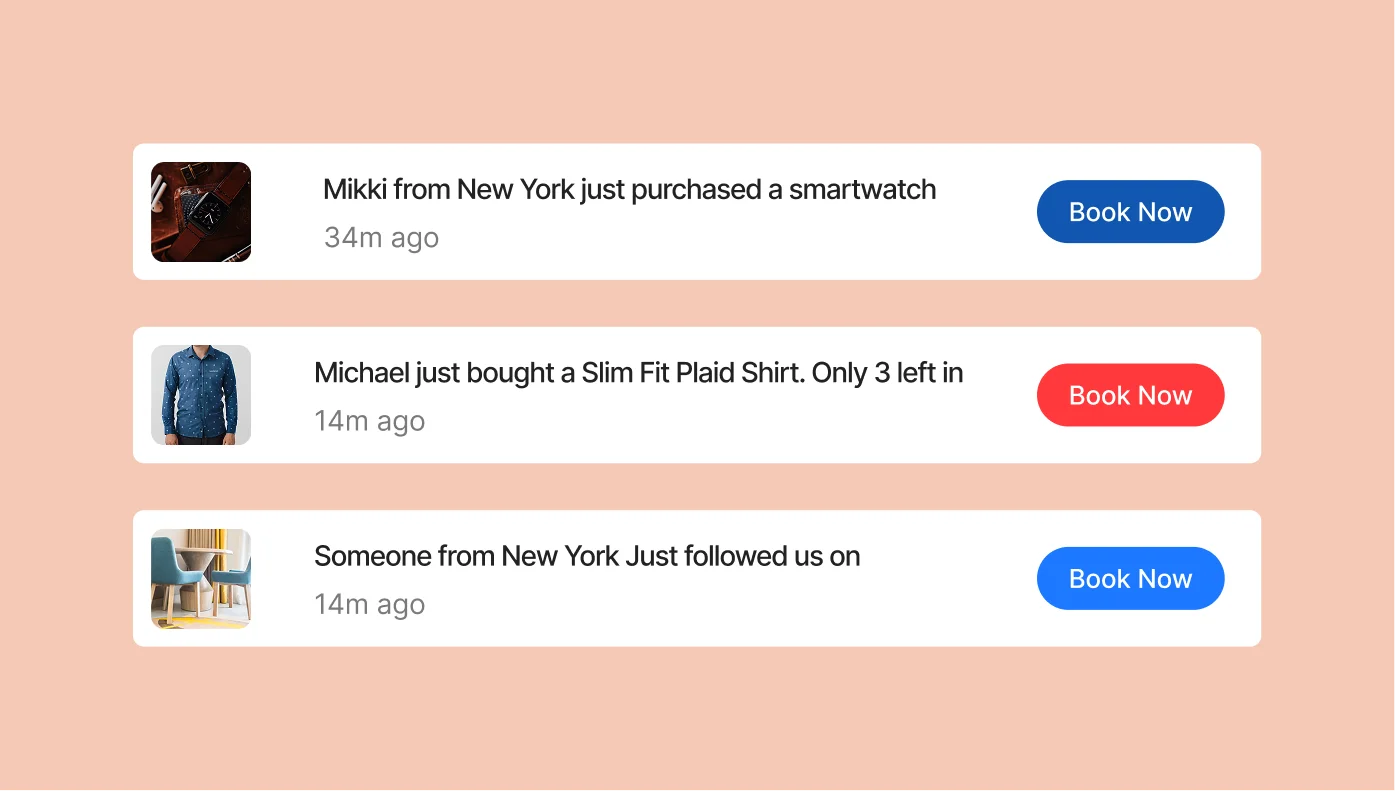
Sales Notification for Moodle
Boost your website’s sales by displaying notifications of other users’ purchases.
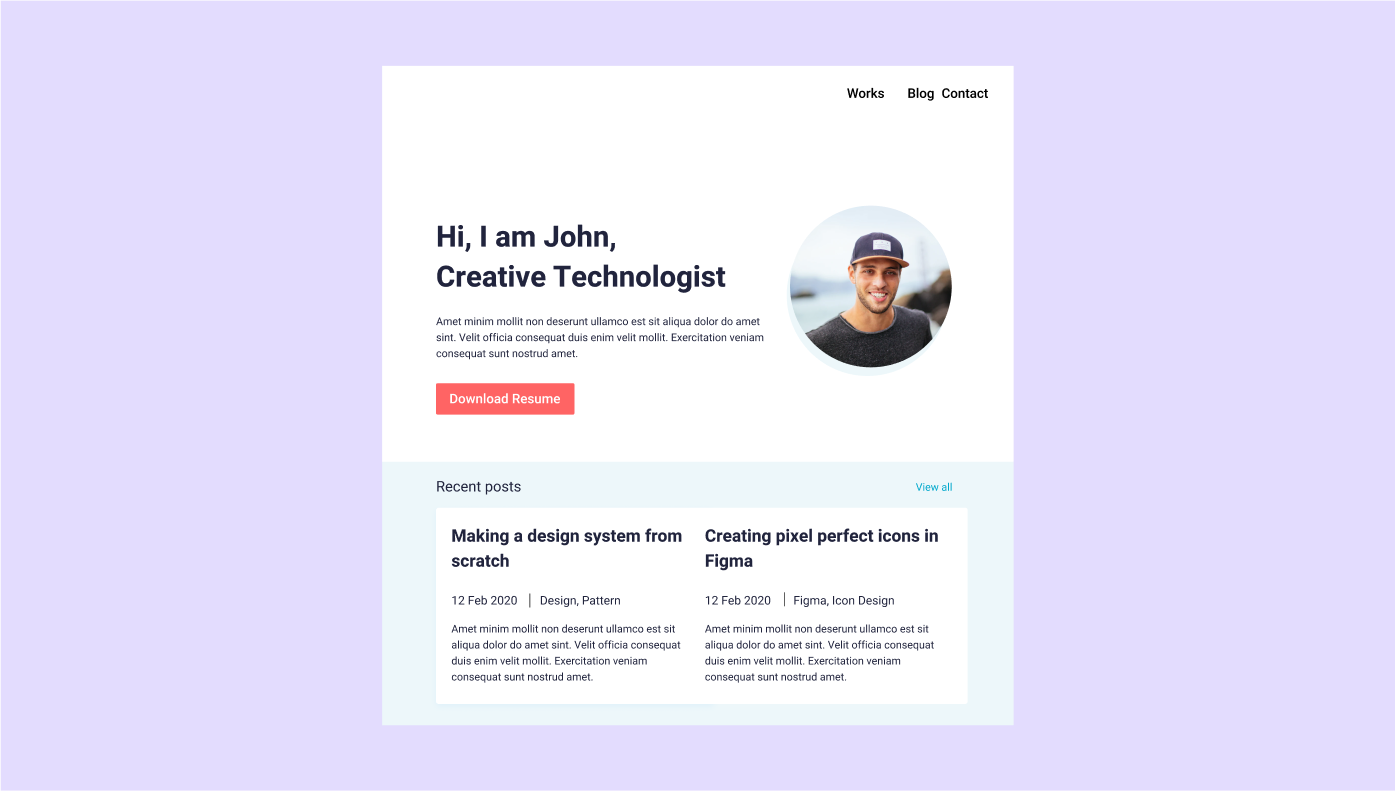
Portfolio for Moodle
Introduce yourself and your projects through a customizable portfolio

Facebook Chat for Moodle
Allow users to contact you on Facebook Messenger from your website
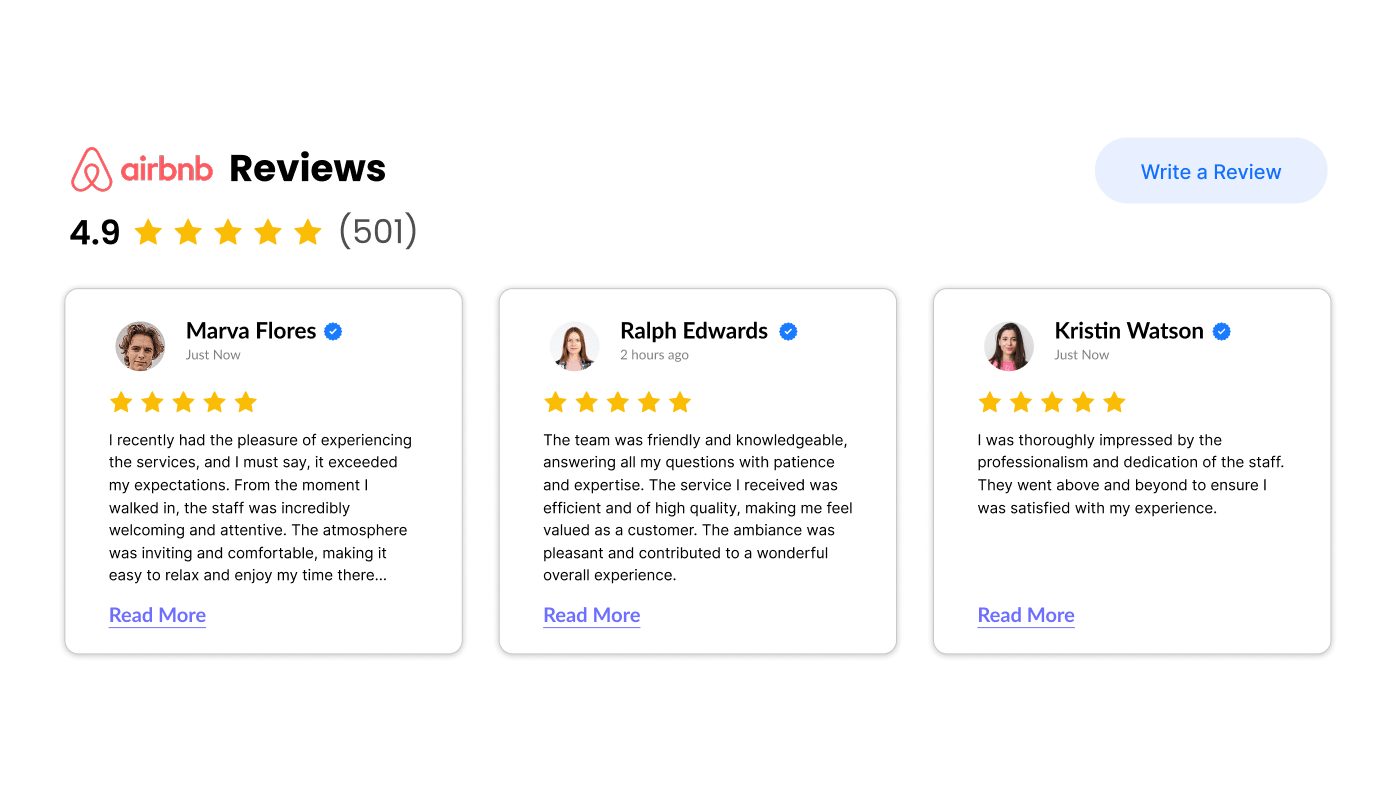
Airbnb Reviews for Moodle
Share the best reviews about your apartments from Airbnb on your site
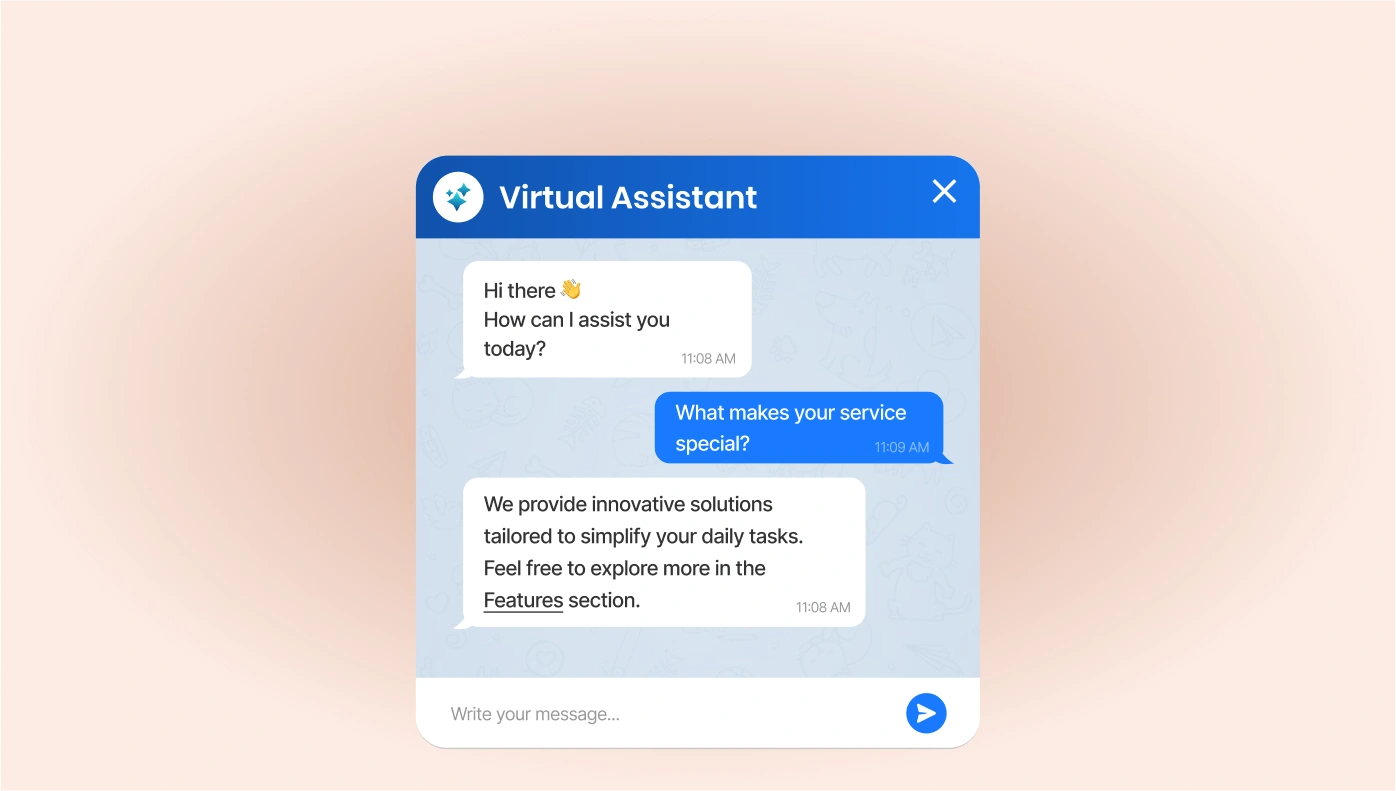
ChatGPT for Moodle
Enhance site engagement with our integrated ChatGPT plugins.
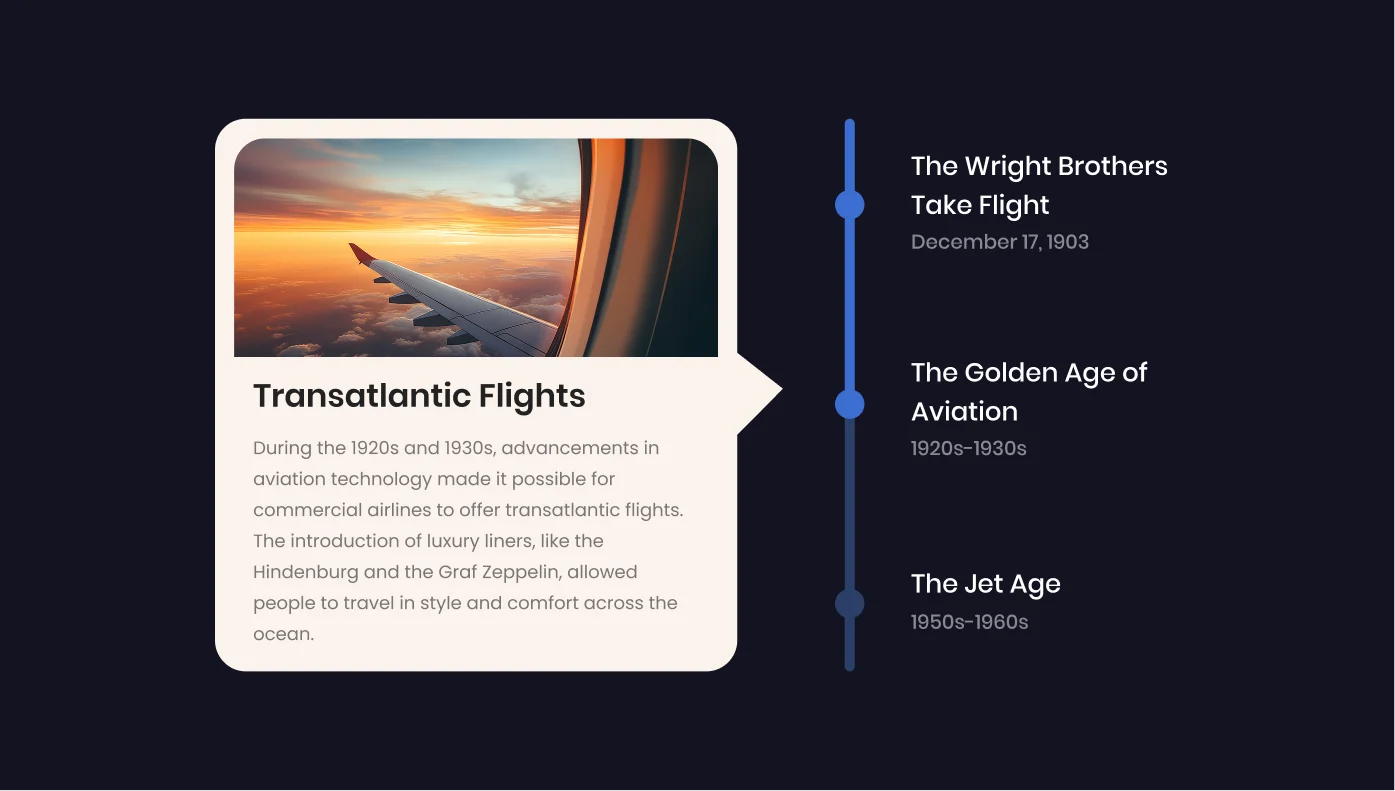
Timeline for Moodle
Tell the story of your company and display a product roadmap on the website
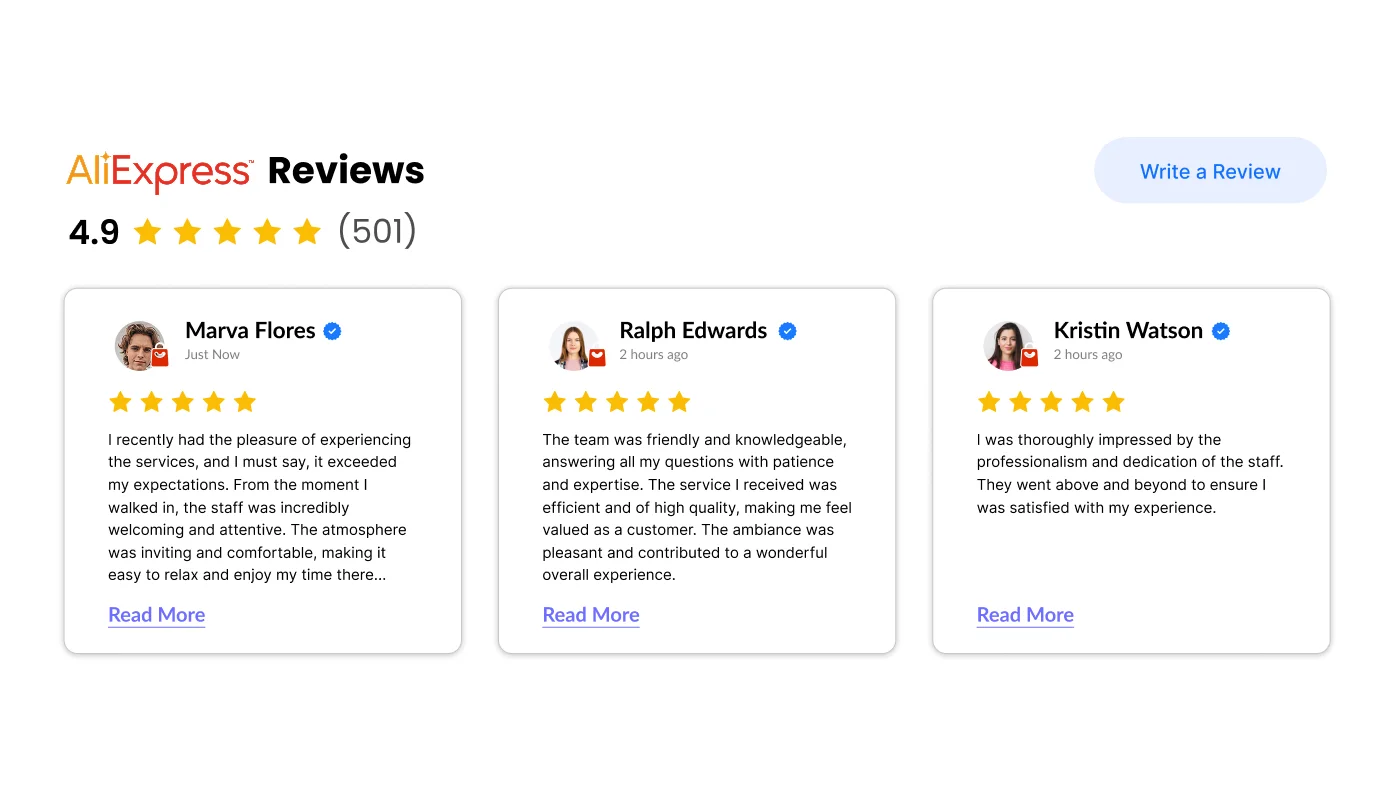
AliExpress Reviews for Moodle
Reveal customer reviews from AliExpress on your product pages
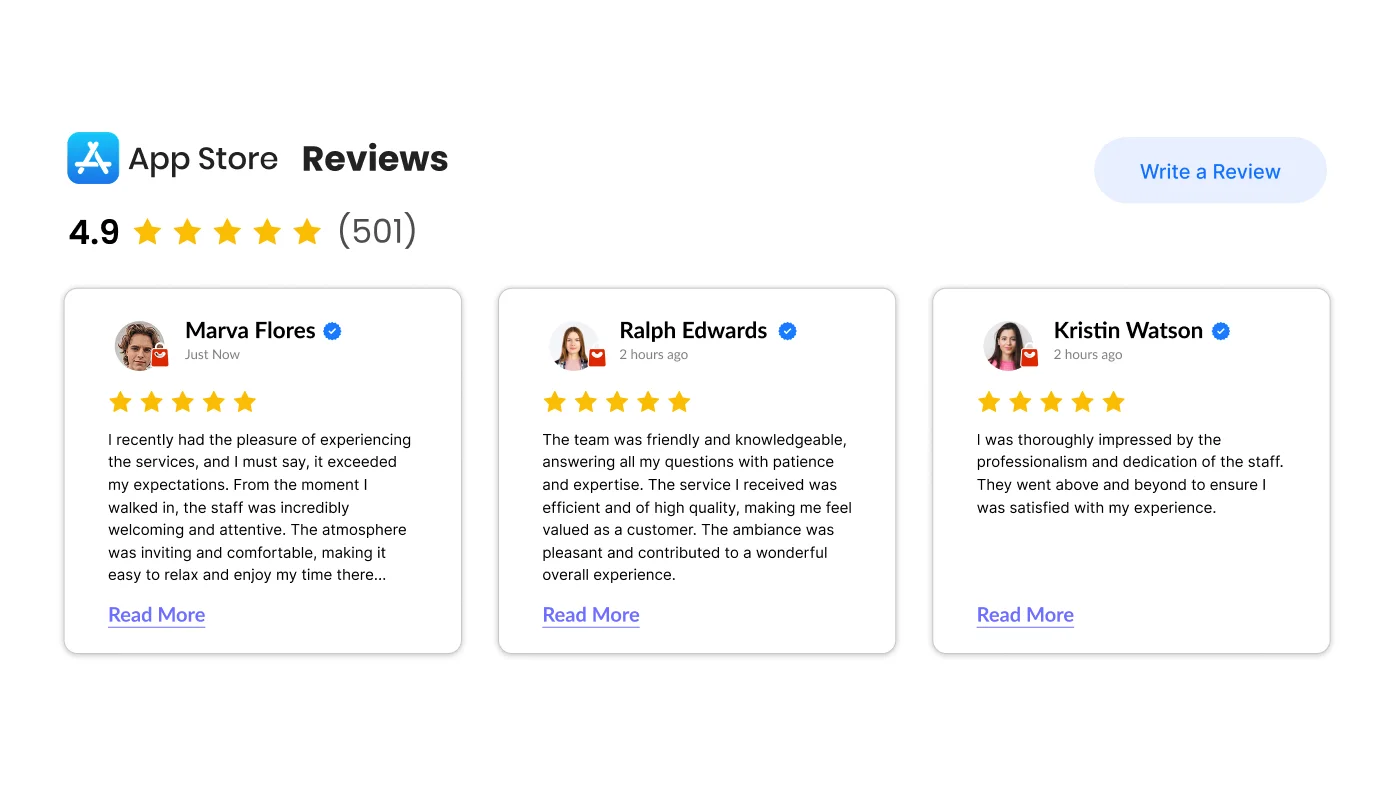
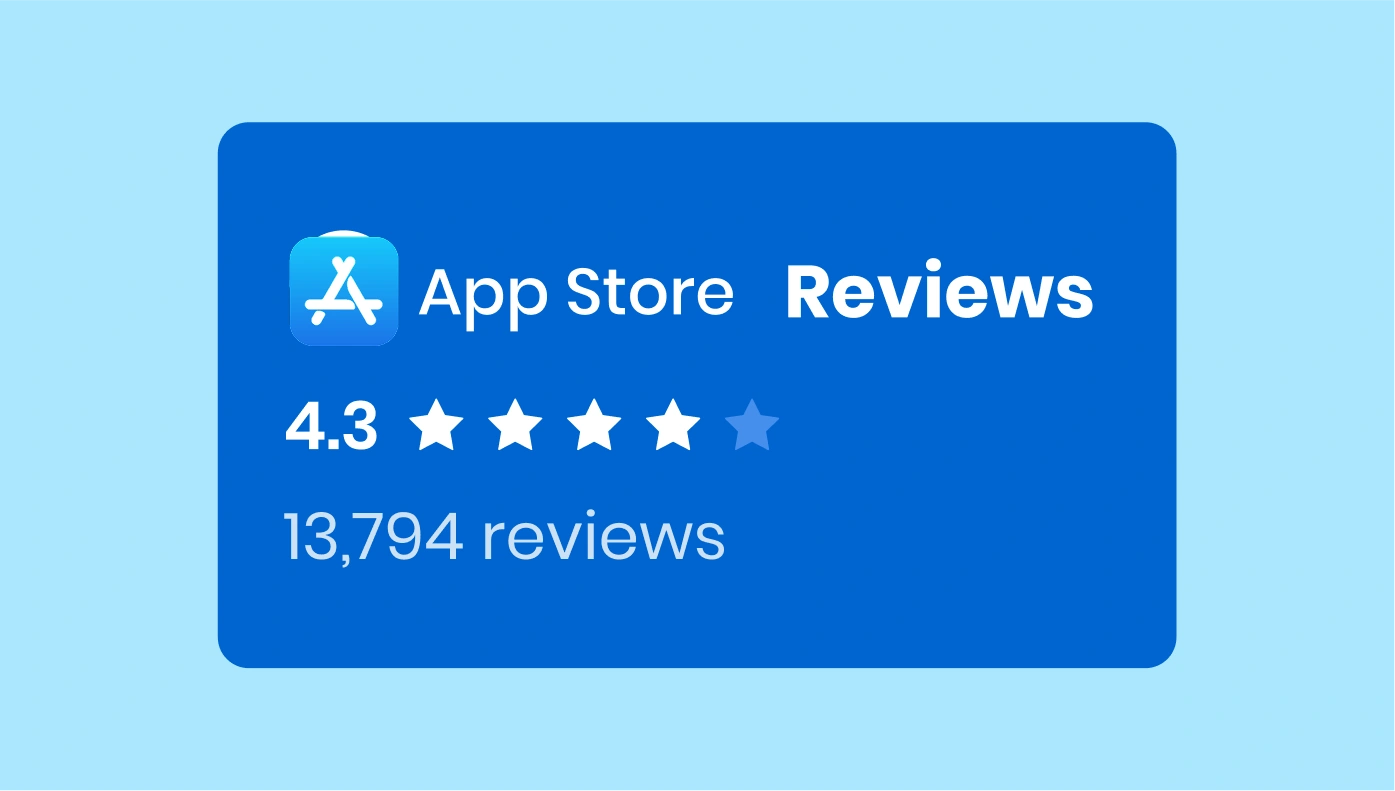
Apple App Store Reviews for Moodle
Embed reviews on your apps from Apple App Store on your site

Back to Top for Moodle
Let your users instantly scroll to the top of the page in a click

Banner for Moodle
Create and display promotion banners on your website
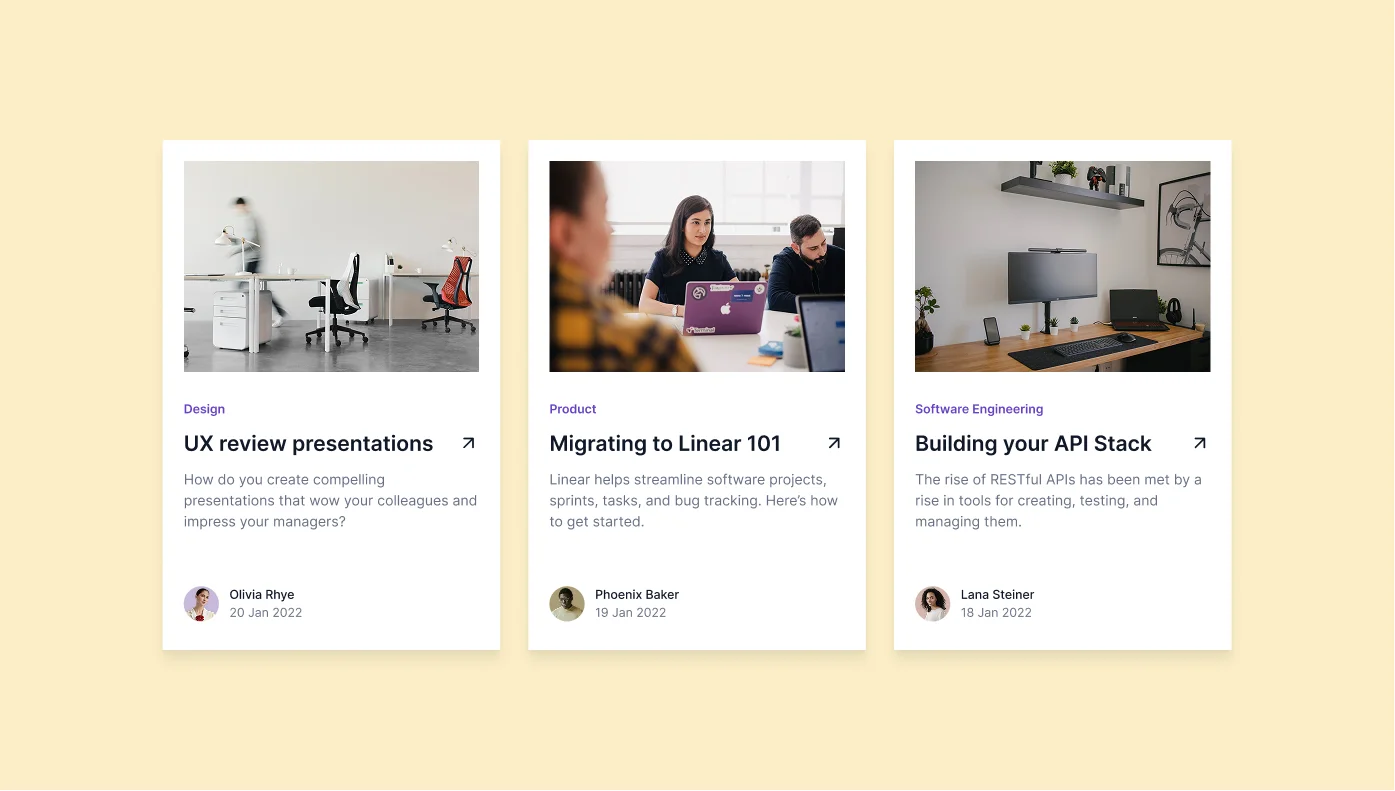
Blog for Moodle
Create a Blog section on your website and share your articles and news with visitors effortlessly
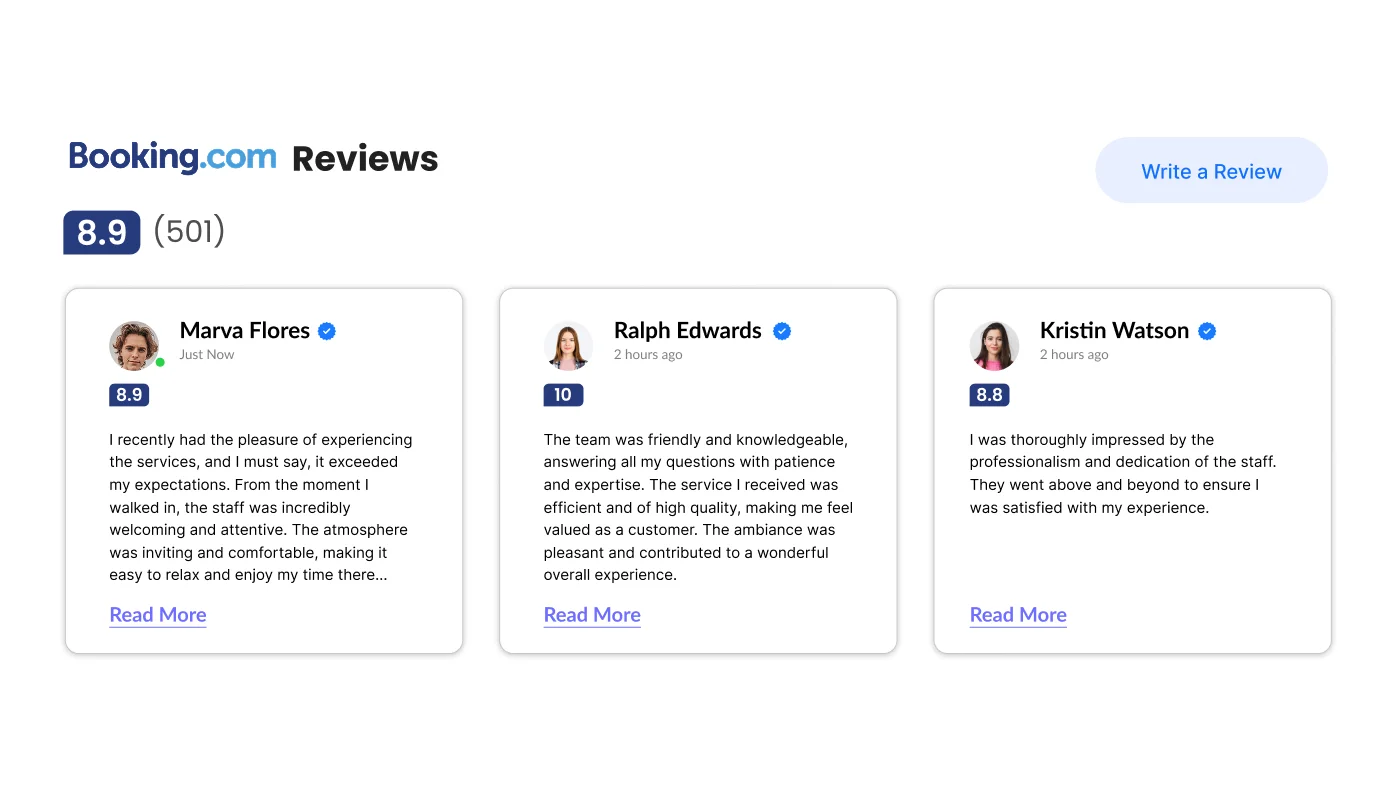
Booking.com Reviews for Moodle
Reveal positive reviews on your place from Booking.com on your site
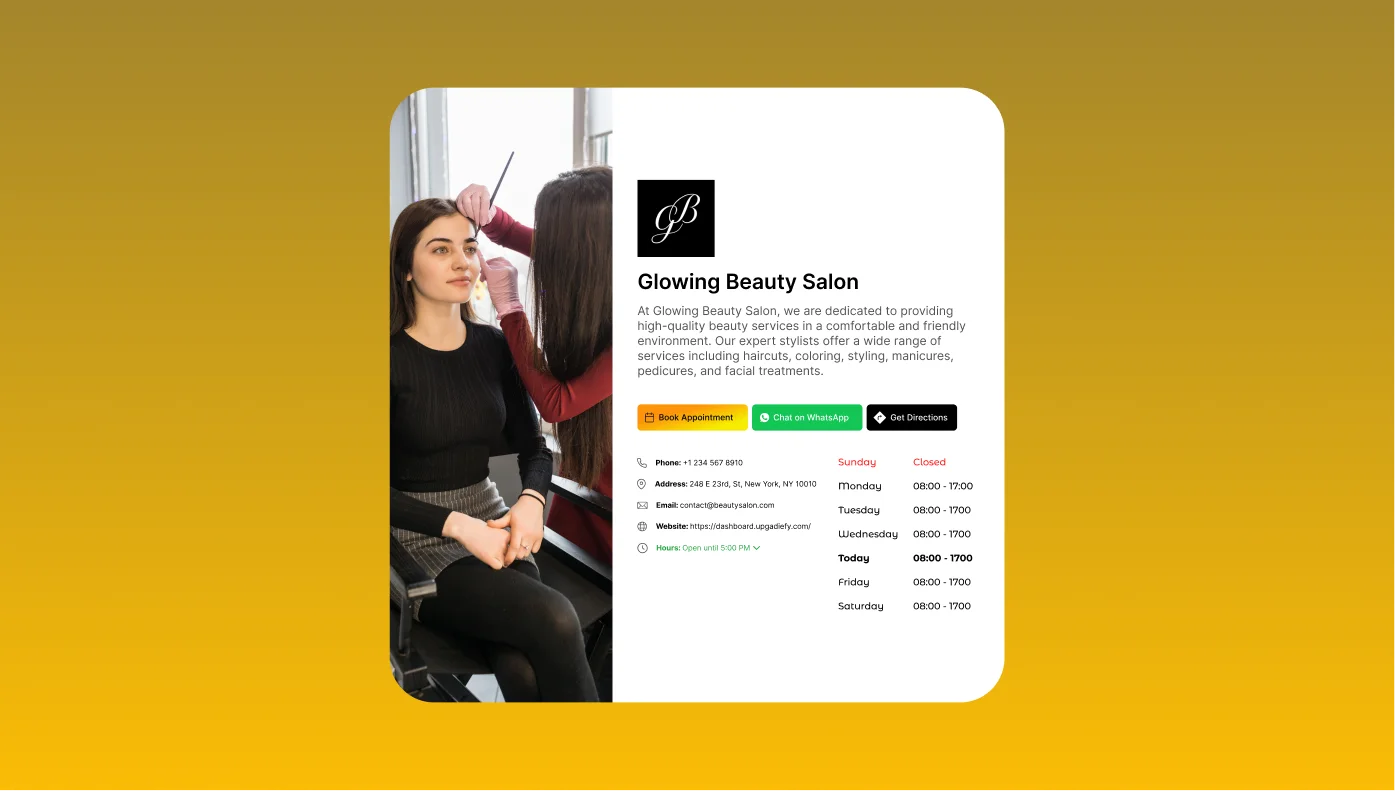
Business Hours for Moodle
Showcase business hours and contact details on your website for user-friendly visit planning

Button for Moodle
Create buttons for various targeted actions on your website
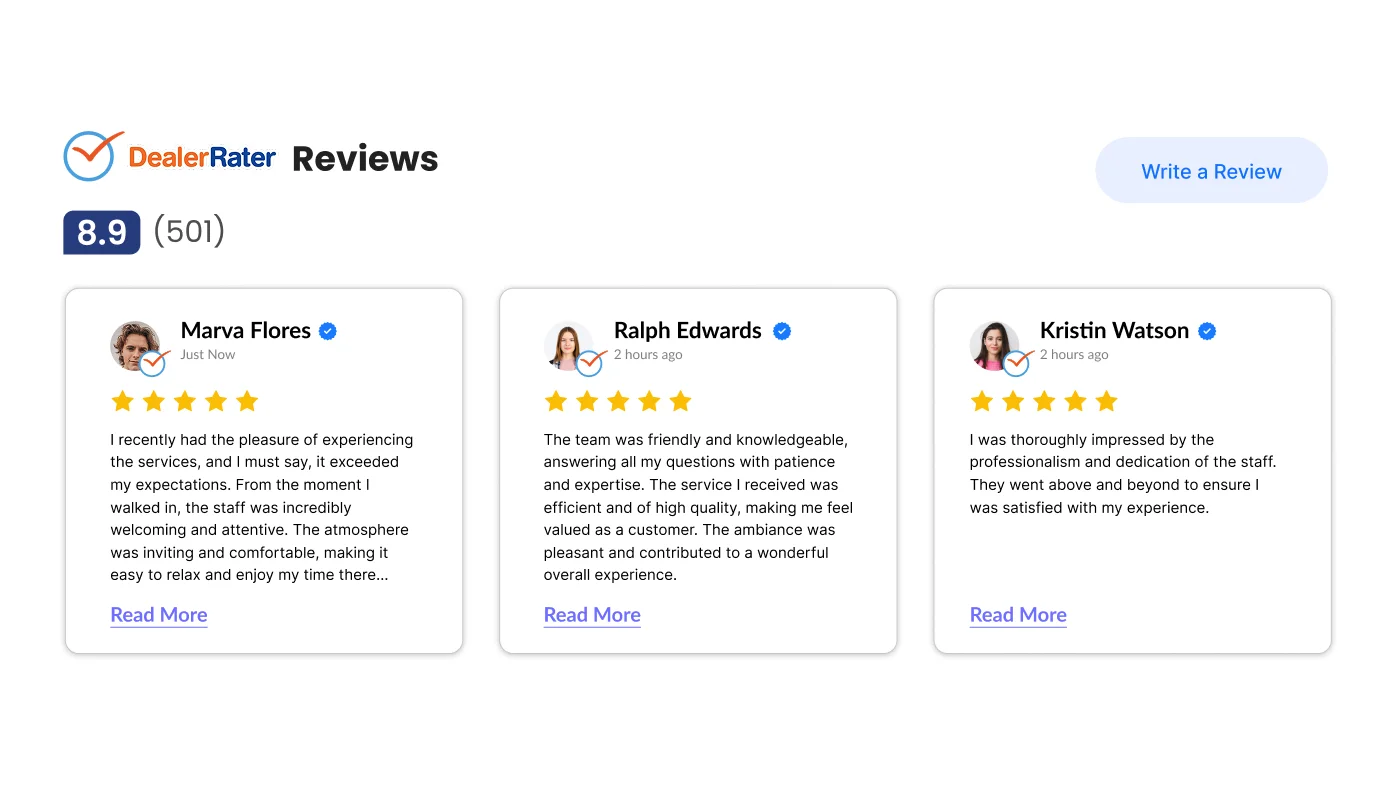
DealerRater Reviews for Moodle
Demonstrate positive reviews on your services from DealerRater on your site
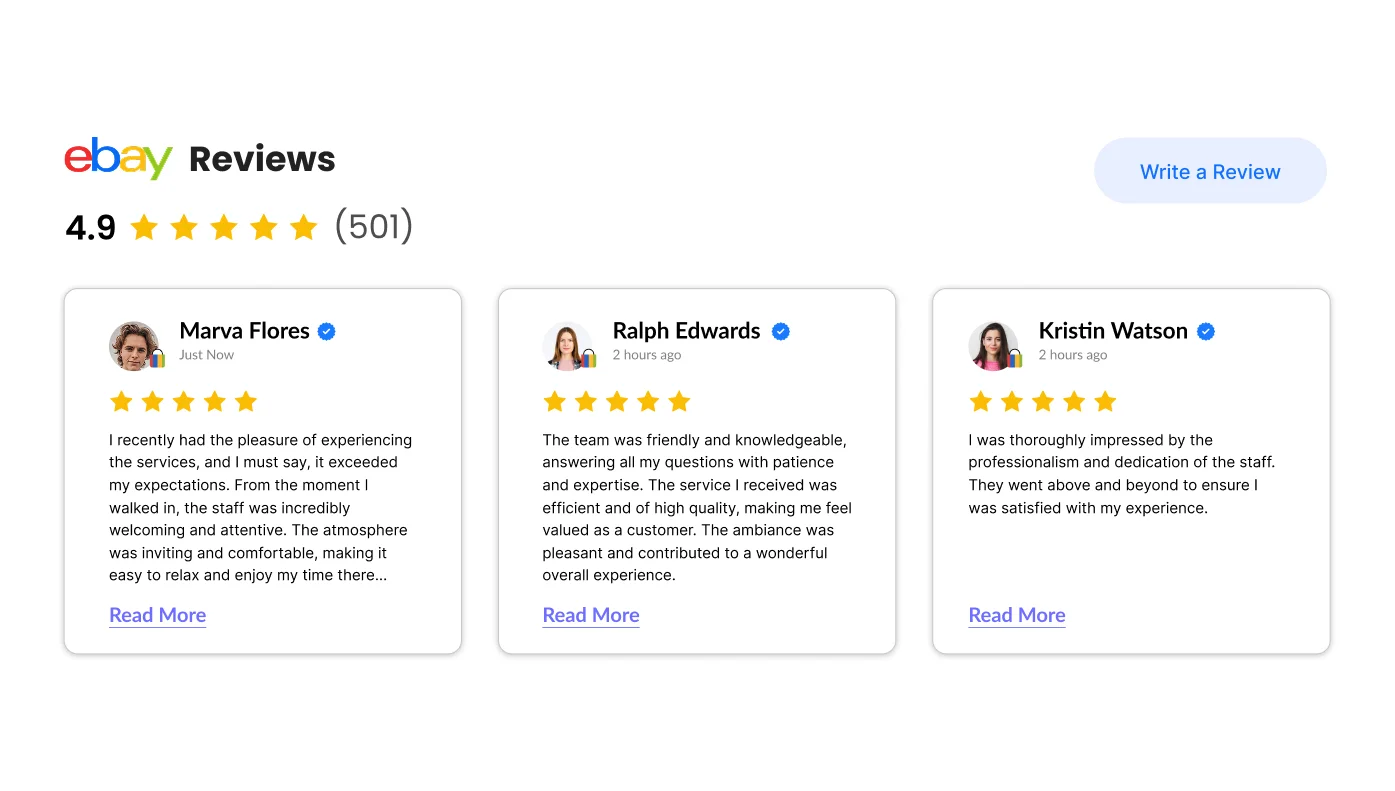
eBay Reviews for Moodle
Display customer reviews on your products from eBay right on your site
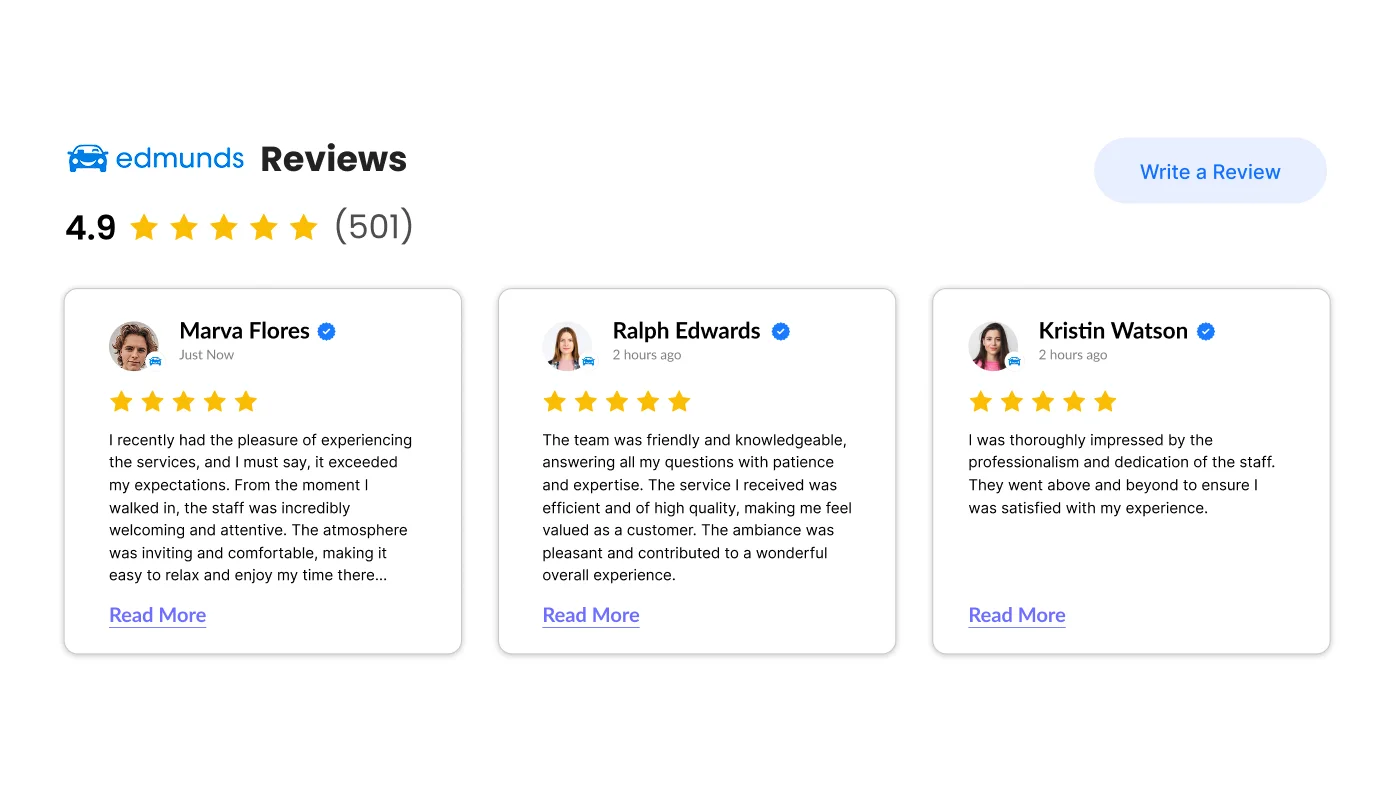
Edmunds Reviews for Moodle
Display the best dealer reviews from Edmunds right on your site

Etsy Reviews for Moodle
Display reviews on your merchandise from Etsy on your site
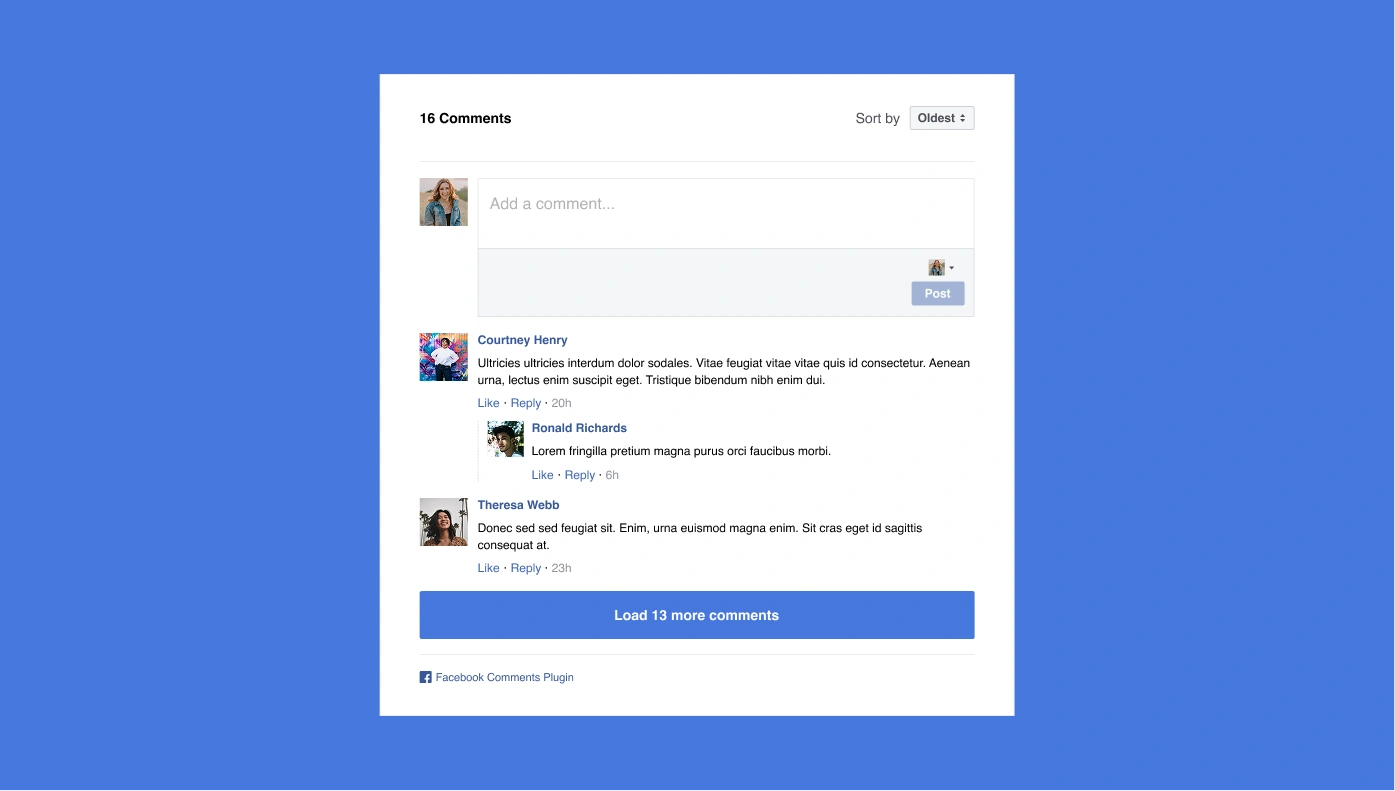
Facebook Comments for Moodle
Give your audience an easy way to comment your content via Facebook

Facebook Share Button for Moodle
Let people share your content on Facebook
File Embed for Moodle
Allow people view and download any kind of file (doc, xlsx, pptx, txt, etc.)
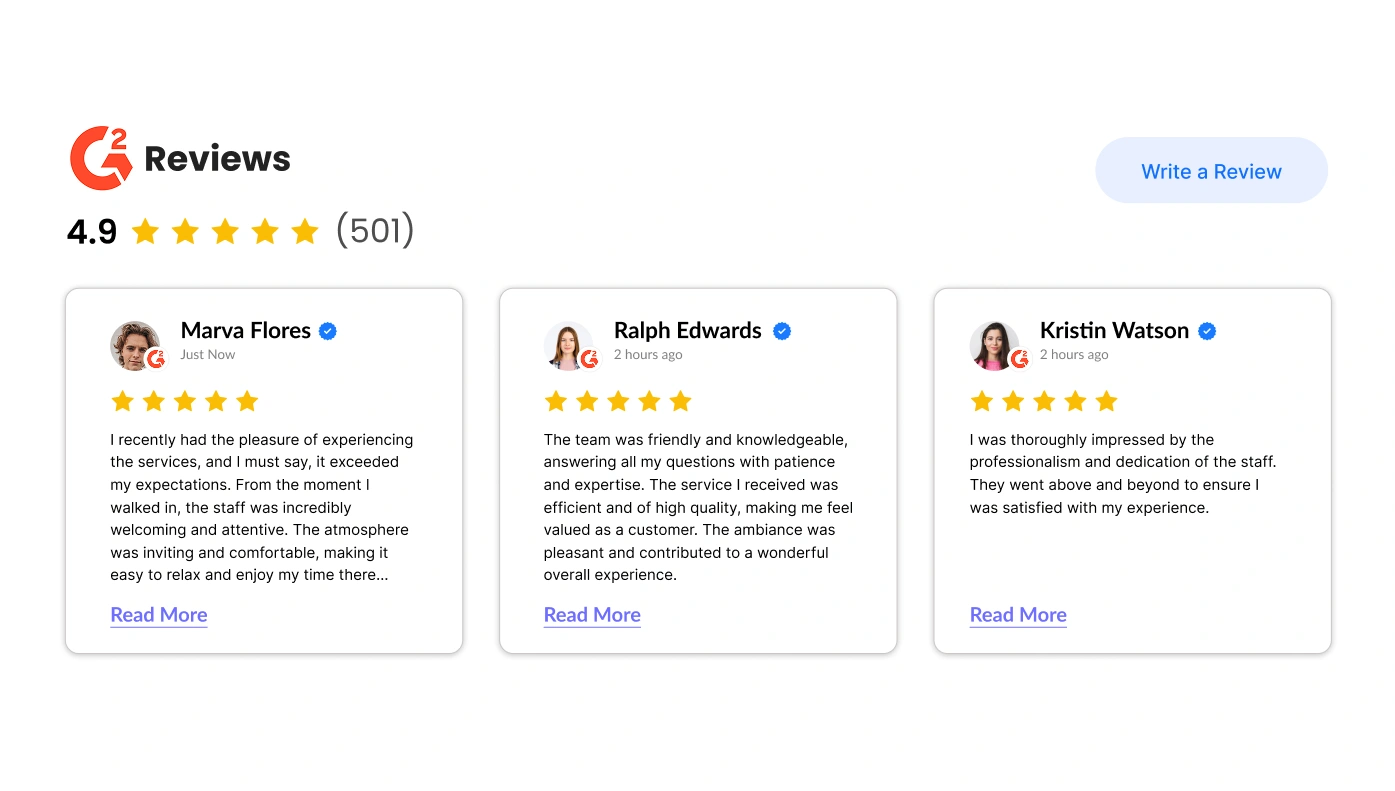
G2 Reviews for Moodle
Display the best reviews on your services from G2 on your site
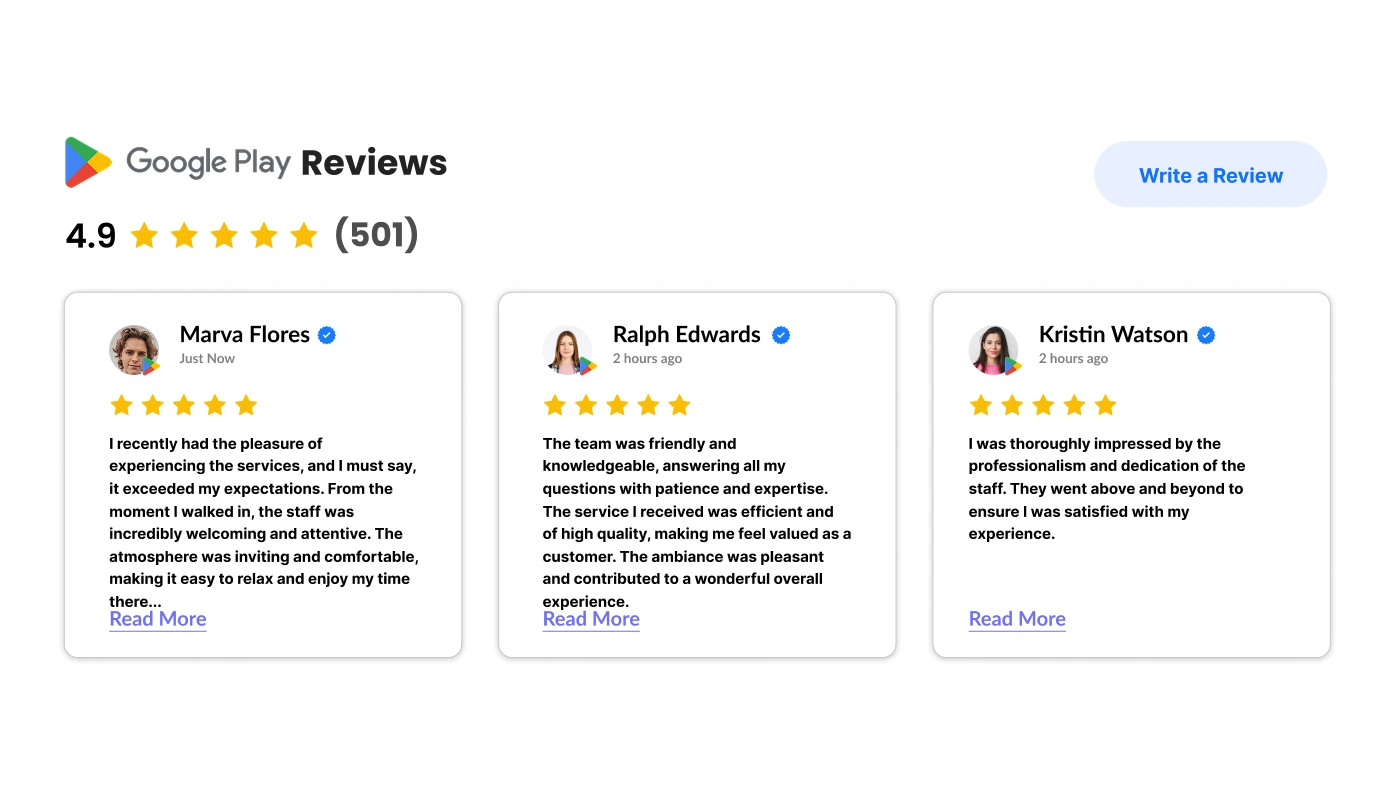
Google Play Reviews for Moodle
Display apps, movies, music, books reviews from Google Play on your site
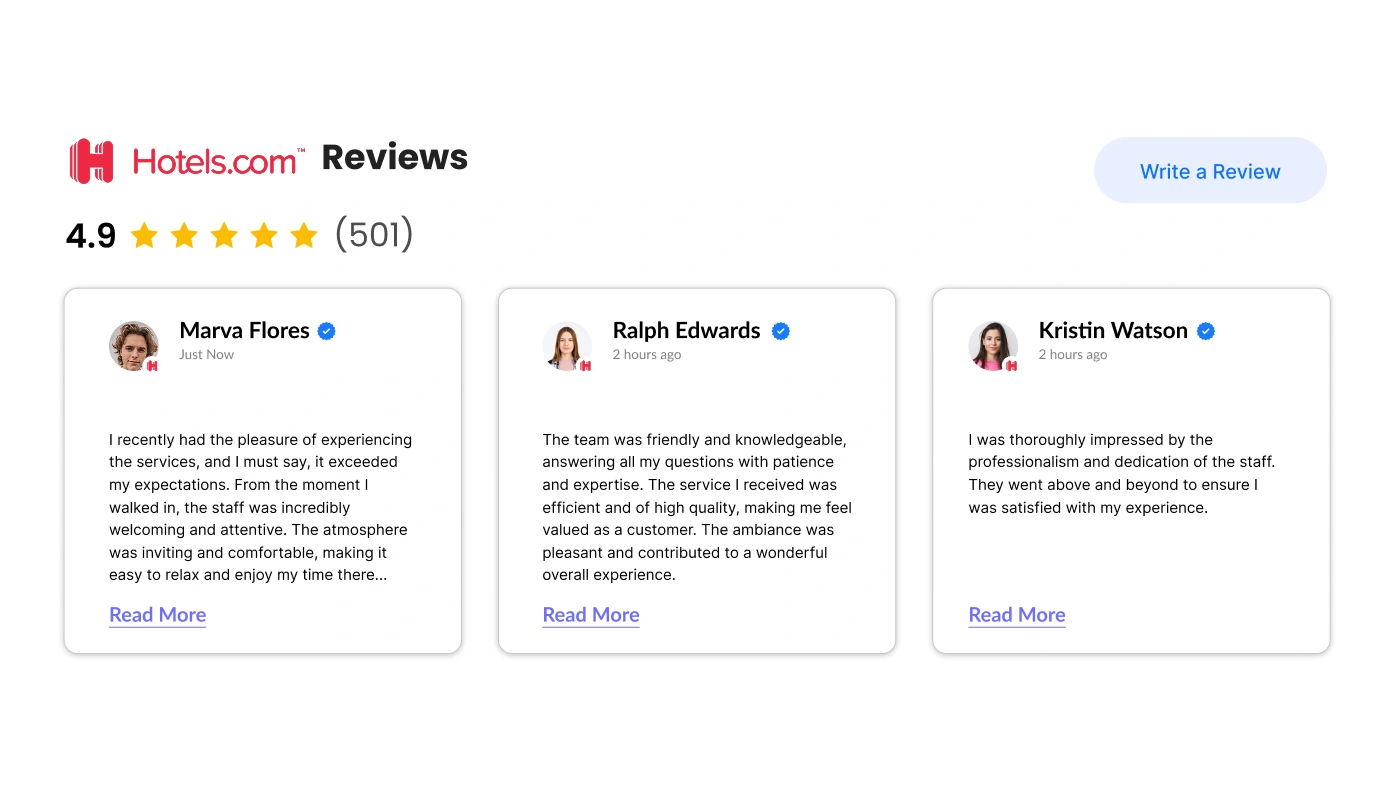
Hotels Reviews for Moodle
Demonstrate reviews on your hotel from Hotels.com on your site
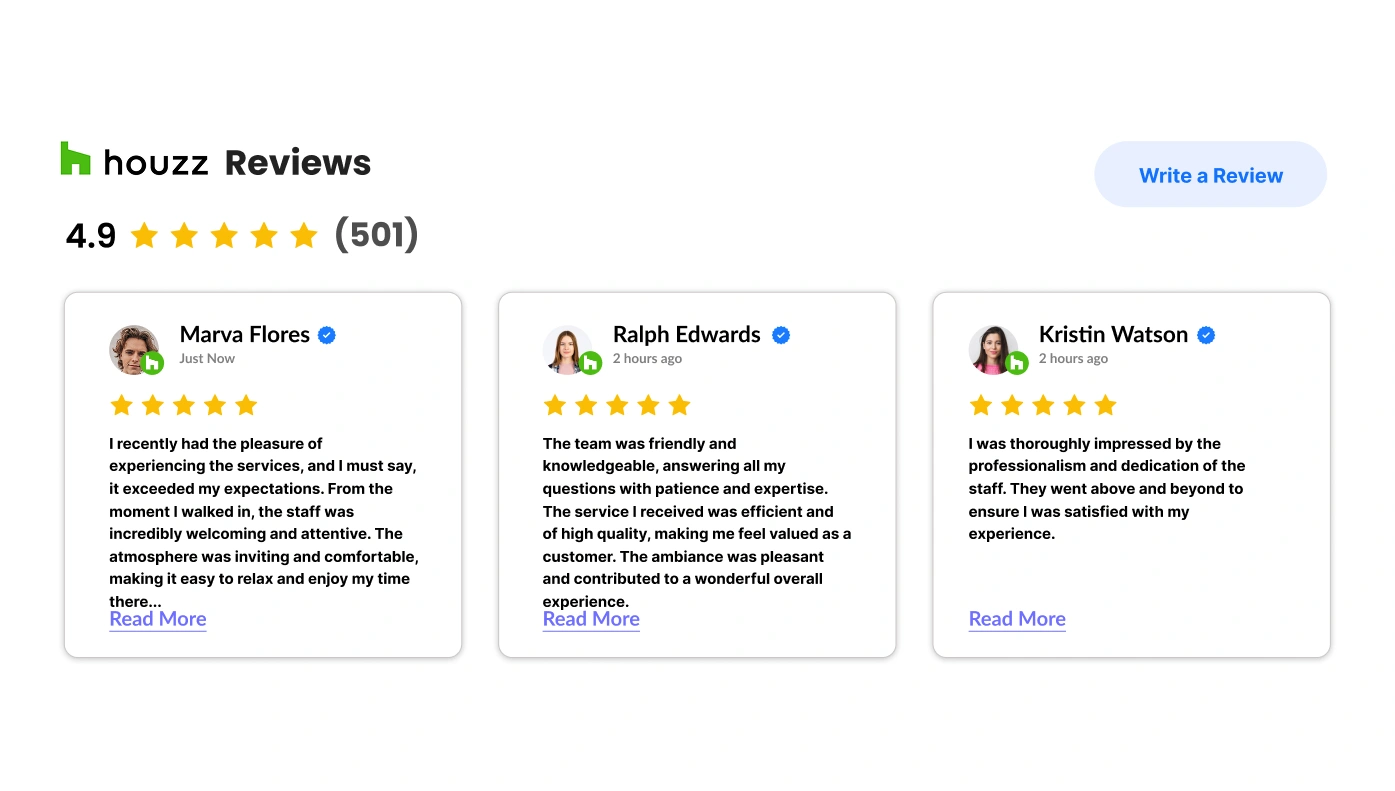
Houzz Reviews for Moodle
Display positive reviews on your services from Houzz right on your site
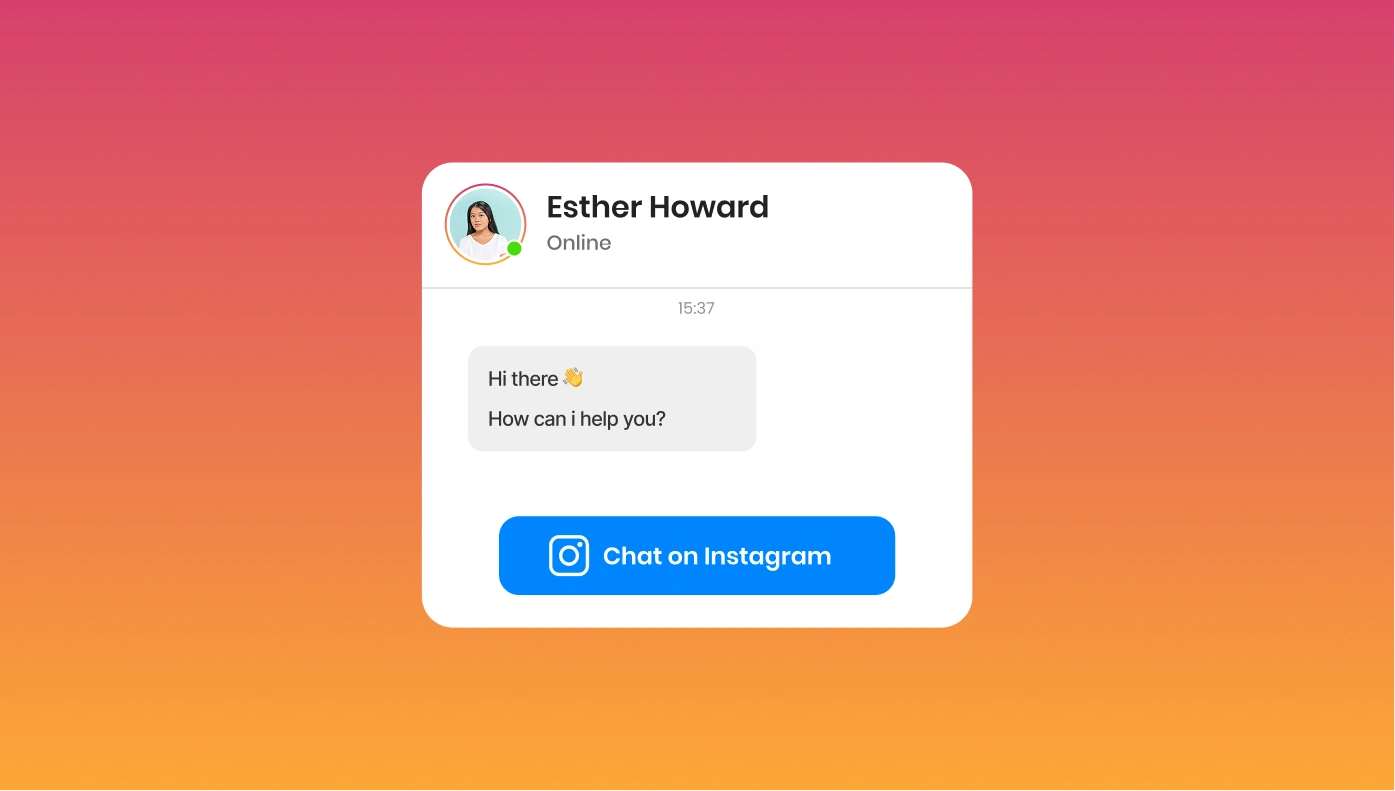
Instagram Chat for Moodle
Add Instagram Chat to site for better company-user communication

Instagram Widget for Moodle
Display your Instagram profile to attract new subscribers
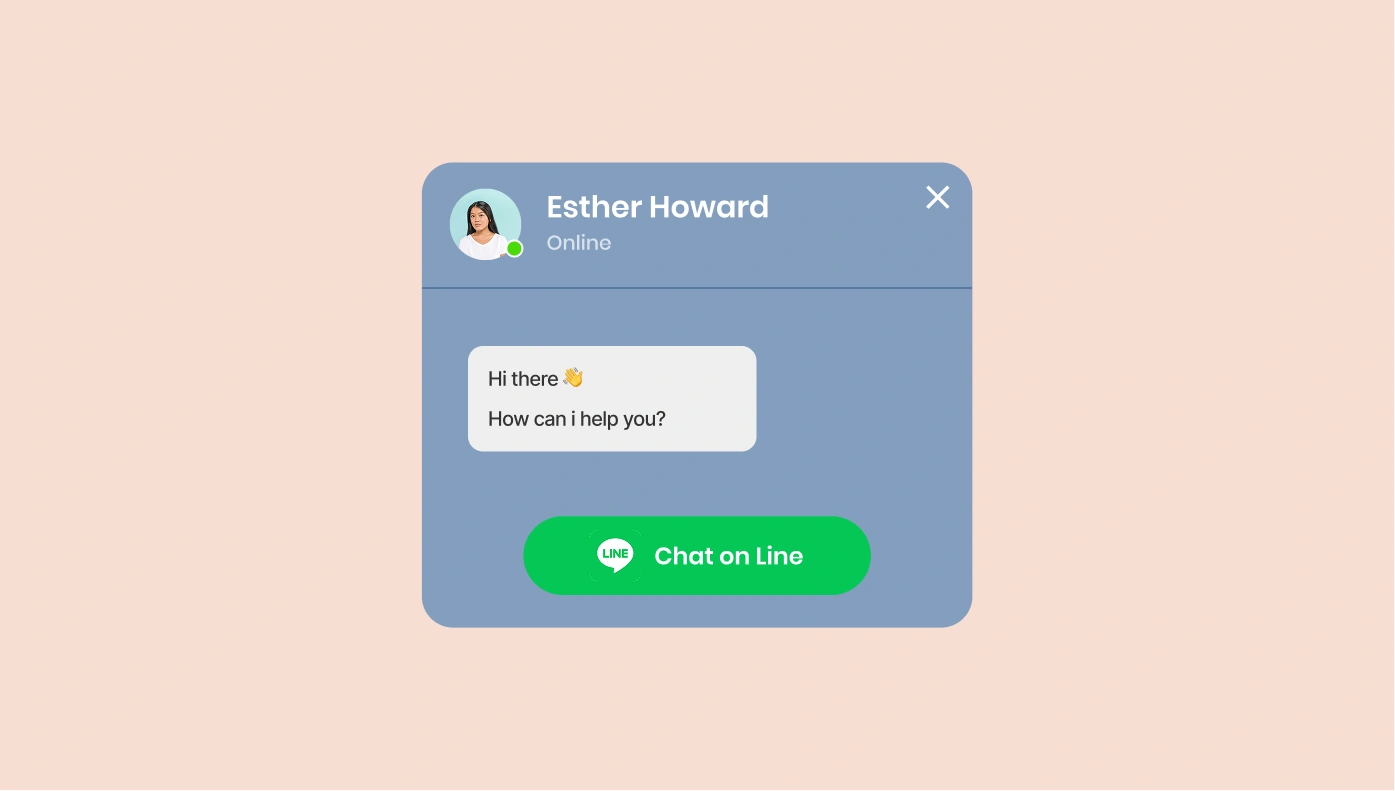
Line Chat for Moodle
Let users reach you out on Line right from your website
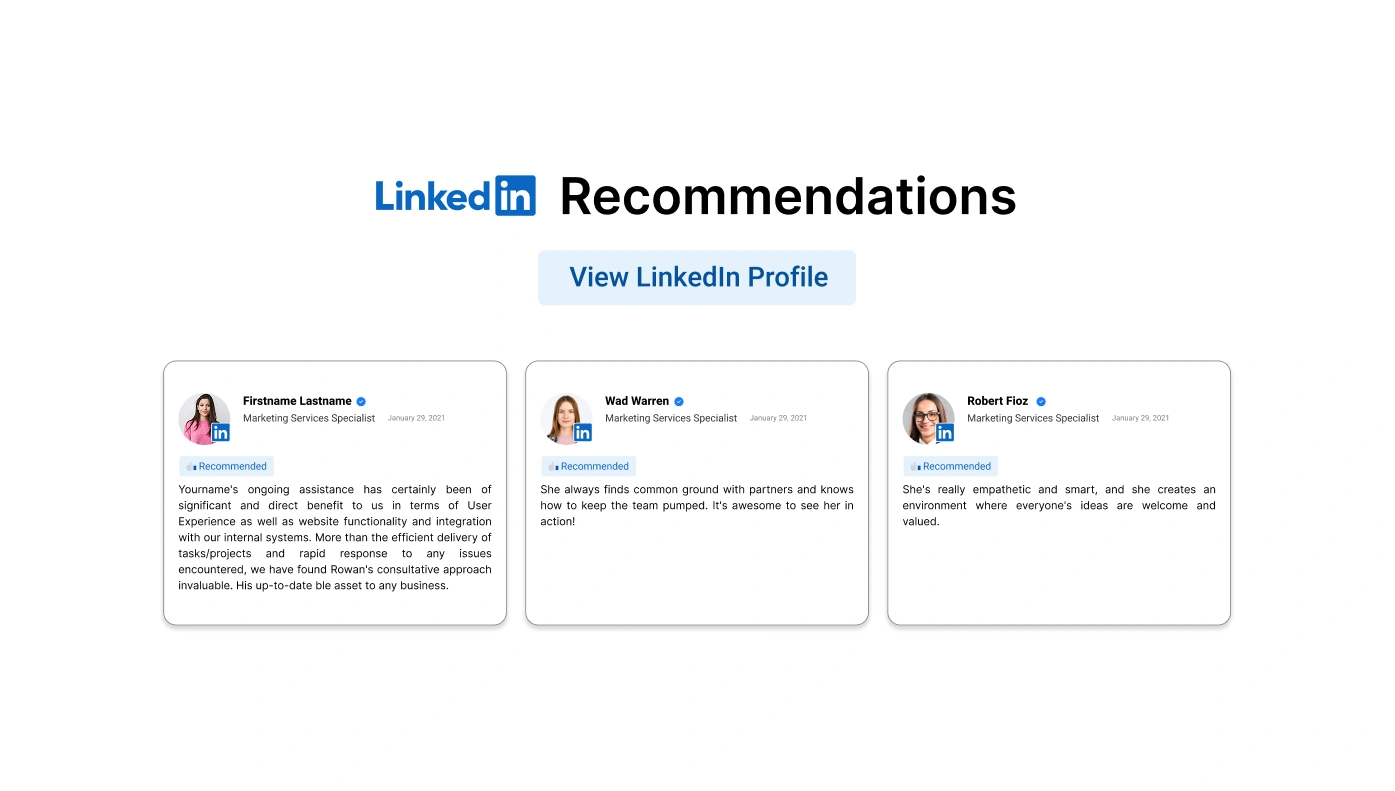
LinkedIn Recommendations for Moodle
Raise customer trust showcasing testimonials about your business right at your website
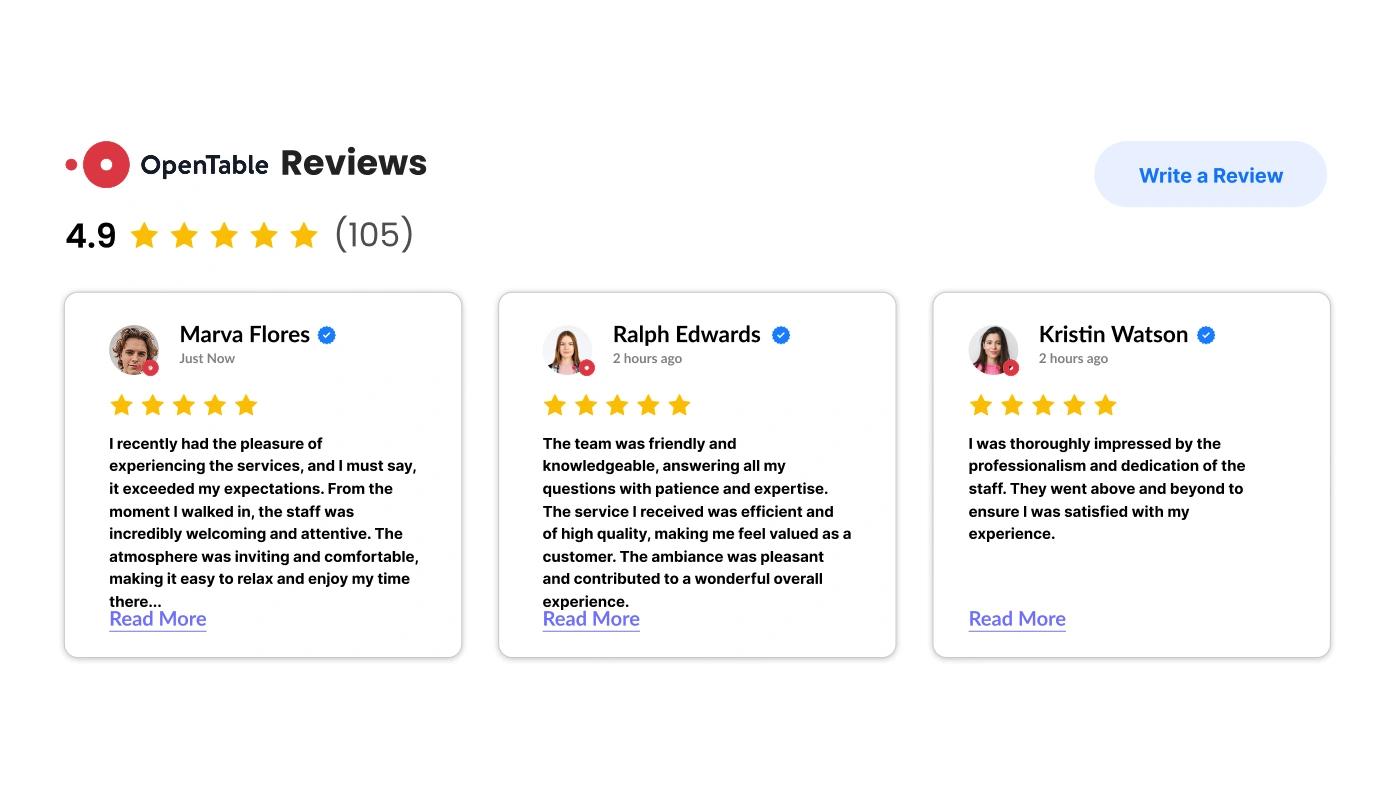
OpenTable Reviews for Moodle
Showcase best customer reviews on your restaurant from OpenTable on your site
PayPal Button for Moodle
Let people pay, donate or subscribe with PayPal
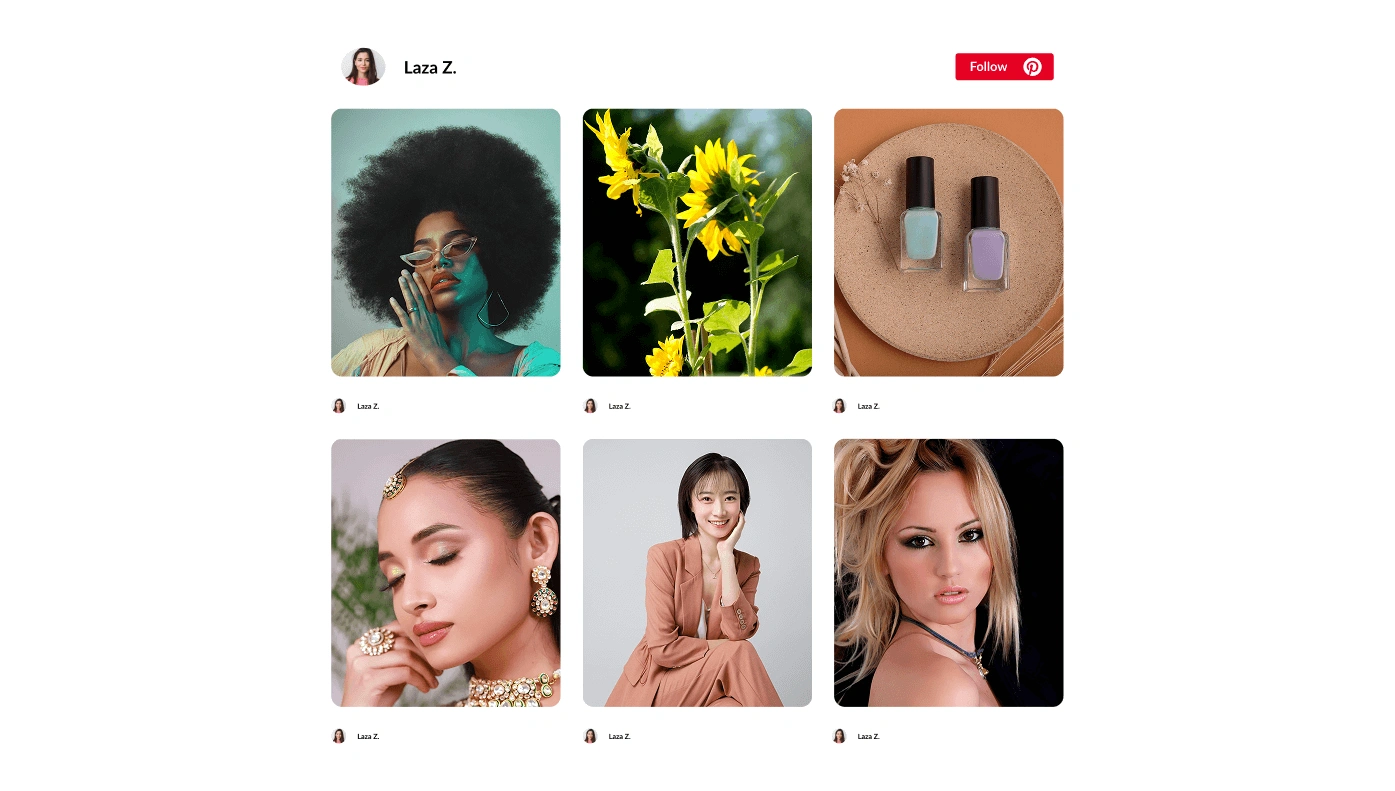
Pinterest Feed for Moodle
Integrate pins and boards from Pinterest account on your website
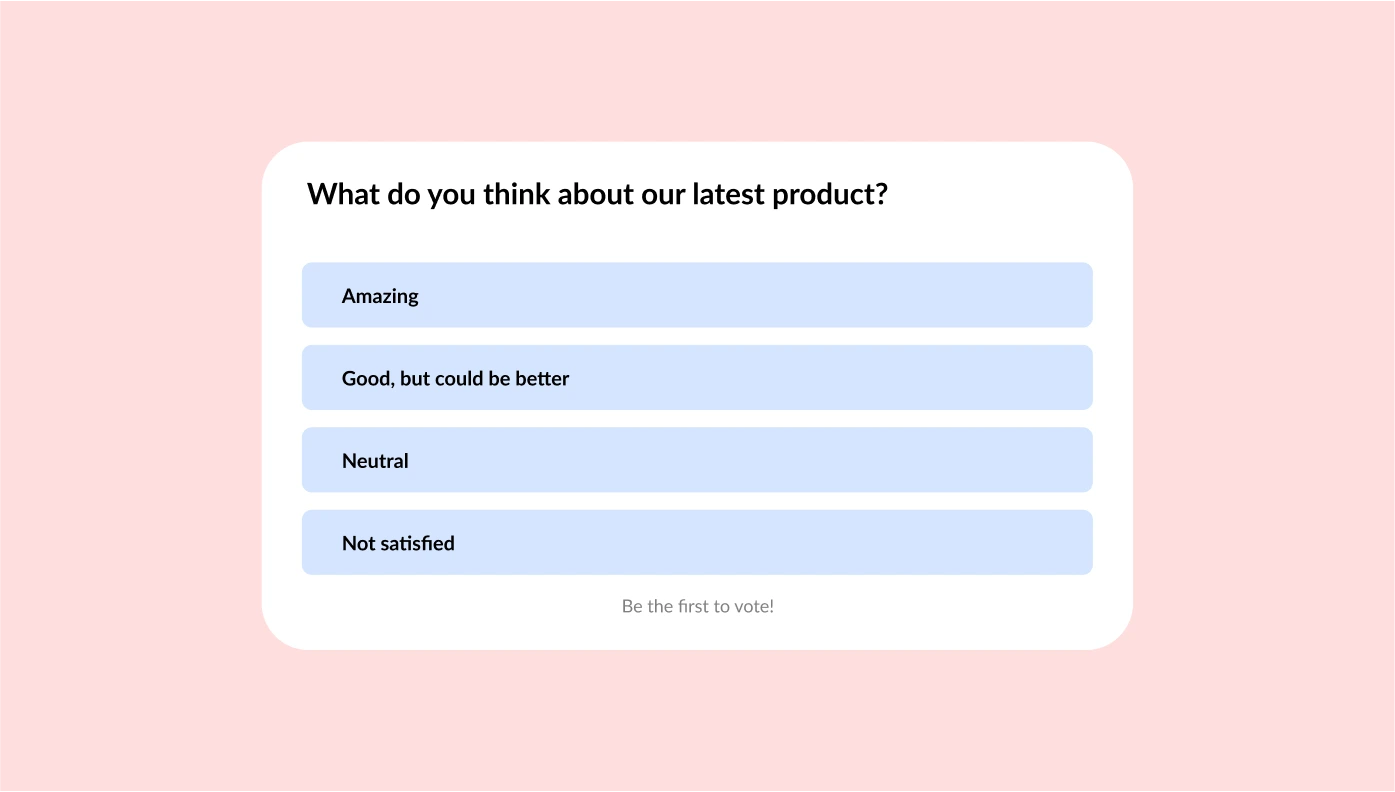
Poll for Moodle
Create a Poll on your website and collect valuable insights to know your audience better.
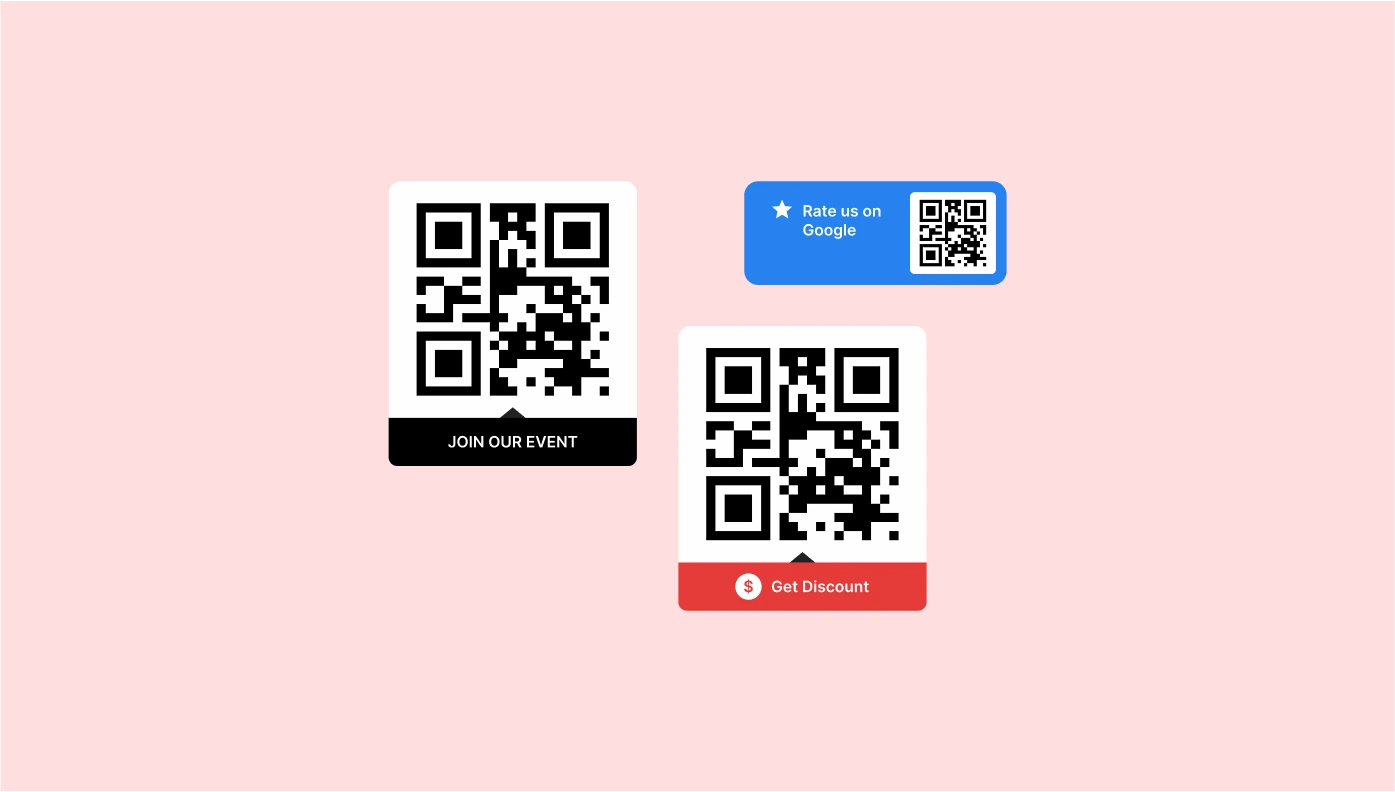
QR Code for Moodle
Use a QR code on your website to help people get any info instantly on their phones
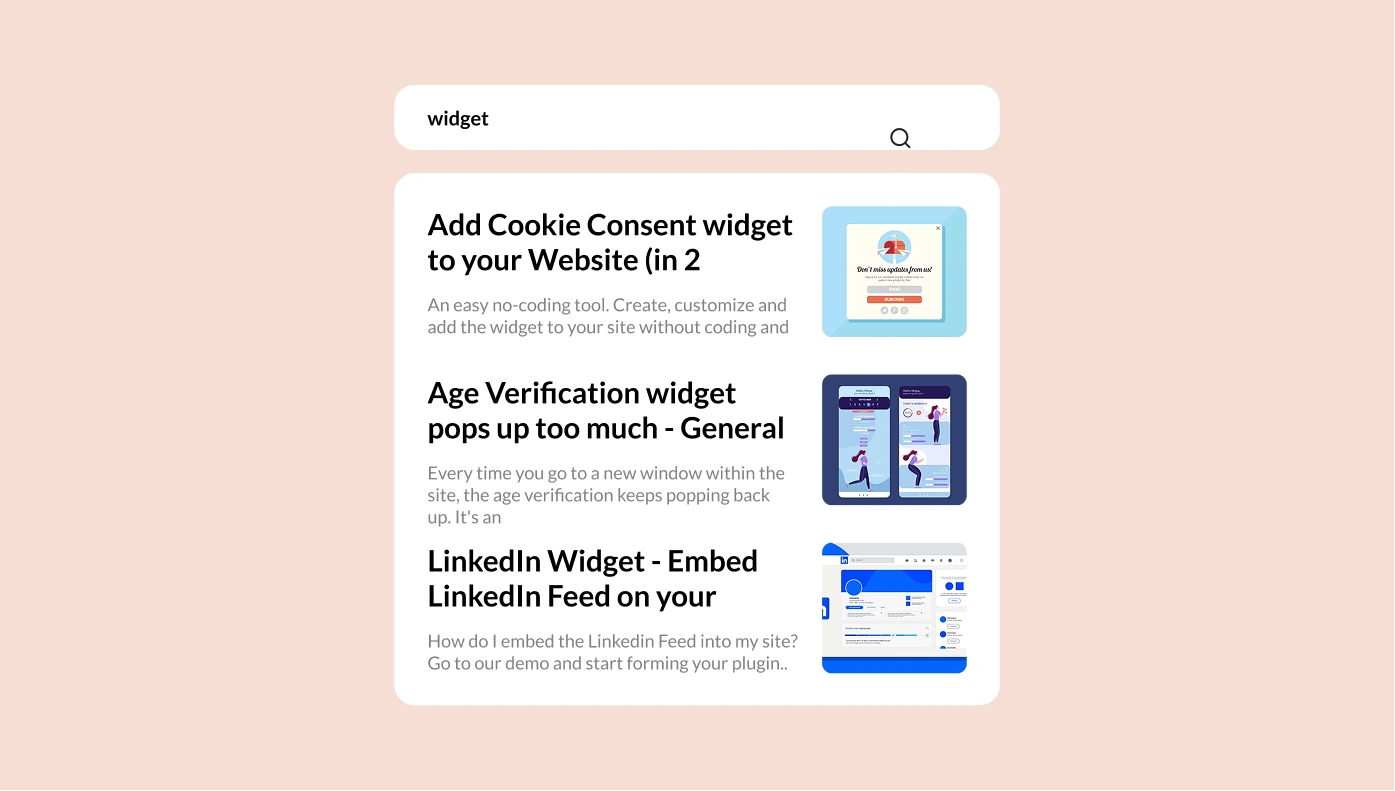
Search for Moodle
Fast navigation and suggestions with Search

Social Media Icons for Moodle
Add social icons to your website for instant access to your social profiles
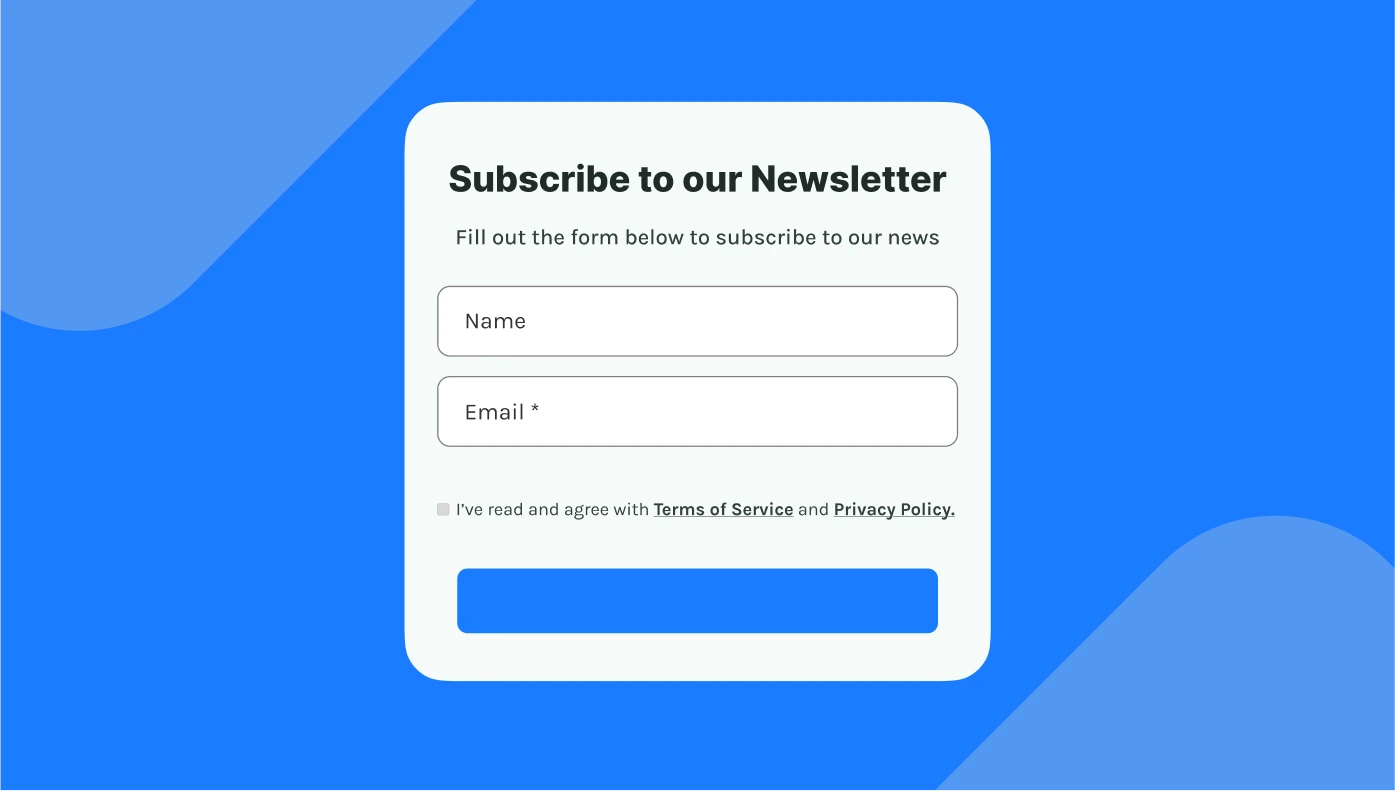
Subscription Form for Moodle
Collect emails with a subscription form on your website
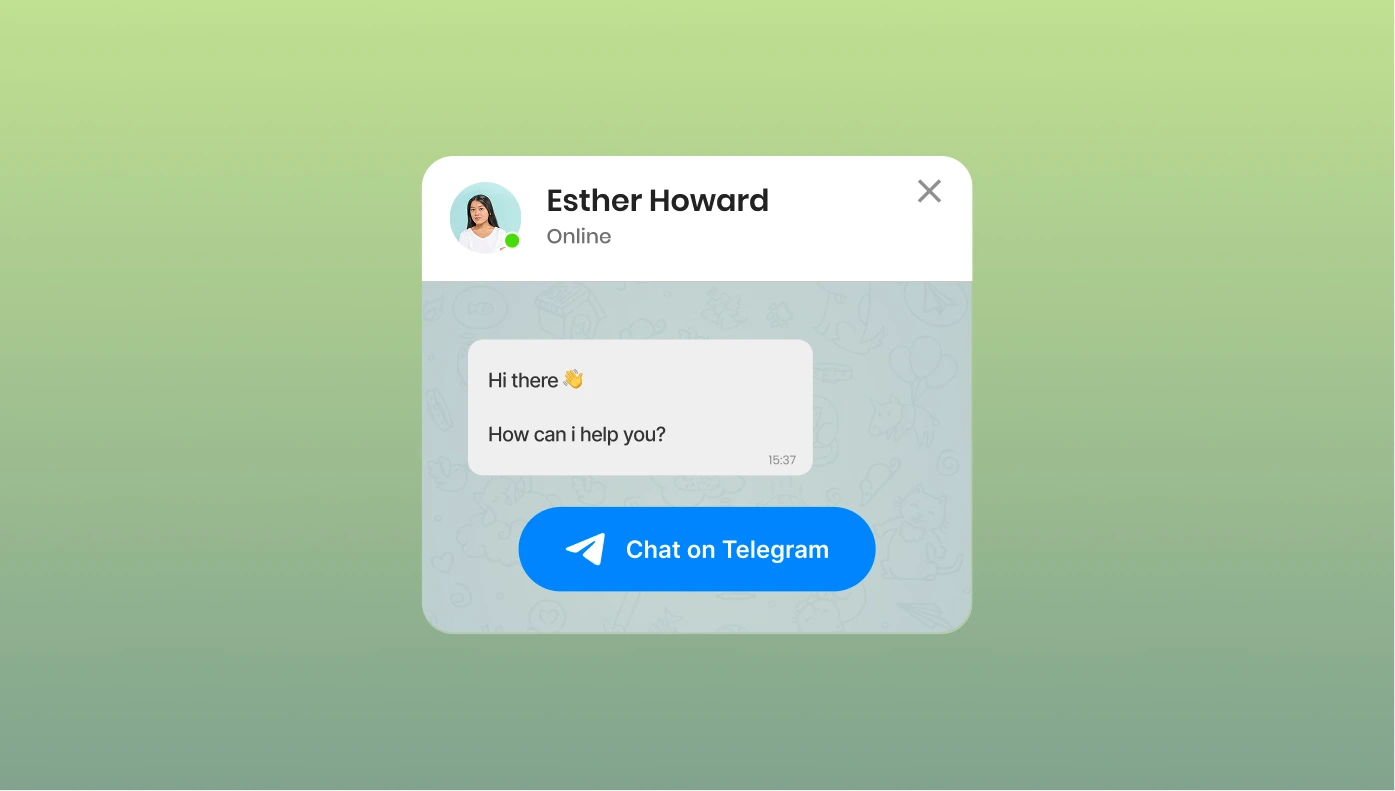
Telegram Chat for Moodle
Give your audience the option to get in touch with you on Telegram

Tumblr Feed for Moodle
Create a distinct Feed Widget presenting Tumblr content on your website
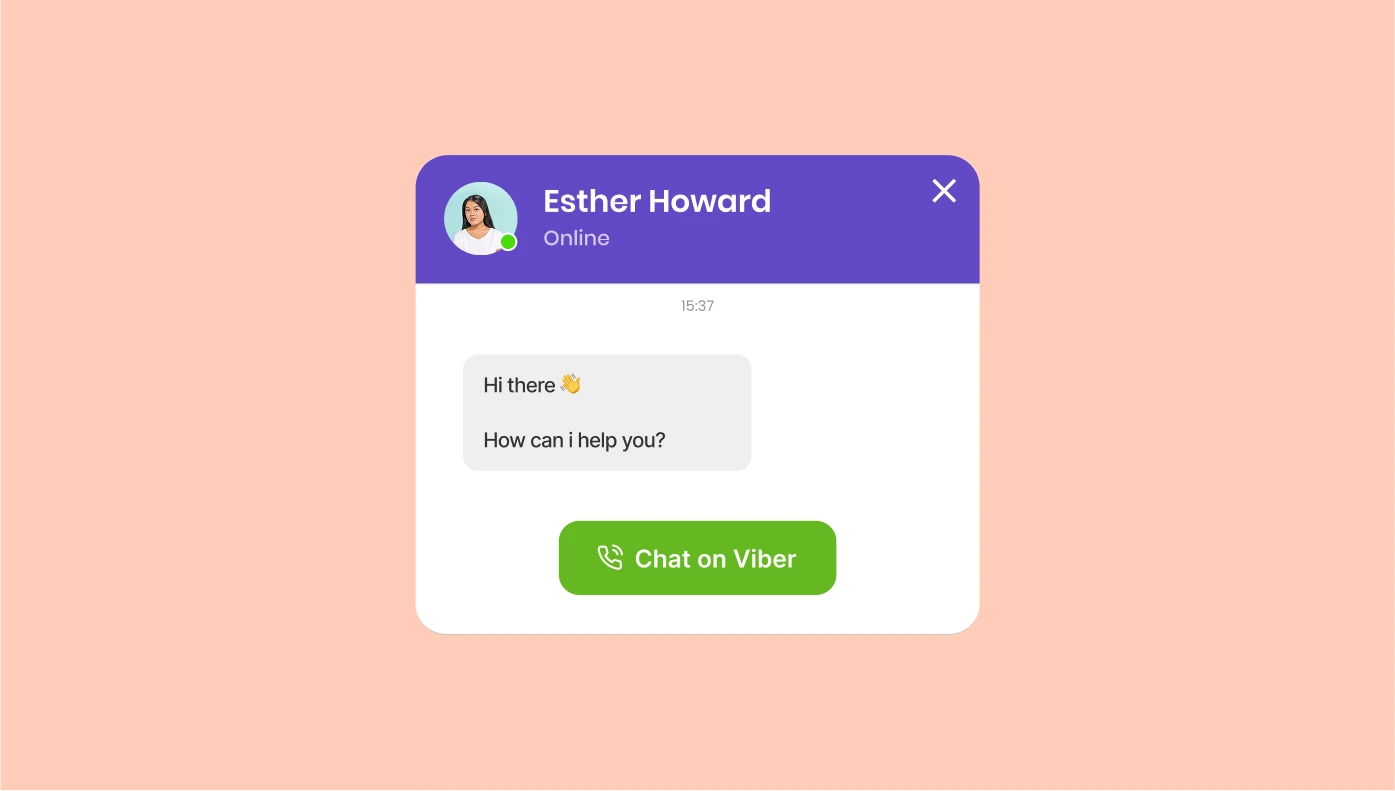
Viber Chat for Moodle
Let users message you on Viber directly from your website
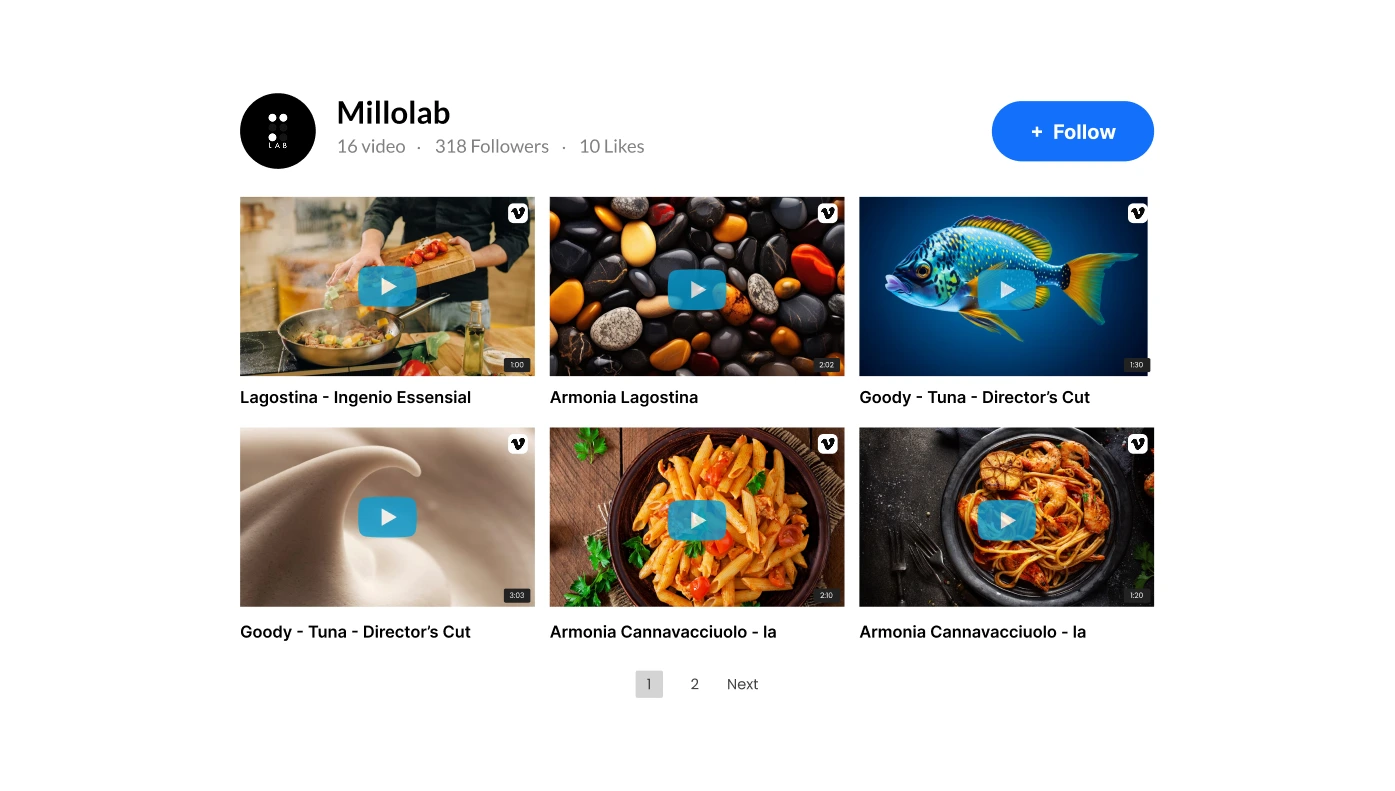
Vimeo Gallery for Moodle
Display selected Vimeo videos and channels on your website
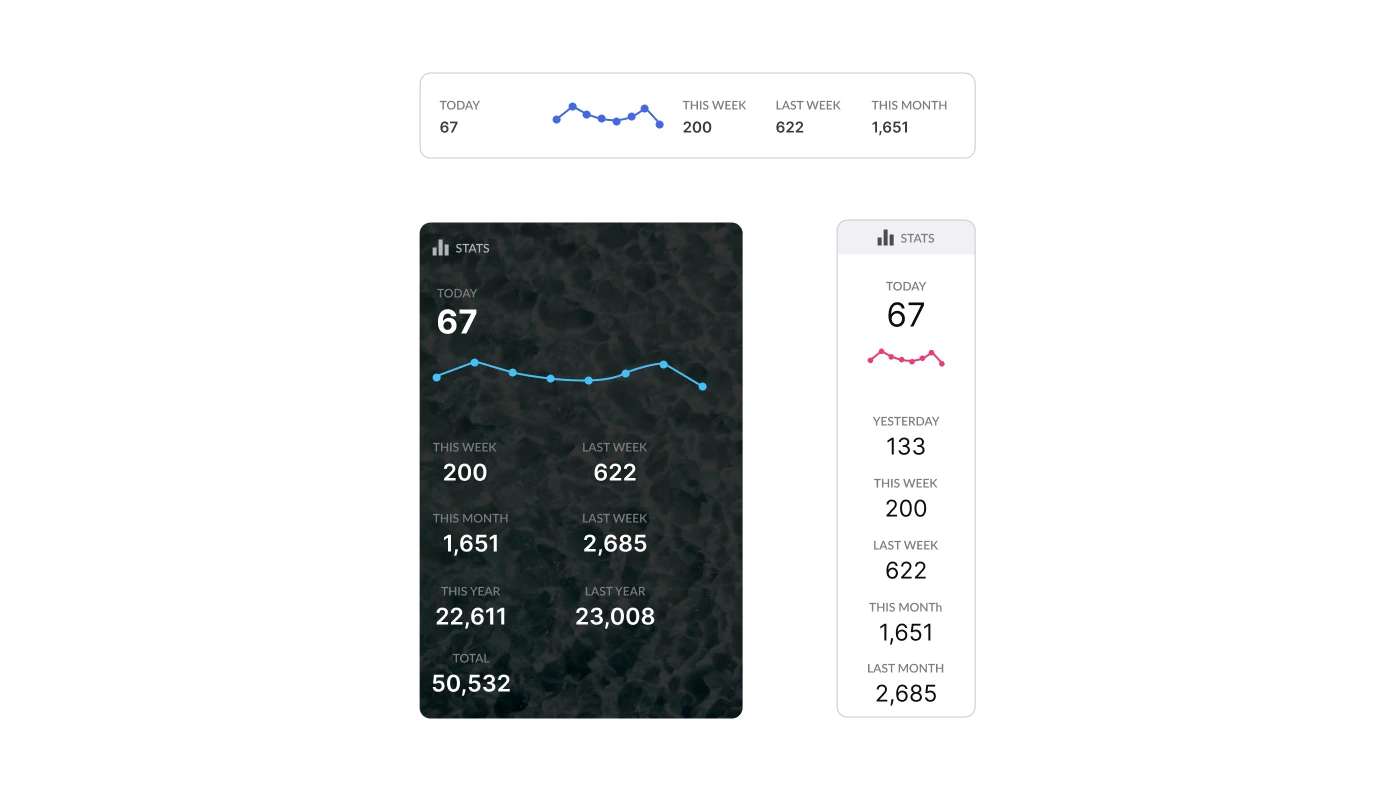
Visitor Counter for Moodle
Control your website traffic and uplevel credibility
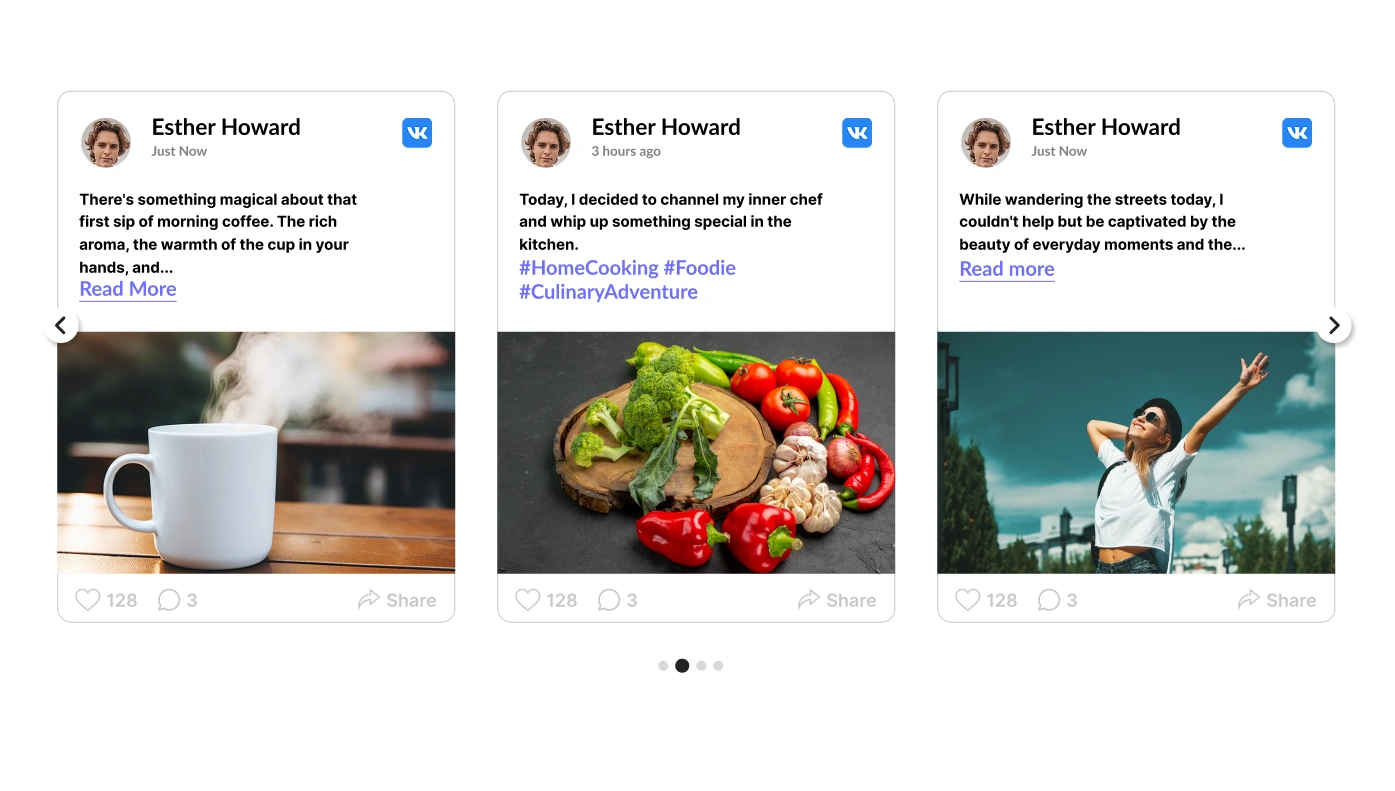
VK Feed for Moodle
Construct your unique Social Wall demonstrating content from VK.com
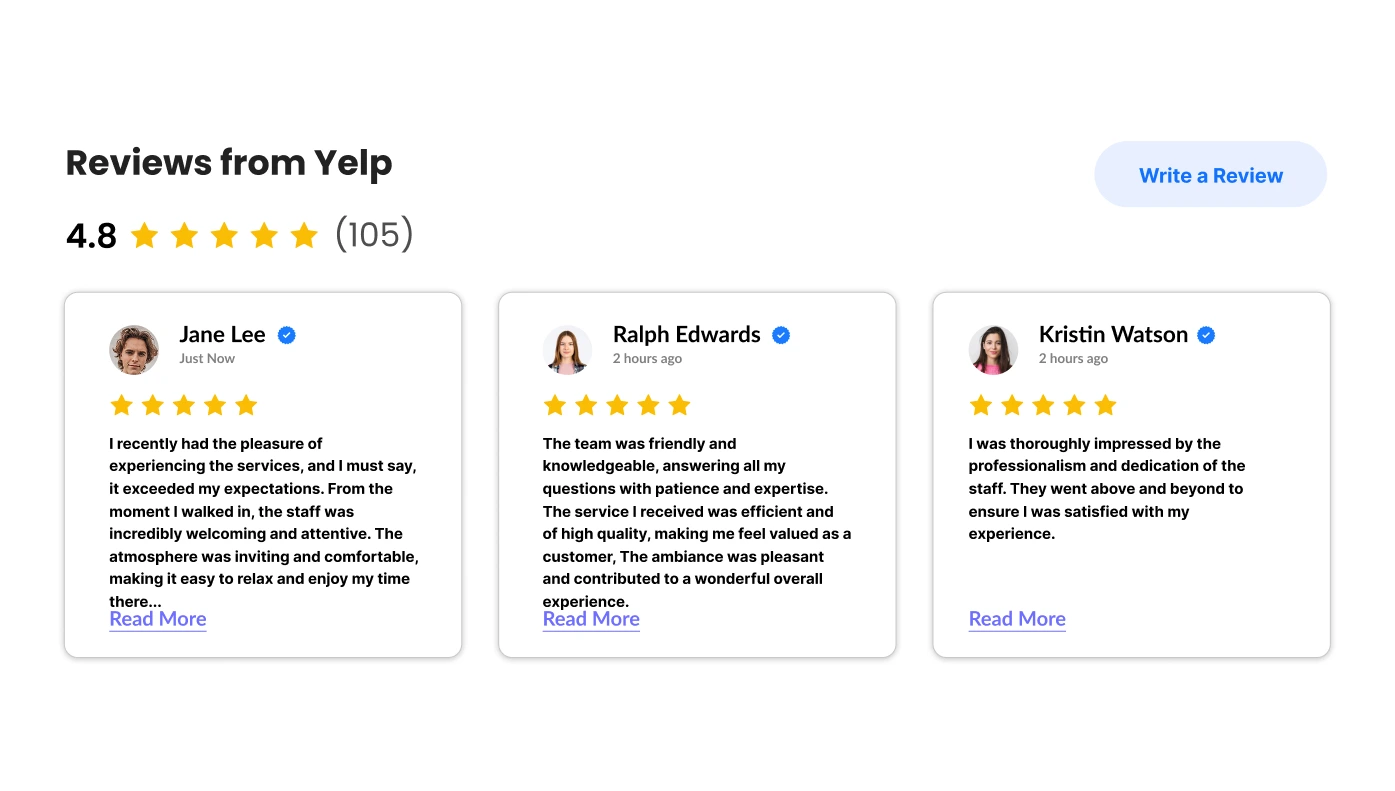
Reviews from Yelp for Moodle
Demonstrate reviews on your services from Yelp on your site

Facebook Like Button for Moodle
Stay connected with us by clicking the Facebook Like Button below!
Enhance Moodle with Upgadeify Widgets
Moodle is a leading open-source learning management system (LMS) used by educational institutions, corporations, and training organizations worldwide. Known for its flexibility and scalability, Moodle enables educators to create personalized learning environments with robust content delivery, assessment, and collaboration tools.
Upgadeify enhances Moodle’s capabilities by offering an array of fully customizable widgets that can be easily embedded into your courses and pages. These widgets improve engagement, streamline communication, and help you present content more effectively across devices.
Why Use Upgadeify Widgets on Moodle?
- Upgrade content presentation – Add tabs, sliders, image galleries, and content toggles to organize complex course material.
- Improve learner engagement – Embed quizzes, feedback forms, countdown timers, and live polls to keep learners involved.
- Simplify navigation – Use accordions, table of contents, and interactive menus to guide learners through lessons intuitively.
- Showcase important announcements – Use banners, tickers, or popups to highlight key dates, exams, or updates.
- Display testimonials and ratings – Share student feedback or course ratings to build trust and attract more enrollments.
- Easy integration process – All widgets can be embedded using Moodle’s HTML block or content editor with no plugin installation needed.
How to Add Upgadeify Widgets to Moodle
- Go to Upgadeify and select a widget that suits your needs.
- Customize its design, content, and behavior using the built-in visual editor.
- Generate the embed code for your finished widget.
- Log in to your Moodle site as an admin or course creator.
- Navigate to the desired page or section and insert an HTML block or switch to HTML view in the content editor.
- Paste the widget code, save your changes, and view your enhanced course page live.