

Google Reviews for Squarespace
Show your Google reviews directly on your website to build trust.

Instagram Feed for Squarespace
Display your Instagram posts or hashtags to boost visual engagement.

Countdown Timer for Squarespace
Add urgency & boost conversions with custom countdown timers.

LinkedIn Feed for Squarespace
Show your company’s LinkedIn posts, images & videos right on your site.
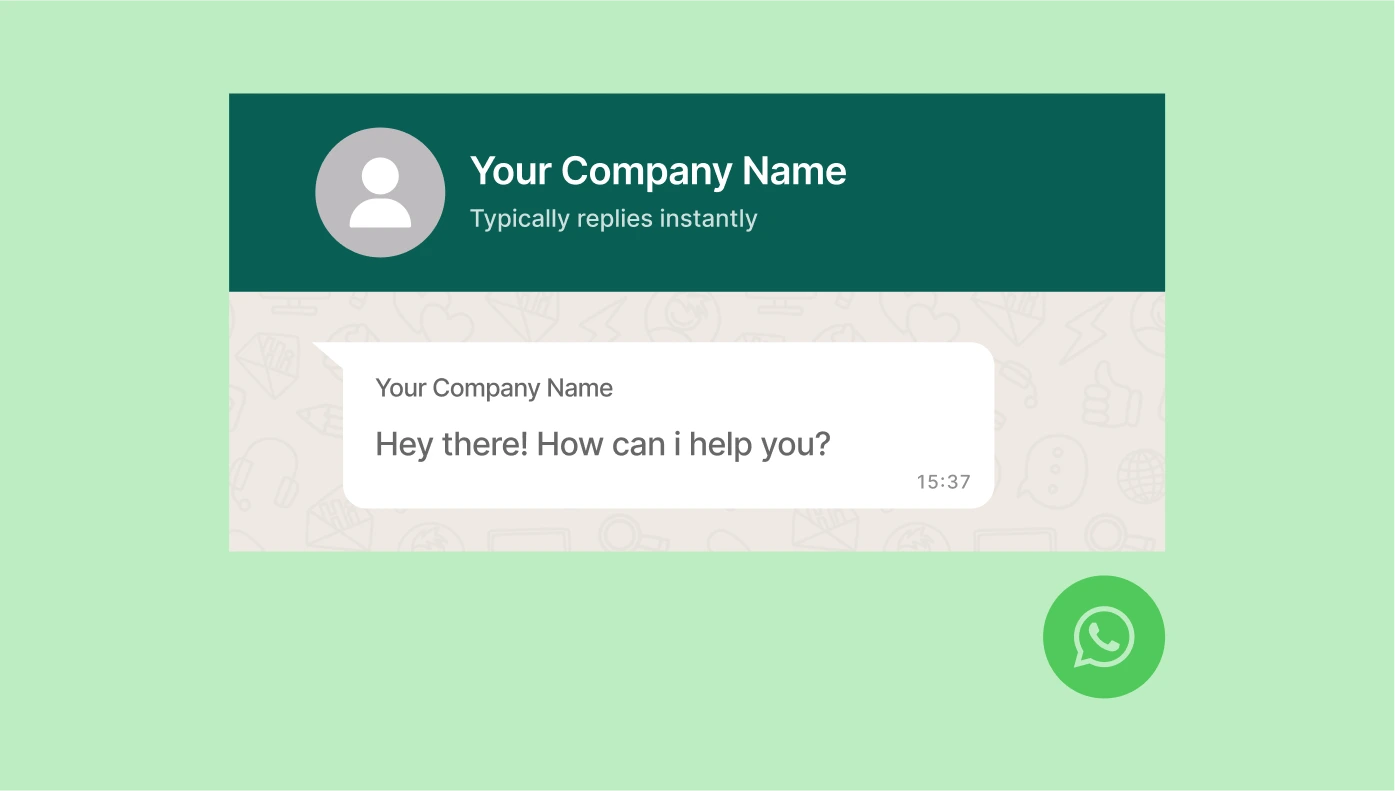
WhatsApp Chat for Squarespace
Let visitors start a WhatsApp conversation with just one click.

Popup for Squarespace
Create popups for announcements, offers, and calls-to-action.

Event Calendar for Squarespace
Share your events, schedules, and bookings in a stylish calendar.
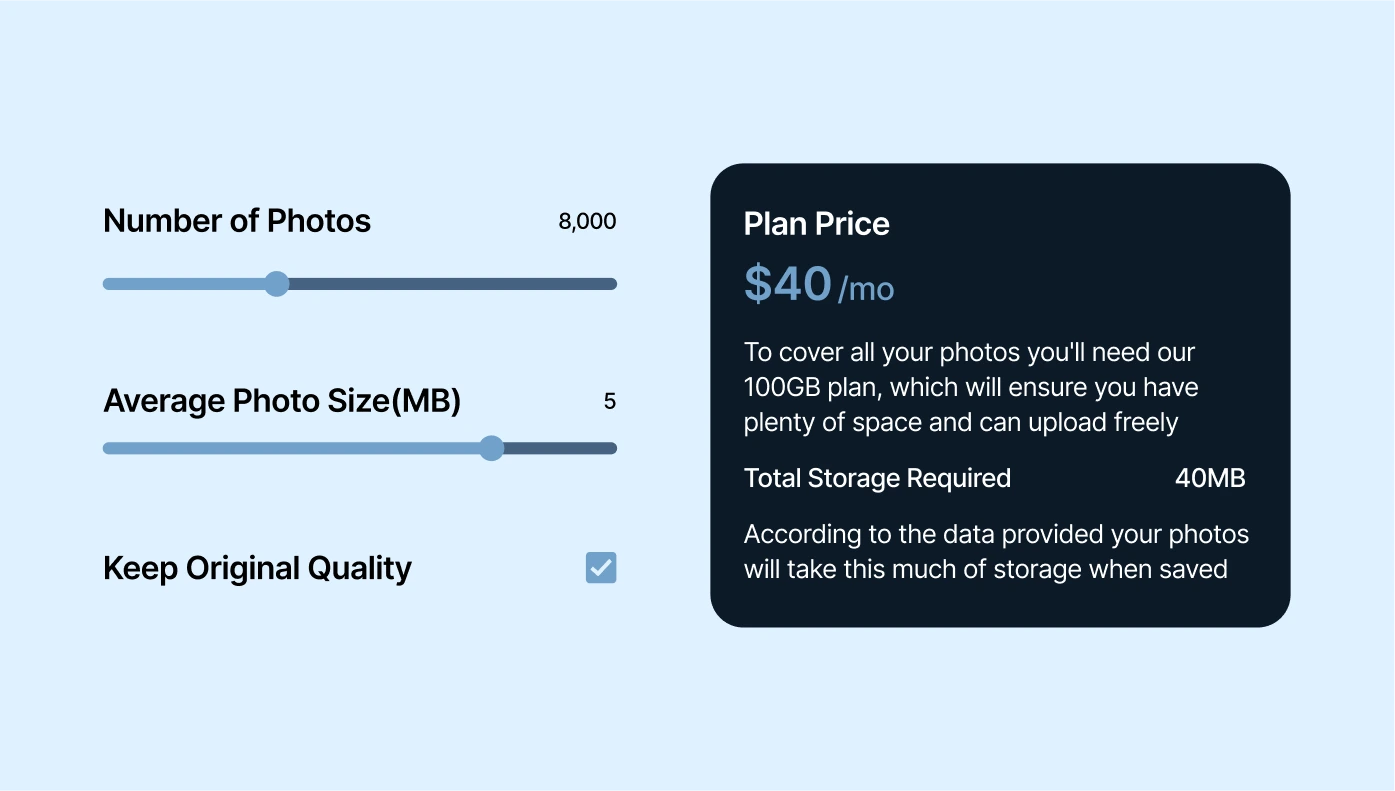
Calculator for Squarespace
Let users calculate prices, savings, or quotes right on your website.

Audio Player for Squarespace
Embed audio so users can listen, download, or buy your tracks.

Form Builder for Squarespace
Build custom forms to collect leads, feedback, or surveys.

AI Chatbot for Squarespace
Add a 24x7 virtual assistant that answers visitor questions instantly.

Social Feed for Squarespace
Combine content from Instagram, Facebook, Twitter, etc.

Logo Showcase for Squarespace
Showcase partner, client, or sponsor logos on your website.

All-in-One Reviews for Squarespace
Display reviews from over 20 platforms like Google, Yelp, etc.

Background Music for Squarespace
Play background music that fits your brand vibe.

Age Verification for Squarespace
Add age checks to keep your site compliant and safe.
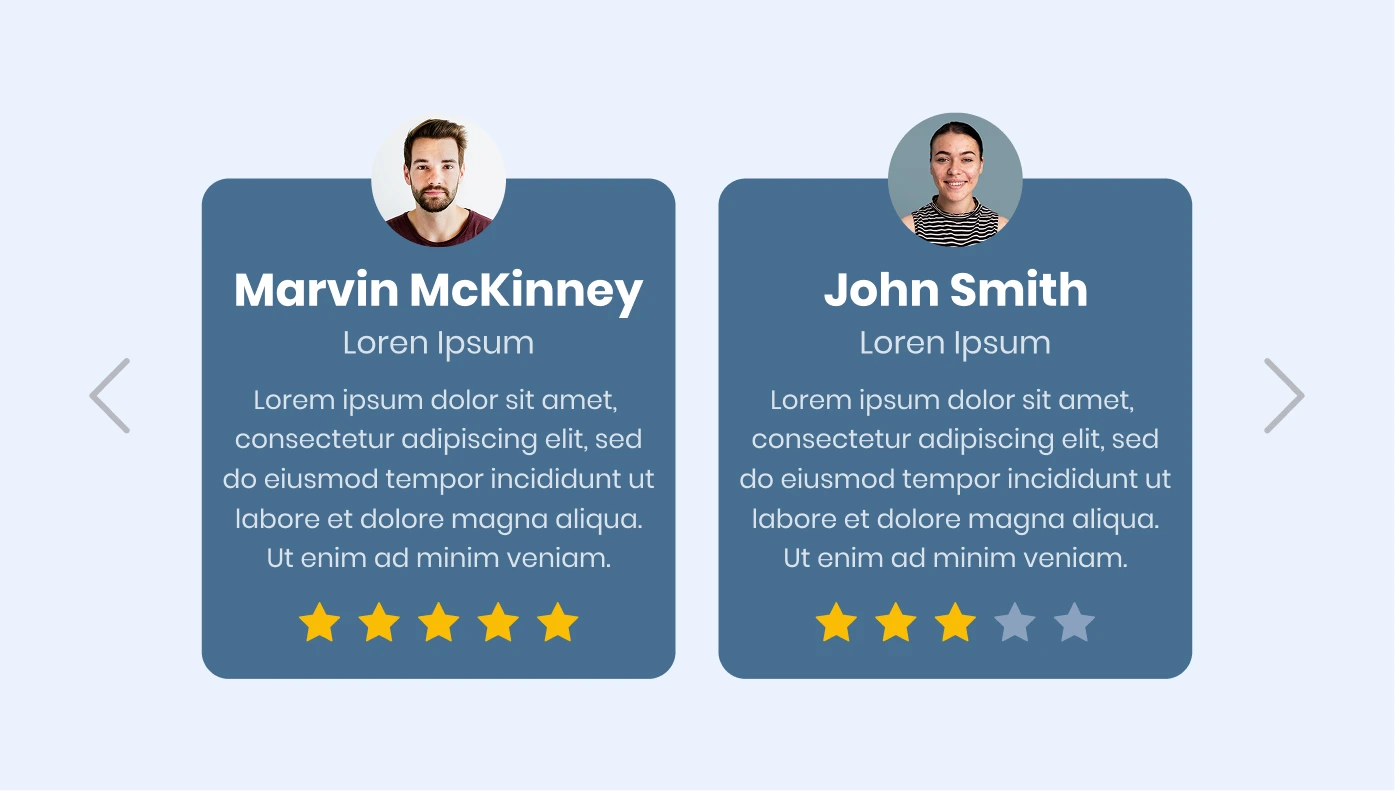
Testimonials Slider for Squarespace
Feature customer reviews in a dynamic, scrolling slider.

YouTube Gallery for Squarespace
Show YouTube videos or channels beautifully on your website.

Pricing Table for Squarespace
Make it easy for users to compare pricing plans and features.

Number Counter for Squarespace
Show off stats like projects completed or happy clients with animated counters.

Store Locator for Squarespace
Help visitors find your stores or service points quickly.

Before and After Slider for Squarespace
Highlight transformations with interactive before-and-after images.

Website Translator for Squarespace
Translate your site into multiple languages automatically.

Photo Gallery for Squarespace
Show your images in carousels, grids, sliders, and more.

Facebook Feed for Squarespace
Embed your Facebook posts, images, and videos directly.
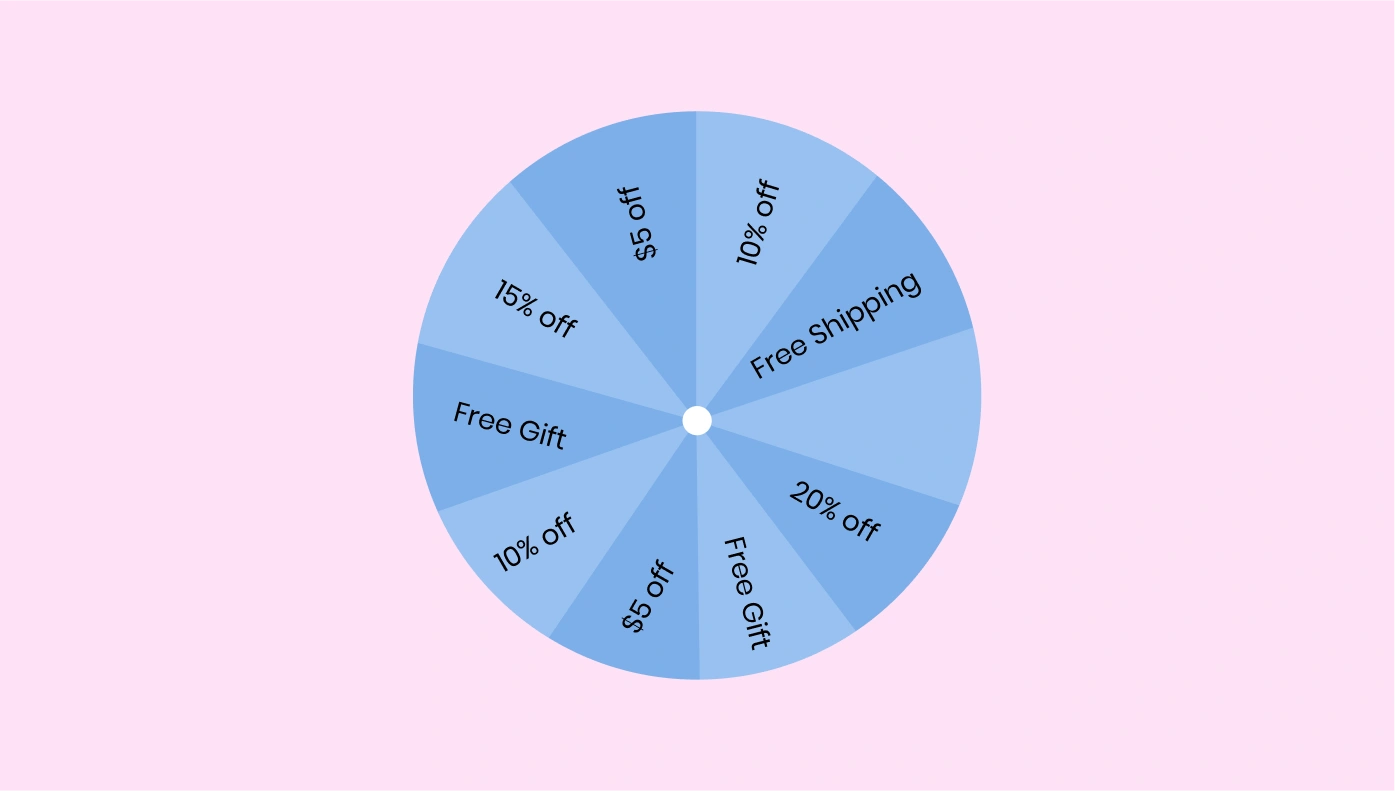
Spinning Wheel for Squarespace
Add a fun spin-to-win wheel to collect emails and offer deals.

Contact Form for Squarespace
Add a clean, easy-to-use contact form to your site.

Google Maps for Squarespace
Embed a map to help customers find your location fast.

Flipbook for Squarespace
Turn PDFs into interactive flipbooks for easy viewing.
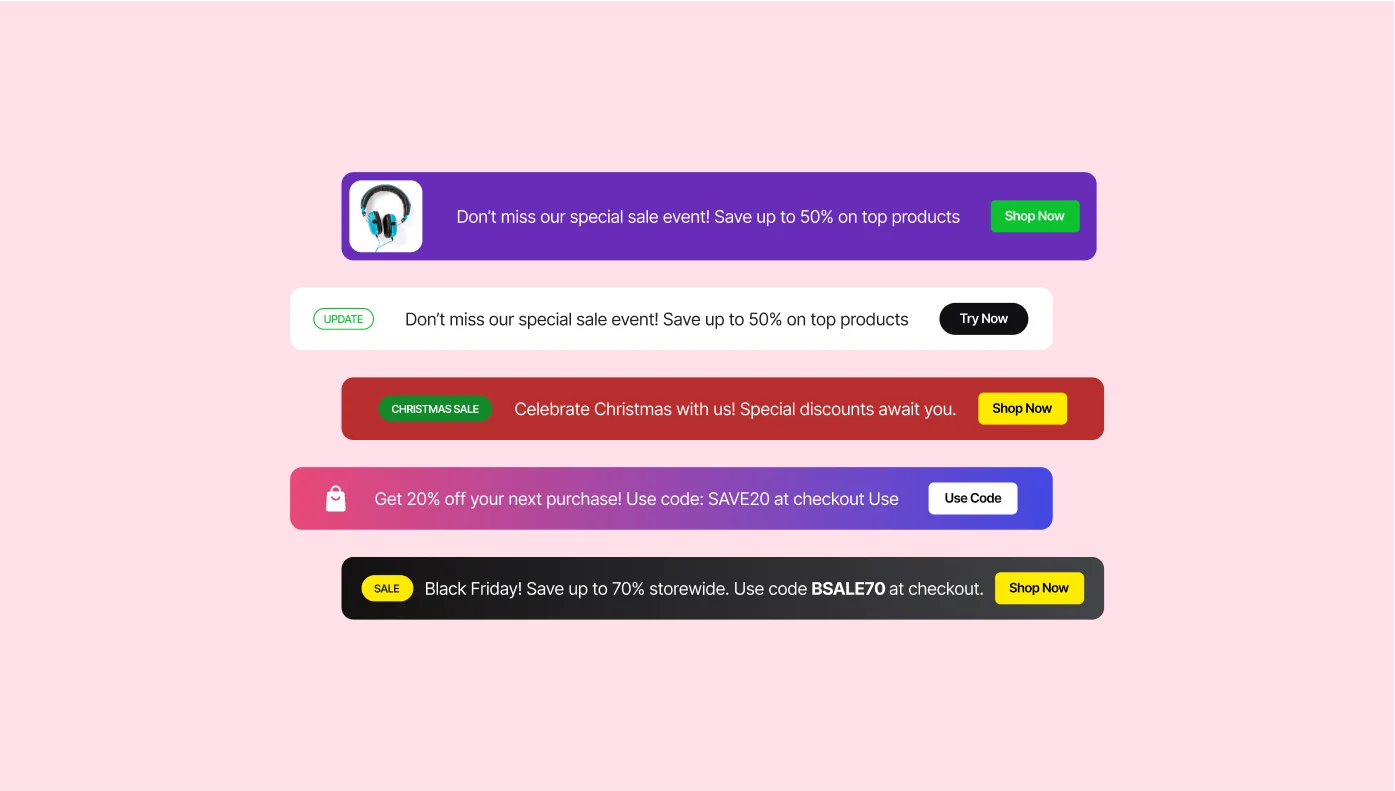
Announcement Bar for Squarespace
Display alerts, updates, or promotions at the top of your site.

Slider for Squarespace
Add image, text, or video sliders anywhere on your site.
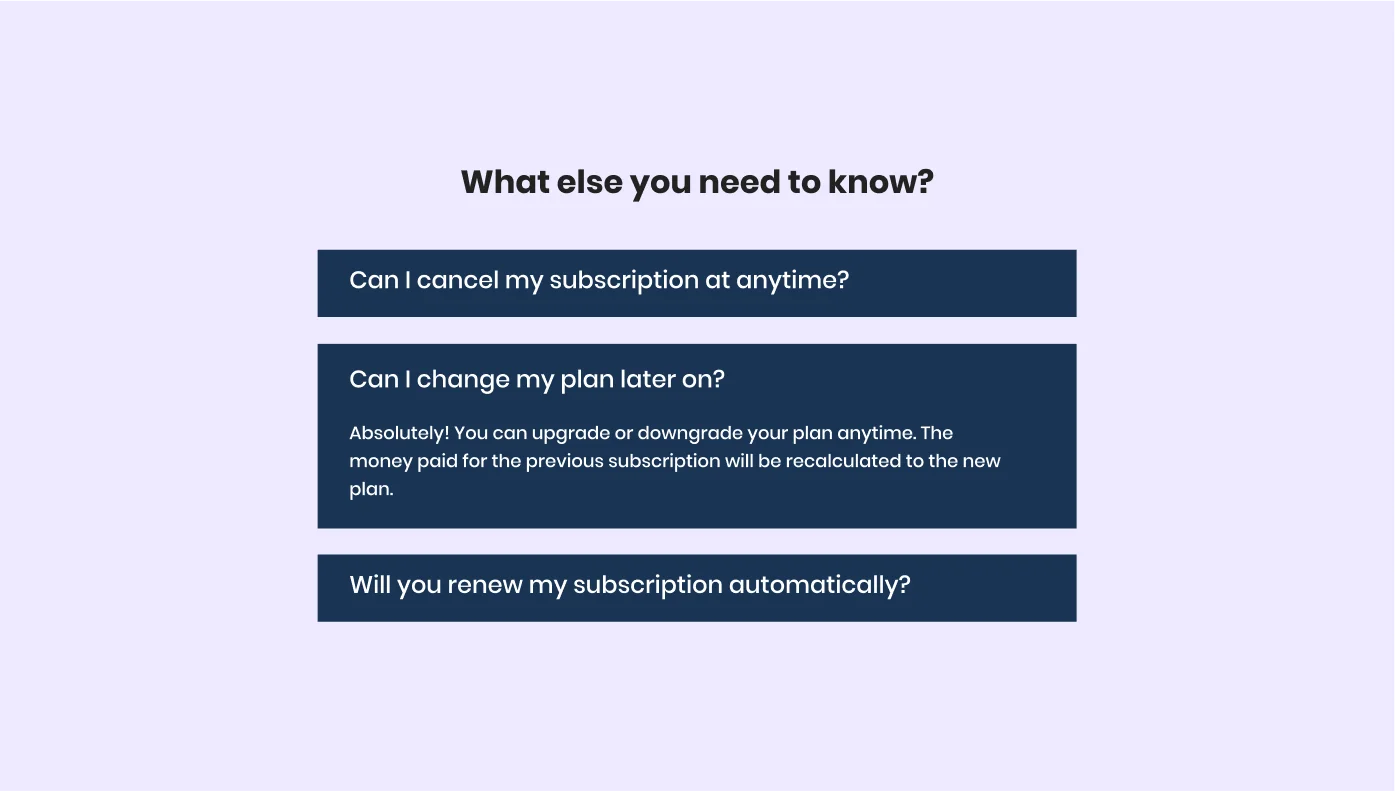
FAQ for Squarespace
Answer common questions in an easy-to-navigate FAQ section.

Cookie Consent for Squarespace
Add a cookie notice to stay GDPR-compliant.

Facebook Reviews for Squarespace
Show positive Facebook reviews directly on your site.

RSS Feed for Squarespace
Display news updates from any RSS feed you choose.

TripAdvisor Reviews for Squarespace
Share your best guest reviews from TripAdvisor.
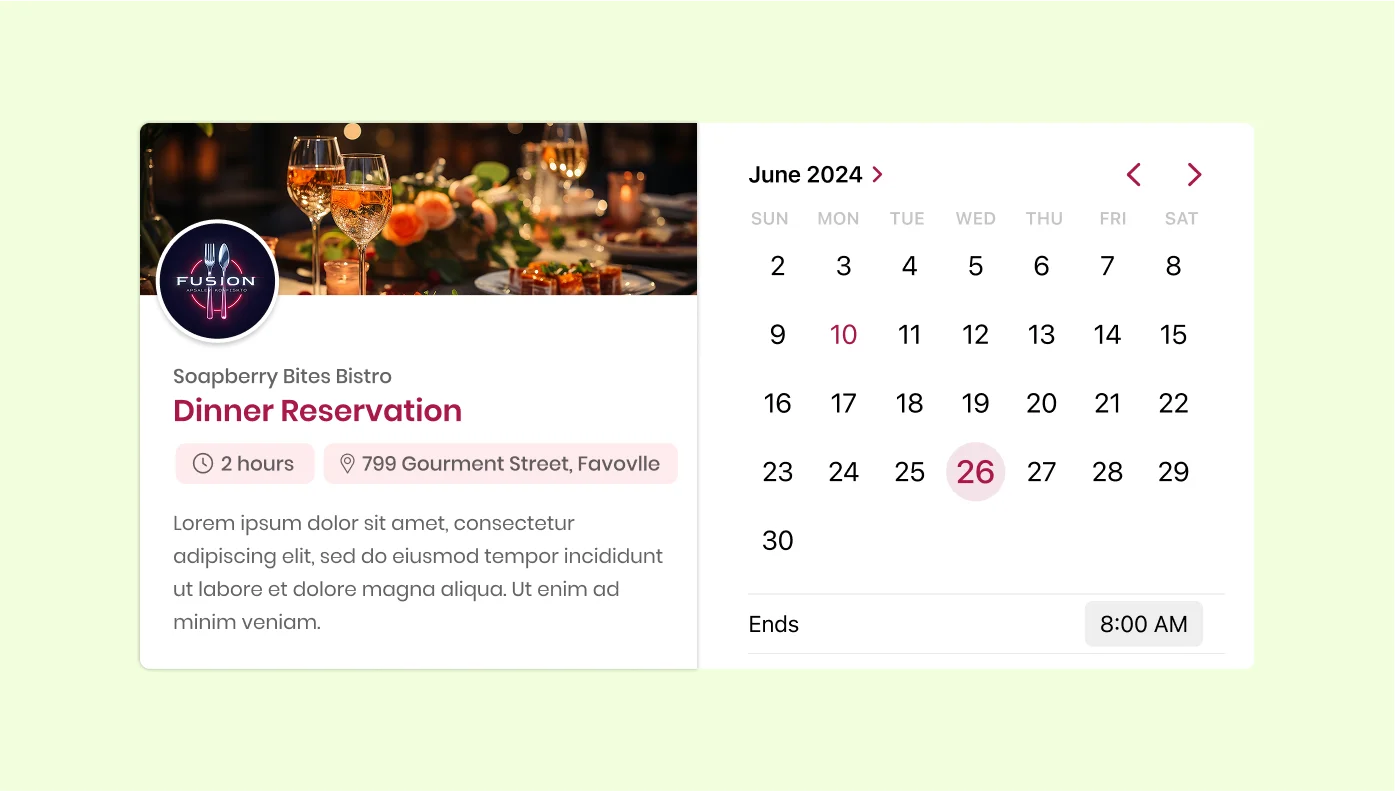
Appointment Booking for Squarespace
Let users schedule appointments or services online with ease.

Weather for Squarespace
Show the current weather and forecast for your location.

All-in-One Chat for Squarespace
Chat with visitors via Messenger, WhatsApp, Telegram, and more.

TikTok Feed for Squarespace
Show off your TikTok videos to boost interaction.
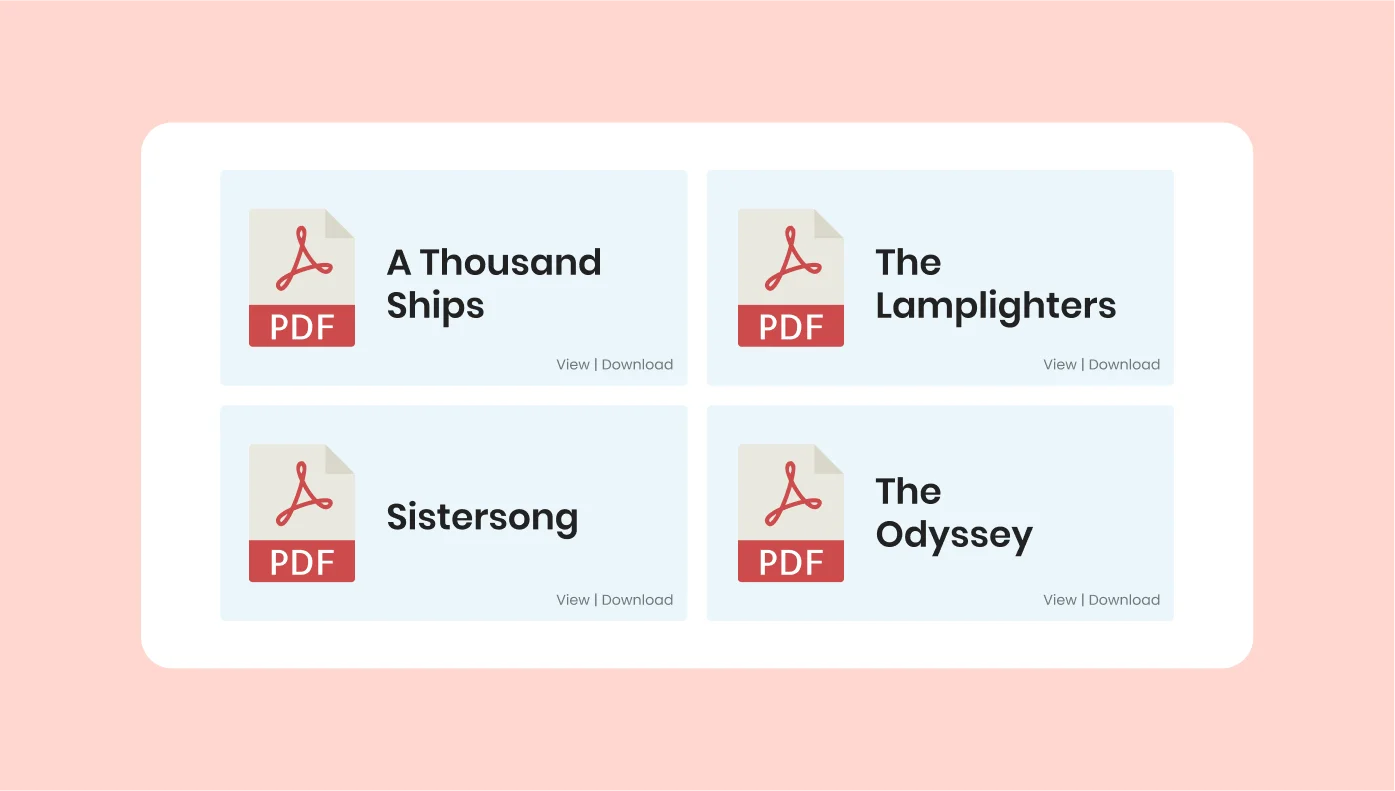
PDF Embed for Squarespace
Let users view or download PDFs directly on your page.

Team Showcase for Squarespace
Introduce your team members with photos and bios.
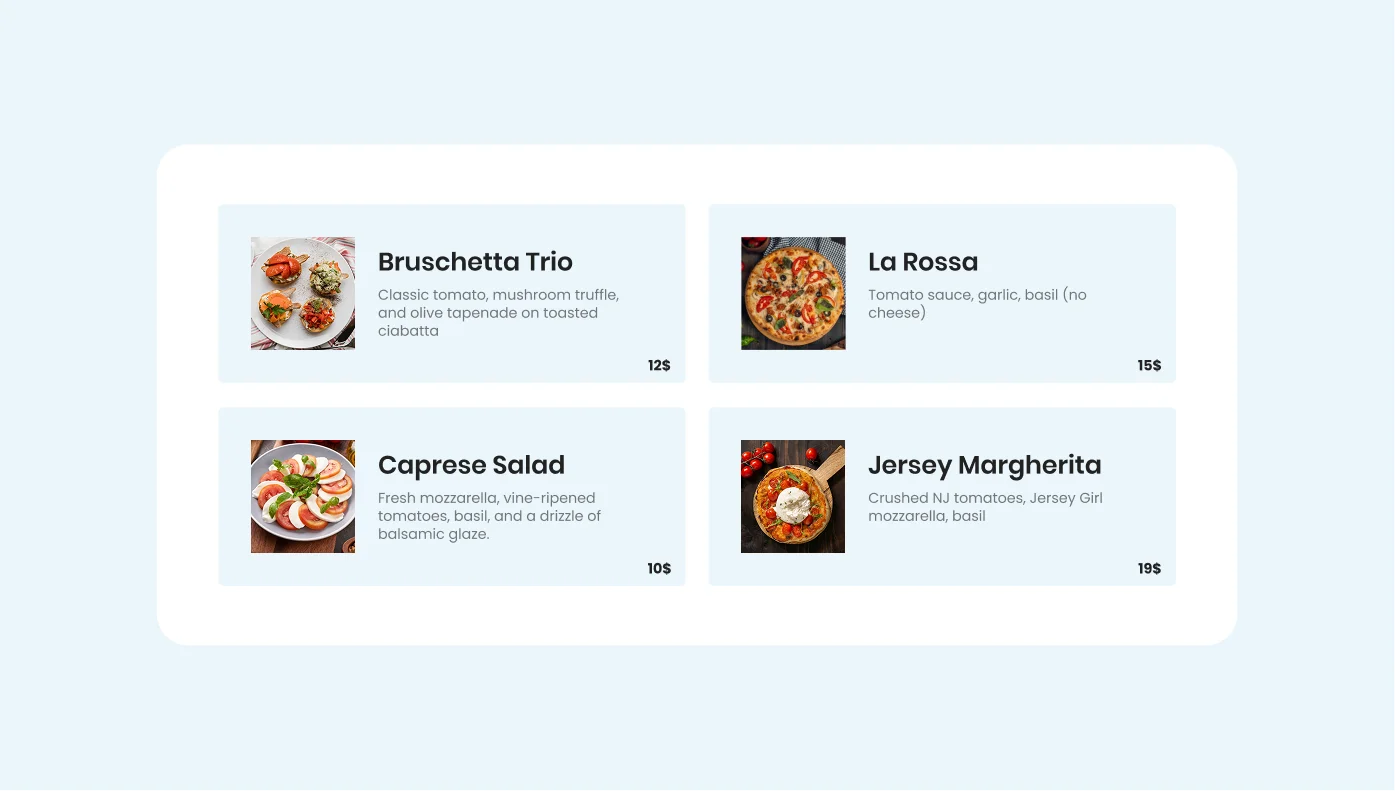
Restaurant Menu for Squarespace
Present your food and drinks menu in a stylish format.

Click to Call for Squarespace
Allow visitors to call you instantly with one tap.

Amazon Reviews for Squarespace
Show real customer reviews from your Amazon store.

Job Board for Squarespace
Post job listings and accept resumes directly on your site.

Radio Player for Squarespace
Stream online radio stations for your visitors.

Twitter Feed for Squarespace
Embed tweets or hashtag feeds right into your pages.
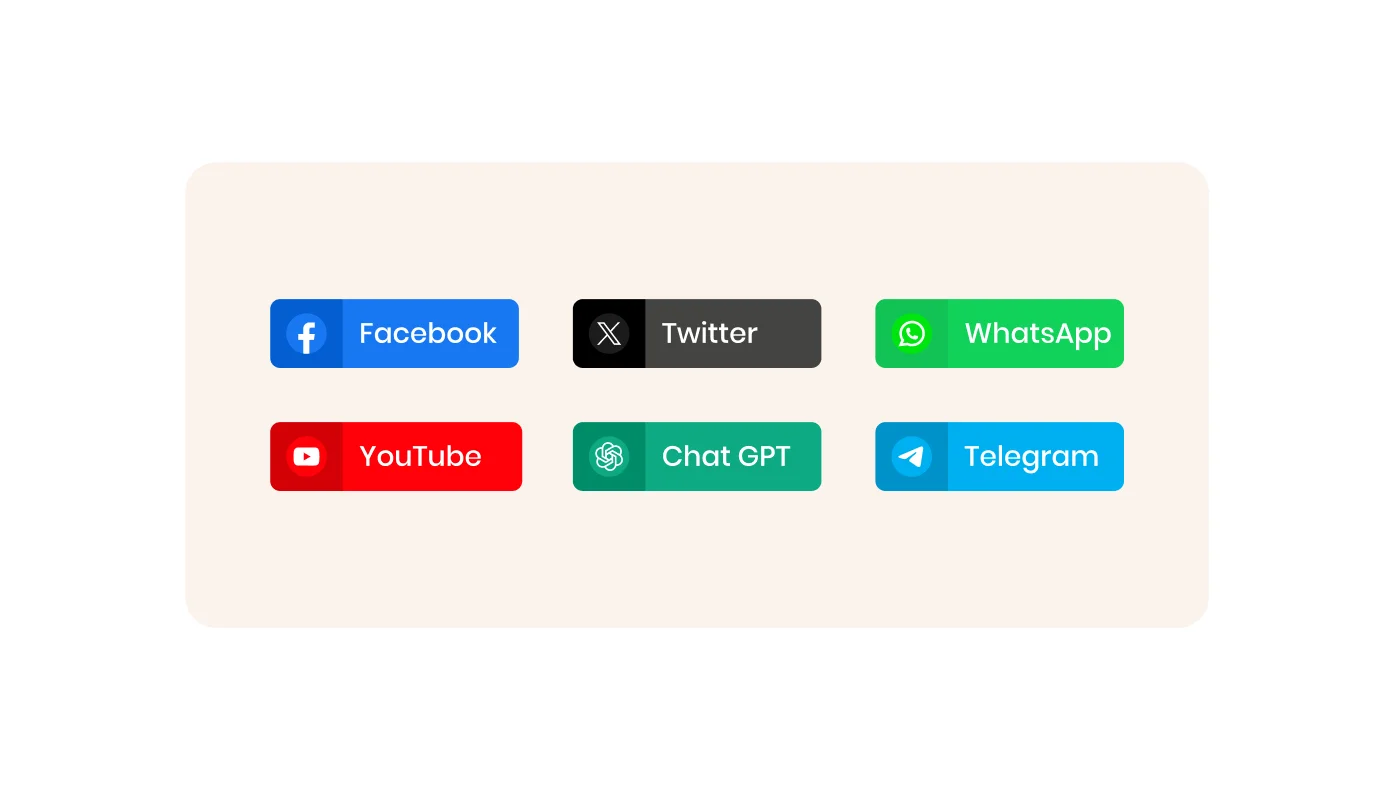
Social Share Buttons for Squarespace
Let visitors share your content across social platforms.

Podcast Player for Squarespace
Stream your podcast episodes in a clean audio player.
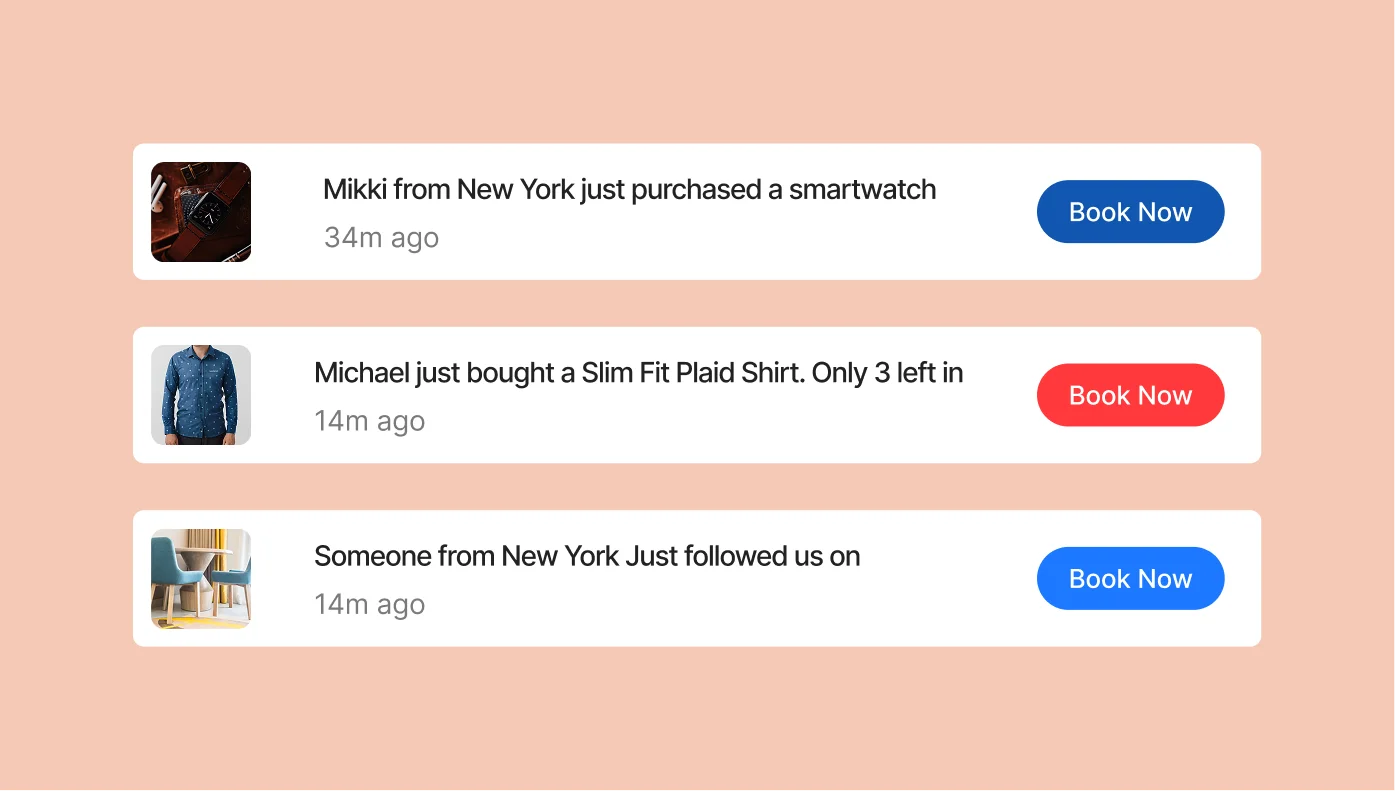
Sales Notification for Squarespace
Show real-time purchases to boost trust and urgency.

Portfolio for Squarespace
Display your creative projects and case studies with style.

Facebook Chat for Squarespace
Add a Facebook Messenger widget for live support.

Airbnb Reviews for Squarespace
Show your best Airbnb reviews directly on your rental page.
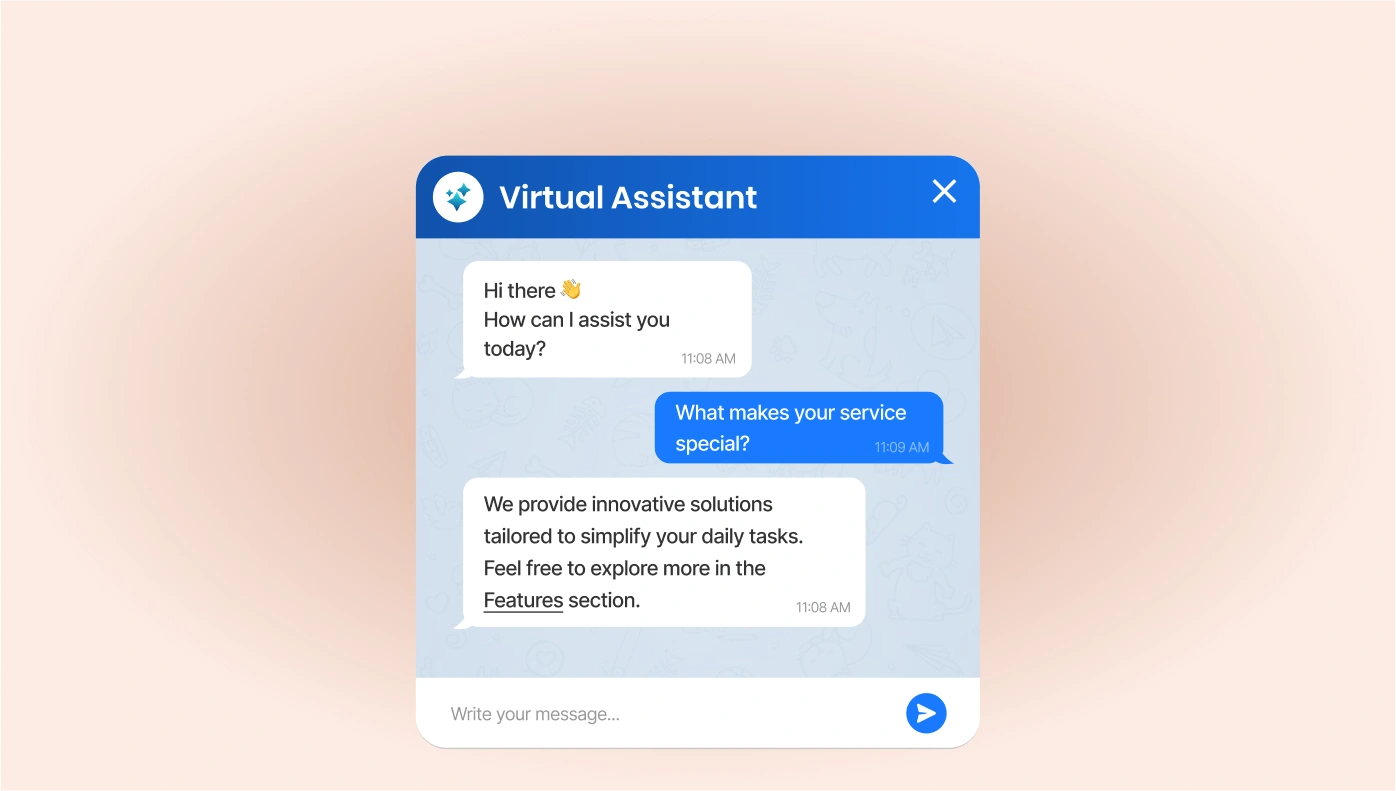
ChatGPT for Squarespace
Use an AI chatbot to interact with users using your content.

Timeline for Squarespace
Tell your company story or show a project timeline with style.

AliExpress Reviews for Squarespace
Embed real customer feedback from AliExpress.
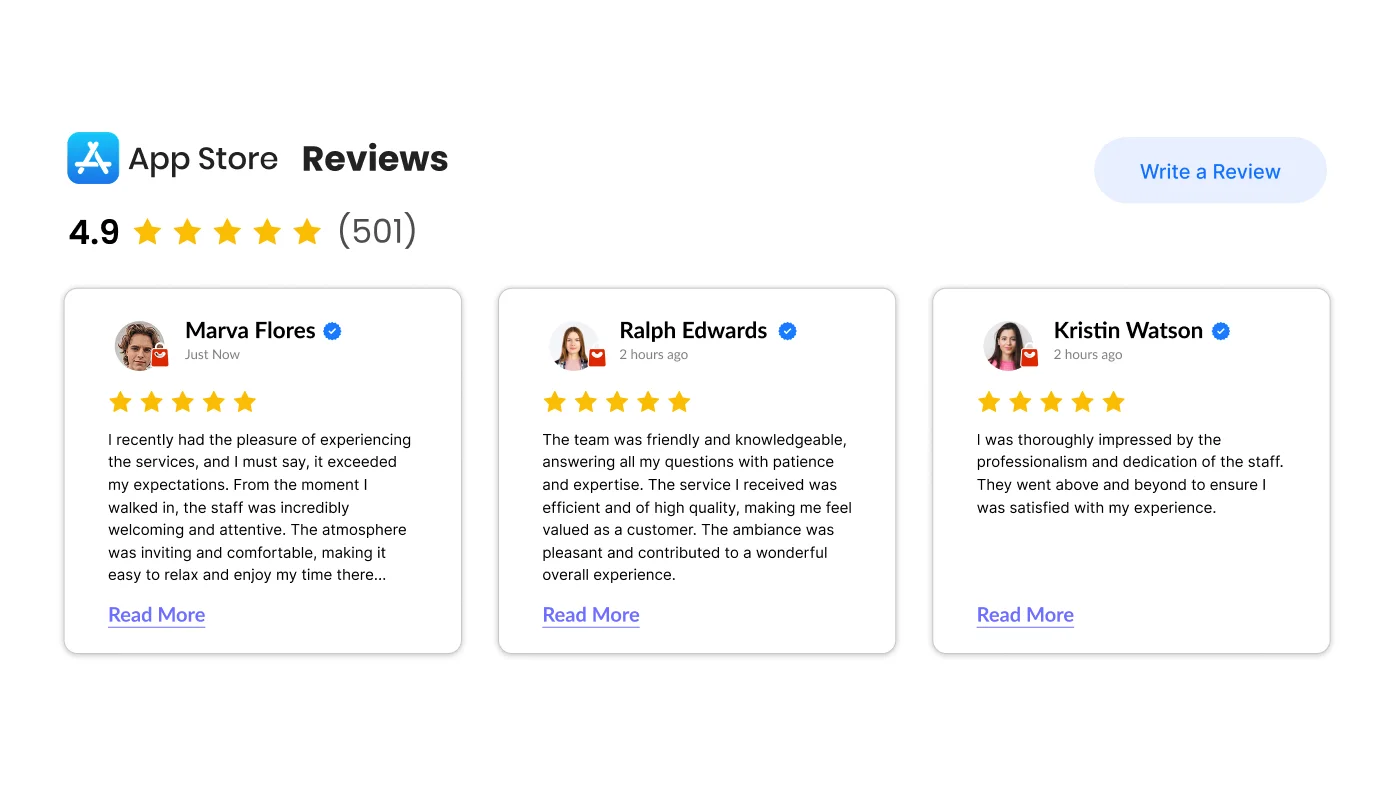
Apple App Store Reviews for Squarespace
Showcase ratings and reviews from the Apple App Store.

Back to Top for Squarespace
Add a floating button to scroll users to the top of the page.

Banner for Squarespace
Create banners for promotions, events, or announcements.

Blog for Squarespace
Add a simple blog to share updates and stories.
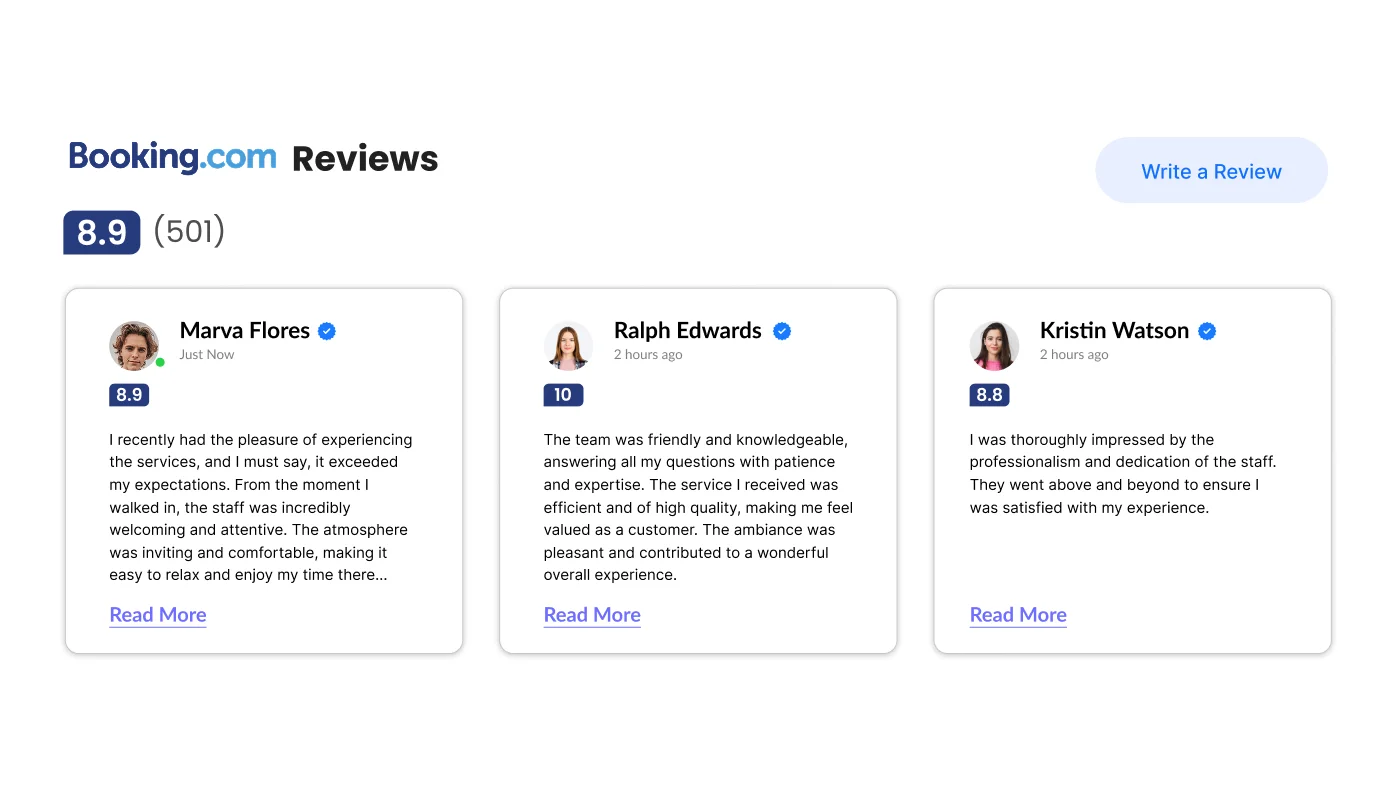
Booking.com Reviews for Squarespace
Display glowing reviews from Booking.com right on your site.
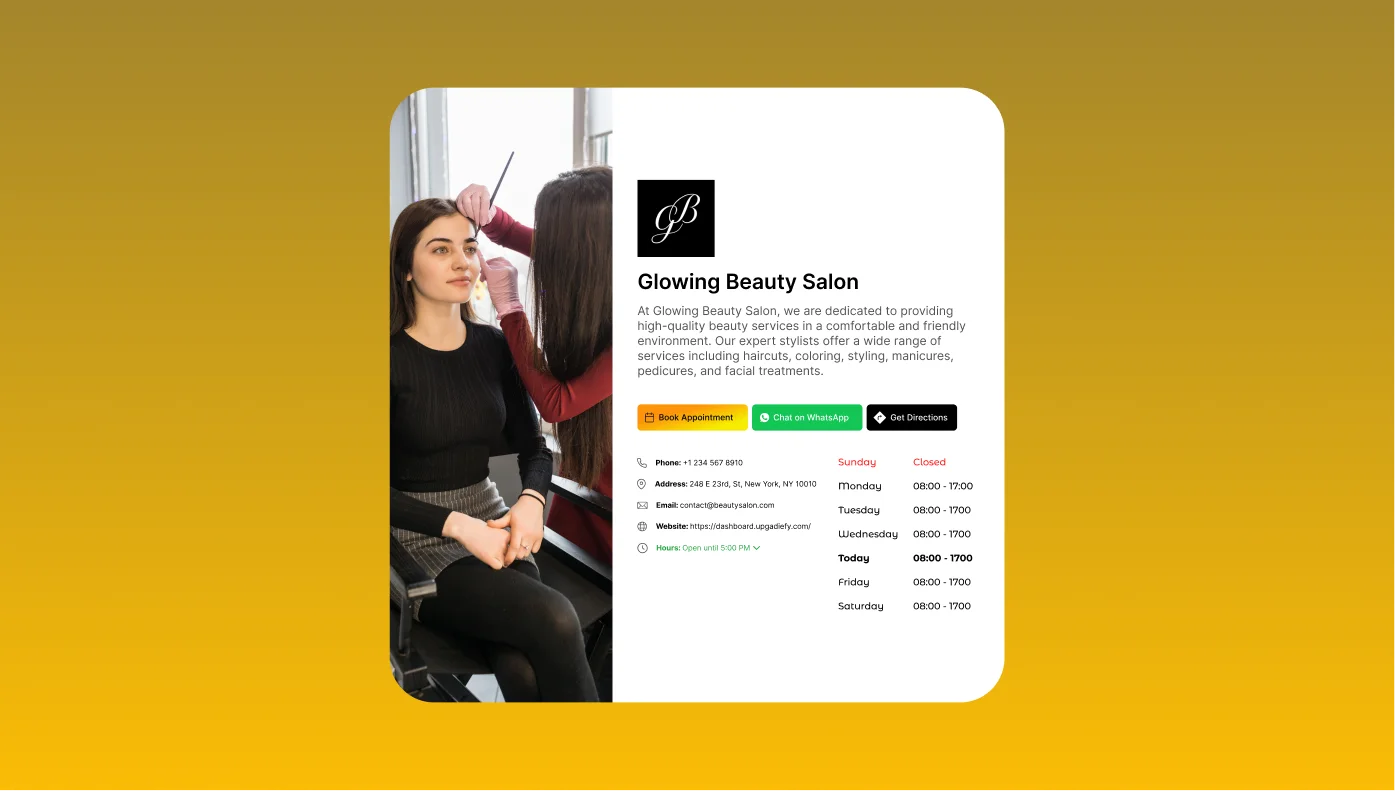
Business Hours for Squarespace
Let visitors know when you’re open and available.

Button for Squarespace
Add custom buttons to guide users to take action.

DealerRater Reviews for Squarespace
Display your top car dealership reviews from DealerRater.

eBay Reviews for Squarespace
Share customer reviews from your eBay listings.

Edmunds Reviews for Squarespace
Embed trusted car dealer reviews from Edmunds.com.

Etsy Reviews for Squarespace
Feature positive product reviews from your Etsy shop.
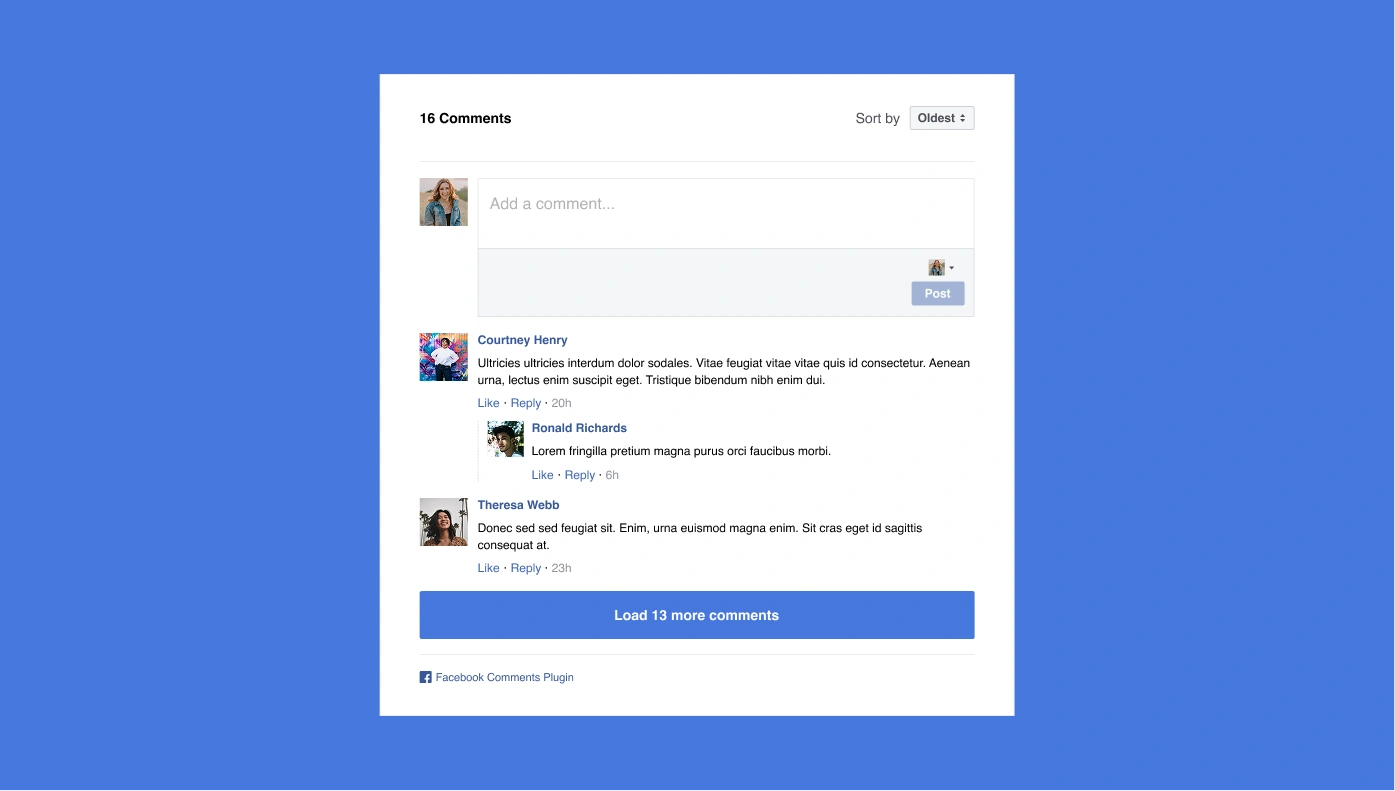
Facebook Comments for Squarespace
Let users comment using their Facebook profiles.

Facebook Share Button for Squarespace
Make it easy for users to share your content on Facebook.
File Embed for Squarespace
Embed and share files like Word docs, Excel, or PDFs.
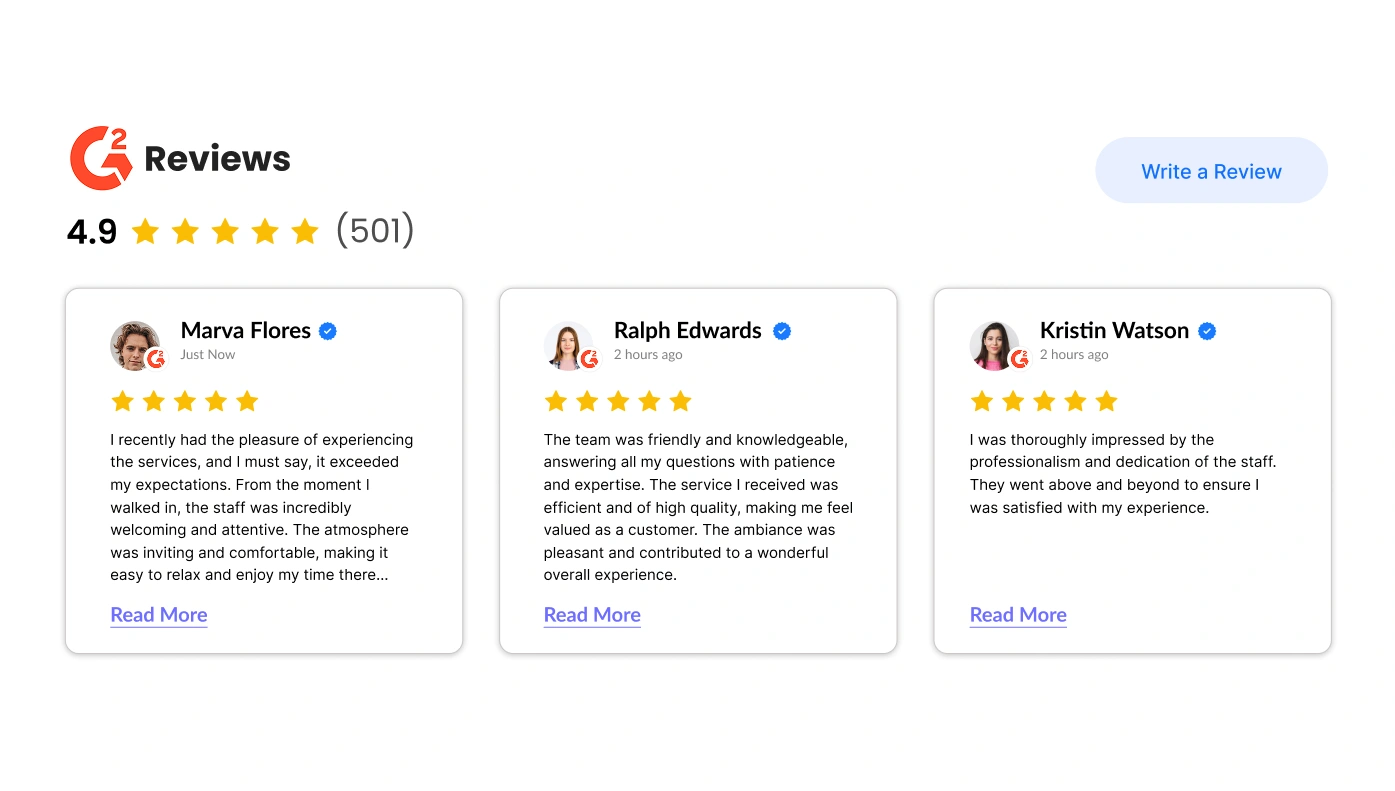
G2 Reviews for Squarespace
Add trusted G2 reviews of your product or software.

Google Play Reviews for Squarespace
Show user feedback from your app’s Google Play listing.
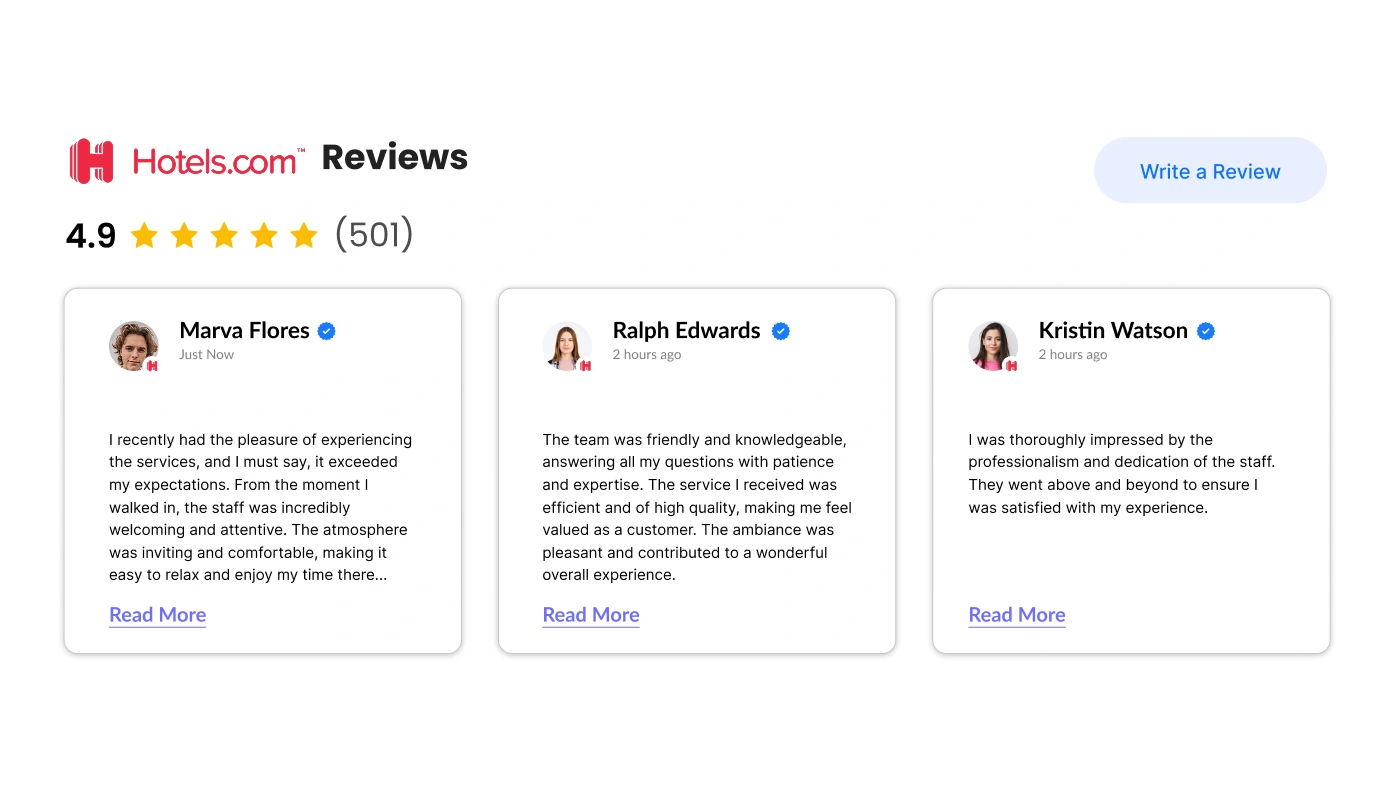
Hotels Reviews for Squarespace
Display your best guest reviews from Hotels.com.
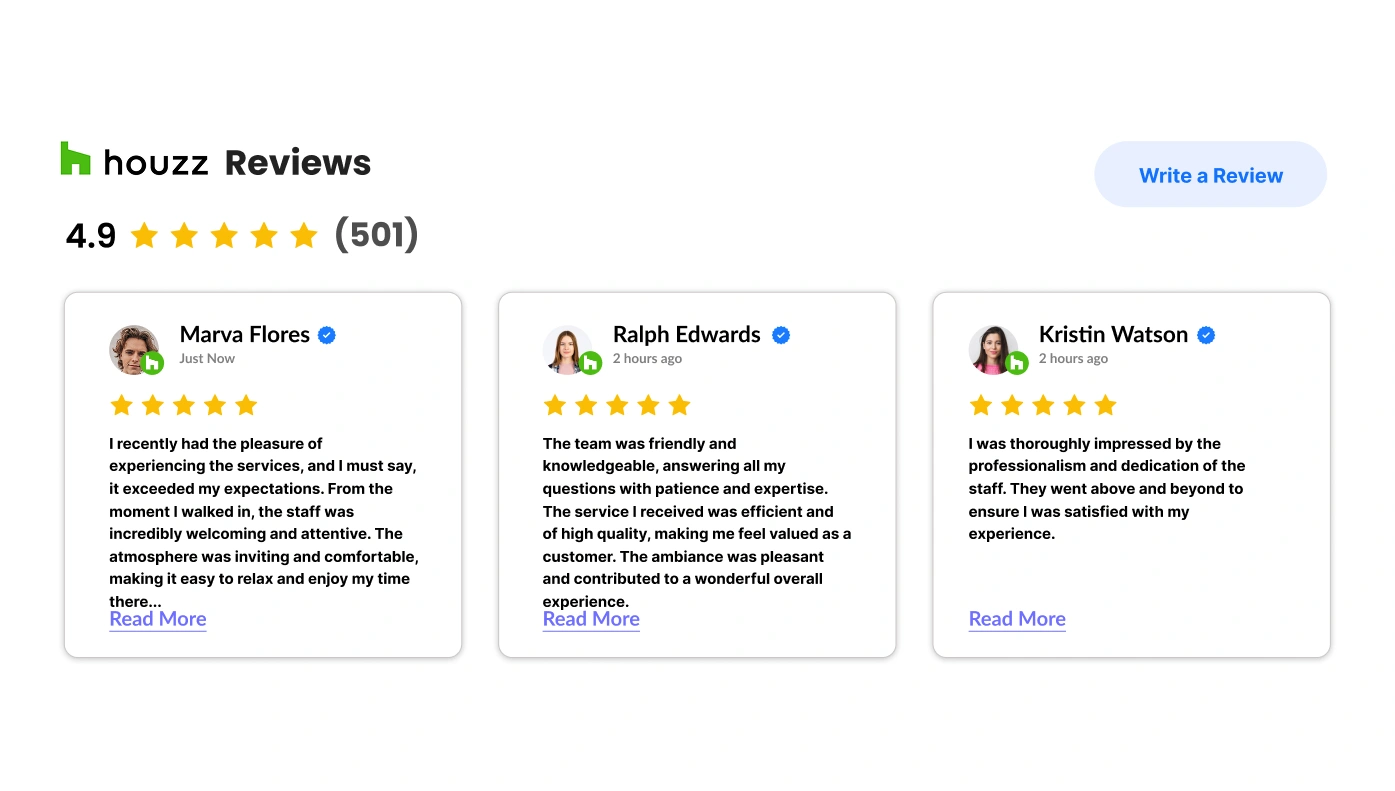
Houzz Reviews for Squarespace
Showcase reviews from Houzz to build design trust.

Instagram Chat for Squarespace
Add Instagram messaging to your website for quick support.

Instagram Widget for Squarespace
Highlight your full Instagram profile on your site.
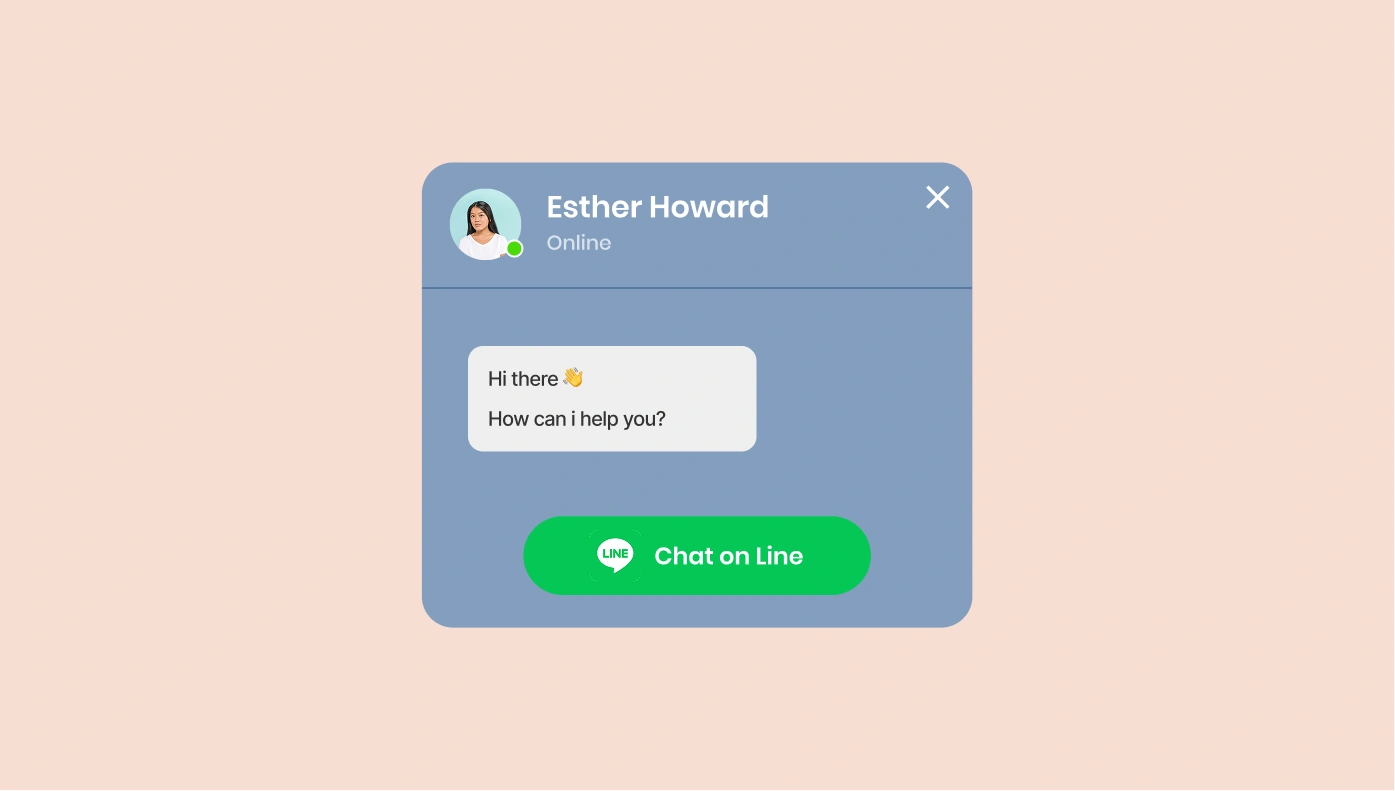
Line Chat for Squarespace
Enable Line chat so users can contact you instantly.
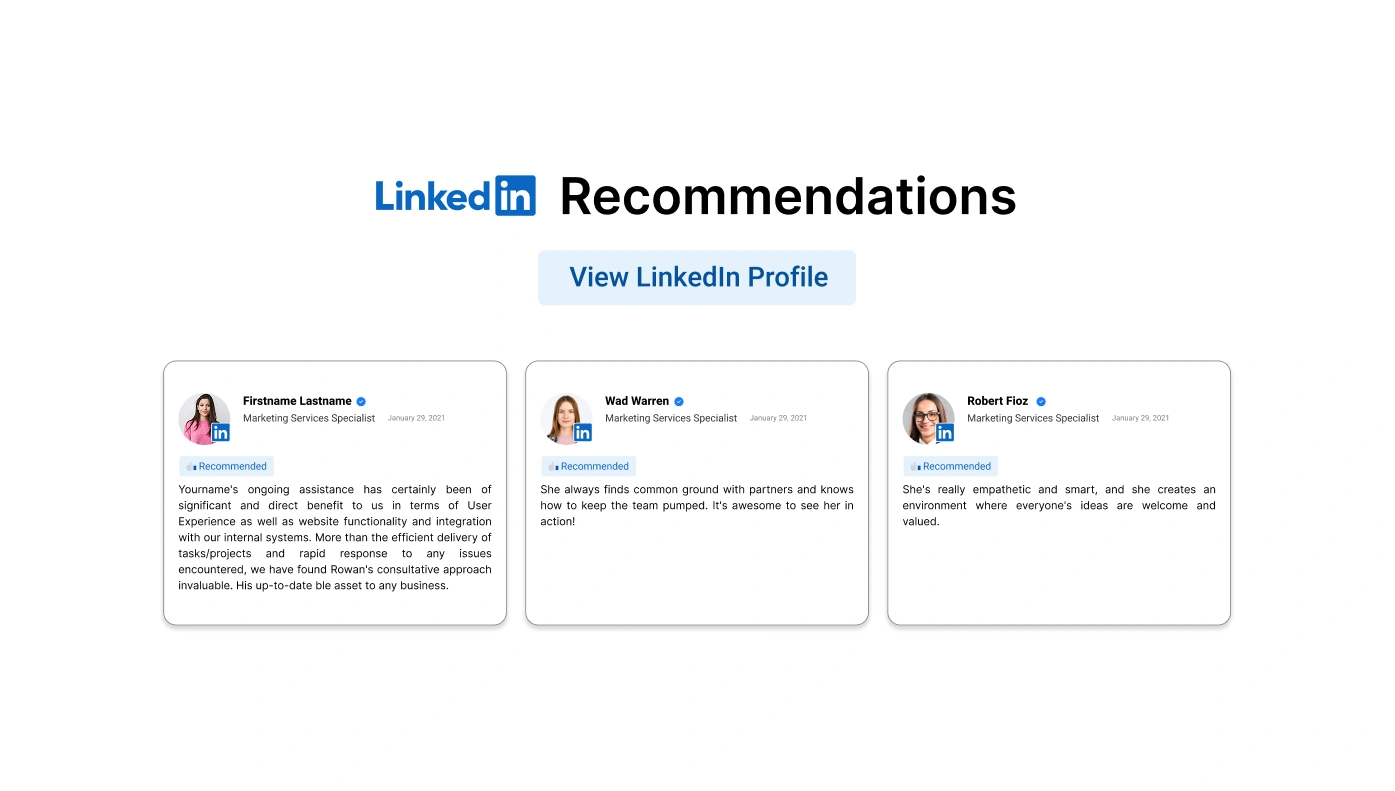
LinkedIn Recommendations for Squarespace
Show real testimonials from LinkedIn to gain trust.
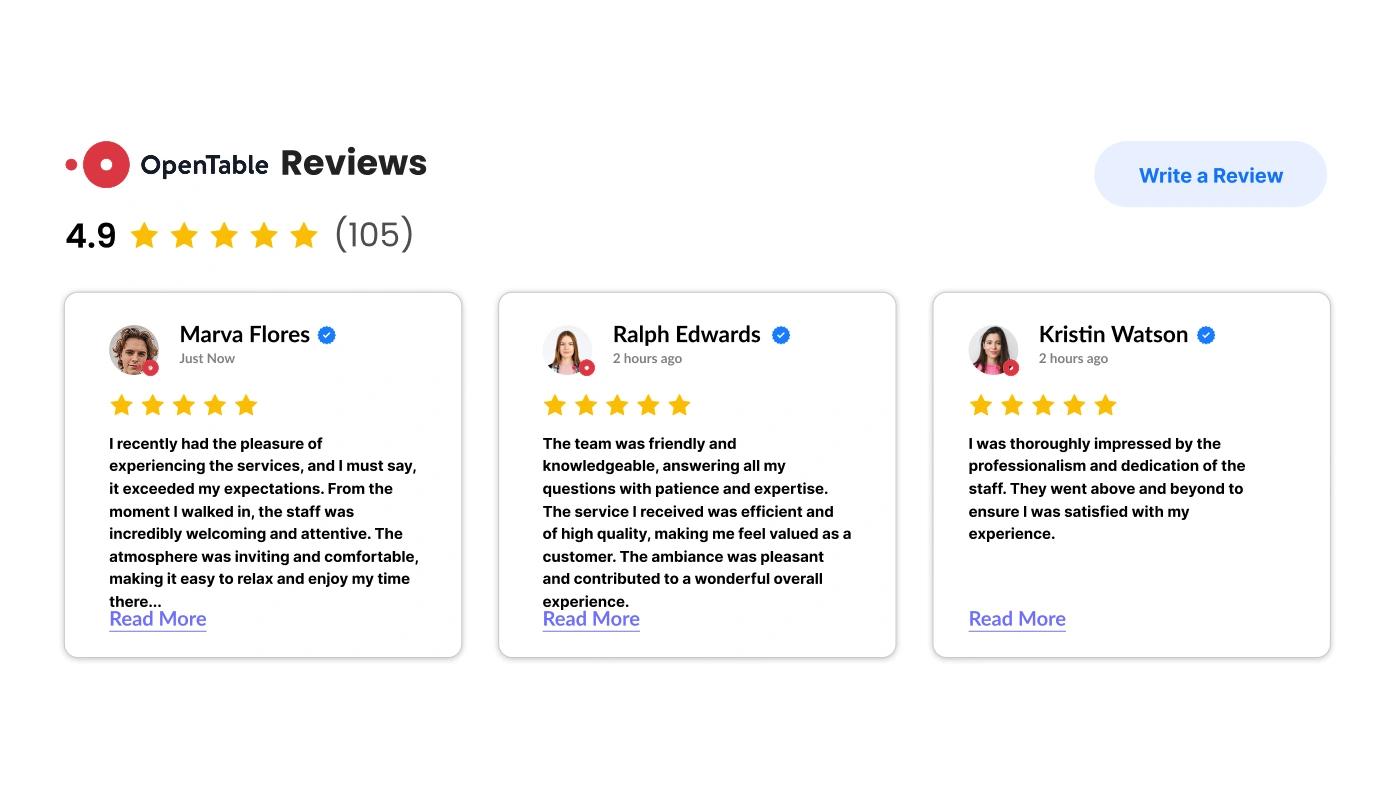
OpenTable Reviews for Squarespace
Share top reviews from OpenTable to attract diners.

PayPal Button for Squarespace
Let users buy, donate, or subscribe via PayPal.

Pinterest Feed for Squarespace
Embed Pinterest pins and boards to inspire visitors.
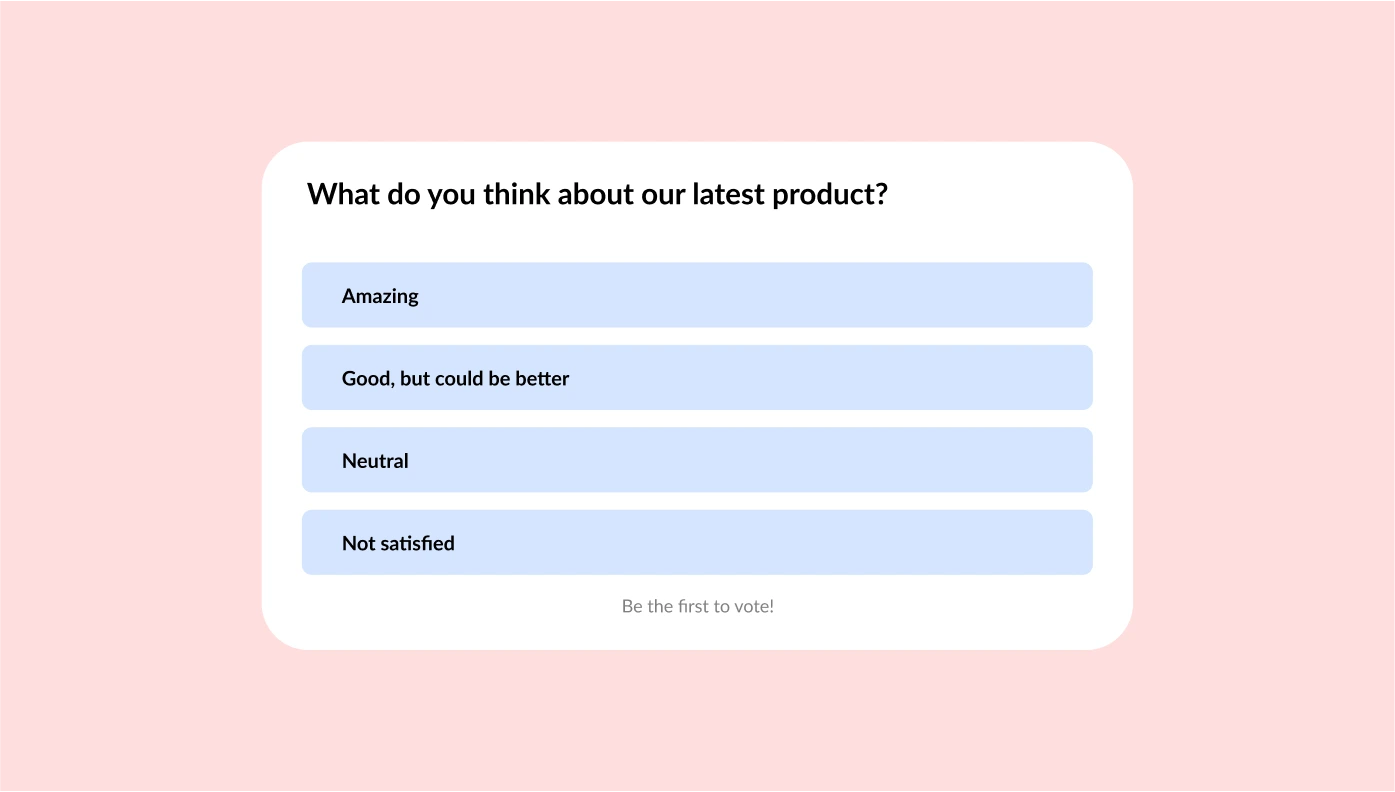
Poll for Squarespace
Add a quick poll to gather opinions from site visitors.
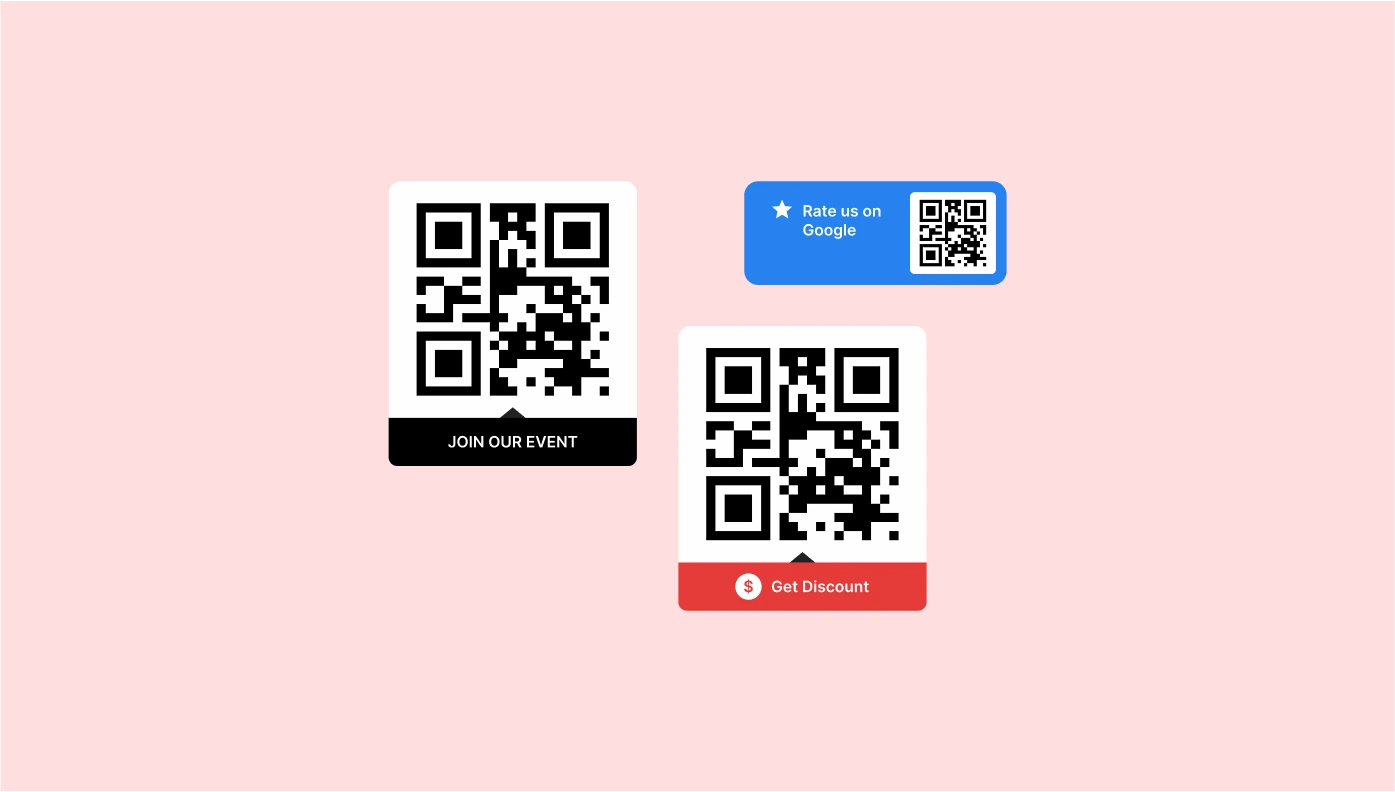
QR Code for Squarespace
Generate QR codes for fast access to your links or offers.
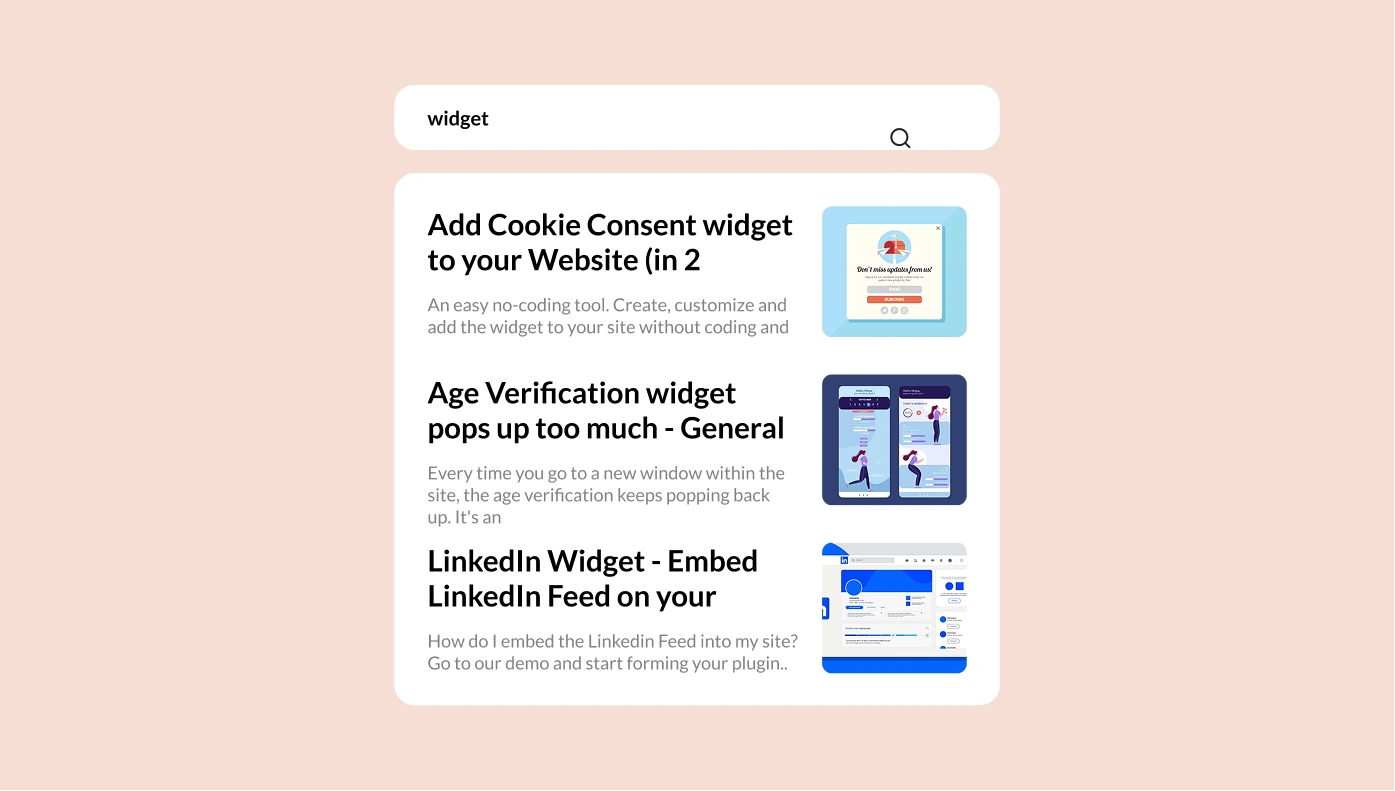
Search for Squarespace
Add a smart search bar for easier site navigation.

Social Media Icons for Squarespace
Link to your social media profiles with stylish icons.
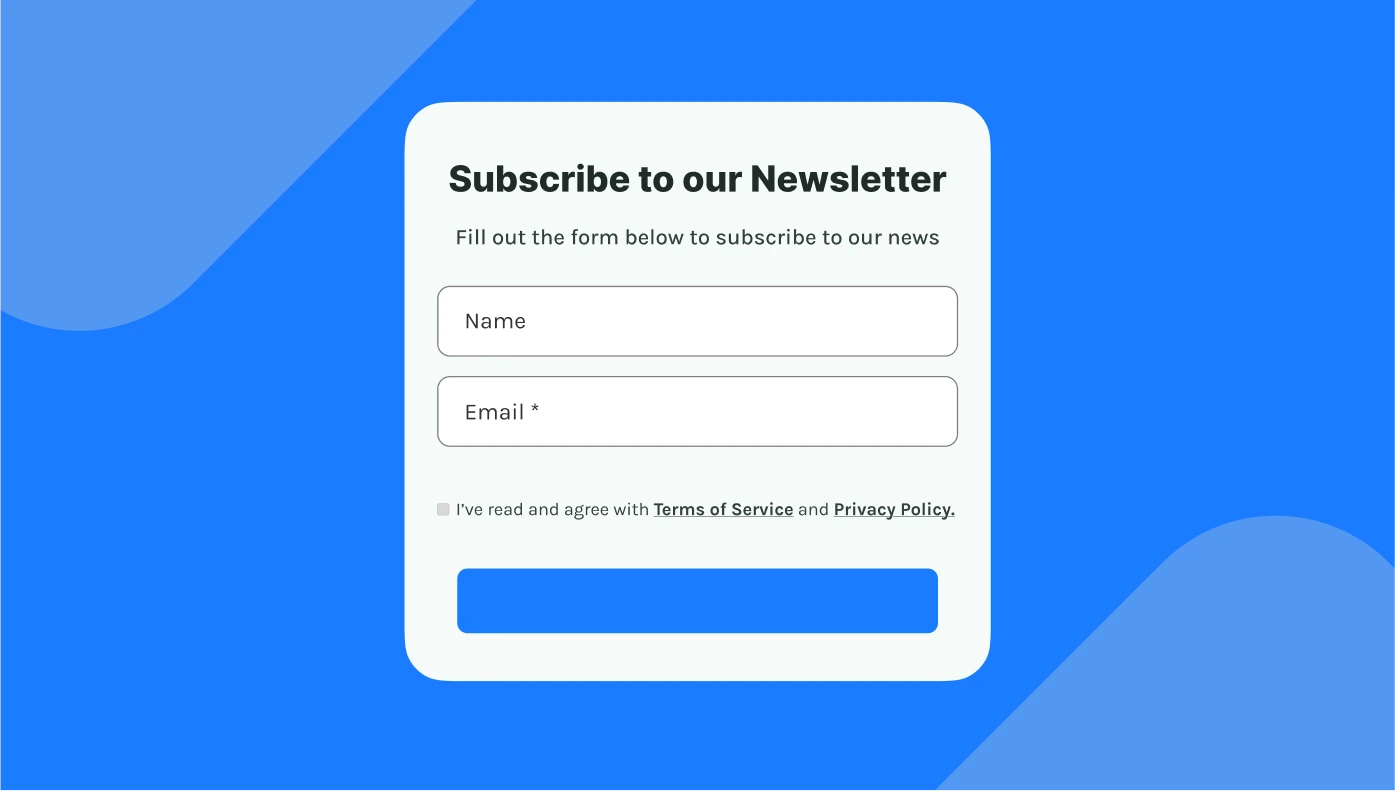
Subscription Form for Squarespace
Grow your email list with a newsletter signup form.

Telegram Chat for Squarespace
Let users reach out via Telegram in a click.

Tumblr Feed for Squarespace
Display creative Tumblr content in a sleek feed.

Viber Chat for Squarespace
Allow users to connect with you through Viber chat.
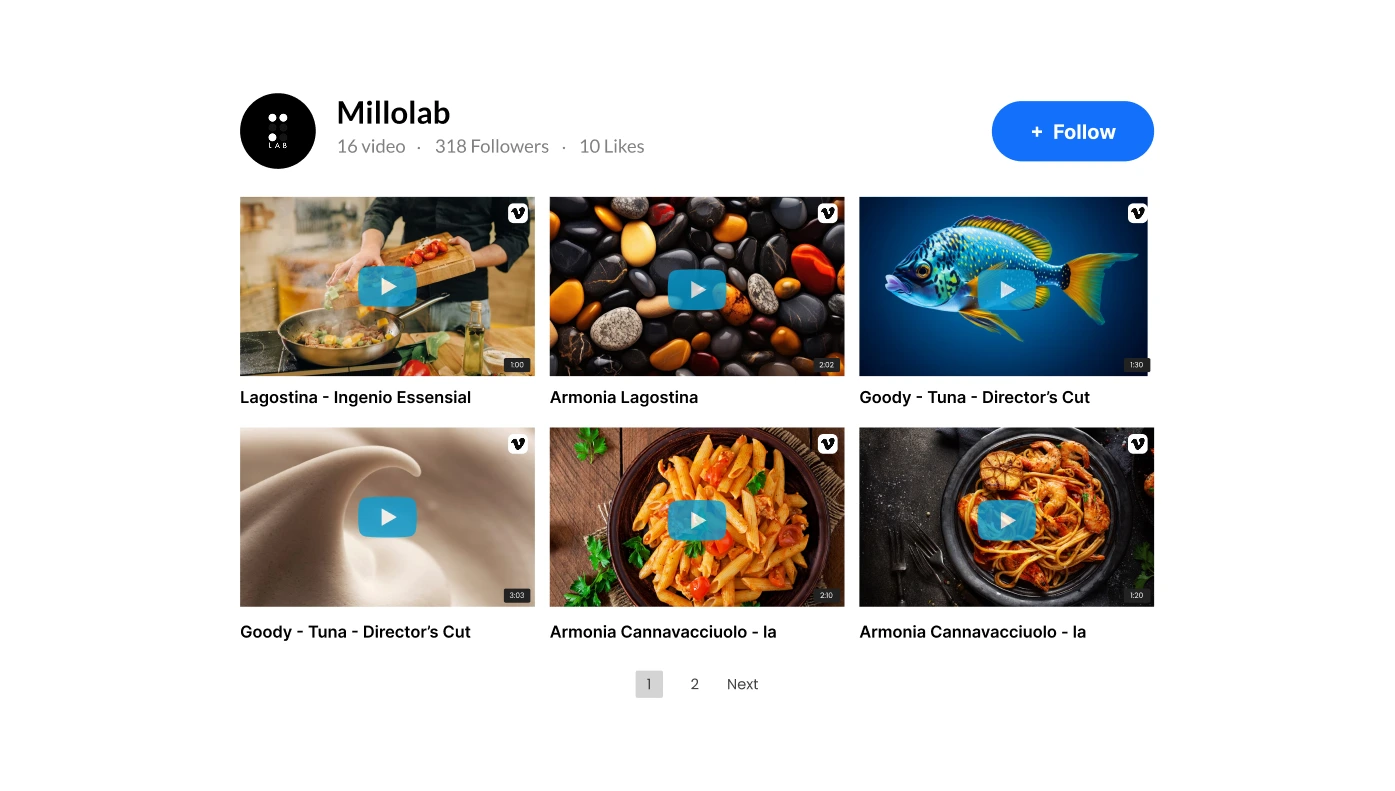
Vimeo Gallery for Squarespace
Embed Vimeo videos and playlists in a stunning layout.

Visitor Counter for Squarespace
Show your site’s traffic to build credibility and trust.
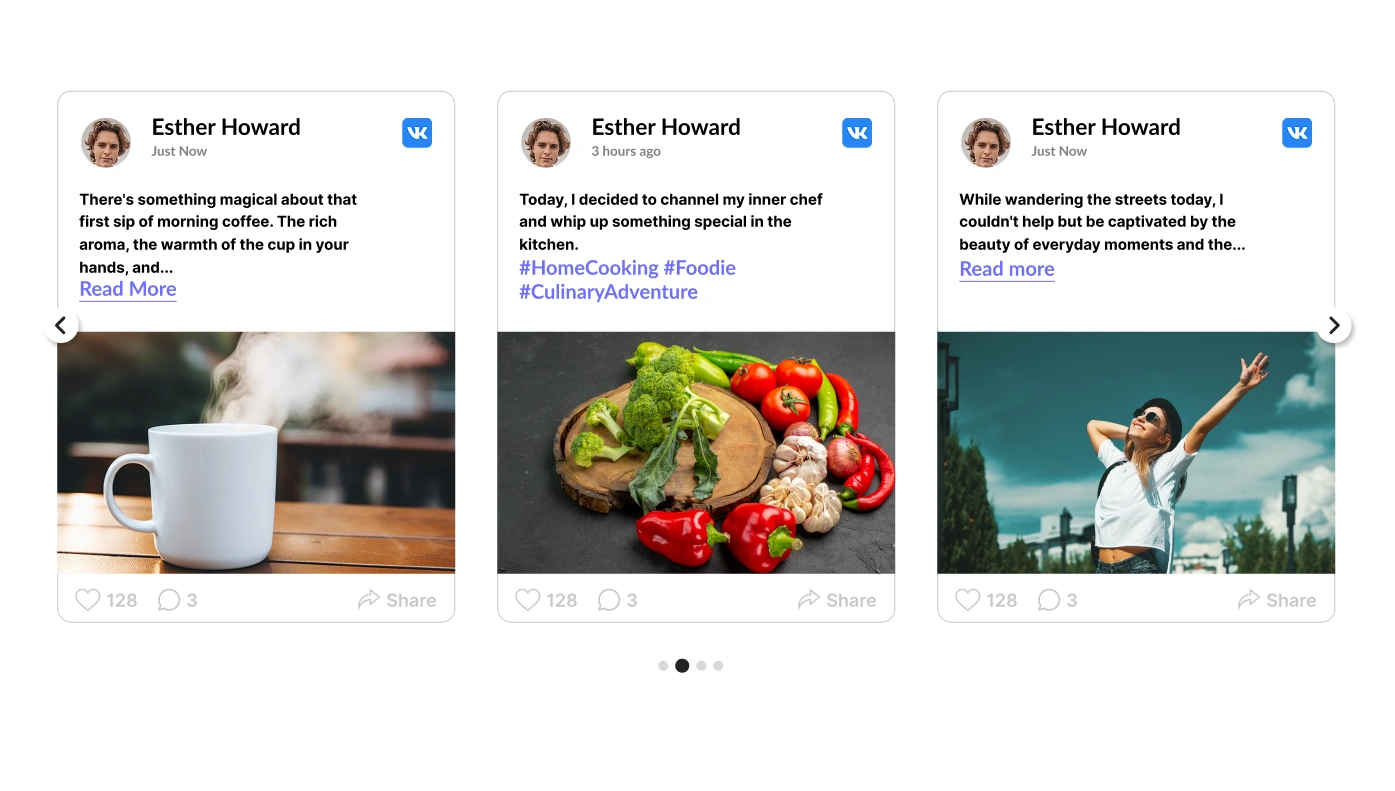
VK Feed for Squarespace
Embed VK social content to expand your audience.

Yelp Reviews for Squarespace
Show real reviews from Yelp to build customer confidence.

Facebook Like Button for Squarespace
Stay connected with us by clicking the Facebook Like Button below!
Discover Upgadeify’s Collection of Premium Squarespace Plugins – Built to Enhance Your Website
At Upgadeify, we specialize in developing easy-to-use plugins that help businesses, creatives, and developers enhance Squarespace website functionality without touching a line of code. Our solutions work seamlessly with all Squarespace versions, making it simple to improve design, engagement, and performance in just a few clicks. Upgadeify’s catalog is your destination for powerful, code-free plugins designed to upgrade any Squarespace website.
What Makes Plugins Essential for Squarespace?
Integrations are a great way to extend your website’s functionality without relying on custom code. Whether you’re looking to improve design, engage customers, or streamline business operations, code-free solutions offer powerful enhancements that integrate smoothly with your Squarespace website.
- Easy and fun to customize. Third-party plugins by Upgadeify are beginner-friendly and can be created and adjusted in a convenient builder.
- Add to the website in no time. The plugins and third-party integrations are designed to work well with Squarespace’s layout engine and styling system, meaning they won’t disrupt your website’s design or performance.
- Wide range of solutions. From social media feeds and eCommerce plugins to advanced AI blogs and chats, plugins help solve specific needs across industries.
Why Upgadeify Is the Right Choice for Your Website
Upgadeify’s plugin marketplace offers a wide range of powerful, no-code integrations designed to enhance your Squarespace website and help you achieve various goals.
Here’s how Upgadeify’s advantages translate into direct benefits for you:
- 24/7 Support: Get assistance any time you need it – Upgadeify’s team is always available to help troubleshoot or guide you through plugin setup.
- Diverse Plugin Selection: Choose from over 100 Squarespace website plugins, including social media integrations, chats, forms, reviews, and more, ensuring you find the perfect tool for your specific needs.
- Easy Integration: All plugins are fully no-code and installable in minutes – perfect for users with no technical background, making powerful features accessible to everyone.
- Flexible Pricing Plans: Whether you’re a solo creator or a growing business, Upgadeify offers pricing tiers that suit your needs and budget, providing scalable solutions.
- Regular Updates: Upgadeify plugins stay current with the latest Squarespace features and browser standards thanks to ongoing improvements, ensuring your website always performs optimally.
- Business-Focused Features: Whether you need Squarespace commerce plugins, email marketing integrations, or design ideas, Upgadeify covers it all, providing tools specifically designed to help your business thrive.
With Upgadeify, you can transform your website using plugins that are not only beautifully designed but also built for performance and a seamless user experience.
Explore Plugins by Business Objective
No matter if your Squarespace website is for selling cool stuff, getting new customers, showing off your awesome art, or offering help to people, Upgadeify’s special tools (called plugins) are made to help you do those things way better. You don’t even need to know how to code! Instead of just using what Squarespace already has, you can make your website do more with tools made for exactly what your business needs.
Here are some examples of how our tools can help:
- Shop Tools: Help your sales by adding timers that count down, pop-up messages, alerts about sales, and special offer banners. These make people want to buy now and help you sell more.
- Chat Tools: Talk to customers right away and connect with them using apps like WhatsApp, Facebook Messenger, Telegram, and more. You can even put all of these into one simple button on your website.
- Review Tools: Automatically gather and show off good reviews from places like Google, Amazon, Etsy, and Yelp. This helps people trust you more and encourages them to buy.
- Forms: Easily make forms for people to contact you, give feedback, or place orders. This helps you get new leads, keep people interested, and make talking to your website visitors super easy.
These, and many other solutions, are made to help you build a Squarespace website that looks great and is easy to use, but also helps you get real results for your business from the first time someone sees your site to when they finally buy something.
Steps to Add Plugins to Squarespace
Once you set up your special tool (plugin) on Upgadeify, you’ll get a piece of code that has all your settings in it. It’s like a secret message! Now, it’s super easy to put this tool onto your website.
Squarespace lets you put these tools in different spots on your website. Below, we’ll tell you about the different places you can put them and the step-by-step instructions to get it just how you want it.
Put a Plugin Right Inside a Specific Page
- Log in to your Squarespace account and pick your website.
- In the part that says ‘Website,’ choose the page you want to put the plugin on, and then click ‘Edit.’
- Pick the spot where you want the plugin to go, click ‘Add Section,’ and then choose ‘Add a Blank Section.’
- Click ‘Add Block,’ choose ‘Code,’ and then paste in the special plugin code you got.
- Change how wide the block is if you need to.
Put a Plugin That Floats on a Specific Page
- Log in to your Squarespace account and pick your website.
- In the ‘Website’ section, choose the page you want, then click the little ‘Gear’ icon (it looks like a cogwheel).
- Go to ‘Advanced,’ paste the special code for the plugin into the box you see there, and then click ‘Save.’
Put a Plugin on All Pages of Your Website
- Log in to your Squarespace account and pick your website.
- Go to ‘Settings,’ then choose ‘Developer Tools,’ and then pick ‘Code Injection.’
- Paste the special code for the plugin into the box called ‘Footer,’ and then click ‘Save.’