
Poll Widget for Website
Run tailored polls on your site to understand user preferences and gain actionable feedback.
Trusted by Thousands of Businesses And Global Brands Worldwide








Create Your Poll Widget for Free
Add flexible polls to your website with ease. Customize, style, and go live in just a few clicks.

Why Choose Upgadeify’s Poll Widget?

Connect With Your Audience Through Real Feedback
Understand better what your customers need and like by collecting important info from users.

Increase Sales By Targeting The Right Audience
Use information from special polls to make deals that your audience will really like and get more people to buy or sign up.

Grow Smarter With User Feedback
Use what real customers tell you to make your product better and make important changes to your business.
Be a Part of Our Thousands of Happy Customers’ List
Join the growing Upgadeify family and boost your online reputation today.
websites support
hours of development invested
to start using the widget
customer satisfaction rate
What Makes Upgadeify’s Poll Widget Stand Out?
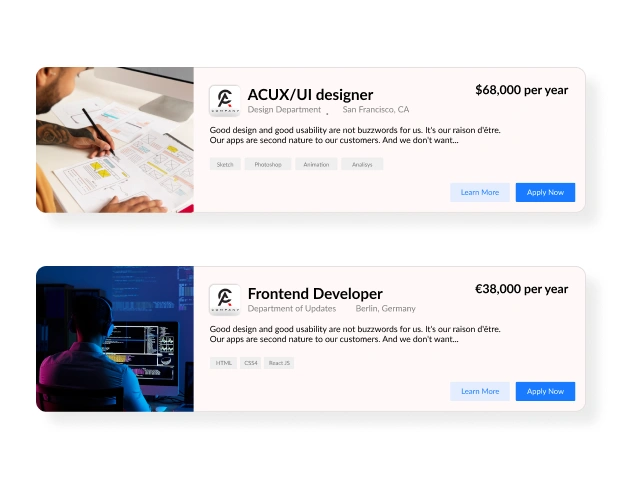
You can make and launch good-looking polls that work on phones, in just a few clicks. You don't need to know coding or design—just your idea! Our easy-to-use builder makes it simple to create fun polls whenever you need, so you can get answers and opinions without any trouble.
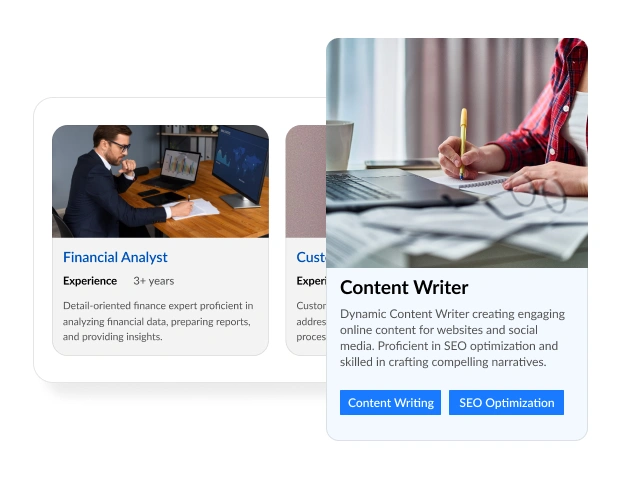
Use what customers say in the poll to suggest products just for them, right there in the poll. You can quickly turn what users say into chances to sell: just offer helpful ideas with a "buy now" button when they finish the poll.
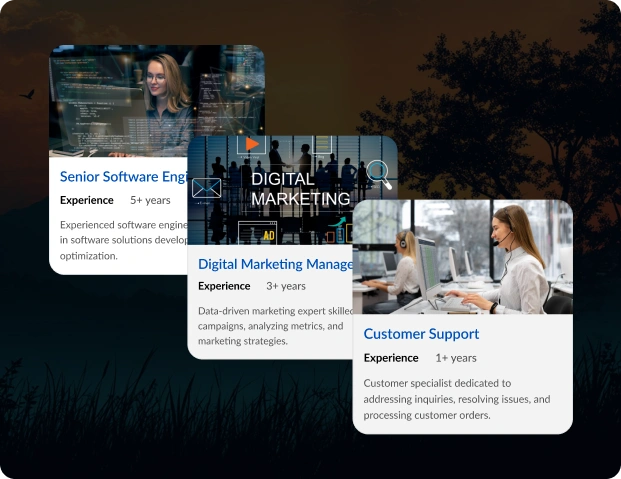
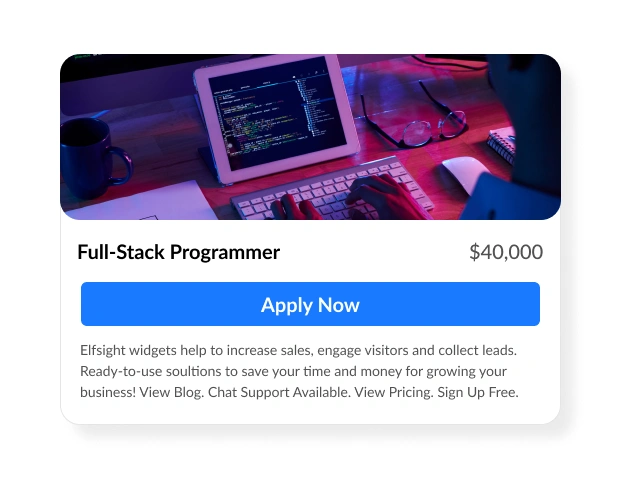
You can pick from many ready-made poll designs that are perfect for different kinds of questions and business aims. Our designs make it simple to create neat, easy-to-use polls, helping you get answers quickly, all while keeping a professional look that fits your brand.

Real Examples
See how real websites use the Poll widget to connect with audiences, collect opinions, and add a layer of interactivity to their site.

Live Demo
Try all the features of the Poll widget for free in our no-registration live demo. Customize, vote, and preview in real time.
Why Choose Upgadeify’s Poll Widget Over Others?
Upgadeify gives you everything you need to make fun polls with your brand's look, in just minutes. Whether you have a blog, a business website, or an online shop, our Poll widget is your complete answer to get more people to interact and give helpful opinions. And if you need help, our team is always ready to assist.

Effortless Visual Editor
Forget coding or hiring a developer, our intuitive live editor lets you build, plus install your widget in just a few clicks, saving you both time & money.
Read More
Mobile-Ready & Fully Responsive
All widgets are designed to look and work great on any device, whether it’s a phone, tablet, or desktop, delivering a consistent experience to all your visitors.
Read More
Expert Support from the Upgadeify Team
Get premium assistance along with free setup guidance from our dedicated team, making sure a smooth as well as a hassle-free experience from the start to end.
Read More
Reliable Upgadeify Cloud Platform
Enjoy fast-loading, automatically updated widgets with built-in bug fixes, optimised for performance, no matter where your users are.
Read MoreFAQs
A Poll widget is an interactive tool that allows you to create and embed customizable polls on your website to collect feedback, opinions, or preferences from visitors. It enables you to engage your audience, understand their needs, and use insights to drive sales or improve products, all through a user-friendly, no-code interface that displays results in real time.
To acquire the installation code for the Poll widget:
- Log in to the platform and navigate to the widget editor.
- Select the Poll widget and customize its settings, such as question types, design, and templates.
- Click “Publish” to generate a unique embed code.
- Copy this code for integration into your website.
To embed the Poll widget:
- Sign in to the platform and select the Poll widget.
- Configure the poll by choosing a template, setting questions, and customizing the appearance.
- Copy the embed code after clicking “Publish.”
- Paste the code into your website’s HTML or CMS backend in the desired location.
- Save and publish your changes to display the poll.
Yes, the Poll widget is compatible with most major CMS platforms and website builders. Its cloud-based, no-code design ensures easy integration by pasting the embed code into your site’s HTML or template. The widget is fully responsive and optimized for fast loading across most platforms.
To maximize the effectiveness of the Poll widget:
- Placement: Position the poll on high-traffic pages like the homepage, product pages, or blog posts to capture feedback.
- Content: Craft clear, concise questions relevant to your audience’s interests to drive engagement and conversions.
- Features: Use real-time results to show instant feedback and include a “buy now” button to suggest products based on responses. Enable conditional logic to tailor questions.
- Design: Customize the poll’s colors, fonts, and layout to match your brand, ensuring a professional look. Test responsiveness on mobile devices.
- Analytics: Monitor results via the dashboard or integrated tools to analyze data and refine offerings.
Test different placements and question types to optimize engagement and insights.
Yes, the Poll widget supports various input types to create engaging and versatile polls. These typically include:
- Multiple Choice: Allows users to select one or more options from a predefined list.
- Single Choice: Restricts users to selecting one option.
- Rating Scales: Enables users to rate something (e.g., 1-5 stars or a numerical scale).
- Text Fields: Collects open-ended responses for detailed feedback.
- Dropdown Lists: Provides a compact way to present multiple options.
These input types allow you to tailor polls to specific needs, from simple yes/no questions to detailed feedback, enhancing flexibility and user engagement.
Join Over 2 Million Users Using Upgadeify Widgets
Explore our 80+ feature-rich tools designed to upgrade your website. No credit card needed. Sign up for free today!

More Widgets
Trending

Facebook Feed
Display posts, photos and videos from Facebook on your website
Start: July 1, 2023
Last Updated: April 10, 2023
Trending

Instagram Feed
Display posts, photos and videos from Facebook on your website
Start: July 1, 2023
Last Updated: April 10, 2023
Trending

Google Feed
Display posts, photos and videos from Facebook on your website
Start: July 1, 2023
Last Updated: April 10, 2023