
Timeline Widget for Your Website
Bring Your Story to Life with a Dynamic Timeline Displaying Events, Achievements, and Milestones.
Trusted by Thousands of Businesses And Global Brands Worldwide








Create Your Coding-Free Timeline Widget Right Away
You can show your events, achievements, or history in a cool timeline that works on any device. Change the way it looks, its styles, and what it says to match your brand, all without needing to code.

Why Choose Upgadeify’s Timeline Widget for Website?
Create a visually compelling narrative with animated progress displays and interactive highlights.

Capture Attention with Visuals
You can add pictures, detailed pop-up descriptions, and clickable buttons to your timeline events to make them more interesting. This will encourage visitors to learn more about your big achievements, products, or history.

Clear Progress, Better Experience
Help people easily follow important events or steps. Show information in a clear, neat way that makes it easier to find things, so people don't get confused or upset.

Engage. Retain. Convert. Repeat.
Timelines that move and let people click on them make users do more on your website. People spend more time looking at the events, which helps keep them interested and coming back.
Be a Part of Our Thousands of Happy Customers’ List
Join the growing Upgadeify family and boost your online reputation today.
websites support
hours of development invested
to start using the widget
customer satisfaction rate
What Makes This Timeline Widget Stand Out?
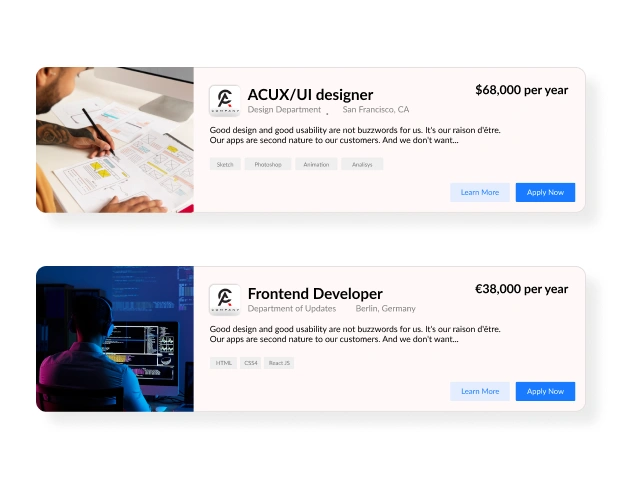
You can easily make cool timelines by picking ready-made designs, adding important dates, and changing how it looks. Whether you're showing your company's past, following project steps, or pointing.

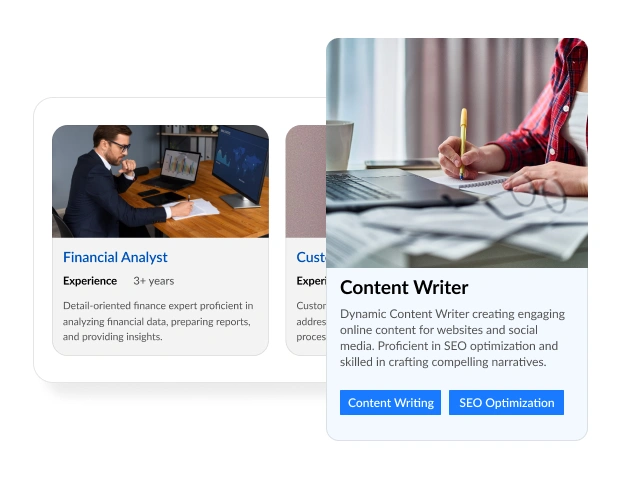
You can quickly add important milestones, events, or stages to your timeline using our Timeline widget. Each event can be fully changed with text, pictures, dates, and more. You can also adjust the colors, icons, and layout for each event. This makes sure your timeline not only tells your story but also looks great to your visitors. Add as many events as you need and put them in order easily.
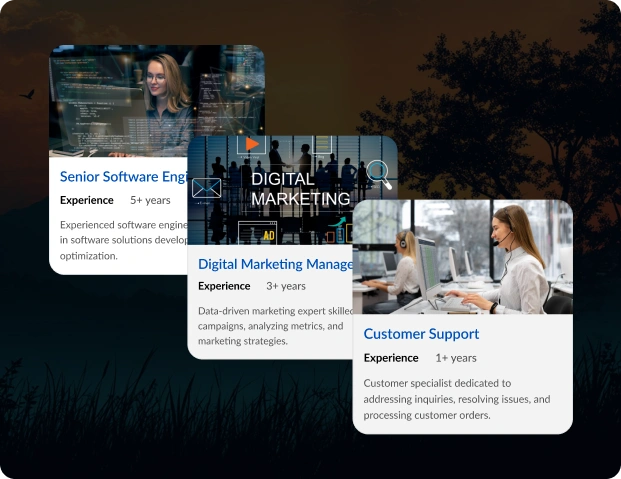
Save time with our ready-made templates. They're made for different things like company stories, new products coming out, or event lists. Just pick the template that works for you, then change it to fit what you want to show.

Real-Life Example
See how organizations across various industries use the Timeline widget

Live Demo
Experience the widget in action and explore its features, no sign-up required.
Improve Your Content with a Timeline
A good timeline can make what you show more interesting and easier to get. With Upgadeify's Timeline widget, you can show your information in a way that grabs attention and teaches your audience.

Effortless Visual Editor
Forget coding or hiring a developer, our intuitive live editor lets you build, plus install your widget in just a few clicks, saving you both time & money.
Read More
Mobile-Ready & Fully Responsive
All widgets are designed to look and work great on any device, whether it’s a phone, tablet, or desktop, delivering a consistent experience to all your visitors.
Read More
Expert Support from the Upgadeify Team
Get premium assistance along with free setup guidance from our dedicated team, making sure a smooth as well as a hassle-free experience from the start to end.
Read More
Reliable Upgadeify Cloud Platform
Enjoy fast-loading, automatically updated widgets with built-in bug fixes, optimised for performance, no matter where your users are.
Read MoreWhat is the Timeline widget?
It’s a tool that allows you to display a series of events or milestones in chronological order on your website in a visually appealing and organized manner.
Absolutely. You can adjust colors, fonts, layouts, and more to ensure the widget complements your site’s aesthetics.
Not at all. Our user-friendly configurator allows you to set up and customize the widget without any coding knowledge.
Yes, you can enrich your timeline by adding images, videos, and other media to each event.
Join Over 2 Million Users Using Upgadeify Widgets
Explore our 80+ feature-rich tools designed to upgrade your website. No credit card needed. Sign up for free today!

More Widgets
Trending

Facebook Feed
Display posts, photos and videos from Facebook on your website
Start: July 1, 2023
Last Updated: April 10, 2023
Trending

Instagram Feed
Display posts, photos and videos from Facebook on your website
Start: July 1, 2023
Last Updated: April 10, 2023
Trending

Google Feed
Display posts, photos and videos from Facebook on your website
Start: July 1, 2023
Last Updated: April 10, 2023