
Click to Call button widget for website
Let visitors reach you quickly with a one-click call button—simple, fast, and direct.
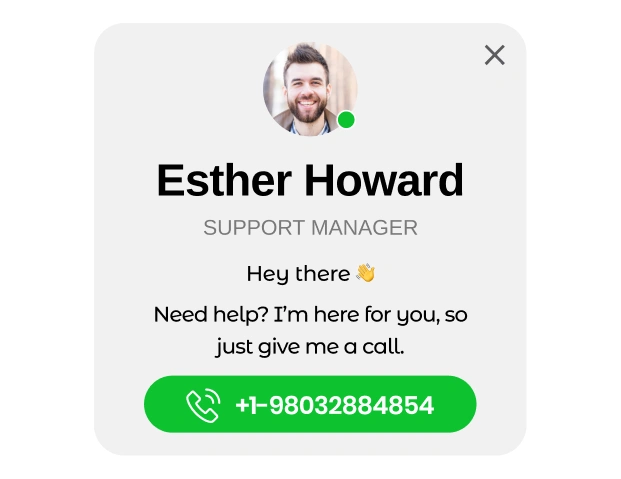
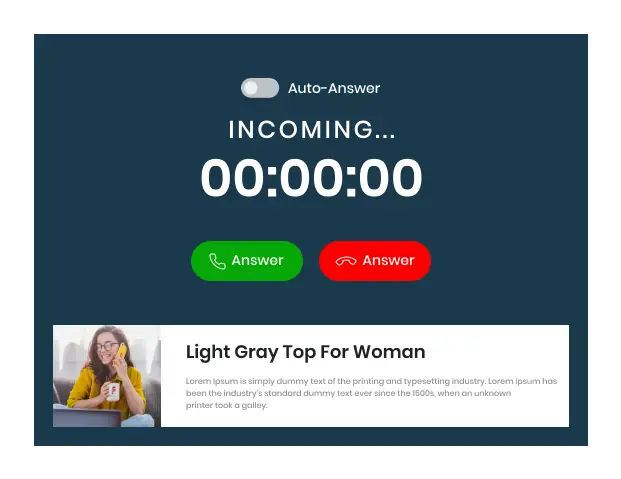
Trusted by Thousands of Businesses And Global Brands Worldwide








Set Up Your Free Click-to-Call Widget
Customise your widget and easily add it to your website in minutes!
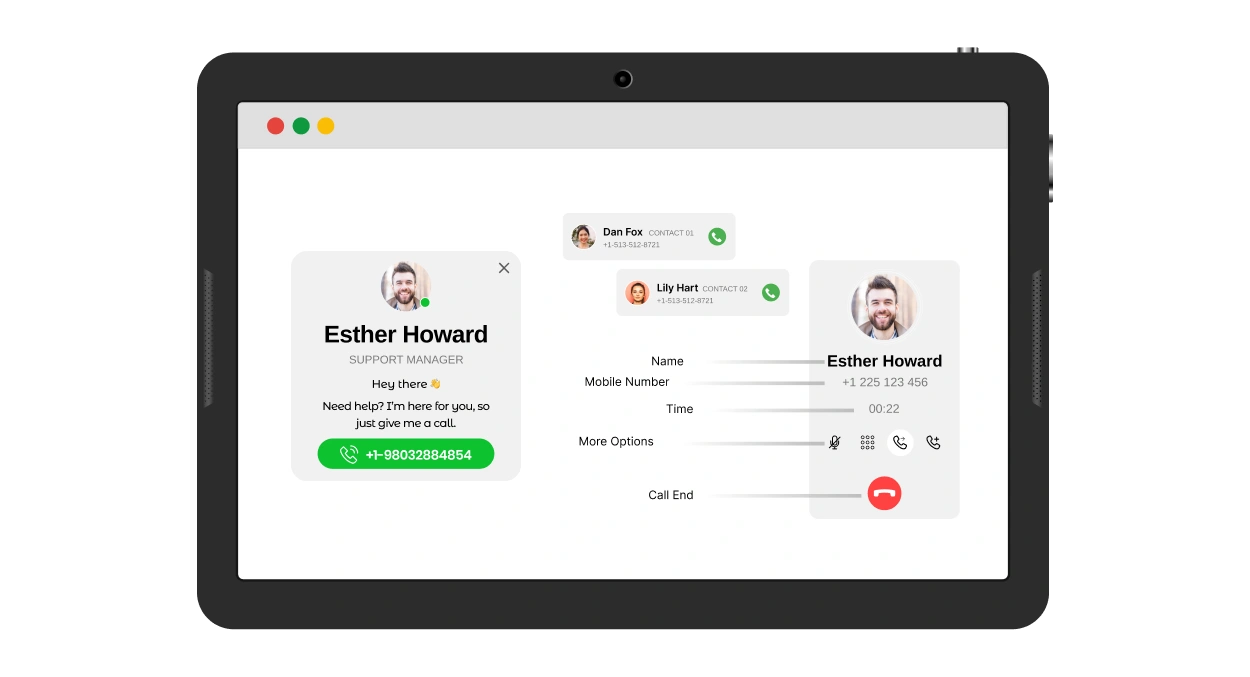
How Upgadeify Click to Call Can Boost Your Business?
The more you connect your customers, the more you earn live leads.

Make Yourself Instantly Reachable
With just one click, website visitors can call you directly — no need to copy numbers or open other apps. This smooth, user-friendly experience means more people will reach out to your business.

Drive More Sales
A direct phone call builds trust and lets you address customer questions right away. By speaking with your potential clients in real time, you increase your chances of closing the deal and improving your conversion rates.

Grow Your Leads List
Every new call is an opportunity. By making it easy for new visitors to contact you, the widget helps you collect valuable leads and expand your customer base over time.
Be a Part of Our Thousands of Happy Customers’ List
Join the growing Upgadeify family and boost your online reputation today.
websites support
hours of development invested
to start using the widget
customer satisfaction rate
Why Choose Upgadeify for Click to Call Widget?
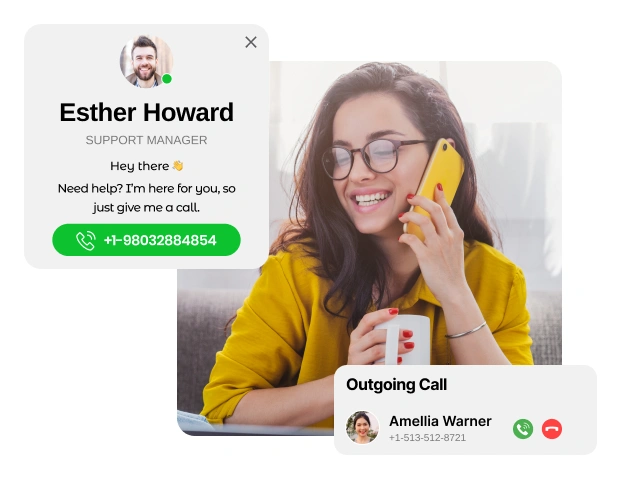
Encourage more phone calls by making your number instantly accessible. On mobile devices, users can call you with a single tap on the widget icon. For desktop users, your number is displayed clearly in bold for quick dialling. Boost engagement by showing the widget only to specific user groups or on chosen pages. You can even set up smart triggers so the call button appears exactly when it’s most effective. This tool is a simple yet powerful way to ensure potential clients can reach you the moment they are ready.
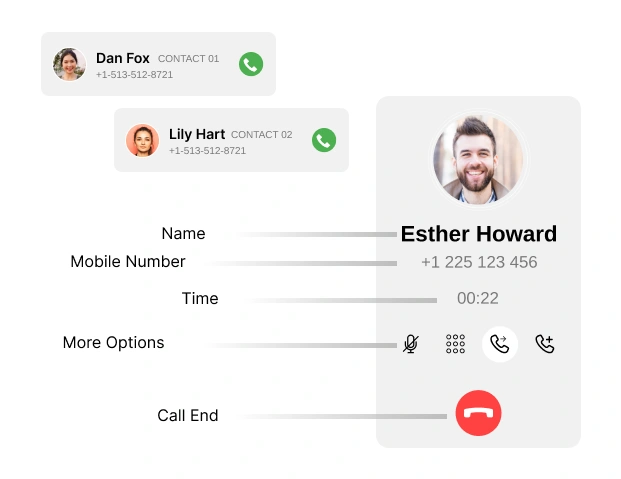
Take full control of how your call widget looks and feels. From the floating bubble to the call window, every element is fully customizable to match your brand and style. Decide what to display—add personalised text, include the contact person’s name and photo, or keep it minimal. You can craft a warm, welcoming message and a clear caption that encourages users to reach out. It’s your design, your way.
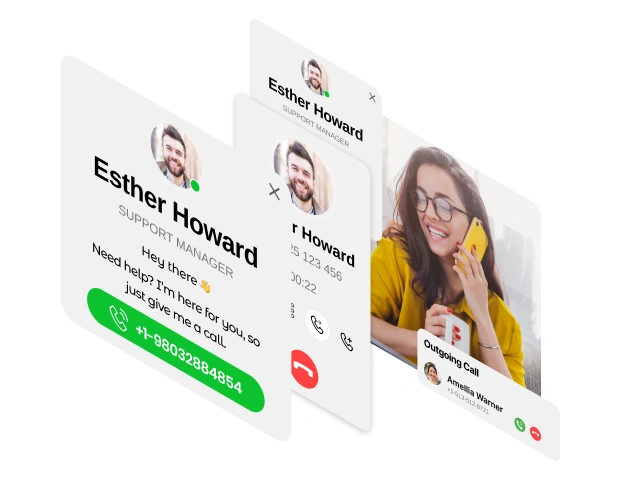
Design the Call Button widget to blend seamlessly with your website. Pick colours for the button, background, and text that align with your site's theme. Want to highlight your phone number? Style it independently to make it stand out. You also have full control over text sizes, allowing you to adjust the look of every element in the call window for a clean and consistent appearance.

Real-time Usage
Check out real examples to see how Click to Call works on different websites and how it can help you get more calls.

Live Demo
See a live demo and test all the features for yourself. It’s free to try, no sign-up or coding needed.
Why Upgadeify is the Smart Choice for Your Website?
It’s more than just great features. You also get reliable customer support, regular updates, along with a smooth experience that helps your website perform better every step of the way.

Effortless Visual Editor
Forget coding or hiring a developer, our intuitive live editor lets you build, plus install your widget in just a few clicks, saving you both time & money.
Read More
Mobile-Ready & Fully Responsive
All widgets are designed to look and work great on any device, whether it’s a phone, tablet, or desktop, delivering a consistent experience to all your visitors.
Read More
Expert Support from the Upgadeify Team
Get premium assistance along with free setup guidance from our dedicated team, making sure a smooth as well as a hassle-free experience from the start to end.
Read More
Reliable Upgadeify Cloud Platform
Enjoy fast-loading, automatically updated widgets with built-in bug fixes, optimised for performance, no matter where your users are.
Read MoreFrequently Asked Questions
Our call button widget lets visitors call you quickly by tapping a button on your site, helping you connect with more customers easily.
It’s very easy. After setting up your widget, copy the generated code from your dashboard and paste it into your website’s HTML.
Just copy the widget code and place it in your website’s HTML before the closing “ tag to make it work.
Of course! It works with most website platforms like WordPress, Wix, Shopify, and others—just paste the code into your site.
Although you can place it anywhere as per your choice but it is recommended to place it in the bottom corner of your site so it’s always visible and easy for visitors to tap or click.
It’s simple! In the settings, enter your phone number in the provided field. It will appear on the button and be used for calls.
Absolutely! Upload your photo in the widget’s design settings to personalise the button and make it more engaging.
Join Over 2 Million Users Using Upgadeify Widgets
Explore our 80+ feature-rich tools designed to upgrade your website. No credit card needed. Sign up for free today!

More Widgets
Trending

Facebook Feed
Display posts, photos and videos from Facebook on your website
Start: July 1, 2023
Last Updated: April 10, 2023
Trending

Instagram Feed
Display posts, photos and videos from Facebook on your website
Start: July 1, 2023
Last Updated: April 10, 2023
Trending

Google Feed
Display posts, photos and videos from Facebook on your website
Start: July 1, 2023
Last Updated: April 10, 2023