
LinkedIn Feed Widget for Your Website
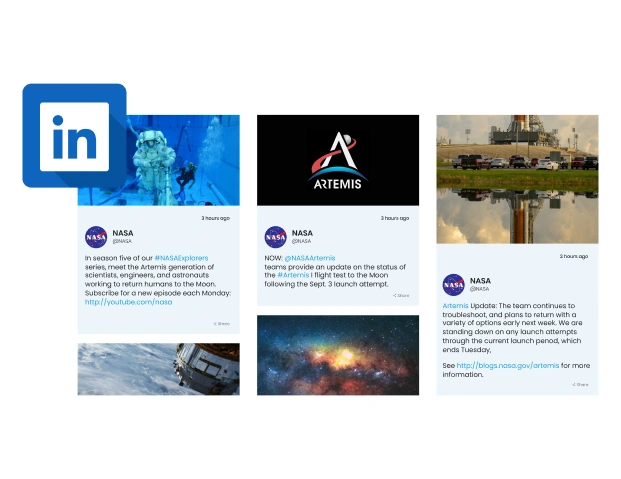
Embed posts from your LinkedIn profile or business page directly on your site to boost your professional image & keep visitors updated with your latest activities.
Trusted by Thousands of Businesses And Global Brands Worldwide








Develop Your LinkedIn Feed Widget with Us
Customise your widget in just a few clicks, also add it to your site without spending any pennies!
Why is there a need to Upgadeify LinkedIn Feed for Your Website?
Display live updates from your LinkedIn page to engage visitors, build trust, as well as to grow your audience directly from your website.

Maximise Your LinkedIn Page Potential
Repurpose your LinkedIn posts on your website to increase visibility, attract new leads, as well as make the most of your professional content without any extra effort.

Grow Your LinkedIn Engagement
Showcase your live LinkedIn feed to website visitors, encouraging them to follow, interact & stay updated. It helps you expand your network, plus brand reach naturally.

Build Business Trust Through Transparency
Displaying your LinkedIn activity on your site shows you are active, credible as well as engaged in your industry. This not only helps to build trust but also showcases your professionalism to potential clients or partners.
Be a Part of Our Thousands of Happy Customers’ List
Join the growing Upgadeify family and boost your online reputation today.
websites support
hours of development invested
to start using the widget
customer satisfaction rate
What Makes the Upgradeify LinkedIn Feed Widget Stand Out?

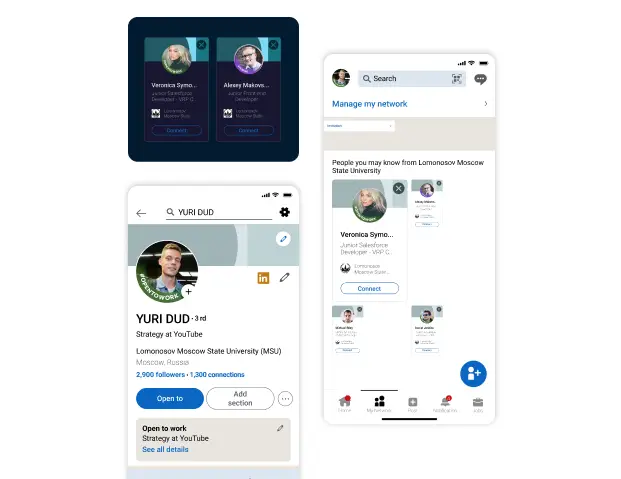
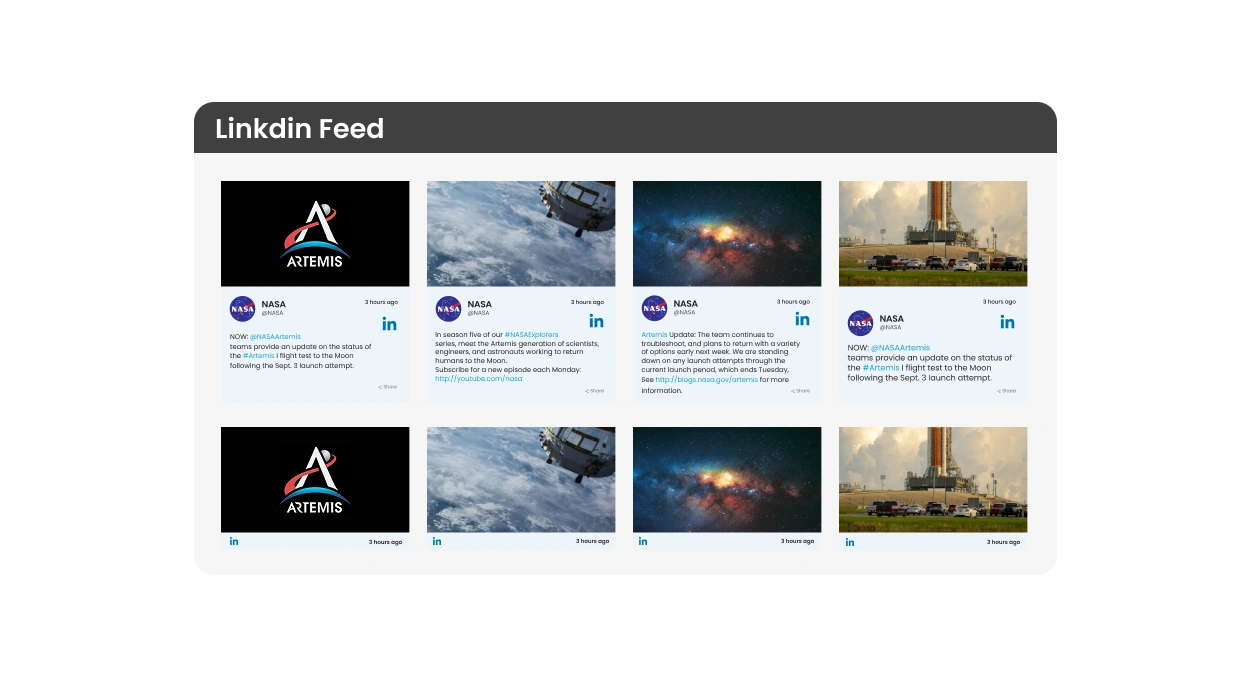
Turn your LinkedIn company page into a trusted content source for your site. Just paste your page URL, and the widget will automatically sync your updates—blogs, videos, images, and more. Keep your visitors informed with the latest insights along with industry news, displayed live as soon as you post them.
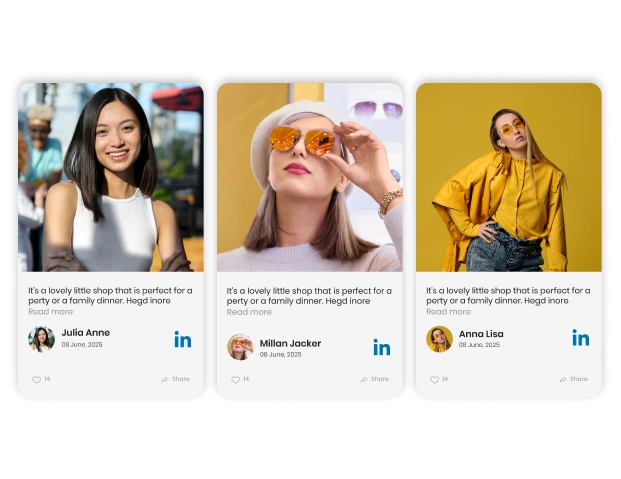
Control the content flow on your website with curated LinkedIn posts. Select which updates appear and how they’re styled to align with your branding, while ensuring your site stays current and clutter-free.

Present your LinkedIn posts in a visually engaging way. Use the pop-up mode to spotlight important content and adjust header elements to create an interactive experience that grabs visitors' attention.
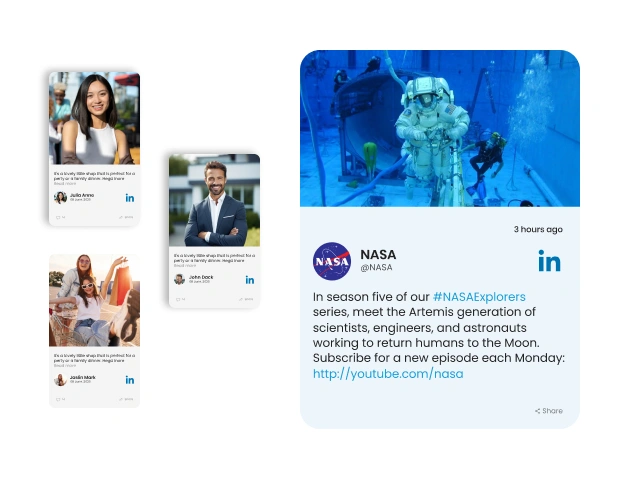
Customize the LinkedIn Feed widget effortlessly with multiple layouts, color themes, and style options. No coding needed. It’s built to look great on every device, browser, and screen size—just set it up and go.

Explore Real Use Cases
Browse real-life examples to see how businesses are using the LinkedIn Feed widget to connect with their audience & showcase professional content.

Live Demo
Test every feature in a live demo—no cost, no signup, no tech skills required. See how easy it is to integrate LinkedIn with your site.
Why Upgadeify is the Smart Choice for Your Website?
It’s more than just great features. You also get reliable customer support, regular updates, along with a smooth experience that helps your website perform better every step of the way.

Effortless Visual Editor
Forget coding or hiring a developer, our intuitive live editor lets you build, plus install your widget in just a few clicks. By doing so, you can save both your time & money.
Read More
Mobile-Ready & Fully Responsive
All widgets are designed to look and work great on any device, whether it’s a phone, tablet, or desktop, delivering a consistent experience to all your visitors.
Read More
Expert Support from the Upgadeify Team
Get premium assistance along with free setup guidance from our dedicated team, making sure a smooth as well as a hassle-free experience from the start to end.
Read More
Reliable Upgadeify Cloud Platform
Enjoy fast-loading, automatically updated widgets with built-in bug fixes, optimised for performance, no matter where your users are.
Read MoreFrequently Asked Questions
It displays posts from your LinkedIn profile or page directly on your website, keeping visitors engaged with real-time updates, insights & professional content that builds credibility.
Generate the code by configuring your LinkedIn Feed widget on the platform. Once customised, copy the auto-generated code, then paste it into your website’s HTML or CMS editor.
Of course! The widget works seamlessly with all major platforms. These can be WordPress, Wix, Shopify, Squarespace, and so on. It integrates easily using a simple embed code.
Customise your widget, copy the provided embed code, then paste it into your website’s HTML or CMS section where you want the feed to appear.
Place it in visible areas like homepages, blogs, or career sections to highlight your expertise, updates & company culture. It encourages trust as well as engagement from your visitors.
Absolutely! You can adjust layouts, colours, fonts, post style, etc. Easily match the widget’s design to your website without writing a single line of code.
Of course! The widget is fully responsive. It automatically adjusts to fit any screen size or device, ensuring a smooth, attractive display on desktops, tablets & smartphones.
Join Over 2 Million Users Using Upgadeify Widgets
Explore our 80+ feature-rich tools designed to upgrade your website. No credit card needed. Sign up for free today!

More Widgets
Trending

Facebook Feed
Display posts, photos and videos from Facebook on your website
Start: July 1, 2023
Last Updated: April 10, 2023
Trending

Instagram Feed
Display posts, photos and videos from Facebook on your website
Start: July 1, 2023
Last Updated: April 10, 2023
Trending

Google Feed
Display posts, photos and videos from Facebook on your website
Start: July 1, 2023
Last Updated: April 10, 2023