
Photo Gallery Widget for Your Website
Display your photos in a sleek, fully customisable gallery that boosts your site’s visual impact and keeps visitors engaged.
Trusted by Thousands of Businesses And Global Brands Worldwide








Build Your Own Photo Gallery Widget with Us
Customise your gallery and embed it on your website for completely free and easy to use!
Why Choose Upgadeify Photo Gallery?
Create more effective and stunning images to attract more sales & leads.

Boost user attention
Catch your visitors' eyes instantly with bold, beautiful imagery. A well-organised photo gallery keeps them engaged longer, increasing overall interaction and reducing bounce rates across your website.

Increase product sales
High-quality visuals showcase your products in the best light, building trust and encouraging faster purchase decisions. Attractive galleries subtly guide visitors toward buying, helping increase your site’s conversions.

Deliver a smoother browsing experience
Organise all your photos into one clean, user-friendly display. Visitors can easily explore your content without confusion, enjoying a seamless, responsive gallery on both desktop and mobile.
Be a Part of Our Thousands of Happy Customers’ List
Join the growing Upgadeify family and boost your online reputation today.
websites support
hours of development invested
to start using the widget
customer satisfaction rate
What makes Upgadeify Photo Gallery special?
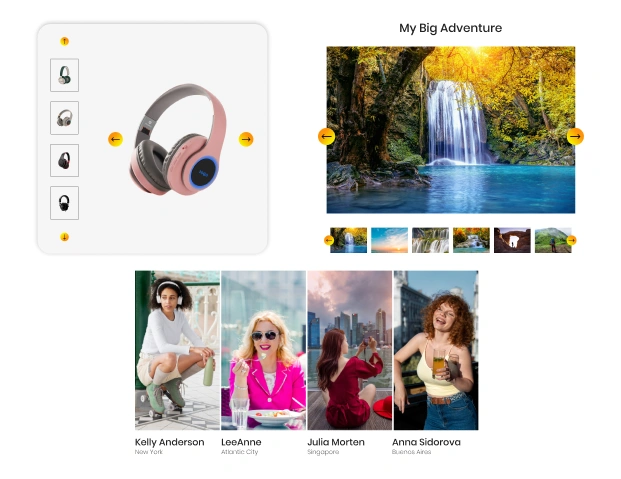
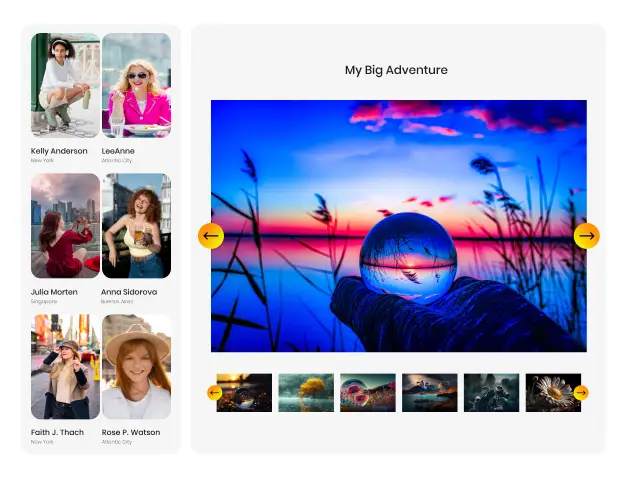
With Upgadeify’s Photo Gallery widget, you can display your images in an engaging and visually stunning manner, making them the focal point of your website. Whether you're promoting products, offering a peek into your store’s interior, highlighting your team's achievements, or showcasing the quality of your services, this widget provides the ideal platform to present your visuals. It supports various display styles, ensuring you can highlight your images most effectively, whether through grids, slideshows, or galleries.
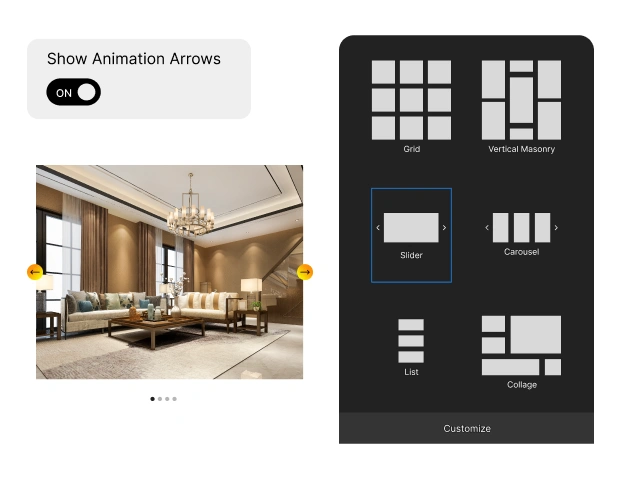
Your photos deserve to be showcased in the best possible way, and Upgadeify’s Gallery widget makes it easy. With seven unique layouts to choose from, you can customise the shape, size, and order of your photos to create a gallery that fits your style. Add titles, descriptions, or extra details to provide context, and rearrange your images however you like. Create a gallery that perfectly aligns with your brand and enhances the user experience.
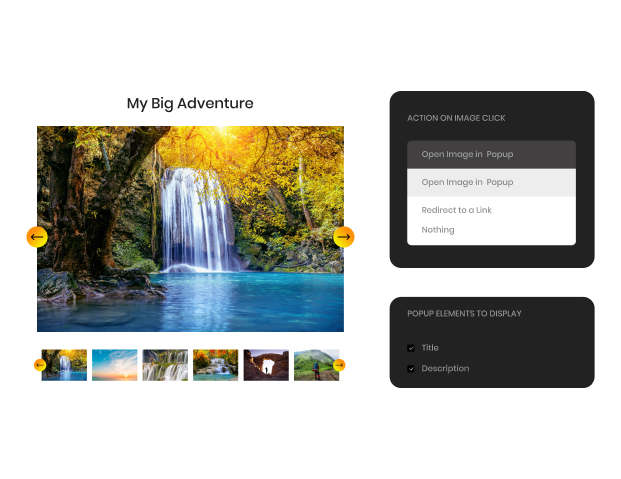
Let your images shine in all their glory. With our Photo Gallery widget, you can choose where users view your photos—either in a popup or directly on your website. The popup gives users the ability to slide through images, zoom in and out, switch to full-screen mode, or even enjoy a slideshow. Customise the pop-up by adding or removing extra information to change the way visitors experience your visuals, offering them a deeper, more interactive view.
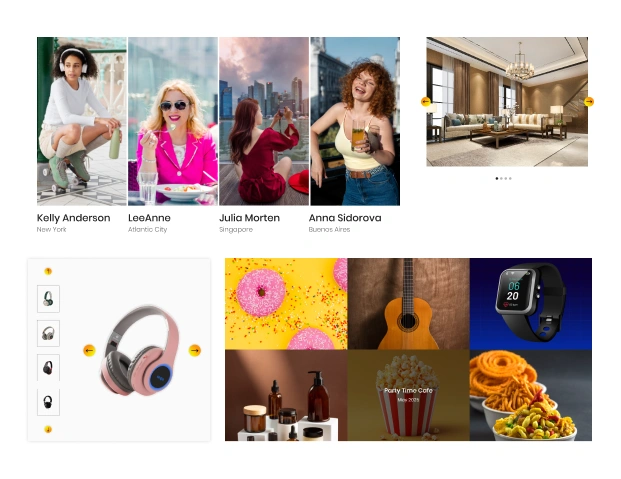
Elevate the appearance of your photo gallery with a variety of customizable style features. Personalise the background by selecting from a range of colours or uploading your own image, adjust the overlay colour to suit your design, and add dynamic hover effects to create engaging user interactions. You can also customise the pop-up colours and fine-tune text settings, giving you complete flexibility to match the gallery to your website's overall aesthetic.

Real-World Applications
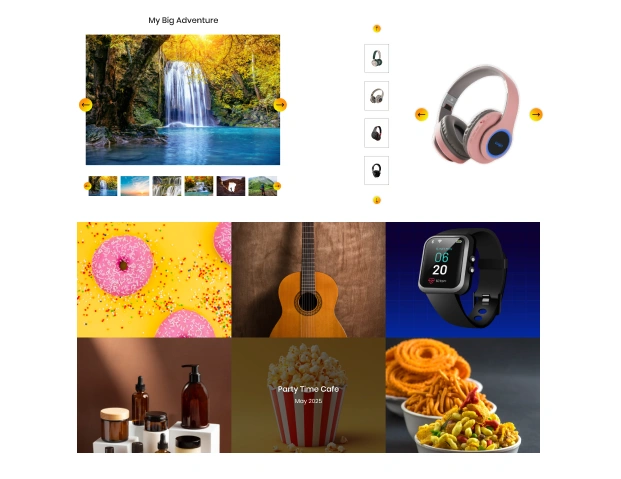
Explore a variety of real examples to discover how the Photo Gallery widget can elevate your website’s visuals.

Live Demo
Try out all the features of the Photo Gallery widget in our demo – no fees, no registration, no coding required.
Why Upgadeify is the Smart Choice for Your Website?
It’s more than just great features. You also get reliable customer support, regular updates, along with a smooth experience that helps your website perform better every step of the way.

Effortless Visual Editor
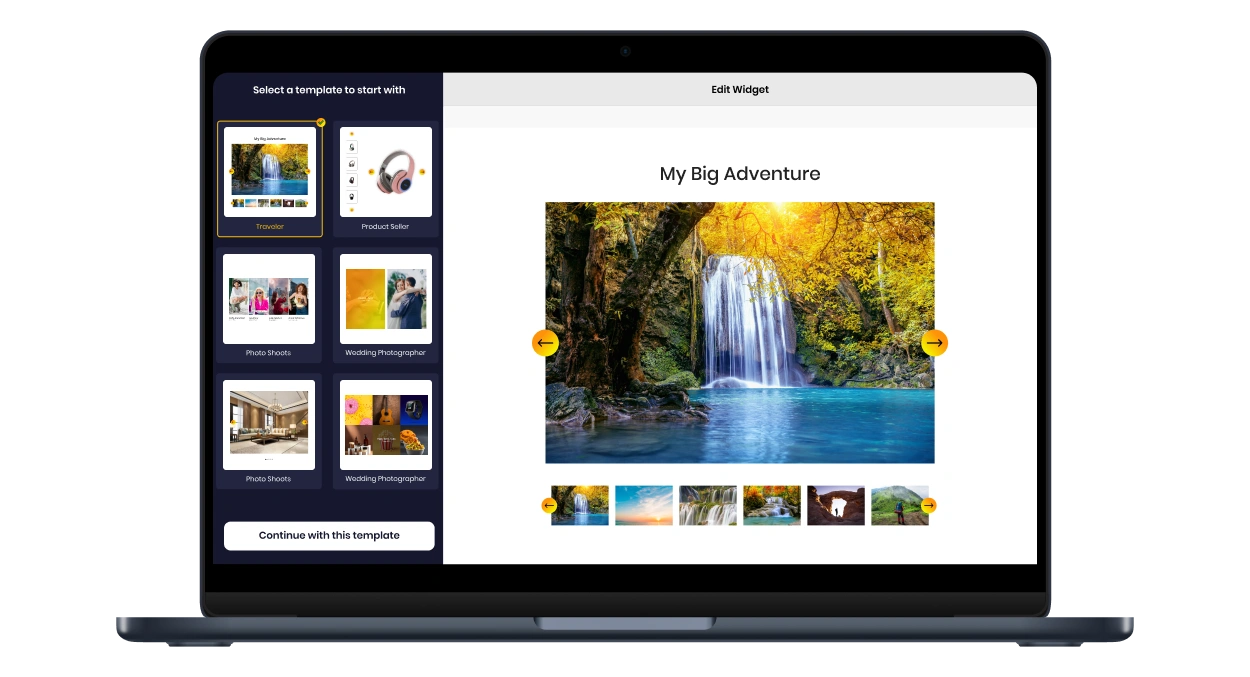
Forget coding or hiring a developer, our intuitive live editor lets you build, plus install your widget in just a few clicks, saving you both time & money.
Read More
Mobile-Ready & Fully Responsive
All widgets are designed to look and work great on any device, whether it’s a phone, tablet, or desktop, delivering a consistent experience to all your visitors.
Read More
Expert Support from the Upgadeify Team
Get premium assistance along with free setup guidance from our dedicated team, making sure a smooth as well as a hassle-free experience from the start to end.
Read More
Reliable Upgadeify Cloud Platform
Enjoy fast-loading, automatically updated widgets with built-in bug fixes, optimised for performance, no matter where your users are.
Read MoreFrequently Asked Questions
The Photo Gallery widget is a versatile tool designed to help you display your photos in an engaging and visually attractive manner. It enables you to build custom galleries on your website effortlessly.
After customising your gallery, you’ll be provided with an easy-to-use embed code. Simply copy this code and paste it into your website’s HTML or CMS editor to install the widget.
Adding the widget to your site is simple—just configure your gallery, copy the provided code, and paste it wherever you want the gallery to appear on your website.
Absolutely! The Photo Gallery widget works seamlessly with all leading website builders and CMS platforms, including WordPress, Wix, Squarespace, Shopify, and others.
Showcase your product images, portfolios, event photos, or services to engage visitors and improve user experience by offering them a visually interactive way to explore your content.
You can easily add captions or descriptions to individual images within your gallery, providing important context and enriching the viewer’s experience with relevant details.
Activate the zoom feature for a more interactive experience, allowing users to hover or click on images to view them in greater detail.
Of course! You have complete flexibility to change the order of images at any time, making it easy to keep your gallery fresh and aligned with your content updates.
Join Over 2 Million Users Using Upgadeify Widgets
Explore our 80+ feature-rich tools designed to upgrade your website. No credit card needed. Sign up for free today!

More Widgets
Trending

Facebook Feed
Display posts, photos and videos from Facebook on your website
Start: July 1, 2023
Last Updated: April 10, 2023
Trending

Instagram Feed
Display posts, photos and videos from Facebook on your website
Start: July 1, 2023
Last Updated: April 10, 2023
Trending

Google Feed
Display posts, photos and videos from Facebook on your website
Start: July 1, 2023
Last Updated: April 10, 2023