
Podcast Player Widget for Your Website
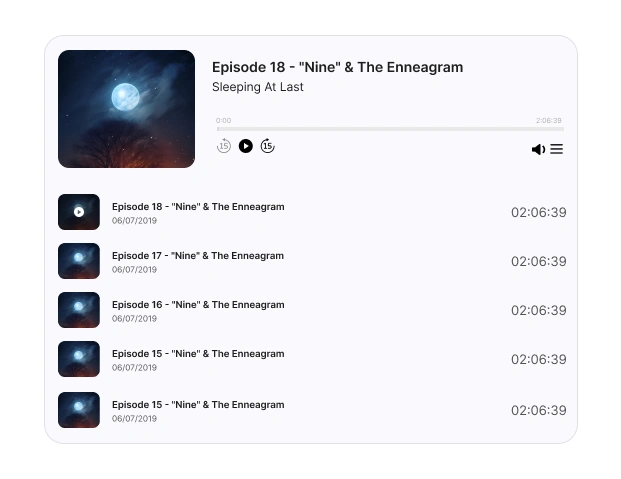
Host your podcast episodes directly on your site with a sleek, custom player. Keep listeners engaged and showcase your brand!
Create Your Podcast Player Widget for Free








Create Your Podcast Player Widget for Free
Add your podcast to your site in minutes, no technical skills needed! Customize, embed, and start streaming easily.
Why Choose Upgadeify’s Podcast Player Widget?
Turn your site into a rich content hub. Give visitors reasons to stay and subscribe!

All-in-One Audio Player
Flawless stream from Apple Podcasts, Spotify, RSS feeds, and more – right on your site.

Design That Fits Your Brand
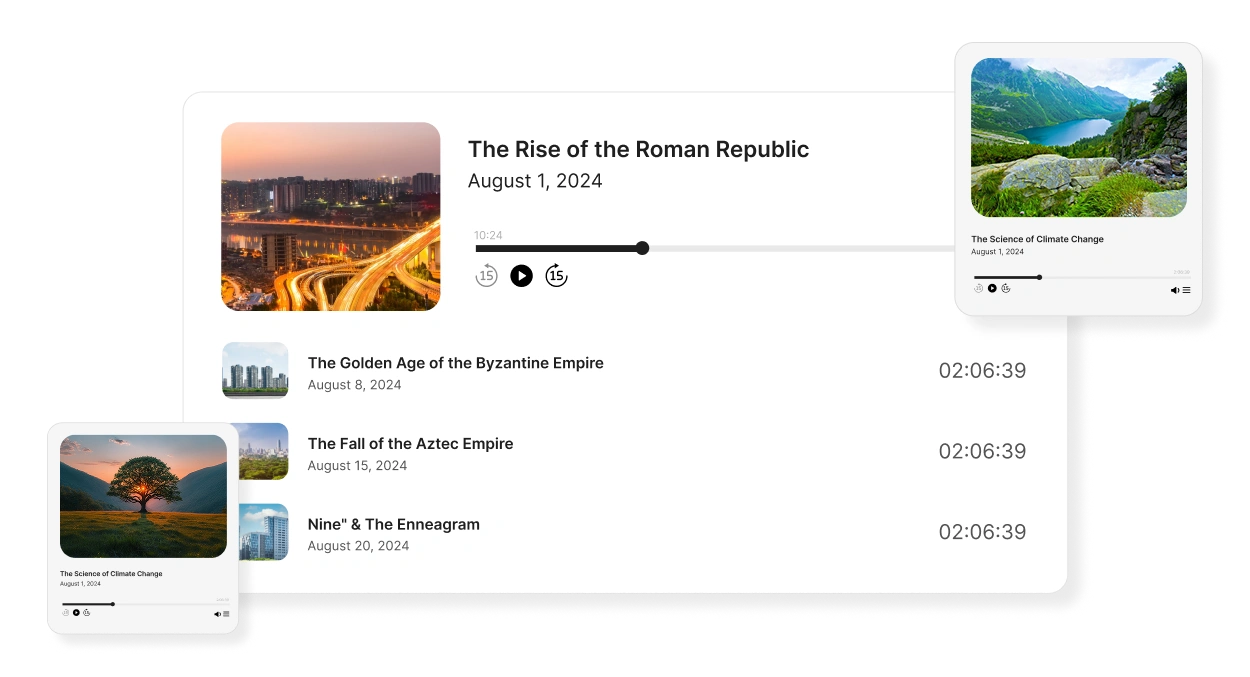
Customize the layout, colors, and design to make the Podcast Player widget blend beautifully with your website.

Optimized for All Devices
Mobile-first and responsive, your podcast will play perfectly on any screen! Whether it’s a phone, tablet, or desktop.
Be a Part of Our Thousands of Happy Customers’ List
Join the growing Upgadeify family and boost your online reputation today.
websites support
hours of development invested
to start using the widget
customer satisfaction rate
What Makes the Podcast Player Widget Stand Out?
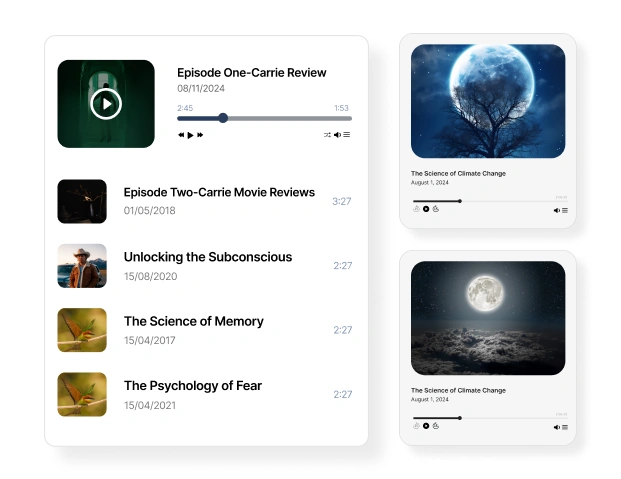
Podcasts are a super powerful way to build a loyal audience. With Upgadify’s Podcast for your website, you can put your entire show – episodes, titles, covers, descriptions, and playback buttons – all in one neat spot. Whether you're a single podcaster, a media company, or a business using audio to promote yourself, this Podcast Widget helps you give your visitors a professional audio experience without them having to leave your website.
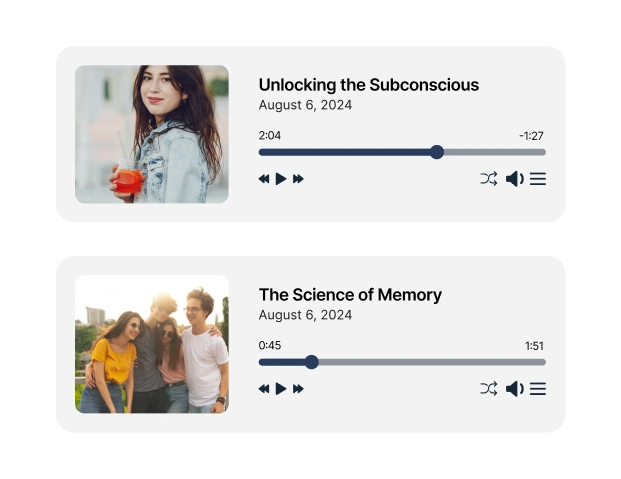
Keeping listeners on your site means more engagement, more time spent, and better conversions. The Podcast widget makes your show easy to find, play, and love – directly from your homepage, blog, or landing page. You can feature your latest episodes, most popular ones, or the full archive. It’s all automatic and fully customizable.
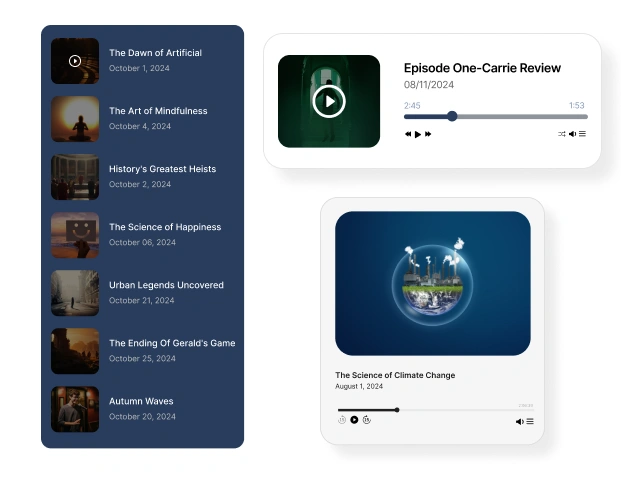
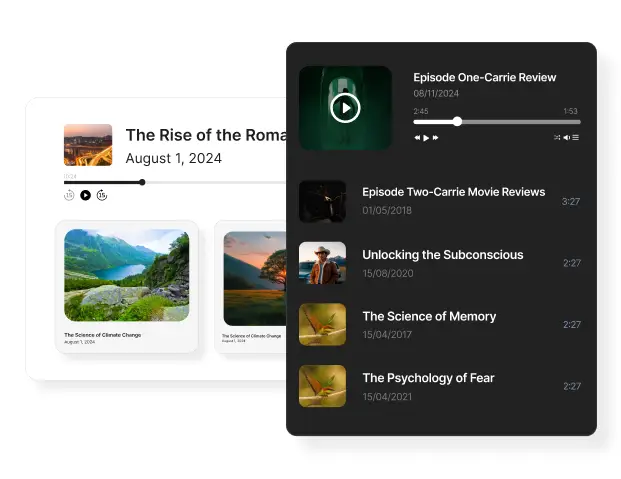
Your podcast, your way. With our live configurator, you can: (1) Choose layout styles: list, minimal, or classic (2) Enable autoplay or manual play (3) Show or hide episode details (4) Pick a theme: Light or Dark (5) Set your brand colors and typography (6) Preview changes instantly The widget adjusts to your website’s tone and flow—without ever needing code.

Real-World Usage
See how other creators and brands are using the podcast widget for websites to keep users tuned in and engaged.

Live Demo
Explore every feature in action! No sign-up needed, just hit play.
Turn Your Website Into a Listening Destination
From creators to coaches to content marketers, Upgadeify’s widget for podcast player is the perfect way to grow an audio audience and keep them coming back for more.

Effortless Visual Editor
Forget coding or hiring a developer, our intuitive live editor lets you build, plus install your widget in just a few clicks, saving you both time & money.
Read More
Mobile-Ready & Fully Responsive
All widgets are designed to look and work great on any device, whether it’s a phone, tablet, or desktop, delivering a consistent experience to all your visitors.
Read More
Expert Support from the Upgadeify Team
Get premium assistance along with free setup guidance from our dedicated team, making sure a smooth as well as a hassle-free experience from the start to end.
Read More
Reliable Upgadeify Cloud Platform
Enjoy fast-loading, automatically updated widgets with built-in bug fixes, optimised for performance, no matter where your users are.
Read MoreFrequently Asked Questions
It’s an embeddable player that lets you stream podcast episodes directly on your website. Users can listen without leaving your page.
Yes! You can stream from most popular platforms or use your podcast’s RSS feed to pull in all your episodes automatically.
No uploads necessary. Just provide your podcast feed URL, and the widget handles the rest.
Definitely. You can control layout, fonts, colors, episode info, and more. All with an easy-to-use visual editor.
Absolutely. The player is fully responsive and works smoothly across all screen sizes and operating systems.
Yes! Highlight featured episodes or playlists to guide your visitors toward your most impactful content.
Yes, you can try the core features for free and upgrade anytime for advanced design control or additional support.
Here’s a quick guide to integrate our widget:
- Open the editor and begin making your own custom widget.
- Change how the app works and make any needed fixes.
- Get the special code that pops up in a window.
- Paste the widget code onto your website and save the page.
Join Over 2 Million Users Using Upgadeify Widgets
Explore our 80+ feature-rich tools designed to upgrade your website. No credit card needed. Sign up for free today!

More Widgets
Trending

Facebook Feed
Display posts, photos and videos from Facebook on your website
Start: July 1, 2023
Last Updated: April 10, 2023
Trending

Instagram Feed
Display posts, photos and videos from Facebook on your website
Start: July 1, 2023
Last Updated: April 10, 2023
Trending

Google Feed
Display posts, photos and videos from Facebook on your website
Start: July 1, 2023
Last Updated: April 10, 2023